Menu
 

Valheim vs Ark vs Satisfactory – Hosting on a Dedicated Server


Valheim vs Ark: Survival Evolved vs Satisfactory – Hosting on a Dedicated Server

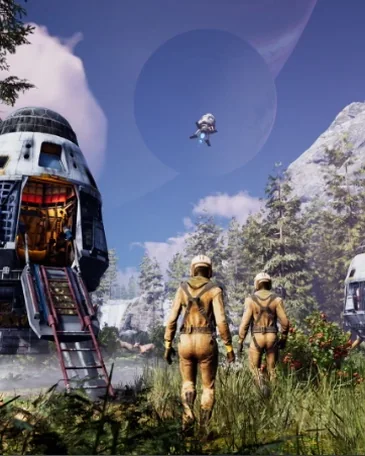
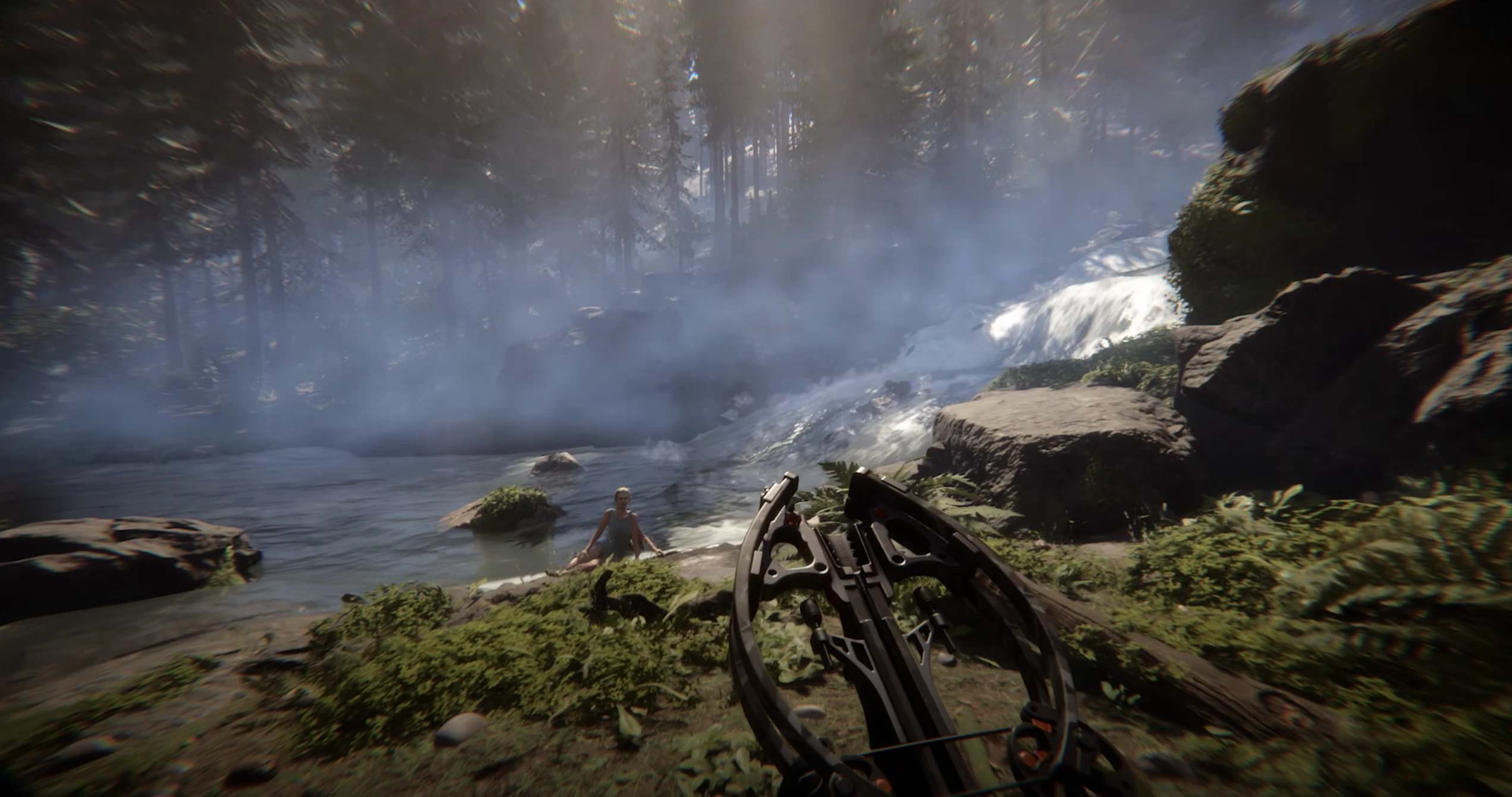
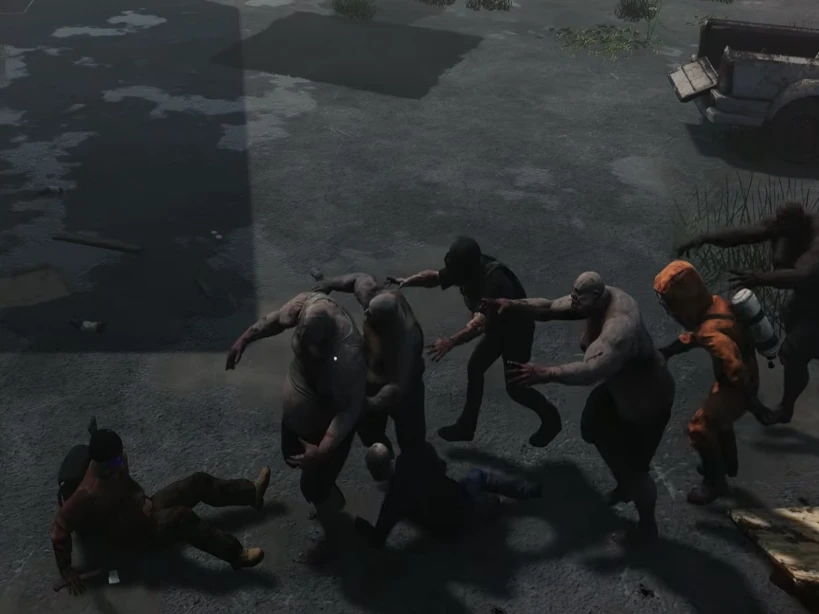
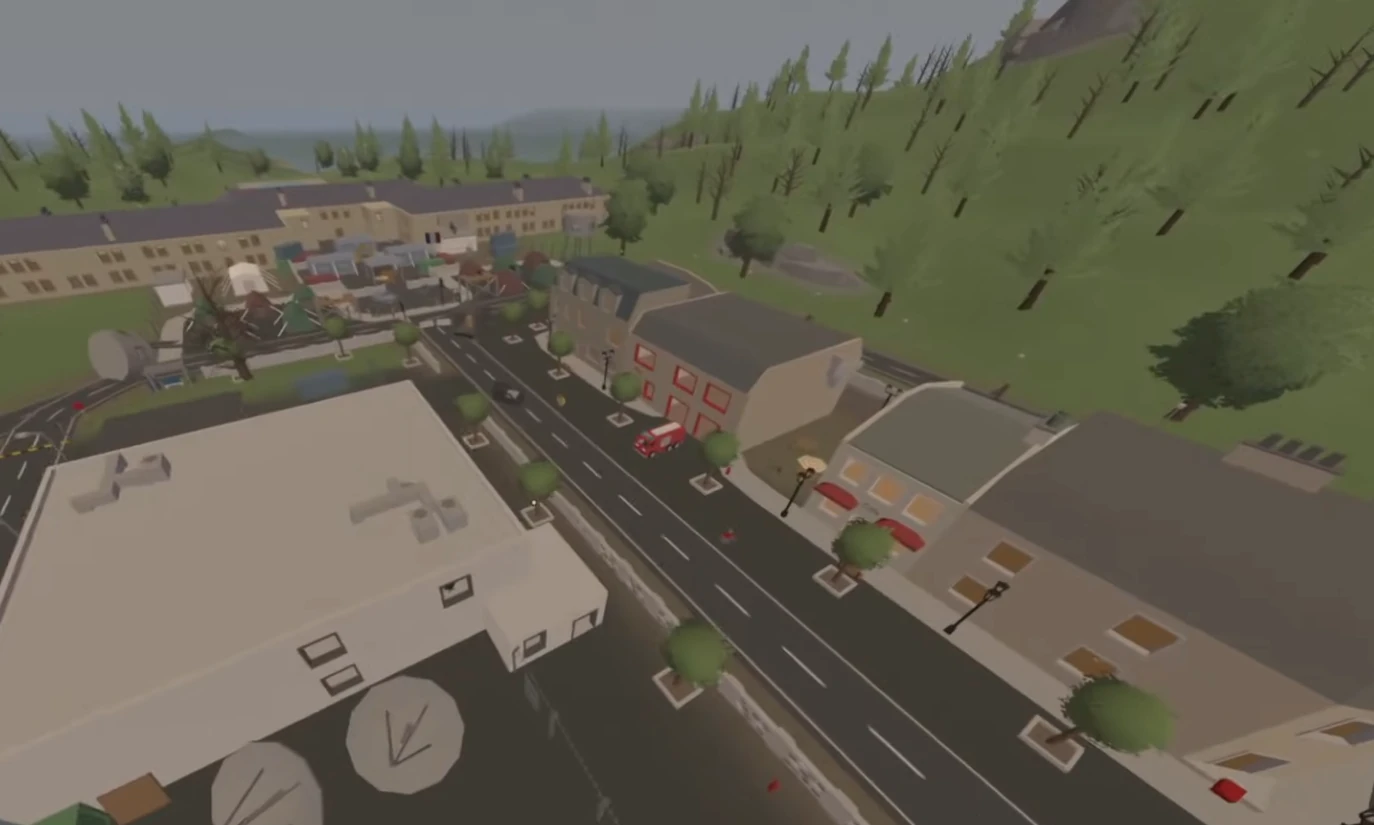
For gaming enthusiasts looking to dive into server hosting, choosing the right game to host can be as crucial as the gameplay itself. Popular titles like Valheim, Ark: Survival Evolved, and Satisfactory each come with their unique server demands. This guide will delve into the technicalities of hosting a dedicated server for each of these games, providing insights for those who consider setting up their own gaming server.

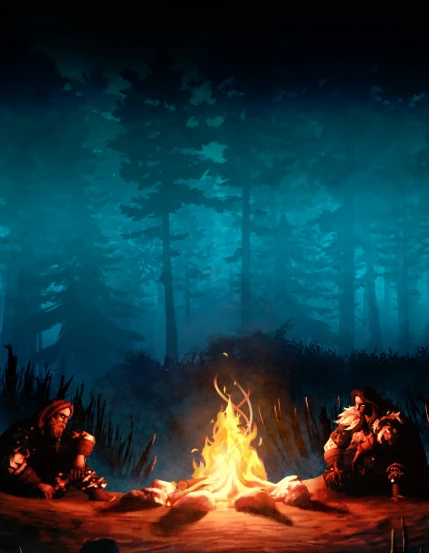
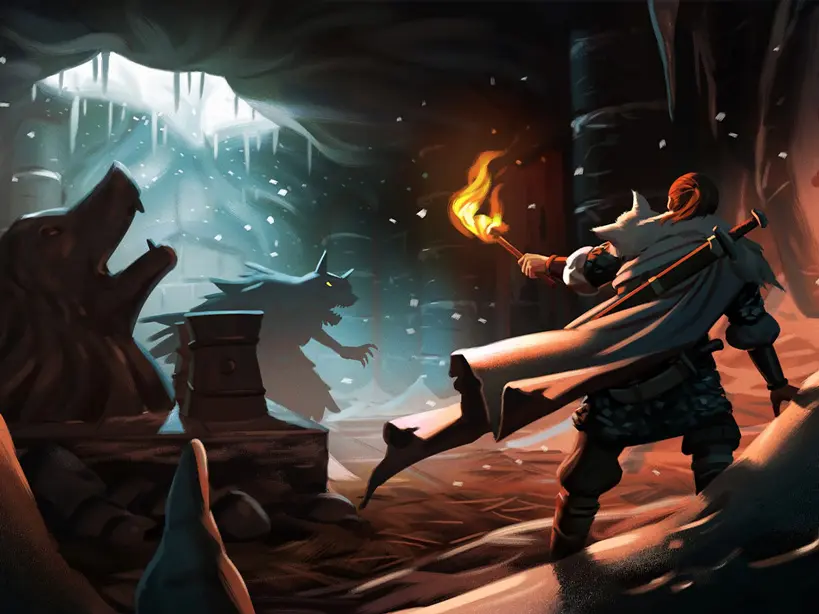
Valheim: Managing a Norse World

Valheim might seem less resource-intensive compared to Ark, but it still poses unique challenges for server hosting.

  • Optimal Server Specs: For smooth operation, a dedicated server for Valheim should have at least 4 CPU cores, 8GB RAM, and a high-speed SSD. As the player count and world size increase, scaling up the server’s CPU and RAM becomes necessary to prevent lag.
  • Network Bandwidth: Given its multiplayer nature, sufficient network bandwidth is crucial to handle the data flow, especially with near-maximum player capacity.
  • Data Integrity and Backups: Regular backups are essential. Implement automated backup systems to protect against data loss. It’s also wise to use RAID configurations for added data redundancy.
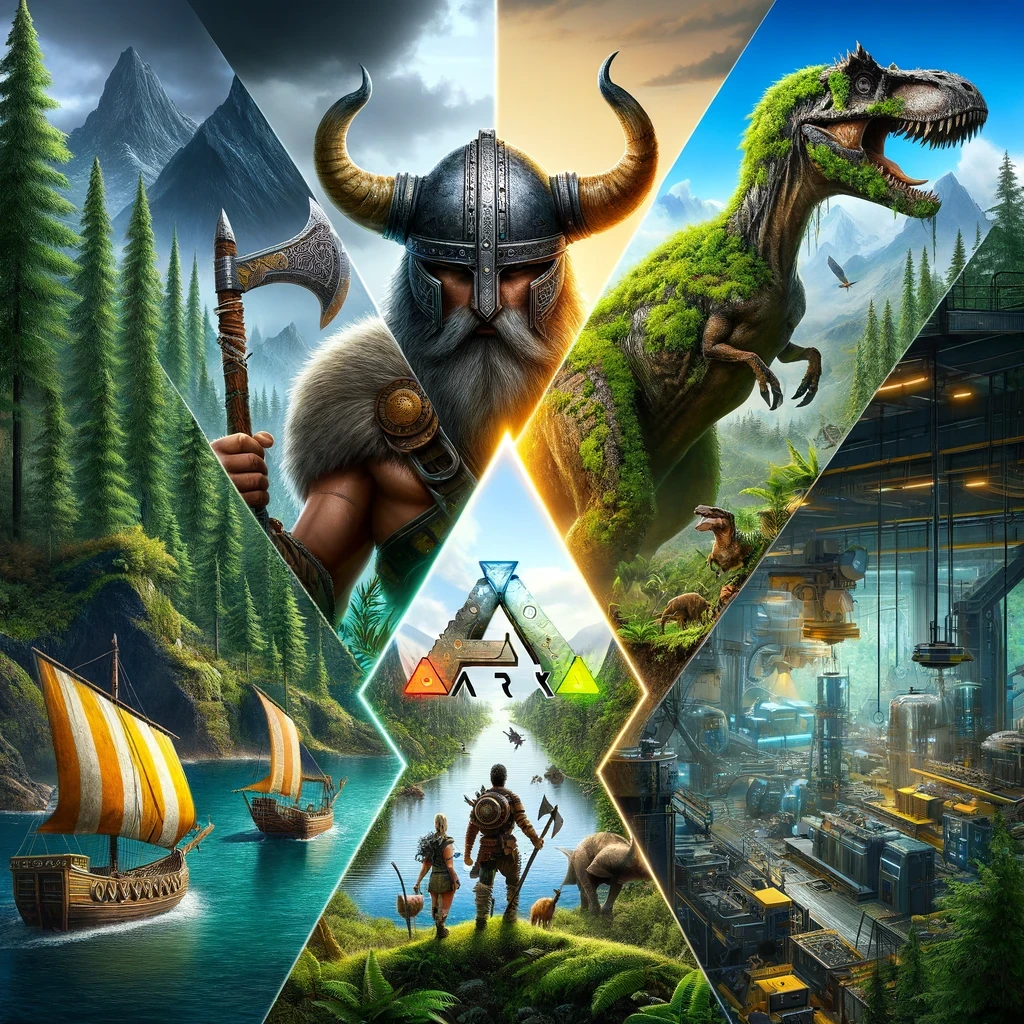
Valheim vs Ark: Survival Evolved vs Satisfactory - Hosting on a Dedicated Server

Ark: Survival Evolved – A Resource-Heavy Endeavor

Hosting Ark: Survival Evolved is a demanding task, requiring high-end server resources for optimal performance.

  • Hardware Requirements: A powerful server is non-negotiable. Ideally, a dedicated Ark server should have a multi-core CPU (preferably Ryzen or Xeon), at least 16GB of RAM, and an SSD for faster data access and loading times.
  • Advanced Server Configuration: Deep customization options mean you’ll need to be comfortable tweaking server settings, including dino spawn rates, day/night cycles, and player stats. Understanding how these settings impact server load is crucial.
  • Maintenance and Updates: Regular server maintenance, including updates and mod management, is necessary. Automating these processes where possible can save time and prevent server downtime.

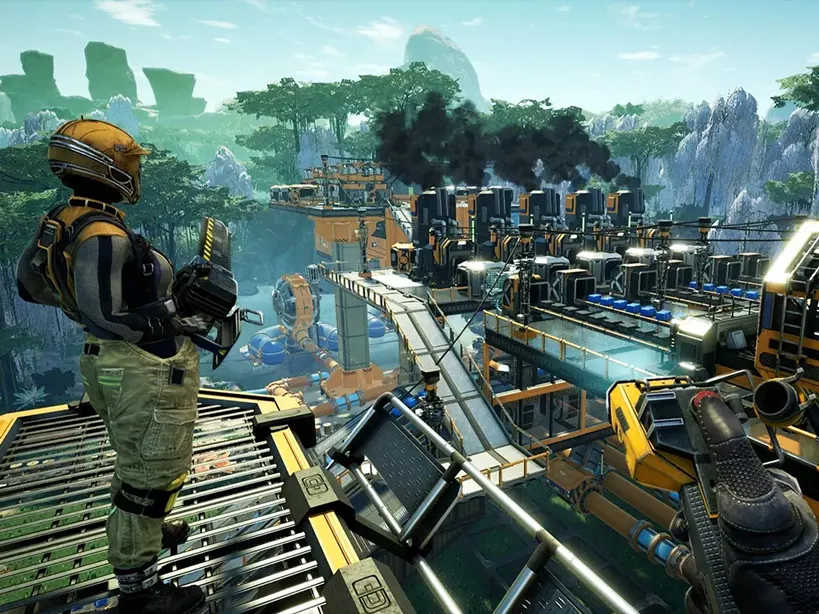
Satisfactory: Hosting an Expanding Factory

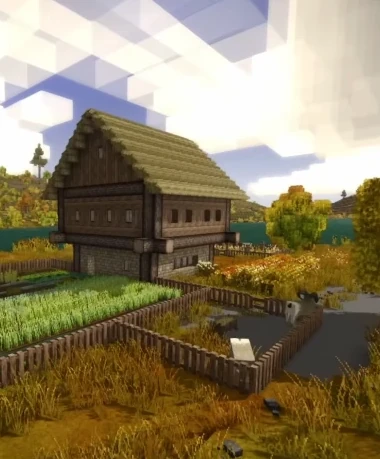
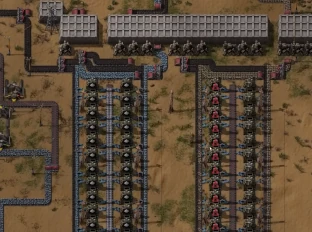
Satisfactory, while less demanding in player count, requires attention to detail in server hosting as your factory grows in complexity.

  • Scaling with Factory Size: Start with a server that has at least 4 CPU cores and 8GB RAM, but be ready to scale up as your factory expands.
  • Persistent Server Connection: A stable and fast internet connection is crucial, with low latency being a priority to ensure real-time updates are seamless.
  • Automated Monitoring Tools: Use server monitoring tools to keep track of server health, CPU, and memory usage. This will help in proactively managing any potential issues.

General Hosting Considerations

  • Choosing a Hosting Provider: Look for a provider that offers high uptime, good customer support, and the flexibility to scale resources.
  • Security Measures: Implement robust security measures, including firewalls and DDoS protection, to safeguard your server.
  • Community Tools: For larger communities, incorporate community management tools for moderation, communication, and event planning.

In conclusion, hosting a dedicated server for Valheim, Ark, or Satisfactory requires a balance between understanding each game’s technical demands and preparing for continuous server management and maintenance. Your choice depends on the level of technical involvement you’re willing to invest in, alongside the unique gameplay experience each game offers.

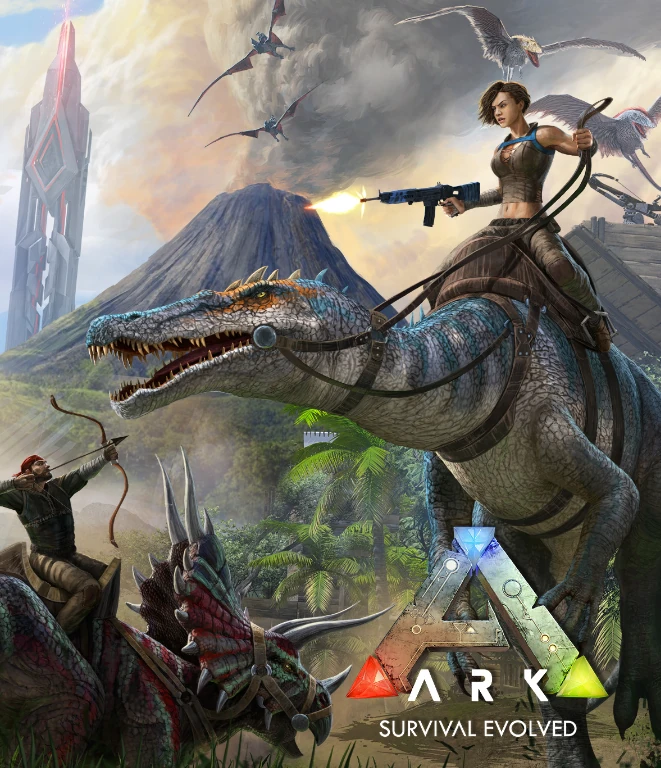
Valheim vs Ark: Survival Evolved


Valheim vs Ark: Survival Evolved – A Guide to Choosing Your Survival Adventure

As avid gamers, we’re often faced with the delightful dilemma of choosing between two great games, especially when they belong to the same genre but offer unique experiences. Today, we’re diving deep into the world of survival games, pitting the mythological Norse world of Valheim against the prehistoric and sci-fi fusion of Ark: Survival Evolved. Both games have captivated players worldwide, but they cater to different tastes within the survival genre.

Valheim vs Ark: Survival Evolved

The Setting: Mythology vs Prehistory

Valheim transports you to a vast, procedurally generated world inspired by Norse mythology. You’re a Viking warrior tasked with proving your worth to enter Valhalla. The environment is rich in Scandinavian folklore, from mystical forests to daunting mountains.

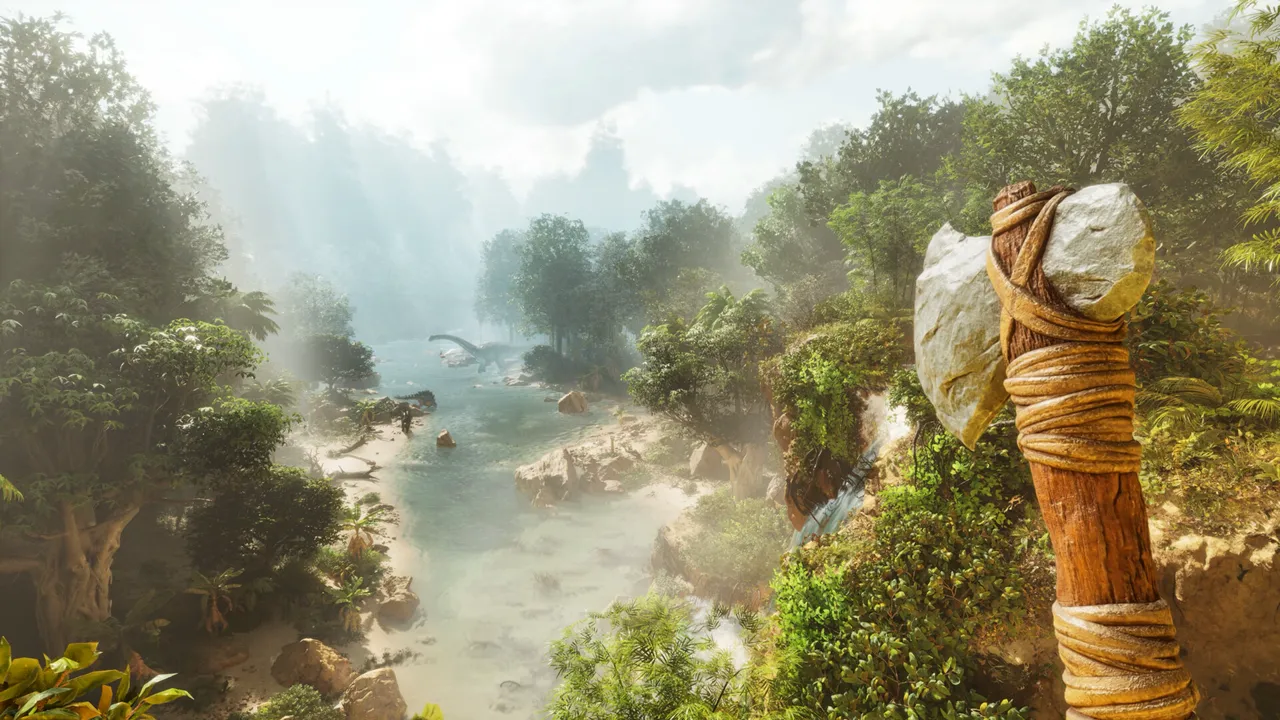
On the other hand, Ark: Survival Evolved drops you, quite literally, into a mysterious island teeming with dinosaurs and other prehistoric creatures. This game blends the ancient with the futuristic, as you discover that you’re part of a larger, sci-fi mystery.

Gameplay Mechanics: Survival in Different Flavors

Both games thrive on the core survival mechanics of gathering resources, building shelters, and crafting tools. However, the approach differs significantly.

In Valheim, the focus is more on exploration and PvE (Player vs Environment) combat. You’ll spend time crafting Viking-era weapons, sailing to explore new lands, and fighting mythical beasts. The game’s combat is more grounded and strategic, requiring careful planning and execution.

Ark, meanwhile, emphasizes taming and riding dinosaurs, which adds a unique twist to its gameplay. Combat can be fast-paced and frantic, especially when dealing with aggressive dinosaurs or other players in PvP (Player vs Player) modes. Crafting in Ark is also more diversified, thanks to its tech tree that spans from primitive stone tools to high-tech gadgets.

Multiplayer Experience: Vikings vs Dinosaur Tamers

Valheim shines in its cooperative multiplayer aspect. It’s designed to be played with friends, where you can work together to build settlements and take down bosses. The environment is challenging yet less hostile, making it more about enjoying the journey together.

Ark’s multiplayer is more competitive and can be unforgiving. Players often have to contend with not just the environment and creatures but also other players. Building bases, raiding others, and surviving in a dynamically hostile world make for an intense multiplayer experience.
Graphics and Performance: Stylized vs Realistic

Valheim adopts a more stylized, low-poly graphic style which gives it a unique charm without demanding too much from your PC. Its environments are beautifully designed, offering a sense of serenity amidst the survival challenge.

Ark goes for a more realistic look, with detailed environments and creatures. This can make it more demanding on your system, but for those with the hardware to support it, Ark offers visually stunning landscapes filled with lifelike dinosaurs and lush jungles.

Choose Your Adventure

In conclusion, your choice between Valheim and Ark: Survival Evolved depends on what you seek in a survival game. If you prefer a more relaxed, exploration-focused experience with a mythological twist, Valheim is your go-to. But if you’re after a game that offers high-octane survival with dinosaurs and a mix of primitive and futuristic technology, then Ark will not disappoint.

Both games promise hours of engaging gameplay, challenging survival mechanics, and unique worlds to explore. Whichever you choose, prepare to embark on an unforgettable adventure in the world of survival gaming.


How to setup ARK Survival Evolved Server


How to setup ARK Survival Evolved Server


Adding mods


  1. 1. Run the ARK server for the first time to generate config files
  2. 2. Connect via FTP
  3. 3. Go to: ark/bin/ShooterGame/Config

Find GameUserSettings.ini and edit this file.
In the file content find [ServerSettings] section.
At the end of the section append line:
ActiveMods=731604991
731604991 is a mod id – you need to take the id from the Steam and put there. If you like to add more mods, separate them with coma:
ActiveMods=731604991,731604992


Connecting


Adding a custom ARK server is a bit tricky.
1) Open Steam; go to “View” (top menu), Servers.
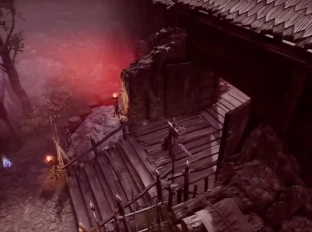
ARK Dedicated Server Setup How to Explained

2) Go to Favorites tab; click “add a server”; put: us2.servers.supercraft.host:10085
3) Save and refresh – you should see ARK #xxxxxx (v345.22) on the list
4) Close servers window, run Ark
5) Select “Favorites” from the combo box with server types

Your dedicated ARK Survival evolved server should be there.


ARK: Survival Evolved Server Hosting

ARK: Survival Evolved Server Hosting for tribes, clusters, and modded worlds

Launch a dedicated ARK: Survival Evolved server in minutes with stable performance, fast restarts, and room for long-running tribes. Run official maps, Steam Workshop mods, breeding lines, PvE communities, or chaotic PvP seasons without fighting your hosting.
Monthly plans with discounted 3, 6, and 12 month options.
10k+ servers hosted 99.9% uptime 5 regions 2-day refund
PROMO: Buy ARK: Survival Evolved - get access to every other supported game, including ARK: Survival Ascended. See all games
Available regions: US West (Oregon), US East (Virginia), US North-East (Toronto), Europe West (Paris), Australia (Sydney)
Step 1

Pick a plan

Choose S, M, or L based on tribe size and slot target.

Step 2

Launch your map

Start on The Island, Ragnarok, Fjordur, or your preferred cluster setup.

Step 3

Invite your tribe

Share the IP, install mods, and scale later without wiping your world.

"Clusters stay responsive and mod updates are easy to manage from one panel."
ARK: Survival Evolved customer review
ARK: Survival Evolved server plan S

Plan S

$2900
/ per month

Up to 12 Players

A reliable entry point for a small tribe and a lightly modded map.

ARK: Survival Evolved server plan M

Plan M

$3900
/ per month

Up to 20 Players

Balanced for busier tribes, bigger bases, and more active clusters.

ARK: Survival Evolved server plan L

Plan L

$4900
/ per month

Up to 32 Players

Built for full tribes, raid nights, and heavier mod stacks.

All plans include
Uncapped RAM
NVMe storage
Workshop mods
Automatic backups
Server hardware: Intel Xeon CPUs, NVMe storage, 192 GB RAM minimum

Official maps and custom clusters

Run The Island, Scorched Earth, Ragnarok, Valguero, Crystal Isles, Genesis, Lost Island, and Fjordur from one stable hosting stack.

Workshop mods without manual babysitting

Install Structures Plus, Awesome Spyglass, Dino Storage, and other popular Steam Workshop mods with straightforward update and rollback options.

Backups for tribes, tames, and bases

Automatic backups help protect character data, uploaded dinos, and long-running breeding projects when you need a quick restore.

Showcase

From clustered maps to giant breeding halls, keep your ARK: Survival Evolved world online and easy to manage.

Official maps

Swap between classic ARK maps without rebuilding your hosting setup.

Tribe clusters

Move characters, dinos, and items across connected servers for larger communities.

ARK to ARK switching

An ARK plan can switch to ARK: Survival Ascended or any other supported game from the same account.

Latest ARK Guides & News

Dedicated Server Setup

Learn how to setup a dedicated server for Ark Survival Evolved.

Admin Commands

Comprehensive list of admin commands for Ark servers.

Server Configuration

Guide to GameUserSettings.ini and Game.ini for Ark servers.

Crossplay Setup

How to enable crossplay between Steam and Epic Games versions of Ark.

Mods Installation

Learn how to install and manage Steam Workshop mods on an Ark server.

Cluster Setup

Connect multiple Ark servers together to form a cluster.

Performance Optimization

Tips to reduce lag and optimize performance on Ark servers.

Troubleshooting

Troubleshoot common issues like server not showing up or crashing.

Backup & Restoration

How to backup Ark saves and restore corrupted worlds.

Taming Multipliers

How to set custom taming speeds and breeding multipliers in Ark.

Ascension Guide

How to progress through the boss fights and ascend your character in Ark.

Breeding Mutations

A comprehensive guide on breeding dinos for stat and color mutations.

Kibble Chart

How to craft the new kibble tiers and which dinos prefer them.

Tek Tier Unlocks

Learn which bosses unlock specific Tek engrams and how to farm Element.

Imprinting Settings

Adjust baby maturation and cuddle intervals for 100% imprint on unofficial servers.

Resource Respawn

Server settings to prevent players from blocking metal nodes and speed up regrowth.

Custom Level Caps

How to override the official level caps and require custom XP amounts per level.

Structure Decay

Clean up abandoned bases automatically with PvE structure decay multipliers.

Offline Raid Protection

Protect offline tribes by enabling and tuning Ark's built-in ORP system.

Flyer Speed Leveling

Restore the classic ability to pump points into movement speed for flying dinos.

Discord bot controls for your ARK: Survival Evolved server
Discord bot

Self-Serve Bot in Discord

Instant control of your ARK: Survival Evolved server without tickets or waiting. Type a command and go.

  • Start, stop, restart, and check status in seconds.
  • Secure by design: only your subscriptions are accessible.
  • Share access safely with time-limited auth codes.

Fast, secure, and always on.

Discord chat commands for ARK: Survival Evolved server management

FAQ

Yes. Set a password or keep your tribe private from the control panel.

Plan S supports up to 12 players, Plan M up to 20, and Plan L up to 32.

Yes. Install popular ARK mods from Steam Workshop and manage updates from the panel.

Yes. Upload your save files via file manager or FTP and keep your tribe, structures, and tames.

Yes. ARK plans unlock the full catalog, including switching between ARK: Survival Evolved and ARK: Survival Ascended.

We host in US West (Oregon), US East (Virginia), US North-East (Toronto), Europe West (Paris), and Australia (Sydney) for low latency.

Yes. In My Account and Subscriptions, you can upgrade to a higher tier of the same game with the same billing cadence. Downgrades are not available right now.

Average ARK: Survival Evolved server hosting cost is around $29-$39 per month for smaller tribes, while busier modded clusters and larger communities usually land around $49+. Dedicated server cost is driven by player slots, cluster count, Workshop mods, world size, and the restore/backups workflow you need.

What our users are saying

Went through a few options with servers for 7 Days to Die, finally found one who was quick to help me. Well worth the price! I have already upgraded my server plan because I have more friends joining me than I thought would. Really appreciate everyone behind here making magic happen! (:

First time rent a server for gaming. So easy and simple to use. Even dont need tutorial. All in one with several clicks and its done. Ofc gonna rent again to keep my gameplay with my friends because the ping is so damn low. It worked very well.

Simply amazing fast setup and cheap had no issues would reccomend


ARK: Survival Evolved Server Hosting

Embark on an epic survival adventure in the prehistoric and mythical world of ARK: Survival Evolved with Supercraft as your dedicated server host. At Supercraft, we understand the necessity of a stable and responsive gaming environment in the diverse and unpredictable ecosystem of ARK. We offer more than just server space; we offer a partnership in your ARK journey with our 99.9% uptime guarantee.

Our high-performance infrastructure ensures exceptional performance, delivering smooth and uninterrupted gameplay so you can focus on taming dinosaurs, building bases, exploring caves, and surviving against the elements without any lag. Our easy-to-use control panel simplifies server management with one-click mod installation from Steam Workshop, automatic backups, and instant map switching.

ARK Server Hosting Rental

Average ARK server hosting cost is about $11-$20 per month for small tribes and $25-$40 for larger or modded clusters. Dedicated server cost is driven by high single-thread CPU demand during big bases and raids, RAM for tames and mods, storage I/O for frequent saves and backups, plus bandwidth, DDoS protection, and admin tooling.

ARK Server Hosting FAQ

We currently offer ARK: Survival Evolved servers in the following regions: US West (Oregon), US East (Virginia), US North-East (Toronto), Europe West (Paris), and Australia (Sydney). This ensures low latency for players across North America and European countries.

RAM and storage are not hard-capped on our ARK servers. Server processes receive CPU priority according to the plan you choose. This means larger tribes with extensive bases and hundreds of tamed dinosaurs won't hit artificial limits.

Yes. You can upload your ARK save files either via the File Manager in the admin panel or via FTP. This includes your world save, tribe data, and player profiles. We also support transferring characters between our servers using ARK's built-in upload/download system.

We support all official ARK maps including The Island, Scorched Earth, Aberration, Extinction, Genesis Part 1, Genesis Part 2, The Center, Ragnarok, Valguero, Crystal Isles, Lost Island, and Fjordur. You can switch between maps at any time through the control panel. Custom maps from Steam Workshop are also supported.

ARK mods are installed directly from Steam Workshop through our control panel. Popular mods like Structures Plus (S+), Awesome SpyGlass, Classic Flyers, and thousands of others work seamlessly. We automatically update mods when new versions are released, and you can customize load order and mod settings through configuration files.

You have full control over ARK server settings including: taming speed, harvesting rates, XP multipliers, breeding timers, difficulty level, day/night cycle speed, player and dino stats, structure damage settings, PvP/PvE mode, tribe limits, and much more. All settings are accessible via your custom ARK server web interface or through .ini configuration files.

Yes. We support ARK clusters where players can transfer characters, items, and dinos between multiple servers. This is perfect for running different maps simultaneously (like The Island + Ragnarok + Genesis) where your tribe can transfer between them. Cluster setup is available through the control panel.

We perform automatic backups of your ARK server regularly, including world saves, tribe data, and player profiles. You can restore to any previous backup through the control panel. This protects against data loss from server issues, mod conflicts, or accidental deletion. Manual backup creation is also available anytime.

You can host your own ARK server, but it requires powerful hardware and ongoing maintenance. ARK is notoriously resource-intensive, especially with mods and large bases. With Supercraft you get an optimized dedicated server instantly with professional support and automatic updates. If you still want to try hosting it yourself, here's a quick setup guide:


ARK Dedicated Server Setup Guide

Minimum System Requirements
  • Quad-core processor (6+ cores recommended)
  • At least 8 GB RAM (16 GB+ recommended, 32 GB for modded servers)
  • Minimum 50 GB available storage space (100+ GB for multiple maps)
  • Supported OS: Windows 10/11 (64-bit), Windows Server 2016+, Linux (Ubuntu 18.04+)
  • Note: ARK is extremely demanding. Budget hardware will result in poor performance and crashes.
Installing the Server
Windows Installation

Use SteamCMD to install:

steamcmd.exe +login anonymous +force_install_dir "C:\ARKServer" +app_update 376030 validate +quit
Linux Installation

Use the following SteamCMD command:

steamcmd +login anonymous +force_install_dir /home/steam/arkserver +app_update 376030 validate +quit
Port Forwarding

Forward these ports on your router:

  • 7777 (UDP) - Game port
  • 7778 (UDP) - Raw UDP socket port
  • 27015 (UDP) - Query port
  • 27020 (TCP) - RCON port (optional)
Basic Launch Parameters

Launch your ARK server with parameters like:

ShooterGameServer.exe TheIsland?listen?SessionName=MyServer?ServerPassword=MyPass?ServerAdminPassword=AdminPass -server -log
Installing Mods

ARK mods are managed through Steam Workshop. You'll need to subscribe to mods on Steam, then reference their mod IDs in your Game.ini file under [ModInstaller]. The server will automatically download subscribed mods on startup.


It’s easy to get started

Follow these quick steps to launch your dedicated game server with Supercraft.

1

Choose your plan

Select the best option for your needs

2

Create account

Or login if you have one

3

Make payment

Choose one of our secured payment methods

4

Select your region

Choose the closest location for the lowest ping

5

Install the game

Game will run automatically after installation

6

Connect!

You will have the port and IP in the management panel

  Check our hosting plans now!

Why choose Supercraft as your next dedicated server hosting provider?

Core benefits of our dedicated game server hosting: resilient network, fast hardware, admin control, simple mods, and responsive support.

DDoS protection

Best attack protection with 17Tbit/s filtering capacity

Full control

Get full access to all options, browse logs, and use the admin console.

Best hardware

Our services run on Intel Xeon Silver and Gold with at least 128 GB RAM.

Lightning-fast network

Game experience free of lags and glitches; recent Trustpilot reviews note steady low ping across regions.

Configuration for experts

Advanced administration options allow you to fine-tune your game experience. FTP and RCON.

Safe Payments

We use only trusted payment gateways: PayPal and Stripe, and we never process credit card information directly.

Mods & Maps easier than ever

With our custom panel, installing mods and maps is just one click.

24/7 Support

Send us an email, use our online form, or reach us directly on Discord to get fast help; players often receive answers within minutes.

Available Regions

Hosting regions: US West (Oregon), US East (Virginia), US North-East (Toronto), Europe West (Paris), Australia (Sydney).
Europe: Paris • North America: US West (Oregon), US East (Virginia), US North-East (Toronto) • Australia: Sydney

Ready to get started?

Launch Your {{ game_name }} Dedicated Server

  Host With Us

Powerful Dedicated Game Servers at a Price You’ll Love!

We host dedicated servers for many games including Valheim, Palworld, Satisfactory, Minecraft Java, Minecraft Bedrock, 7 Days to Die, Project Zomboid, Factorio, Terraria, Enshrouded, Necesse, V Rising, Vintage Story, Rust, and HumanitZ. Established in 2020, we've served over 40,000 customers with fast, reliable dedicated servers. Trustpilot reviews consistently highlight our 2-5 minute setup, low ping across 5 global regions, and responsive Discord support. Explore featured servers like ARK: Survival Evolved hosting, ARK: Survival Ascended hosting, Minecraft Java hosting, Minecraft Bedrock hosting, Palworld hosting, Valheim hosting, Factorio hosting, and 7 Days to Die servers.

PROMO: Switch to supported games at the same price or below. ARK: Survival Evolved and ARK: Survival Ascended unlock the full catalog, including each other. See all games

What you get:

  • Powerful hardware & low ping
  • User-friendly control panel
  • One-click mods & FTP
  • Fast, hands-on support
  • Switch across supported games
  • Safe payments
                 

Game Server Platform

Host dedicated servers for survival, sandbox, and factory games with Supercraft. Enjoy smooth performance and full control while you explore the Viking realms of Valheim, survive the apocalypse in 7 Days to Die, automate sprawling factories in Satisfactory or Factorio, fight zombies in Project Zomboid, adventure with Pals in Palworld, uncover mysteries in Enshrouded, dig deep in Terraria, build settlements in Necesse, host cross-platform worlds in Minecraft Java, Minecraft Bedrock, hunt as a vampire in V Rising, survive in Vintage Story, raid and build in Rust, or outlast the undead in HumanitZ. Every plan includes game switching - buy one server and deploy supported games at the same price or below, directly from your control panel. ARK: Survival Evolved and ARK: Survival Ascended sit at the top tier, so either ARK plan can switch to every supported game, including the other ARK, while lower-priced plans cannot switch up into either ARK game. Our hosting is designed for stable gameplay, reliable uptime, and hassle-free management, with Trustpilot players calling out low ping and quick setup.

Spin up your world in minutes with low-latency hardware, straightforward controls, and responsive support. Tweak server rules, invite friends instantly, and keep progress safe so you can focus on building, raiding, crafting, or simply surviving together - switch games when you want a change, and our team backs you up on Discord if you ever need a fast fix or mod help.

One Control Panel, Smarter Game Switching

Buy a server for one game and switch to supported games from your control panel at no extra cost when they match your current plan or sit below it. ARK: Survival Evolved and ARK: Survival Ascended sit at the top tier, so either ARK plan can switch across the full catalog, including the other ARK. Customize world settings, install mods with one click, and manage files over FTP across 5 global regions.

Why choose Supercraft as your next dedicated server hosting provider?

Core benefits of our dedicated game server hosting: resilient network, fast hardware, admin control, simple mods, and responsive support.

DDoS protection

Best attack protection with 17Tbit/s filtering capacity

Full control

Get full access to all options, browse logs, and use the admin console.

Best hardware

Our services run on Intel Xeon Silver and Gold with at least 128 GB RAM.

Lightning-fast network

Game experience free of lags and glitches; recent Trustpilot reviews note steady low ping across regions.

Configuration for experts

Advanced administration options allow you to fine-tune your game experience. FTP and RCON.

Safe Payments

We use only trusted payment gateways: PayPal and Stripe, and we never process credit card information directly.

Mods & Maps easier than ever

With our custom panel, installing mods and maps is just one click.

24/7 Support

Send us an email, use our online form, or reach us directly on Discord to get fast help; players often receive answers within minutes.

Discord bot controls for your game server
Discord bot

Self-Serve Bot in Discord

Instant control of your game server without tickets or waiting. Type a command and go.

  • Start, stop, restart, and check status in seconds.
  • Secure by design: only your subscriptions are accessible.
  • Share access safely with time-limited auth codes.

Fast, secure, and always on.

Discord chat commands for game server management

Available Regions

Hosting regions: US West (Oregon), US East (Virginia), US North-East (Toronto), Europe West (Paris), Australia (Sydney).
Europe: Paris • North America: US West (Oregon), US East (Virginia), US North-East (Toronto) • Australia: Sydney

Top