

Palworld Bugs: Common Issues, Fixes, and What Pocketpair Is Patching
Palworld bugs have hit hard after launch—from server instability to lost saves—but most have workarounds or patches on the way. Here’s what’s broken, what Pocketpair is fixing, and what you can do right now.
- Palworld bugs: server overload, multiplayer glitches, and save loss
- Hotfix status and how to recover lost data
- Quick player-side fixes while you wait for patches
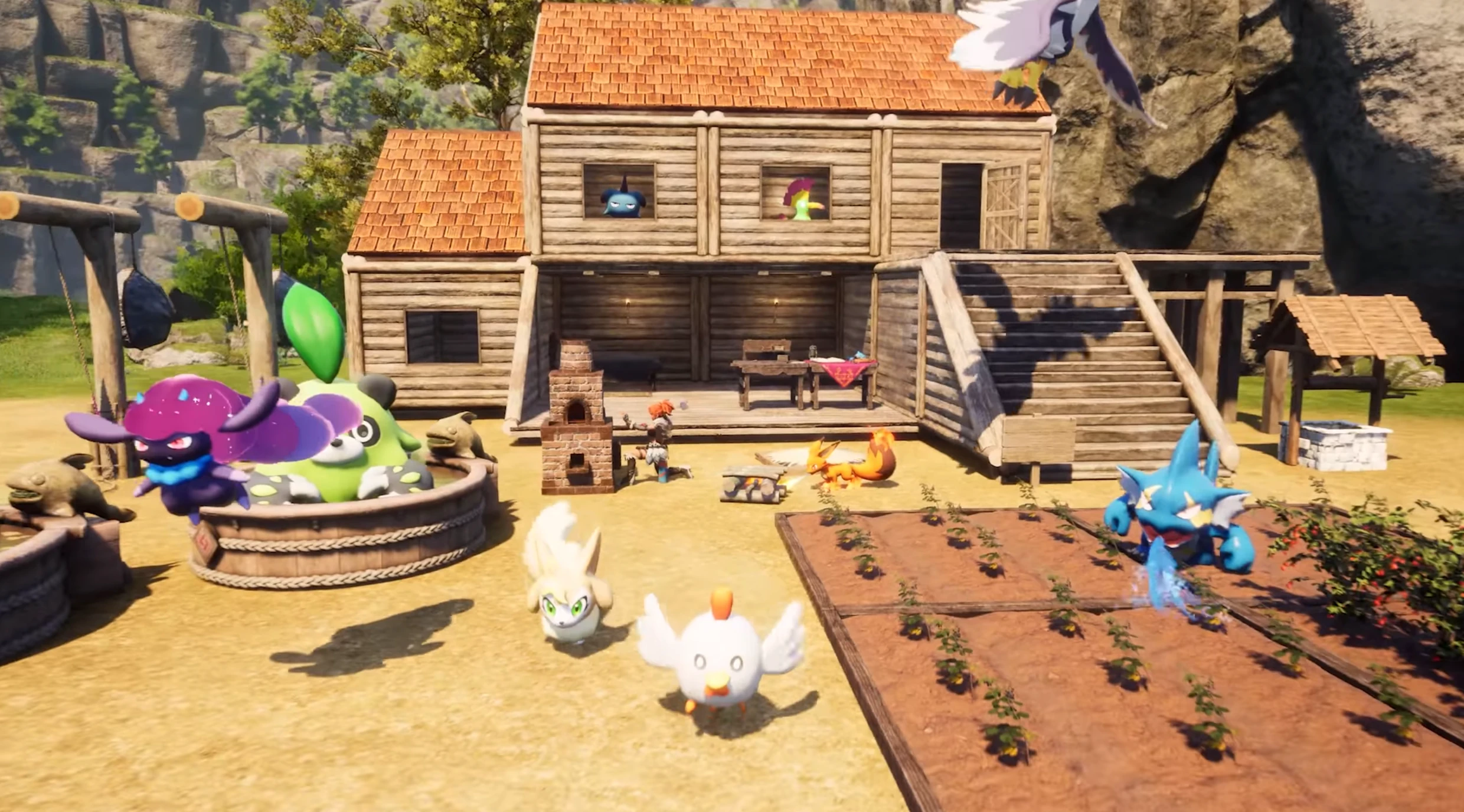
Palworld bugs after the big launch
Since launch, Palworld has sold millions of copies and surged past one million concurrent Steam players. That popularity exposed several Palworld bugs: server instability, multiplayer desync, and the dreaded lost save data reports (over 50,000 filed). Early access titles often hit teething issues, but the volume here is large.
Server instability and multiplayer issues
- Symptoms: Timeouts joining worlds, rubber-banding, or failed lobby connections.
- Workarounds: Retry off-peak hours; if self-hosting, restart the server and verify open ports; reduce player count temporarily.
- Dev status: Pocketpair is scaling infrastructure and tuning netcode to handle the surge.
Lost save data and recovery options
- Symptoms: Missing characters/worlds after a crash or disconnect.
- Workarounds: Back up local saves regularly; avoid force-closing during autosaves; if affected, follow Pocketpair’s recovery form instructions.
- Dev status: The team has offered limited restore support via a Google form and is improving save handling.
Other Palworld bugs to watch
- Quest/UI glitches: Try verifying files; toggle UI scaling; relog.
- Crash to desktop: Update GPU drivers; verify game files; lower shadows/foliage as a temporary stabilizer.
- Xbox/GP issues: Keep the client updated; restart the app; watch for platform hotfixes.
What Pocketpair is patching
Developers are prioritizing three fronts: (1) server accessibility and scaling, (2) multiplayer stability, and (3) safer save writes to prevent data loss. Expect frequent hotfixes while they iterate.
Player checklist while waiting for fixes
- Back up saves before big sessions or patches.
- Play during off-peak times to avoid overloaded servers.
- Keep drivers/game files updated; verify after crashes.
- Report Palworld bugs with repro steps to speed fixes.
Need a more stable place to play with friends? Check our Palworld server hosting guide to reduce disconnects and keep worlds backed up.
Run your own Palworld server
Dedicated Palworld hosting with instant setup, one-click mods, daily backups, and DDoS protection.
View Palworld Hosting Plans →