

Terraria Dedicated Server Hosting: Vanilla, tModLoader and TShock, Instant Setup
Launch a dedicated Terraria server in minutes with stable performance, fast saves, and easy world management. Keep your world online so your crew can build, explore, and fight together anytime.
- Fast autosaves
- Stable tickrate
- FTP access
- Mod support
- Private password
- Region switching
- On-demand backups
- DDoS protection
- Branding-free servers
- Uncapped RAM
- Uncapped disk space
- User-friendly control panel
Pick a plan
Choose S, M, or L based on player count and mods.
Launch instantly
Provision your world and set rules in minutes.
Invite your party
Share the IP and scale anytime without wipes.
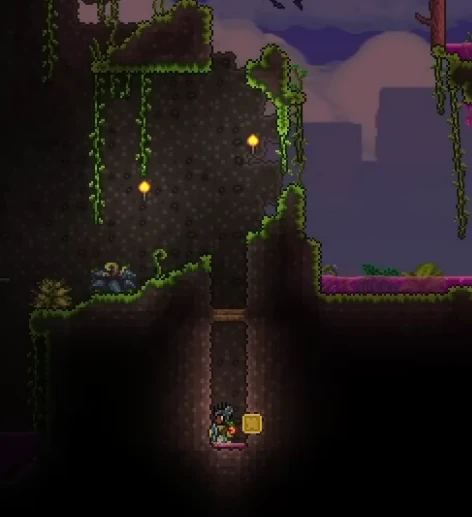
Plan S
$599
/ per month
Up to 8 Players
A reliable start for small parties and classic co-op worlds.
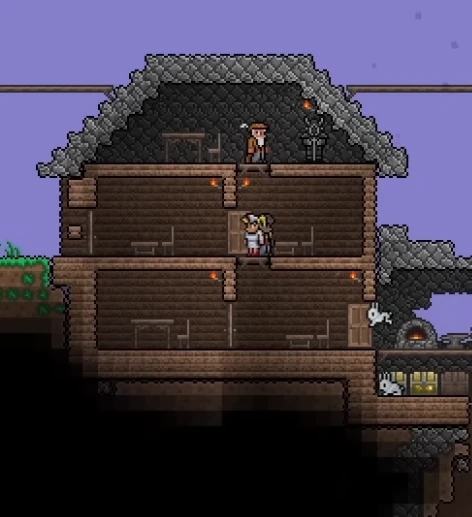
Plan M
$999
/ per month
Up to 16 Players
Balanced for larger groups, events, and modded content.
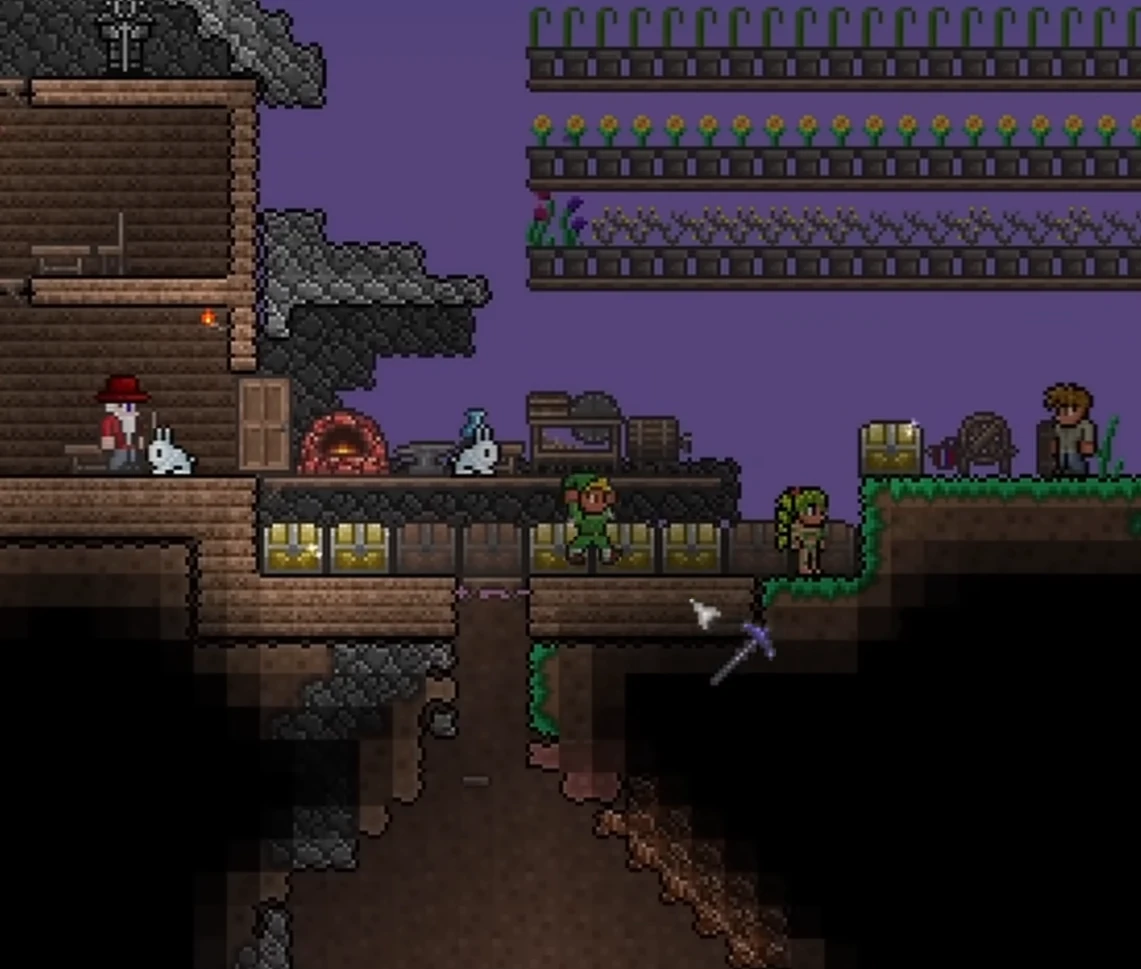
Plan L
$1499
/ per month
Up to 32 Players
Built for big communities, events, and long-running worlds.
Three server types, one switch: Stable, tModLoader, TShock
Pick the branch in the panel and the server installs that build: vanilla Terraria for a plain co-op world, tModLoader for mod packs, TShock for permissions, regions and anti-grief. Switch later without opening a ticket. Slots are set by your plan and written into serverconfig.txt as maxplayers at every start.
Mods and plugins the way each branch expects them
On tModLoader, upload .tmod files and the server rewrites enabled.json from what is actually in Mods/, so a mod you add is enabled and a mod you remove stops being referenced; ModConfigs/ and the tModLoader logs are exposed next to it. On TShock, .dll plugins go into ServerPlugins/ and config.json, sscconfig.json, motd.txt and the TShock database sit in a folder you can edit. Worlds upload and download from the worlds folder on any branch.
Terraria mods require tModLoader. You can switch your server between Stable, tModLoader, and TShock from the control panel when you need a different setup.
World generation and rules as panel fields
Seed (including the secret seeds), world size (small, medium, large), difficulty (classic, expert, master or journey), server password, message of the day and the anti-cheat secure flag are validated settings in the panel and land in serverconfig.txt on restart. A new world is generated with autocreate from those values; an existing world uploaded to the worlds folder is used as is.
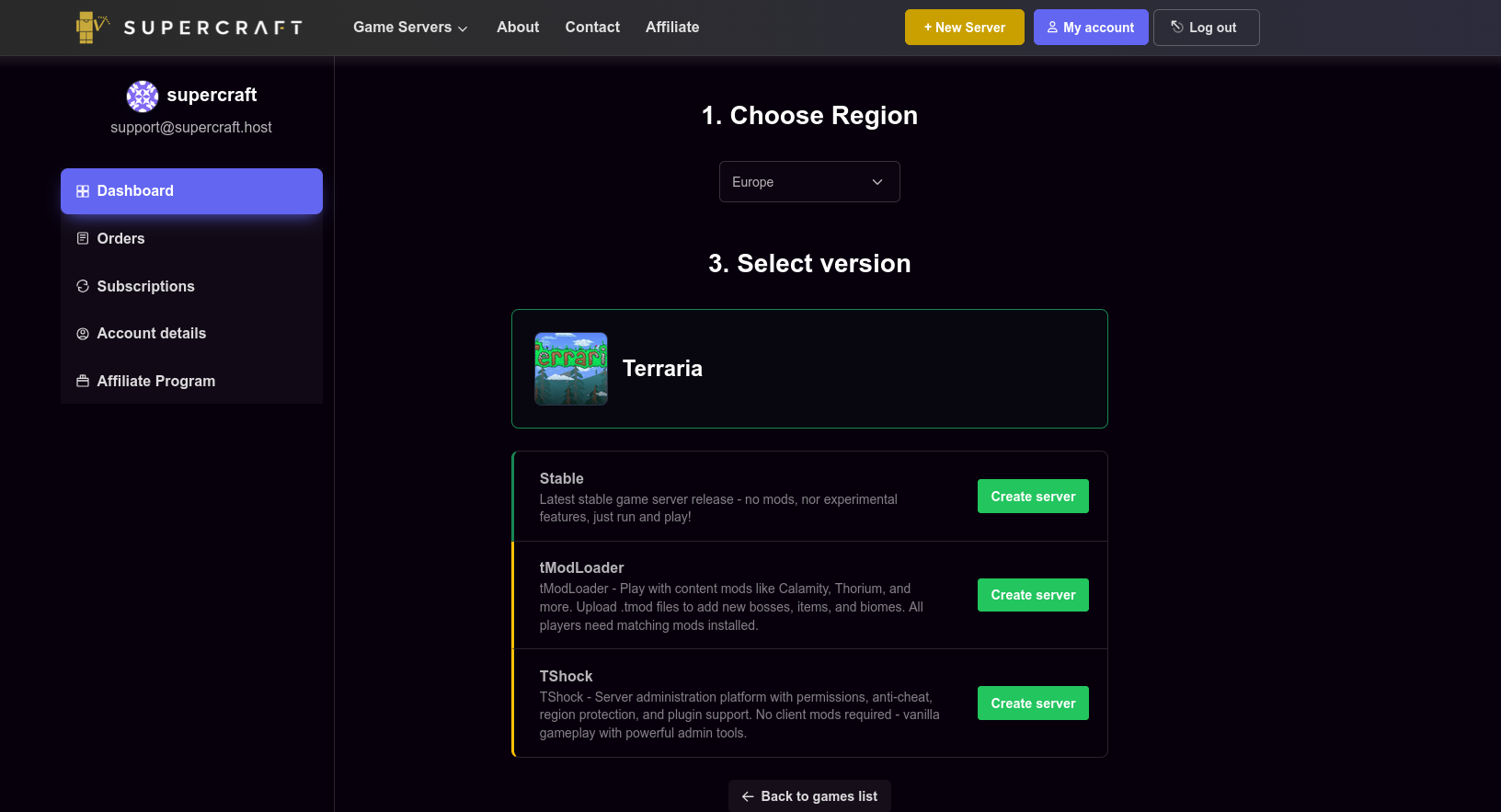
Terraria control panel setup
The panel makes server creation straightforward, from region selection to version choice.
-
1
Choose region. Pick the closest location for lower latency.
-
2
Select version. Run Stable (vanilla), tModLoader for mods, or TShock for admin tooling.
-
3
Create or switch anytime. Launch in one click and change between Stable, tModLoader, or TShock later from the panel.
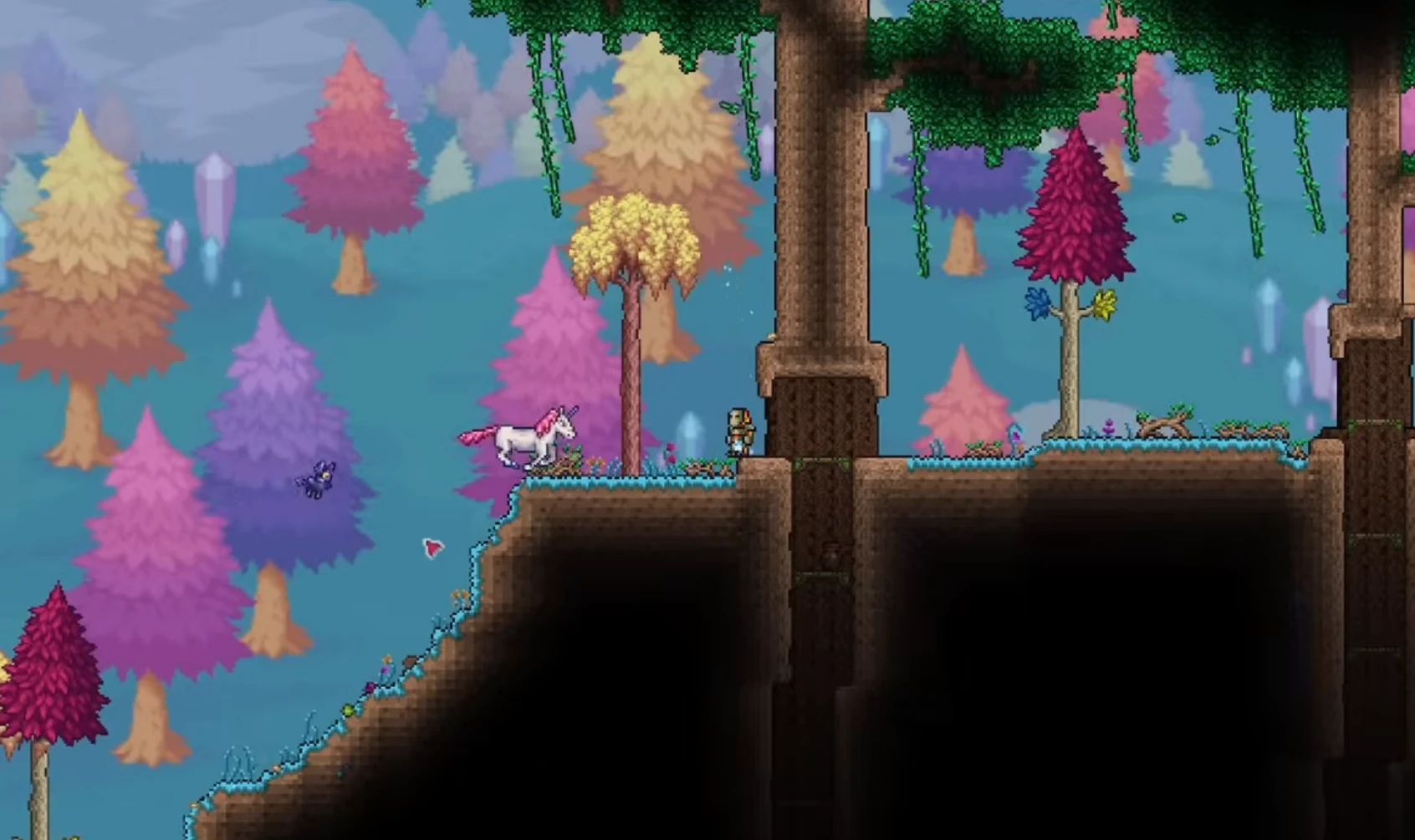
Showcase
From floating islands to deep caverns, keep your world online and protected.
Sky builds
Reliable performance for big creative projects.
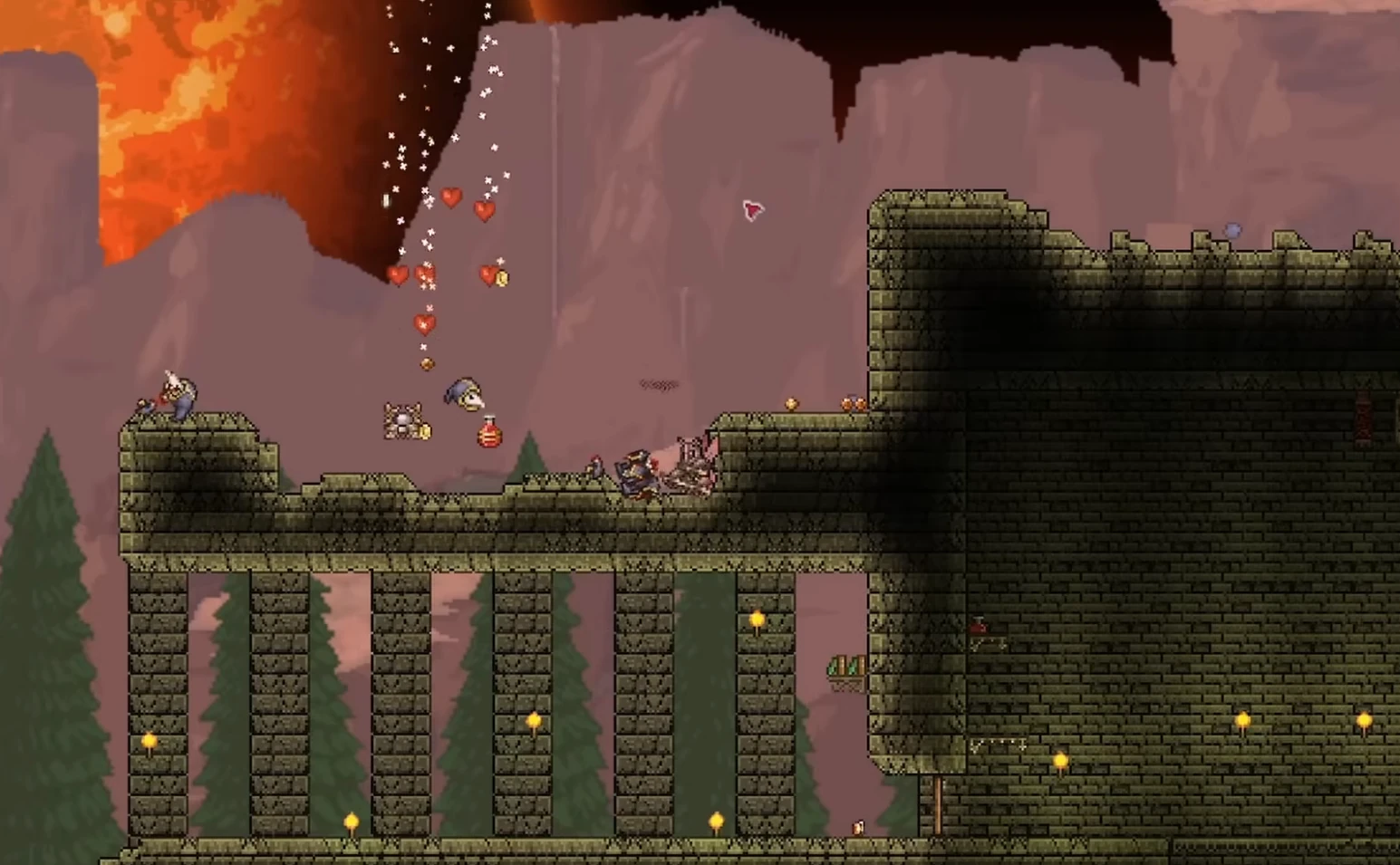
Cavern runs
Smooth co-op while mining and exploring.
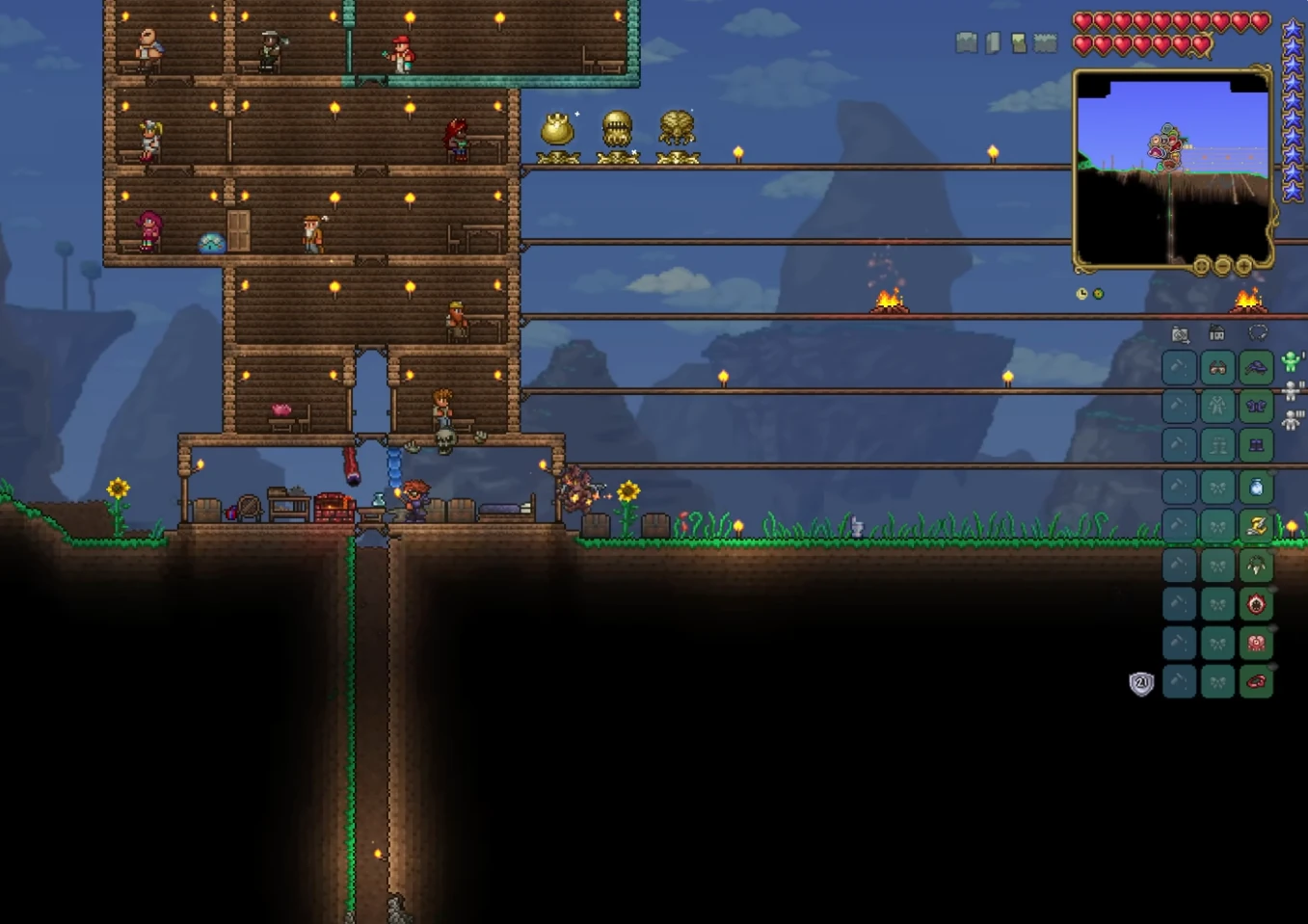
Boss arenas
Stable servers for raids and events.

Self-Serve Bot in Discord
Instant control of your Terraria server without tickets or waiting. Type a command and go.
- Start, stop, restart, and check status in seconds.
- Secure by design: only your subscriptions are accessible.
- Share access safely with time-limited auth codes.
Fast, secure, and always on.

More than a server box
Free in every plan. No add-ons, no upsell.
Public server pages
Every server gets a shareable URL like
supercraft.host/s/your-server with live player count, uptime status, one-click join, and an “about” block for rules and lore.
Listed in the public directory at supercraft.host/servers: a second free traffic source for your community. Off by default; you decide what’s public.
Read the full announcement →Recipes marketplace
One-click curated modded servers. A Recipe is a hand-picked mod list with pinned versions, tested defaults, and a short description, so you launch the experience without becoming an amateur modpack engineer.
Live today for Palworld, Valheim, Project Zomboid (incl. Build 42), and Minecraft. More games every few weeks.
Browse the marketplace →Discord webhooks & live players
Wire join / leave / status events straight into your Discord. Paste a webhook URL into the panel, pick the events that matter, done.
Pair it with the real-time player list shown in the panel and on your public page: not a stale “12 players” number, the actual names of who’s on right now.
See webhook recipes →Switch games anytime
One subscription, 30+ games. Got bored of one game? Switch to another supported by your plan, in the panel, without buying a new plan or losing your billing cycle.
The region is your pick too: North America, Europe or Australia. Changed your mind before the first install? Switch it in the panel, free.
See switch-group plans →AI Server Doctor
Built into the panel. It reads your server’s logs and config to diagnose crossplay, connection and setup problems, then offers safe fixes you approve with one click.
Diagnosis credits are included with every plan, on every supported game. Ask it before you open a ticket.
7 Days to Die on 7d2d.net
Your plan also covers a 7 Days to Die server on 7d2d.net, our sister site built for that game. Open it from the panel: you are signed in with your Supercraft account.
One plan runs one server at a time: starting one stops the other.
Launch with a ready-made Terraria setup
Skip the config. Pick a preset and your new server boots preconfigured; mods, rates and rules are already dialed in. Change anything later in the panel.
Terraria Master
4 installsMaster mode, large world: the hardest official difficulty: +50% enemy stats over Expert, extra spawns, and Ma…
Terraria Expert
2 installsExpert mode on a large world: tougher bosses, smarter enemies, extra drops and the Expert-only items. For gro…
Terraria Classic Co-op
The classic Terraria experience for friends: Normal difficulty, a medium world, and anti-cheat on. Balanced l…
Browse community Terraria servers
See live player counts, mods and rules from servers our customers run on Supercraft. Pick a server to join - or rent your own and list it the same way.
See live Terraria serversTerraria Server Hosting FAQ
Latest Terraria Guides & News
Comparing Terraria hosts first?
The branch, slot, backup and mod checklist we use to compare Terraria server hosting.
Paid, free or DIY: which fits your group?
An honest comparison of renting, free hosts and running the server yourself, with the costs and limits of each.
Terraria Dedicated Server Hosting
Large world, a big event server, or a heavily-modded tModLoader pack? Our dedicated Terraria server hosting gives you a full managed machine instead of a shared slot.
Terraria 1.4.5 Skyblock Survival Guide
Specialized survival strategies for the popular Skyblock game mode.
Advanced TShock Setup & Administration
Configure and administer TShock for powerful server management.
How to Host a Terraria Dedicated Server
Comprehensive setup instructions for your own Terraria dedicated server.
Terraria 1.4.5.8 Crossplay Status
Understand native crossplay limits, version matching, and safe TShock/community-bridge testing before you invite the whole group.
Terraria 1.4.5 Secret Seeds for Multiplayer
Choose a seed for co-op or events, then generate and upload the world safely.
How Much Does a Terraria Server Cost?
Compare self-hosting with managed vanilla, tModLoader, and TShock plans.
How to Reduce Terraria Server Lag
Diagnose connection latency, world load, and mod-related slowdowns.
All Terraria Bosses in Order
All 33 bosses in progression order with HP, summon items, drops, and fight strategy.
How to Install Mods on a tModLoader Server
Install and manage mods using tModLoader on your Terraria server.
FAQ
Not ready to order? Let us know what's holding you back.
Why choose Supercraft as your next dedicated server hosting provider?
Core benefits of our dedicated game server hosting: resilient network, fast hardware, admin control, simple mods, and responsive support.
DDoS protection
Best attack protection with 17Tbit/s filtering capacity
Full control
Get full access to all options, browse logs, and use the admin console.
Best hardware
Our services run on high-clock multi-core CPUs with NVMe storage and generous RAM allocations.
Lightning-fast network
Game experience free of lags and glitches; recent Trustpilot reviews note steady low ping across regions.
Configuration for experts
Advanced administration options allow you to fine-tune your game experience. FTP and full config access.
Safe Payments
We use only trusted payment gateways: PayPal and Stripe, and we never process credit card information directly.
Mods & Maps easier than ever
With our custom panel, mods install in one click through each game's native mod ecosystem. Depending on the game that means Steam Workshop, Thunderstore, Satisfactory Mod Manager, Factorio Mod Portal, CurseForge, Vintage Story Mod DB, or a direct .zip upload.
Backups & scheduled restarts
Automatic snapshots of your world plus configurable scheduled restarts keep your server healthy without lifting a finger.
AI Server Doctor
Our built-in AI Server Doctor reads your logs and config to diagnose crossplay, connection, and setup problems, then offers one-click safe fixes. Diagnosis credits are included with your plan, on every supported game.
24/7 Support
Send us an email, use our online form, or reach us directly on Discord to get fast help; players often receive answers within minutes.
Still comparing providers? Read our best Terraria server hosting guide for the game-specific checklist.