

Rust Dedicated Server Hosting for wipe-ready communities and massive raids
Spin up a Rust dedicated server in minutes with stable performance, fast saves, and reliable wipe tooling. Keep your island online for late-night raids, weekly events, and persistent progression.
- Fast autosaves
- NVMe storage
- Oxide/uMod plugins
- Low-latency regions
- FTP & RCON access
- Static IP available
- Branding-free servers
- Uncapped RAM
- Uncapped disk space
- Custom admin panel
- Priority support
- 2-day refund policy
Pick a wipe cycle
Choose weekly, biweekly, or monthly wipes based on your community.
Launch instantly
Pick region, map size, and mod stack in the control panel.
Invite your clan
Share the IP and scale player slots without migrations.

Plan S
$1299
/ per month
Small wipe crews (~20 actives)
A reliable start for smaller wipes and tight-knit squads.
Plan M
$2149
/ per month
Clan servers & mid wipes (~60 actives)
Balanced for raid-heavy wipes, plugins, and larger clans.

Plan L
$2999
/ per month
Hardcore 6k maps & heavy mods (100+ actives)
Built for massive communities, events, and long-running wipes.
Your map, your seed, your size
Pick a procedural map, Barren, or a custom map by URL, set the seed (or keep the
random one the panel generates) and the world size from 1000 to 6000, and the
server starts with +server.seed, +server.worldsize and
+server.levelurl already in the launch line. Wipe on your schedule
from the panel when the community wants a fresh start; the Oxide plugin tree and
your config survive a reinstall.
Oxide & uMod plugins, with their config and data exposed
Upload plugins as .cs, .lua or a .zip straight
from the panel; the oxide/plugins, oxide/config and
oxide/data folders are all reachable, so Kits, Economics, ZoneManager
or GatherManager can be tuned without a support ticket. Web RCON is on from the
first boot, so RustAdmin and the Facepunch web console connect directly.
Every rate that makes a 2x, 5x or PvE server, as panel fields
Gather rate (globallootmodifier 0 to 10x), craft time scale, instant
craft, decay scale and upkeep, melee, arrow and bullet damage and armour
multipliers, team size limit, PvE toggle, radiation, stability, item despawn
time, idle kick, save interval, tickrate 10 to 30 and an FPS cap are each a
validated field in the panel rather than a line you hand-edit in
server.cfg. Server name, description, header image, tags and the
owner and moderator SteamID lists are set the same way and are written into
the server's config files on restart.
Rust control panel setup
Spin up wipes fast with region selection, map size options, and plugin presets.
-
1
Choose region. Pick the closest location for lower ping.
-
2
Select your stack. Run vanilla or add Oxide/uMod plugins.
-
3
Wipe on your schedule. One click in the panel when your community wants a fresh start; Facepunch's monthly forced wipe still applies to every server.
Showcase
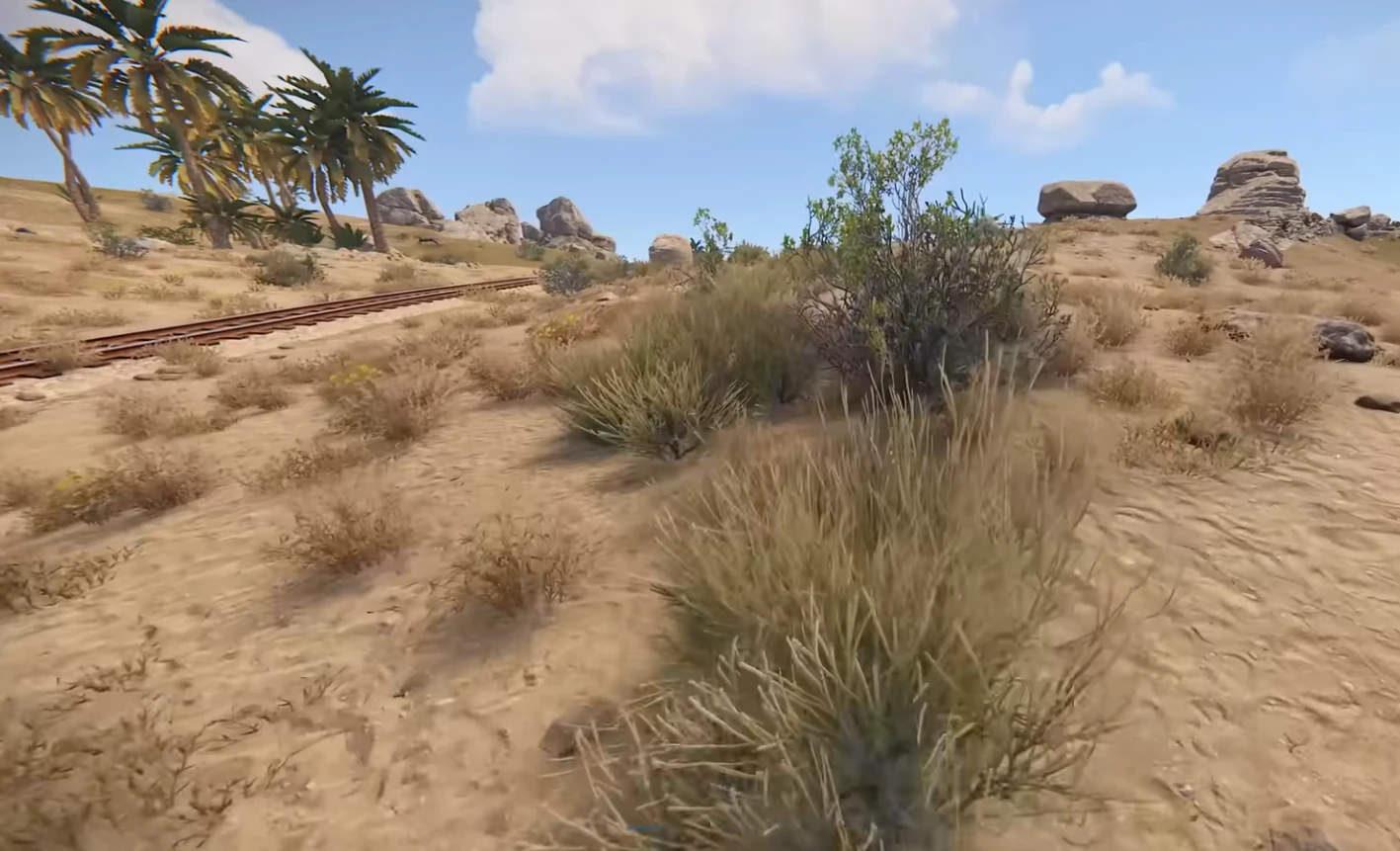
Keep raids, base defense, and events responsive through peak hours.
Fortified bases
Stable performance for compounds and trap-heavy builds.

Raid nights
Consistent tickrate for explosives and counter-raids.
Events & wipes
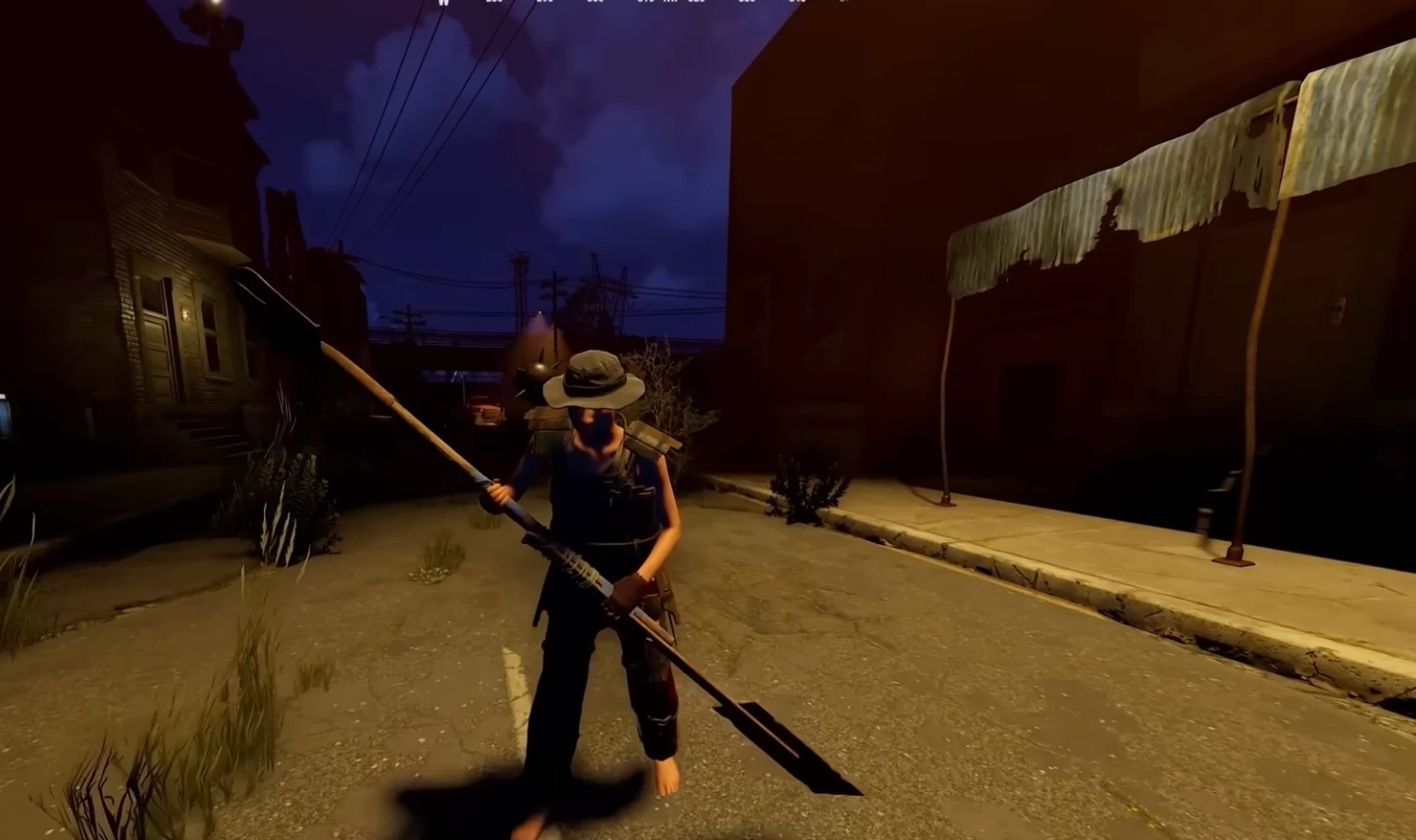
Automated backups and fast restores after wipe days.
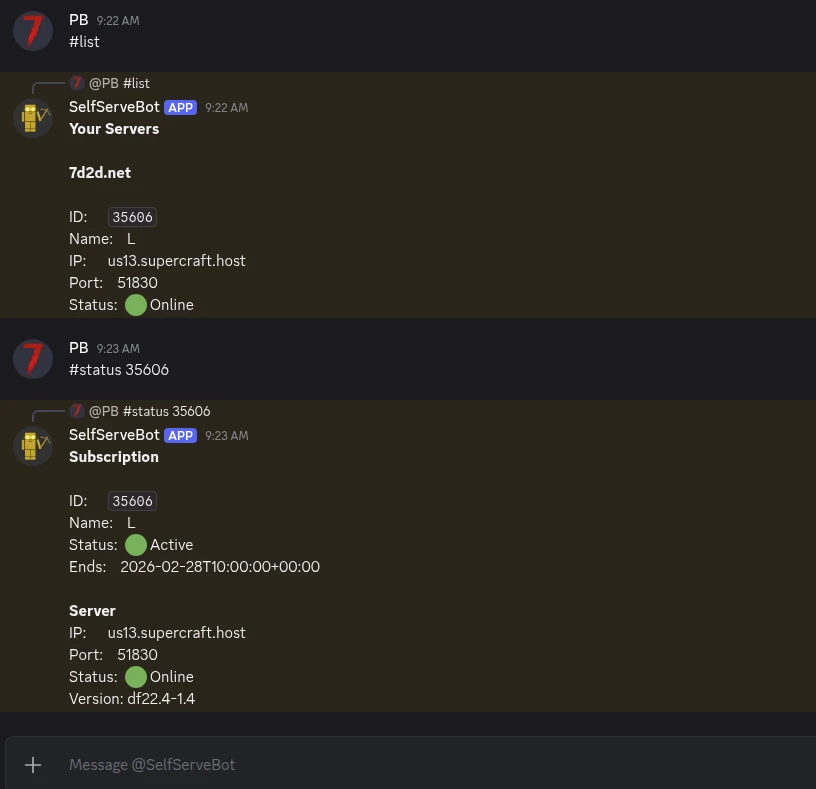
Self-Serve Bot in Discord
Instant control of your Rust server without tickets or waiting. Type a command and go.
- Start, stop, restart, and check status in seconds.
- Secure by design: only your subscriptions are accessible.
- Share access safely with time-limited auth codes.
Fast, secure, and always on.
Latest Rust Guides & News
Comparing Rust hosts first?
The wipe, plugin, CPU and slot checklist we use to compare Rust server hosting.
Rust Dedicated Server Setup
SteamCMD, the steamclient.so symlink, ports, first boot and the wipe schedule, for anyone who wants to run it themselves first.
How to Join a Rust Server by IP
Joining by IP with client.connect, the server browser, direct connect and the port a Rust server listens on.
Rust Roadmap 2026
Confirmed Rust updates for 2026, the creative tools direction, and what server admins should plan for.
Rust Wipe Schedule 2026
Force wipe is the first Thursday of every month. See map versus blueprint wipes, update timing, and community-server schedules.
Rust Monuments & the Power Trip Update
Tier lists, keycard routes, and the August Power Trip changes at Power Plant, Launch Site, Oil Rig, and other monuments.
Rust 2026 Ecosystem Roadmap
Facepunch's current direction for Nexus, animals, AI, breeding, and server planning - with roadmap items clearly marked as plans.
Rust Naval Update 2026
A server-admin guide to Rust's February Naval Update, with current PC status and links to the live wipe and roadmap guidance.
Rust PC vs Console Edition Guide
PC Rust and Rust Console Edition are separate products with no PC↔console crossplay - this guide covers what each version supports.
Hosting Modded Rust
Complete guide to installing and managing Oxide/uMod plugins on your Rust server.
Rust Map Seeds Gallery
Browse curated map seeds with balanced resources, monuments, and terrain for your next wipe.
Fixing Rust EAC Errors
Troubleshoot and resolve Easy Anti-Cheat errors preventing players from connecting.
Rust Server Wipe Schedule
Official wipe dates and best practices for managing weekly, biweekly, and monthly wipes.
Rust 2026 Roadmap & Creative Tools
Facepunch's published roadmap for Rust through 2026 - the creative-tools angle and what dedicated-server admins should expect.
Rust Farming Guide
Plant genetics, water mechanics, and the server-side balance settings that make farming viable on PvP servers.
Rust Electricity Guide
Wiring fundamentals, components, and the server-tick implications of large electrical builds.
Rust Nexus - Multi-Server Setup
Nexus connects multiple Rust servers into one shared world. Setup, sharding strategy, and known-issue list.
Rust Monument Guide
All map monuments - loot density, puzzle steps, and which ones are worth wiping schedules around.
Rust Server Requirements
CPU, RAM, and bandwidth specs for various player counts and modded vs vanilla setups.
FAQ
Not ready to order? Let us know what's holding you back.
Choose your next Rust move
Estimate the daily upkeep and time-to-decay before selecting the map, wipe cadence, and server size.
Still comparing providers? Read our best Rust server hosting guide for the game-specific checklist.