

Palworld Multiplayer
Palworld multiplayer turns the creature-collecting survival loop into a shared adventure. Whether you host with an invite code or run a dedicated server, the mode you pick affects progress, stability, and how you coordinate friends. This guide covers every option, setup steps, and the differences from solo play. For long-running co-op, Palworld server hosting lets you pause, back up, and manage your world without waiting on lobby timers.
- Choose between invite-code co-op, self-hosted dedicated servers, or paid hosting.
- Compare single-player vs. multiplayer progression, difficulty, and persistence.
- Follow a concise setup checklist and avoid common save/connection pitfalls.
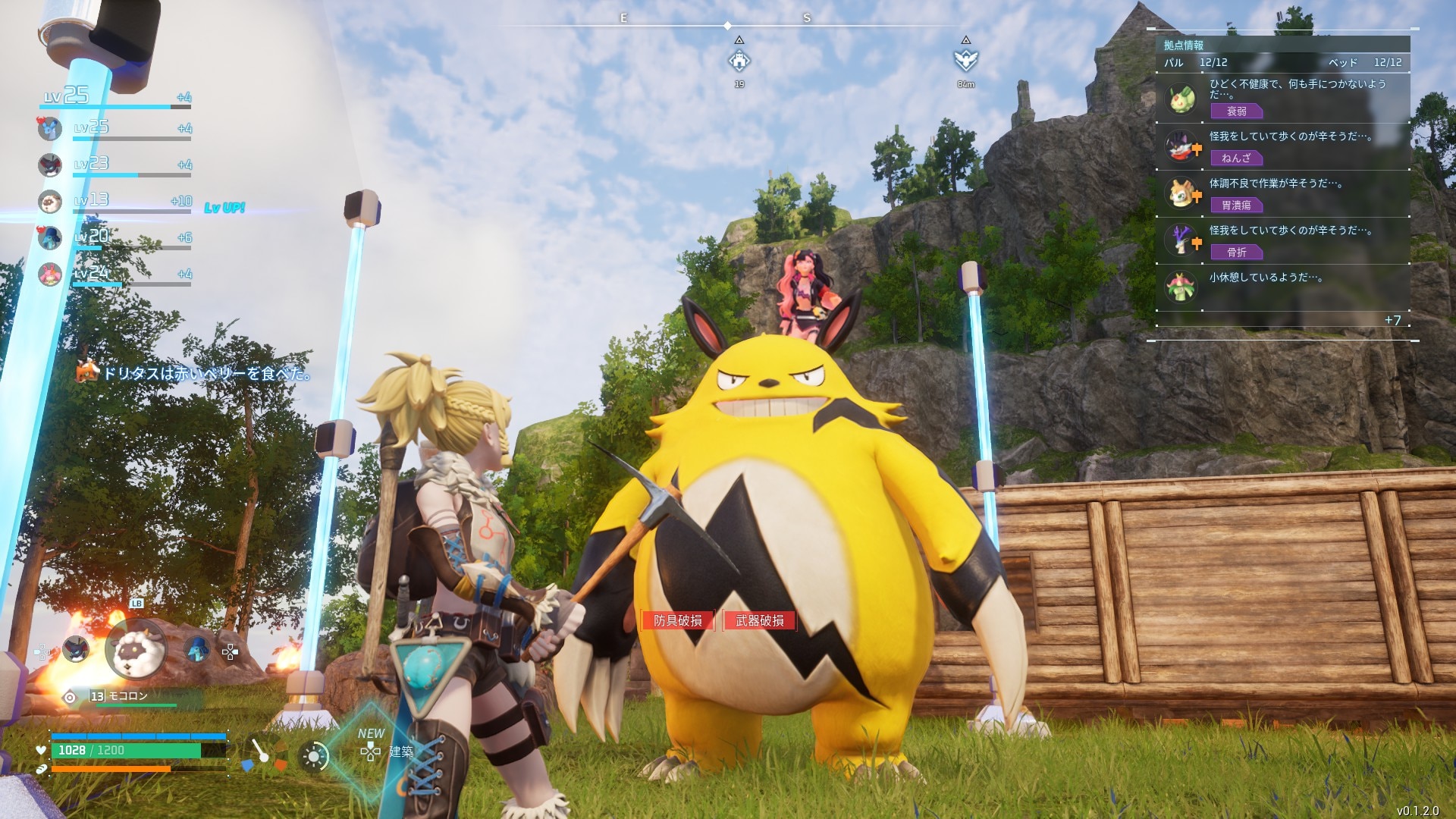
Multiplayer modes and limits
- Invite Code (hosted co-op): One player hosts their save and invites up to three friends via a rotating code. Pros: quick, free, private. Cons: progress depends on the host being online; host crashes can roll back progress.
- Dedicated Server (self-hosted, Steam only): Up to 32 players, persistent world, full control of settings. You need decent hardware, open ports, and basic admin commands; no built-in DDoS protection.
- Paid hosting: Same dedicated-server flexibility without babysitting uptime or network security. Good for larger groups who want 24/7 persistence.
Single-player vs. multiplayer
- Progress and saves: Solo progress lives locally; invite-code progress lives on the host; dedicated/hosted servers keep world progress online so anyone can join anytime.
- Difficulty scaling: In co-op, enemies scale to the highest-level player present; teamwork makes building and farming faster but can spike combat difficulty.
- Resources and economy: Solo = fully controlled pacing. Multiplayer adds trading, shared stash rules, and potential resource competition on open servers.
- Autonomy vs. coordination: Solo favors relaxed pacing; multiplayer rewards planning roles (builder, explorer, breeder) to avoid stepping on each other’s bases.
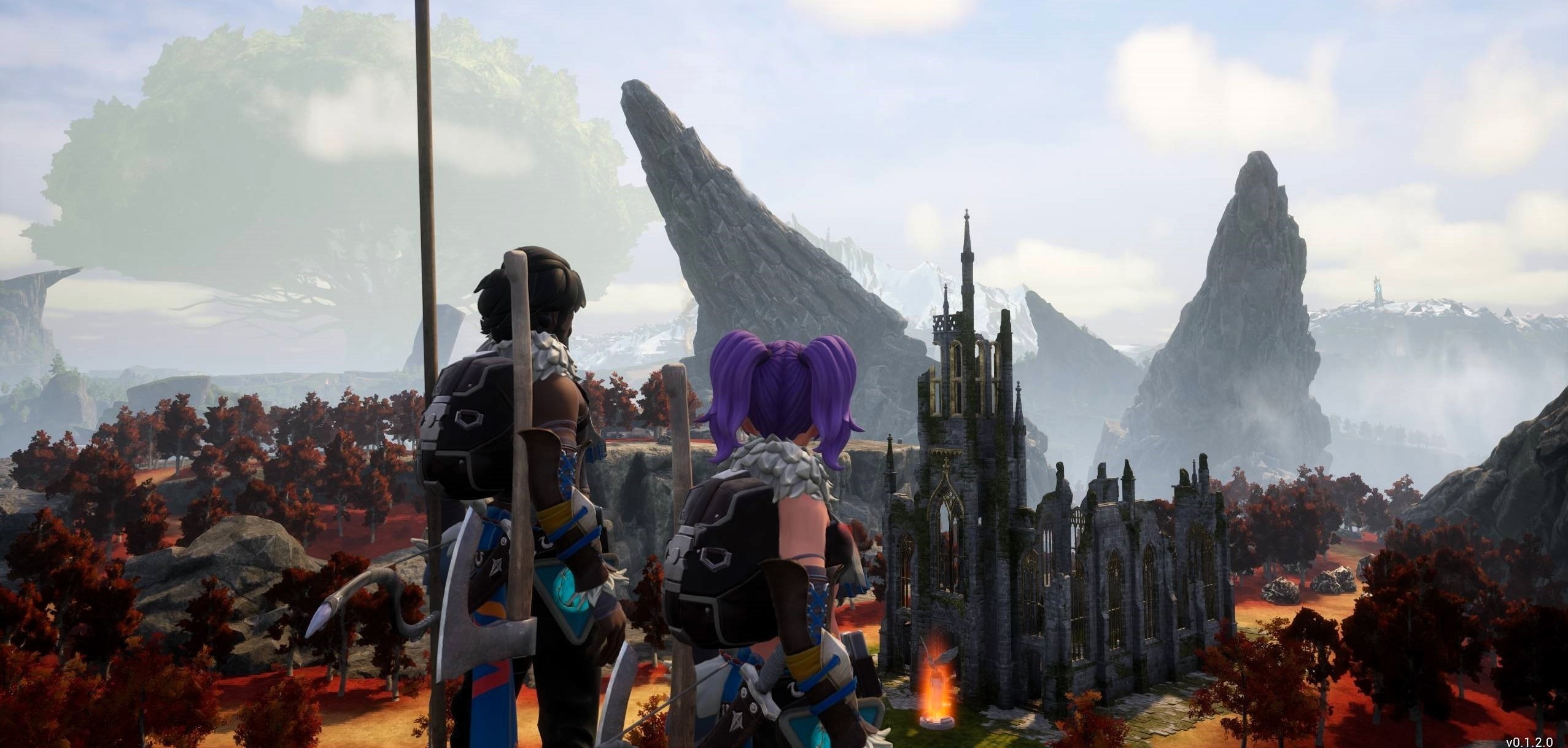
Start or join a multiplayer world
- Create a world with multiplayer on: In world selection, toggle Multiplayer to On before starting; it is off by default.
- Switching from solo: Open Change world settings and enable multiplayer before you load in.
- Invite friends: Grab the invite code from the options menu; it changes each session. Share it with up to three friends (Xbox/Windows) or use a dedicated server for larger groups.
- Join via code: Enter the code from the host. Repeat when the host restarts because codes rotate.
- Steam dedicated servers: Allow up to 32 players and avoid host-dependency; keep the server window running.
Dedicated server setup (Steam)
- Install the tools: In Steam, install Palworld and the Palworld Dedicated Server tool.
- Find your IPv4: On Windows, run
ipconfigin Command Prompt and note the IPv4 address for server settings. - Configure settings: Copy defaults from
DefaultPalWorldSettings(inside the game files) intoPalWorldSettingsunderSaved/Config/WindowsServer. EditServerName,ServerDescription,AdminPassword,ServerPassword, andPublicIP. - Open ports and firewall: Allow the app through your firewall and forward typical ports (e.g., 8211, 27015, 27016, 25575) on your router as required.
- Launch and manage: Start the dedicated server from Steam. Use in-game chat commands like
/AdminPassword <password>to gain admin,/Saveto persist, and/DoExitto shut down cleanly.
For fine-tuning, see Palworld Server Settings for common config values.
Best practices to avoid progress loss
- Host stability: If you use invite codes, make the most reliable PC the host and avoid quitting without saving.
- Backups: Dedicated hosts should back up the save directory before major updates.
- Session codes: Remind friends that codes change every host restart.
- Admin hygiene: Use strong admin and server passwords; limit who gets the admin password.
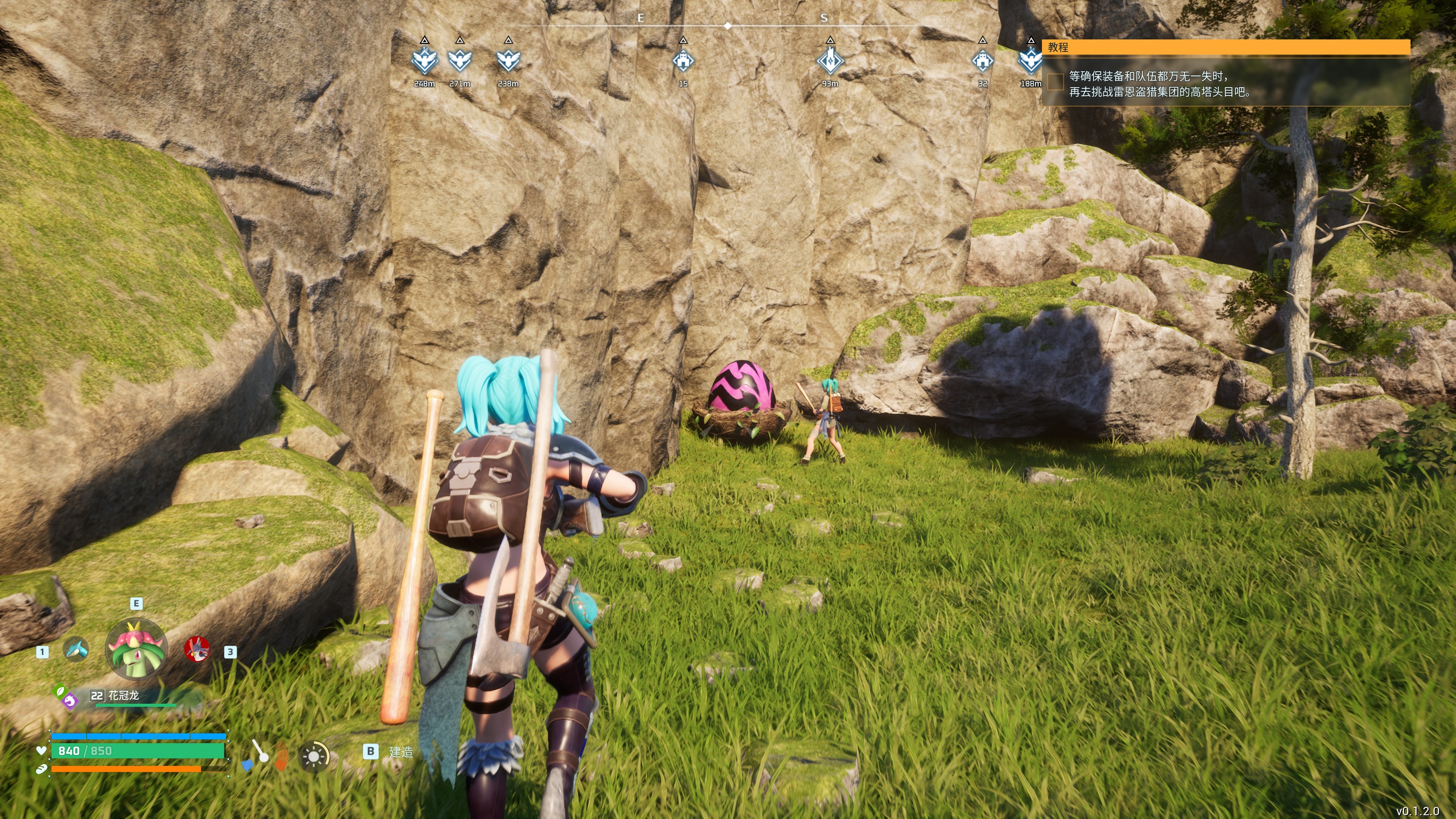
PvP status
Palworld does not currently support PvP. Pocketpair has indicated PvP is on the roadmap, likely as an arena-style mode where players battle with their Pals. For now, all multiplayer is cooperative.
Pick the multiplayer option that matches your group size and stability needs, then lock in your settings before you start building. With the right setup, Palworld multiplayer stays smooth—and your progress stays safe.
Running this with a crew is better on an always-on server. See how to host a Palworld server with one-click setup.
Run your own Palworld server
Dedicated Palworld hosting with instant setup, one-click mods, daily backups, and DDoS protection.
View Palworld Hosting Plans →