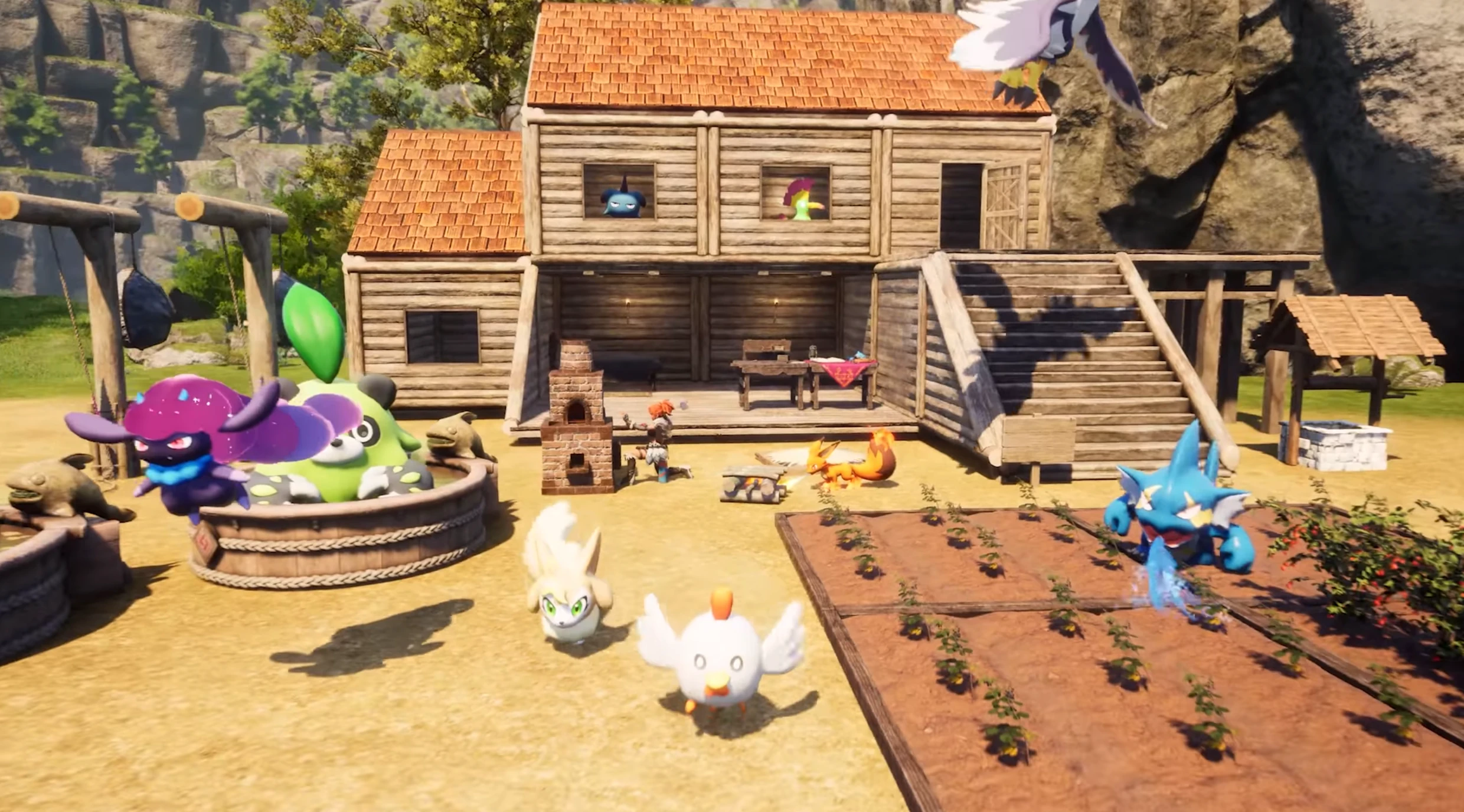
Palworld Server Hosting FAQ
You can host your own Palworld server, but it can be complicated and time-consuming. With Supercraft you get an optimized dedicated server instantly. If you still want to try self-hosting, here is a basic setup guide:
Installing a Dedicated Palworld Server on Windows
Server Requirements
- Windows 10/11 or Windows Server 2016/2019/2022 (64-bit)
- Quad-core processor (requires up to 2 full cores)
- Up to 4 GB memory (currently uses around 1 GB)
- At least 12 GB disk space for the install folder
Step 1: Fetching Game Server Files
- Create a folder for your Palworld server files.
- Download and place
SteamCMD.exein this folder. - Create a batch file named
SteamCMD.bat. - Insert the following code into the batch file:
@echo off
start "" steamcmd.exe +login USER PASS +force_install_dir "C:\Your\Server\File\Path" +app_update 2394010 validate +quit
- Run
SteamCMD.batas Administrator. - Wait for the game server files to download completely.
Step 2: Setting Up the Palworld Dedicated Server
- In your server folder, create a batch file named
PalworldServer.bat. - Place this code in the batch file:
start PalServer.exe -ServerName="My Server Title" -port=12345 -players=32 -log -nosteam
Step 3: Configuring Your Palworld Server
Configure your server using launch parameters and DefaultPalWorldSettings.ini.
Some key options include:
- Server Name: change the
ServerNamevalue. - Password Protection: set a password to restrict access.
- Save and Log Directories: adjust
saveDirectoryandlogDirectory. - IP and Ports: set
ip,gamePort, andqueryPortas needed. - Player Count: modify
slotCountto set the maximum number of players.
Step 4: Port Forwarding
Add rules to your firewall and router to allow the ports you configured (for example, TCP/UDP ports 15636 for the game and 15637 for Steam queries).
World Save Data
Your world save data is stored in the savegame folder. Be sure to back up these files regularly.
Setting up a Palworld server yourself can be rewarding, but renting a dedicated Palworld server from Supercraft is the fastest, simplest way to get your world online and keep it running smoothly.