Menu


Satisfactory FICSIT Silence: What We Know About the Catastrophic Event

Satisfactory FICSIT corporate briefing after catastrophic event

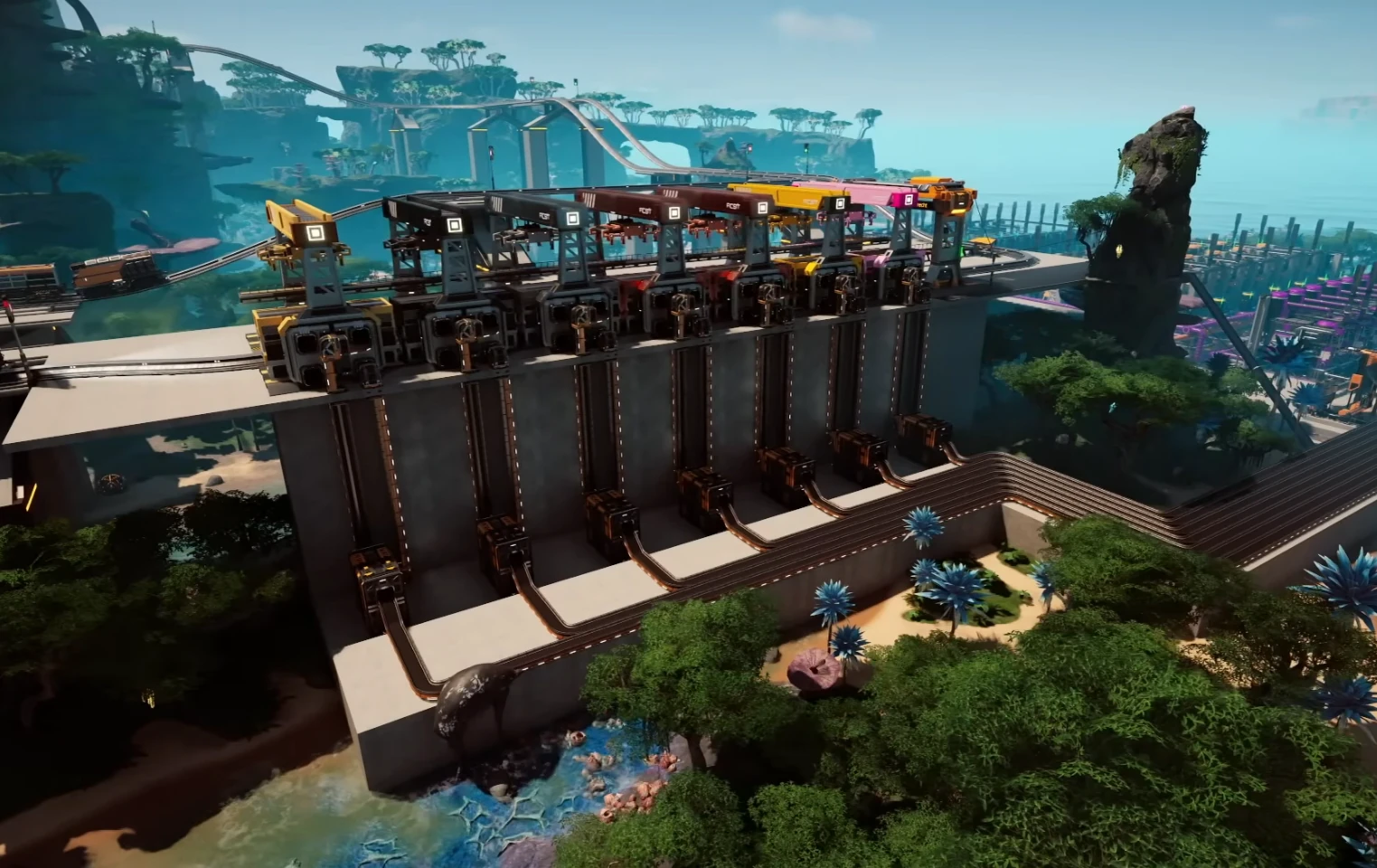
The satisfactory ficsit storyline took a sharp turn with a catastrophic event—and FICSIT has stayed mostly silent. This guide recaps what happened, what the sparse clues suggest, and what pioneers can do while the official word is missing.

Satisfactory FICSIT silence in context

FICSIT has always drip-fed lore, but the catastrophic event pushed that secrecy into the spotlight. The lack of statements, delayed patch notes, and vague PDAs fuel community speculation. Players are left piecing together hints from terminals, loading screens, and environmental changes.

Timeline of the catastrophic event

  • Pre-event murmurs: Hints about energy anomalies and orbital debris show up in minor logs, with no formal FICSIT memo.
  • Impact phase: Visual skybox changes and radio chatter imply a large-scale incident, yet no official satisfactory ficsit briefing arrives.
  • Aftermath: Patch notes reference “infrastructure adjustments,” but FICSIT stays quiet on causation, leaving pioneers to adapt on their own.

Reading between the lines

Corporate motives

The silence fits the in-universe theme: FICSIT prioritizes production over transparency. Acknowledging failure could undermine investor trust, so the company leans on minimal disclosure while pushing pioneers to keep output flowing.

Environmental clues

Skybox changes, altered fauna behavior, and scattered debris fields imply orbital damage. None of these have been paired with an official satisfactory ficsit statement, reinforcing the idea that we are meant to infer rather than be told.

Player experience impact

The absence of clear direction breeds uncertainty. Some pioneers pause megaprojects; others roleplay FICSIT silence by writing their own internal memos or staging evacuation drills.

Practical steps while FICSIT stays quiet

  1. Stabilize power and logistics: Treat the event as a resilience drill—add buffer storage, redundant lines, and extra power shards so you can pivot if future updates change recipes.
  2. Document your base: Screenshot layouts and train routes. If the satisfactory ficsit storyline triggers map adjustments later, you will have a reference to rebuild.
  3. Separate critical lines: Keep space elevator, aluminum, and nuclear chains on isolated buses to reduce blast radius from future balance tweaks.
  4. Roleplay the gap: Write your own “FICSIT memo” in a sign wall or note app to guide teammates when co-oping.
  5. Monitor official channels: Follow patch notes and community posts; any tiny lore line might be the first real acknowledgment of the catastrophic event.

Community theories about the Satisfactory FICSIT silence

Common threads include “intentional blackout to test pioneer response,” “coverup of orbital infrastructure failure,” and “lore breadcrumbing before a major update.” None are confirmed, but they keep the satisfactory ficsit discussion alive and encourage players to share findings.

Action checklist for resilient pioneers

  • Create a dedicated catastrophe chest with modular frames, rotors, computers, and beacons for fast rebuilds.
  • Mirror power grids on opposite sides of your base so one failure does not cascade.
  • Audit train and drone routes for single points of failure; add bypasses where possible.
  • Label critical lines with signs that reference your own “satisfactory ficsit contingency” plan so co-op partners know what to do.

FAQ about the catastrophic event

Did FICSIT confirm the cause?

No official confirmation exists. Everything we know is inferred from environmental changes and minimal patch notes.

Should I pause my megabase?

Probably not. Keep building, but snapshot layouts and keep backups of mod lists. If a future satisfactory ficsit patch alters terrain or logistics, you will recover faster.

Will we get more lore?

Likely. Coffee Stain often slips lore into minor updates. Watch for new voice lines, PDA snippets, and collectible logs.

Where to find reliable info

For hard data, check the FICSIT page on the Satisfactory wiki. For stable co-op while you investigate the event, spin up a SuperCraftHost server so teammates can explore without downtime.

Until FICSIT breaks its silence, treat the catastrophic event as both a lore hook and a resilience test. A prepared pioneer can keep production humming—even when the company offers no answers.
Breaking Down Guns with Filter Destruction


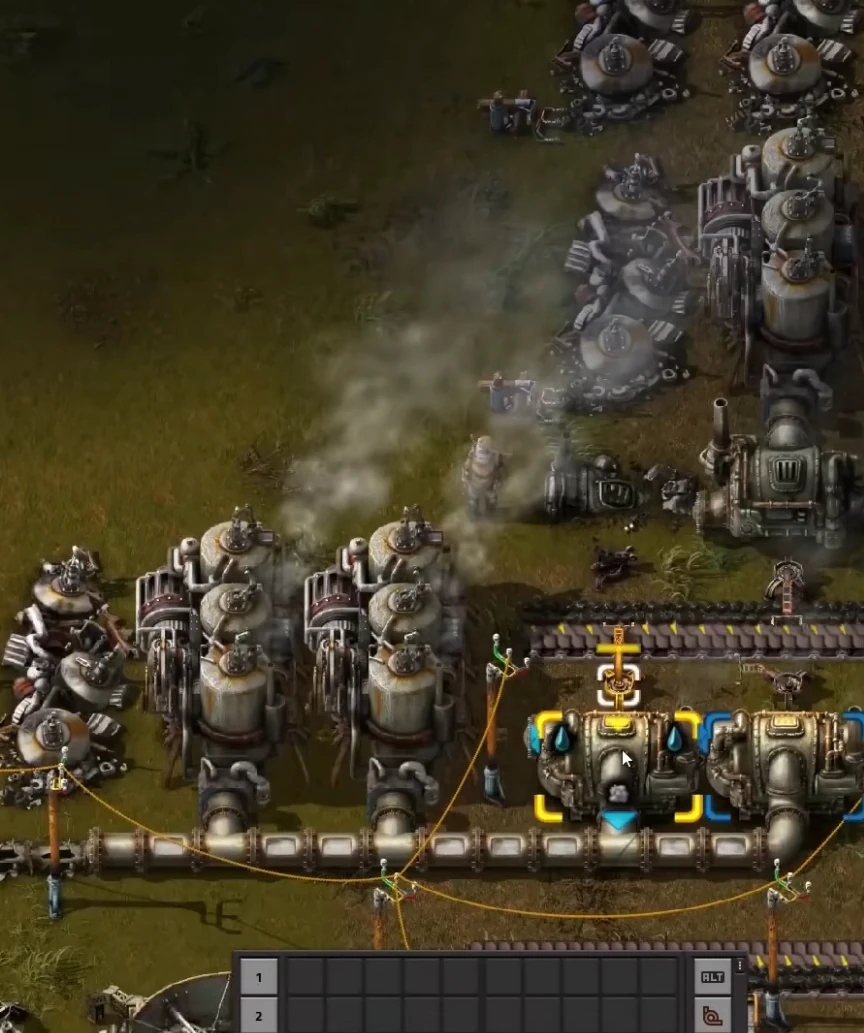
I’ve been stuck on a particular problem in Satisfactory for quite some time now – how to dismantle a gun using a filter that’s meant to destroy it instead. It’s not like this is the most pressing issue, but it’s got me stumped and I’m sure I’m not alone in my frustration.

So, I took a closer look at the gun and the filter, trying to understand what was going on here. At first glance, it seemed like using a destructive filter would just… well, destroy the gun. But that’s not happening. Instead, it seems like the game is treating the filter as if it was meant for dismantling something else entirely.

After some experimentation, I noticed that the problem arises when you try to dismantle the gun immediately after placing the filter on it. It’s almost as if the game has a delay in recognizing the filter’s purpose or something. If you give it a few seconds, or even better – build a small distance between the gun and the filter – suddenly everything works smoothly.

Now, I’m not saying this is the most elegant solution, but it does seem to be the only way to get around this issue. And honestly, it’s just nice to have solved this problem after spending so much time trying to figure it out.

Of course, there might be other approaches that work as well – and if you’ve found one, please share in the comments below! I’m always eager to learn from others and improve my Satisfactory experience.

AlexTr1


Satisfactory Efficiency Hacks: 7 Time-Saving Tips for Faster Factories

Satisfactory efficiency hacks can slash build time, cut spaghetti belts, and keep you focused on upgrades instead of firefighting. Use these practical tips to streamline production and grow your factory with less stress.

  • Quick-start hotkeys and menu automation for faster building
  • Smart resource buses, trains, and storage to prevent bottlenecks
  • Batch building, QA saves, and priority checklists to stay on track
Satisfactory efficiency hacks for factories
Cleaner layouts and smart routing are the biggest Satisfactory efficiency hacks you can apply.

1) Hotkeys and menu automation

Bind custom hotkeys for build types (foundations, walls, belts) and use quick-switch for dismantle/build. Save custom planner lists in the to-do tool so you craft exact counts without menu diving. This alone speeds up builds by minutes per module.

2) Central resource bus + local buffers

Run a main bus for iron, copper, steel, and plastic, then branch into local buffers near assemblers. Use smart splitters to reserve overflow lines for AWESOME Sink so production never stalls. Label storage with signs to avoid hunting for parts.
3) Batch building and mirroring

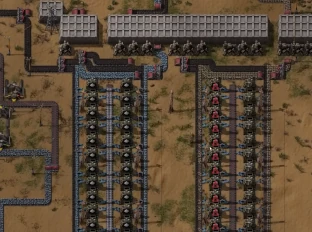
Stamp blueprints or repeat mirrored blocks (e.g., 2 smelters + 4 constructors per belt). Build foundations first, then place machines on a grid. Batching reduces mistakes and keeps ratios consistent across expansions.

4) Power planning before scaling

Track power headroom. Add fuel or nuclear blocks before doubling production. Color code power lines (main spine vs. sub-grids) and keep a spare bank of batteries to cover brownouts while you rewire.

5) Trains and hyper tubes for distance

For long hauls, trains beat belts. Place loading stations at remote mines, unload to an industrial buffer at base, and keep signals simple (one-way loops). Hyper tubes provide fast personal travel between hubs without burning fuel.

6) QA saves and rollback safety

Before major reworks, make a QA save. Test new belt heights, refinery ratios, or nuclear layouts; if it breaks, revert without losing hours. This is one of the most underrated Satisfactory efficiency hacks for late game.
7) Priority checklist every session

Start each play session with three priorities: (1) fix the current bottleneck, (2) add one power block, (3) expand one product line. Limiting goals stops scope creep and keeps you progressing toward tiers instead of endless tweaks.
Bonus: Combat lag and clutter

  • Cleanup runs: Dismantle obsolete lines and sink surplus parts weekly.
  • Stackable belts: Keep logistics tidy to improve pathing and FPS.
  • Map pins: Mark pure nodes, crash sites, and geysers to plan future routes.

Apply these Satisfactory efficiency hacks, and your factory will scale smoother with fewer bottlenecks. Need reliable co-op performance while you optimize? Check our Satisfactory server hosting guide to keep multiplayer sessions stable.


Valheim vs Ark: Survival Evolved vs Satisfactory – Hosting on a Dedicated Server

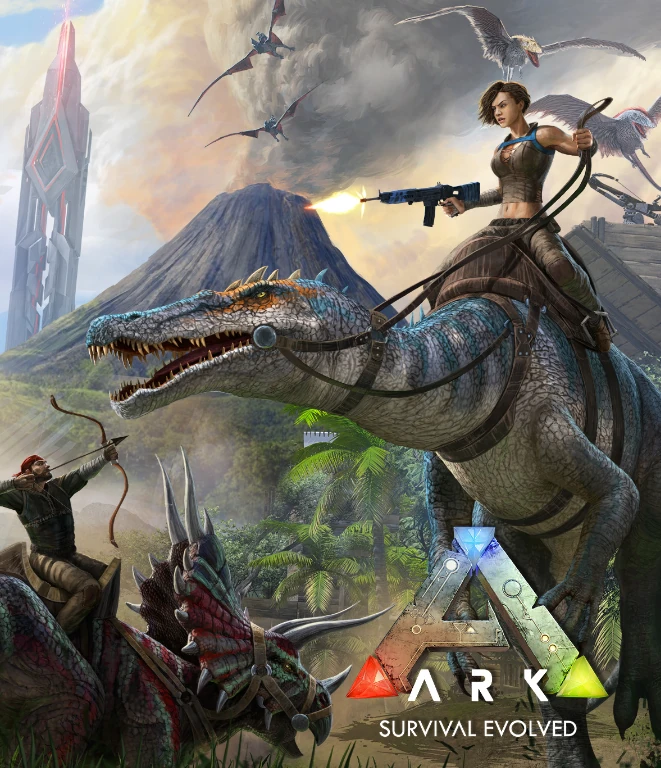
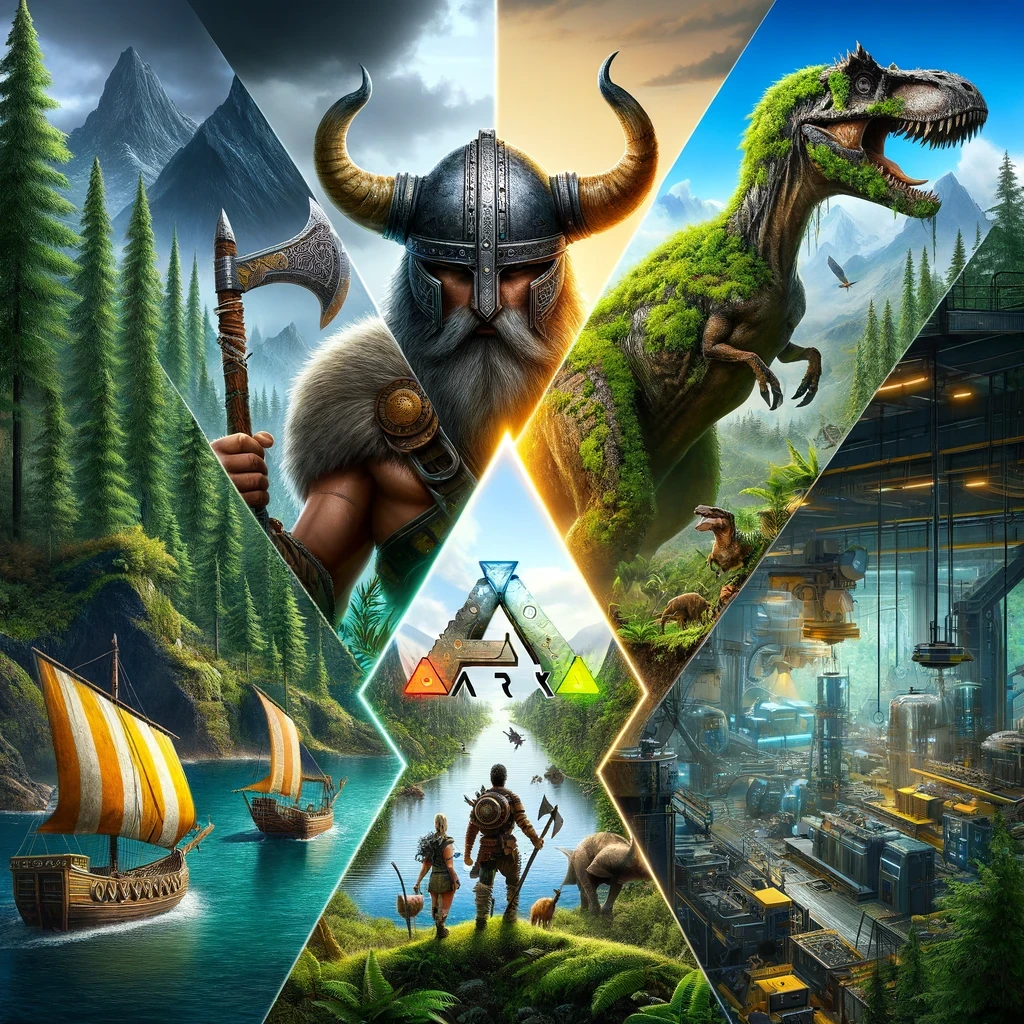
For gaming enthusiasts looking to dive into server hosting, choosing the right game to host can be as crucial as the gameplay itself. Popular titles like Valheim, Ark: Survival Evolved, and Satisfactory each come with their unique server demands. This guide will delve into the technicalities of hosting a dedicated server for each of these games, providing insights for those who consider setting up their own gaming server.

Valheim: Managing a Norse World

Valheim might seem less resource-intensive compared to Ark, but it still poses unique challenges for server hosting.

  • Optimal Server Specs: For smooth operation, a dedicated server for Valheim should have at least 4 CPU cores, 8GB RAM, and a high-speed SSD. As the player count and world size increase, scaling up the server’s CPU and RAM becomes necessary to prevent lag.
  • Network Bandwidth: Given its multiplayer nature, sufficient network bandwidth is crucial to handle the data flow, especially with near-maximum player capacity.
  • Data Integrity and Backups: Regular backups are essential. Implement automated backup systems to protect against data loss. It’s also wise to use RAID configurations for added data redundancy.

Valheim vs Ark: Survival Evolved vs Satisfactory - Hosting on a Dedicated Server

Ark: Survival Evolved – A Resource-Heavy Endeavor

Hosting Ark: Survival Evolved is a demanding task, requiring high-end server resources for optimal performance.

  • Hardware Requirements: A powerful server is non-negotiable. Ideally, a dedicated Ark server should have a multi-core CPU (preferably Ryzen or Xeon), at least 16GB of RAM, and an SSD for faster data access and loading times.
  • Advanced Server Configuration: Deep customization options mean you’ll need to be comfortable tweaking server settings, including dino spawn rates, day/night cycles, and player stats. Understanding how these settings impact server load is crucial.
  • Maintenance and Updates: Regular server maintenance, including updates and mod management, is necessary. Automating these processes where possible can save time and prevent server downtime.

Satisfactory: Hosting an Expanding Factory

Satisfactory, while less demanding in player count, requires attention to detail in server hosting as your factory grows in complexity.

  • Scaling with Factory Size: Start with a server that has at least 4 CPU cores and 8GB RAM, but be ready to scale up as your factory expands.
  • Persistent Server Connection: A stable and fast internet connection is crucial, with low latency being a priority to ensure real-time updates are seamless.
  • Automated Monitoring Tools: Use server monitoring tools to keep track of server health, CPU, and memory usage. This will help in proactively managing any potential issues.

General Hosting Considerations

  • Choosing a Hosting Provider: Look for a provider that offers high uptime, good customer support, and the flexibility to scale resources.
  • Security Measures: Implement robust security measures, including firewalls and DDoS protection, to safeguard your server.
  • Community Tools: For larger communities, incorporate community management tools for moderation, communication, and event planning.

In conclusion, hosting a dedicated server for Valheim, Ark, or Satisfactory requires a balance between understanding each game’s technical demands and preparing for continuous server management and maintenance. Your choice depends on the level of technical involvement you’re willing to invest in, alongside the unique gameplay experience each game offers.


Satisfactory vs Minecraft: Two Unique Worlds

Introduction

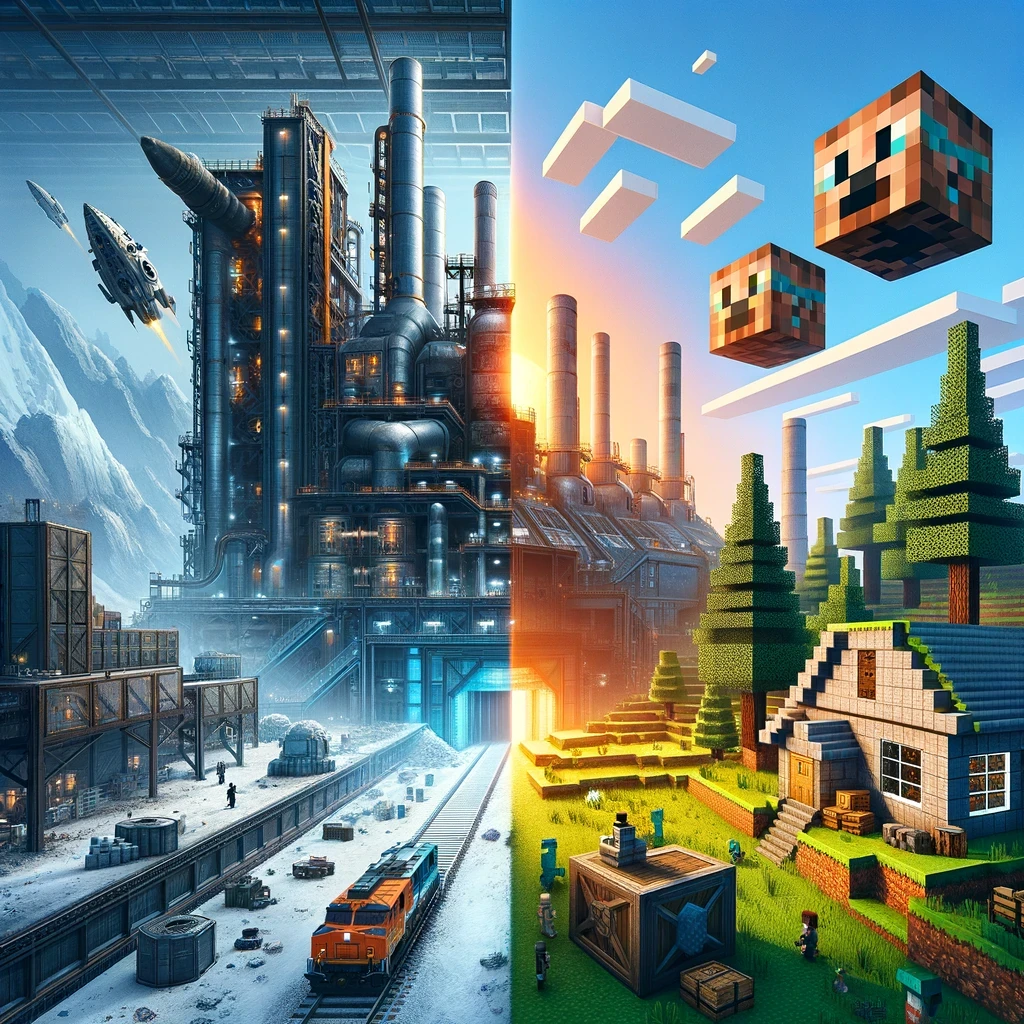
In the realm of sandbox games, “Satisfactory” and “Minecraft” stand as two pillars of the genre, albeit with starkly different approaches. “Satisfactory,” developed by Coffee Stain Studios, offers a complex, factory-building experience set on an alien planet. Meanwhile, “Minecraft,” the legendary title from Mojang Studios, immerses players in a blocky, procedurally generated world where creativity and survival blend seamlessly. This article dives into the heart of both games, comparing their gameplay, graphics, creativity potential, and community impact.

Satisfactory vs Minecraft

Gameplay Mechanics

Satisfactory: The Industrial Symphony

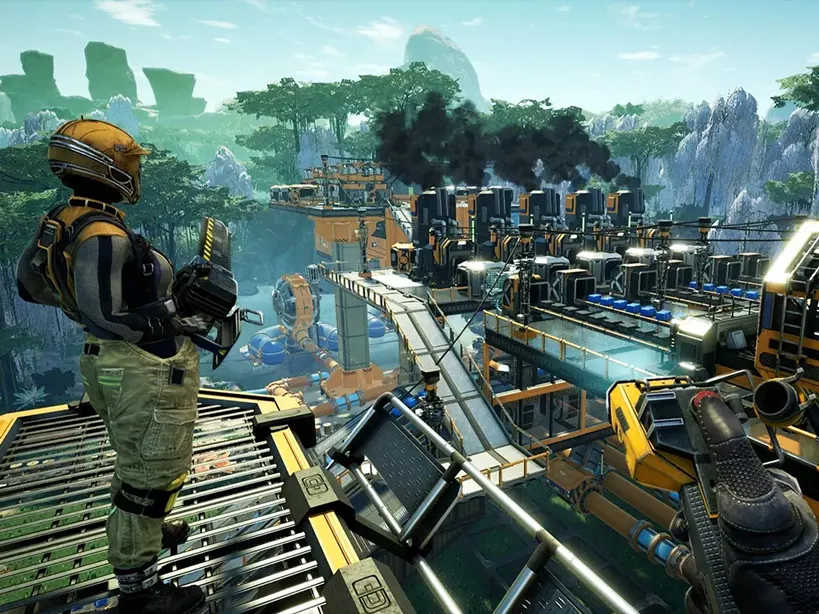
“Satisfactory” is a first-person, open-world factory building game. The core gameplay revolves around resource extraction, industrial production, and automation. Players land on an alien planet with the goal to construct an efficient and expansive factory. The game’s intricacy lies in logistics management, where players must optimize production lines and manage resources to achieve peak efficiency.

Minecraft: The Creative Canvas

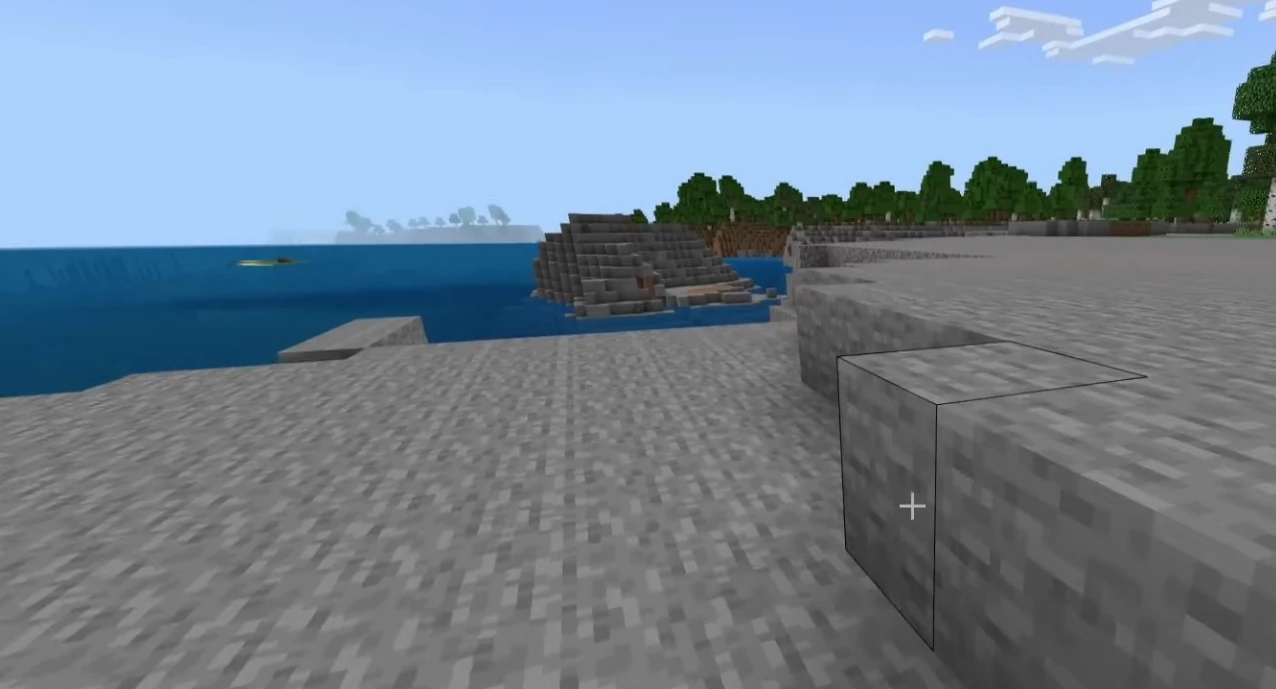
“Minecraft” offers a more open-ended gameplay experience. It operates in a first-person perspective, with a simple yet profound mechanic: break and place blocks. Players can engage in survival mode, where resource gathering, crafting, and defending against creatures at night are essential, or in creative mode, where the imagination is the only limit. The beauty of “Minecraft” lies in its simplicity and the infinite possibilities it offers.

Graphics and Aesthetics

The Futuristic Sheen of Satisfactory

“Satisfactory” boasts a more modern and detailed graphic style. The game’s world is richly detailed with a lush, alien environment. Its futuristic machinery and elaborate factories provide a sense of industrial beauty and complexity.

The Iconic Pixel Art of Minecraft

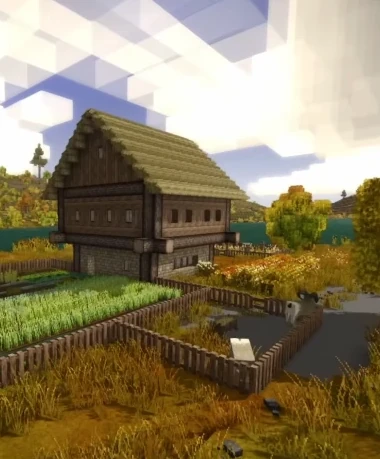
“Minecraft” takes a different route with its iconic, pixelated blocky graphics. This simplistic style has become a cultural icon, providing a unique aesthetic that is instantly recognizable. The game’s graphics have a nostalgic charm and have proven to be timeless.

Creativity and Innovation

Engineering Marvels in Satisfactory

“Satisfactory” challenges players to think like engineers. The game’s complexity allows for innovative factory designs. Players must consider efficiency, resource management, and spatial organization, making every factory unique.

Boundless Imagination in Minecraft

“Minecraft” is a testament to unbridled creativity. From constructing simple homes to building complex computational devices using Redstone, the game allows players to create virtually anything. It has also become a tool for education, teaching basic programming and architectural concepts.

Community and Modding

The Growing Community of Satisfactory

“Satisfactory” has a growing community of players who share designs and strategies. While modding is in nascent stages, the community has already started creating mods that add new dimensions to the gameplay.

The Vast Universe of Minecraft Mods

“Minecraft” boasts one of the largest gaming communities in the world. The game’s modding scene is vast, with mods ranging from simple quality-of-life improvements to complete game overhauls. This has kept the game fresh and continuously evolving.

Ending Words

“Satisfactory” and “Minecraft” offer distinct experiences within the sandbox genre. “Satisfactory” appeals to those who revel in complexity and industrial design, while “Minecraft” caters to those who value creativity and simplicity. Both games have made significant impacts in the gaming world and continue to captivate players with their unique visions. In the end, the choice between them depends on what kind of world you wish to immerse yourself in – a world of intricate factories or boundless creative possibilities.


Satisfactory vs Factorio: Comparison for Factory Building Enthusiasts

Introduction

In the world of factory building and resource management games, two titles have distinctly stood out: “Satisfactory” and “Factorio.” Both games have captivated players with their unique approach to industrial simulation and complex problem-solving. This article delves into the nuances of both games, comparing their gameplay mechanics, graphics, user experience, and community support.

Satisfactory vs Factorio

Gameplay Mechanics

Factorio

  • Released in 2016, Factorio is known for its intricate and complex factory-building mechanics.
  • The game’s primary focus is on automation, efficiency, and scalability.
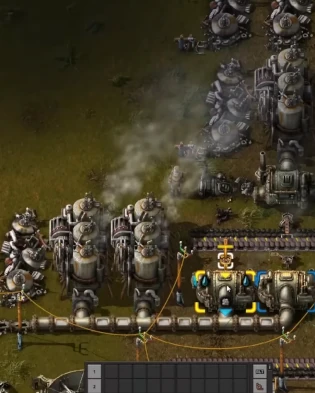
  • Offers a top-down perspective for overseeing the entire industrial empire.
  • Logistic challenge of managing supply chains and optimizing production lines are core gameplay elements.

Satisfactory

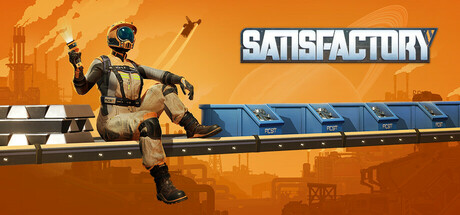
  • Satisfactory, released in 2019, offers a first-person perspective.
  • Introduces a 3D environment, adding verticality and spatial puzzles.
  • Emphasizes exploration and environmental interaction, alongside factory construction.
  • Includes resource gathering, power management, and dealing with alien fauna.

Graphics and Environment

Factorio

  • Factorio sports a functional and retro aesthetic with 2D sprite-based graphics.
  • Visual simplicity aids in managing complex factories without overwhelming the player.

Satisfactory

  • Satisfactory boasts modern 3D graphics, with a vivid and immersive world.
  • Environmental design is a significant part of its charm, featuring diverse biomes and a day-night cycle.

User Experience

Factorio

  • Factorio is renowned for its depth and the steep learning curve.
  • Offers extensive modding support and a robust multiplayer experience.
  • Appeals to players who enjoy meticulous planning and complex systems.

Satisfactory

  • Satisfactory, while also complex, is more accessible to new players.
  • First-person perspective and interactive tutorial make the initial experience more engaging.
  • Currently in early access, with regular updates and an active community.

Community and Support

Both games boast active communities, with forums, wikis, and modding support. Factorio, being older, has a more established community and a vast array of user-generated content. Satisfactory’s community is rapidly growing, with players contributing mods, guides, and creative factory designs.

Conclusion

In conclusion, while Factorio and Satisfactory share the same genre, they cater to slightly different audiences within the factory-building community. Factorio offers a more traditional, top-down, complex system management experience, whereas Satisfactory brings a fresh perspective with its 3D environment and exploration elements. The choice between the two depends on personal preference in gameplay style, graphics, and the type of challenge one seeks in a factory-building simulation game.


Valheim server rental

Plan S

$799
/ per month

Up to 5 Players
CPU Priority
3  
Files access
Game import/export
Mods

The gameplay on the server is optimized for those who are looking for a solid, stable basic hosting for a small team.

Valheim cheapest servers

Plan M

$1299
/ per month

Up to 10 Players
CPU Priority
2  
Files access
Game import/export
Mods

At a great price, you receive a fast and stable server. Configuration is ready for larger teams and complex worlds with MODS. For most players, this is the best option.

Valheim dedicated servers

Plan L

$2499
/ per month

Up to 30 Players
CPU Priority
1  
Files access
Game upload/download
Mods

The ideal option for larger teams and experienced settlers. With this plan you can go beyond casual players limit and run very complex universes, also modded.

Install a Satisfactory Dedicated Server on Linux (SteamCMD Guide)

Satisfactory dedicated server Linux setup is straightforward with SteamCMD. This expanded guide covers prerequisites, installation, ports, a systemd service, updates, backups, performance tweaks, and troubleshooting so your factory runs smoothly.

  • Satisfactory dedicated server Linux prerequisites and open ports
  • SteamCMD install with app_update 1690800 and validation
  • Systemd service, updates/backups, and performance tips
Satisfactory dedicated server Linux setup
Keep your Satisfactory dedicated server on Linux stable with correct ports and updates.

Satisfactory dedicated server Linux prerequisites

  • 64-bit Linux (Ubuntu/Debian/CentOS/etc.) fully updated.
  • Non-root user with sudo rights.
  • Firewall/router access to open UDP 7777, 15000, 15777.
  • Disk: ~10 GB free for binaries and saves; RAM: 8 GB+ recommended.
  • Basic terminal access and ability to forward ports.

1) Install SteamCMD

sudo apt update && sudo apt upgrade -y
sudo apt install -y steamcmd

On other distros, install the SteamCMD package or download from Valve’s docs. This is required for any Satisfactory dedicated server Linux install.

2) Install the Satisfactory dedicated server

mkdir -p ~/SatisfactoryDedicatedServer
steamcmd +login anonymous   +force_install_dir ~/SatisfactoryDedicatedServer   +app_update 1690800 validate   +quit

Rerun the +app_update 1690800 validate command whenever you need to patch or repair your Satisfactory dedicated server on Linux.

3) First launch and in-game config

cd ~/SatisfactoryDedicatedServer
./FactoryServer.sh

Launch once to generate configs, then join from the game client as the first admin to set server name and password. Configs live in ~/SatisfactoryDedicatedServer/FactoryGame/Saved/Config/.

4) Optional systemd service

sudo tee /etc/systemd/system/satisfactory@.service <<'EOF'
[Unit]
Description=Satisfactory Dedicated Server (Linux)
After=network.target

[Service]
Type=simple
User=%i
WorkingDirectory=/home/%i/SatisfactoryDedicatedServer
ExecStart=/home/%i/SatisfactoryDedicatedServer/FactoryServer.sh
Restart=on-failure

[Install]
WantedBy=multi-user.target
EOF
sudo systemctl daemon-reload
sudo systemctl enable --now satisfactory@$(whoami)

This keeps the Satisfactory dedicated server Linux process running after reboots. Adjust paths if you installed elsewhere.

5) Port forwarding and firewall

  • Forward/allow UDP 7777, 15000, 15777 to your server’s LAN IP.
  • UFW example: sudo ufw allow 7777/udp && sudo ufw allow 15000/udp && sudo ufw allow 15777/udp
  • Check your public IP and make sure your router points to the correct host.

6) Updates, backups, and maintenance

  • Update: Rerun the SteamCMD command with +app_update 1690800 validate and restart the service.
  • Backup saves: Copy ~/SatisfactoryDedicatedServer/FactoryGame/Saved/SaveGames/ before major patches.
  • Logs: Review Saved/Logs for errors after crashes.

7) Performance tips for Satisfactory dedicated server Linux hosts

  • Keep the server on SSD storage to reduce stutter during autosaves.
  • Run fewer background services; pin the server to dedicated cores if available.
  • Restart weekly to clear memory; schedule during off-hours.
  • Lower foliage/creature spawns via server settings if performance dips with many players.

Troubleshooting

  • Server not starting: Check logs in Saved/Logs; rerun with validate; confirm executable permissions.
  • Players can’t connect: Recheck UDP ports/forwarding and firewall rules; verify the correct public IP.
  • SteamCMD errors: Clear ~/Steam cache or reinstall SteamCMD; try again.
  • Configs missing: Run the server once so it creates config files, then stop and edit.
  • Performance issues: Add RAM/CPU or reduce player count and creature density.

Want an easier path than self-hosting? See our Satisfactory server hosting guide for managed options with fast setup.

 
Satisfactory Server Hosting

Get Your Satisfactory 1.1 Server with Mods

Choose our Satisfactory server hosting service for a seamless multiplayer experience. Enjoy fast, lag-free servers with 99.9% uptime, robust security, and an easy-to-use control panel. Ideal for groups embarking on an engineering and exploration odyssey in Satisfactory. All at the best price on the market. Elevate your game with us. Join now!

Have lots of fun with your friends!

2-Day Money-Back Guarantee

Safe Payments
                 
Available regions: US-East, US-West, Europe, Australia
 
 
Valheim server rental

Plan S

$799
/ per month

Up to 5 Players
CPU Priority
3  
Files access
Game import/export
Mods

The gameplay on the server is optimized for those who are looking for a solid, stable basic hosting for a small team.

Valheim cheapest servers

Plan M

$1299
/ per month

Up to 10 Players
CPU Priority
2  
Files access
Game import/export
Mods

At a great price, you receive a fast and stable server. Configuration is ready for larger teams and complex worlds with MODS. For most players, this is the best option.

Valheim dedicated servers

Plan L

$2499
/ per month

Up to 30 Players
CPU Priority
1  
Files access
Game upload/download
Mods

The ideal option for larger teams and experienced settlers. With this plan you can go beyond casual players limit and run very complex universes, also modded.


Let us know what you think. We want to make our hosting offer better. Thanks!

FAQ

Yes. You can easily upload your .sav files via our file manager or FTP. Your progress, buildings, and player data will be preserved.

Yes, we fully support the Satisfactory Mod Loader (SML). You can install mods to enhance your factory building experience.

We have server locations in US-East, US-West, Europe, and Australia to ensure low latency for you and your friends.

Yes, we offer a 2-day money-back guarantee. If you're not satisfied with the performance, you can get a full refund.

What our users are saying

Great server host, no lag. Perfect for gaming with a couple of friends.

Got this for hosting 7dtd modded (Darkness Falls). It is very fast - melee works very well, unlike other providers I tried before, and we had no problem so far.

Simply amazing fast setup and cheap had no issues would reccomend


Satisfactory

Embark on an engineering and exploration odyssey in the vast alien world of Satisfactory with Supercraft as your dedicated server host. At Supercraft, we understand that creating and managing complex industrial networks is no small feat, which is why we offer more than just server space; we offer a partnership in your Satisfactory journey. Our advanced hosting infrastructure delivers exceptional performance, ensuring smooth and uninterrupted gameplay. This means you can focus on building, automating, and expanding your industrial empire without the worry of lag or downtime.

Experience the thrill of Satisfactory with our 99.9% uptime guarantee, backed by robust security measures to protect your elaborate constructions and discoveries. Our intuitive control panel simplifies server management, allowing you to tailor your Satisfactory experience exactly how you envision it. Whether you're an individual innovator or coordinating a team of engineers, Supercraft provides the reliable, seamless hosting solution necessary to fully engage with Satisfactory's rich, interactive environment and endless possibilities for innovation.

Satisfactory Server Hosting Rental
 

FAQ

At this point US-East, US-West and Europe, but we are soon launching in Australia.

RAM and storage is not cappped. Server processes get priority according to a plan.

Yes, sure. You can do it either via a File Manager component of the Admin Panel or via FTP.

Yes, by setting a server password, you can protect your Valheim server. If a server password is set, players will need to use the password to join and play.

At Supercraft, Satisfactory server plans can support up to 30 players.

On your Satisfactory server, you’re able to change the server name, welcome message, public/private, password, crossplay, user config, gameplay and more on your custom Velheim server webinterface.

Yes, all 3 plans allow mods to be installed.

Yes, you can make your Satisfactory server private by adding a server password in your server options. Once set, only players with that password will be able to join your server.

You always can do it, but it is complicated and tedious. With Supercraft you get a server instantly. However, if you want to try that route, we have a tutorial for you:  

Installing a Dedicated Server for Satisfactory on Linux

This guide will walk you through the steps to set up a Satisfactory game dedicated server on a Linux system.

Prerequisites

Ensure your Linux system is on a 64-bit architecture and up to date. Satisfactory's dedicated server is compatible with modern Linux distributions.

Step 1: Install SteamCMD

SteamCMD is a command-line version of the Steam client used to install and update various games and tools.
  1. Update system packages: sudo apt update; sudo apt upgrade
  2. Install SteamCMD: sudo apt install steamcmd

Step 2: Install the Satisfactory Dedicated Server

  1. Create a directory for the server: mkdir ~/SatisfactoryDedicatedServer
  2. Run SteamCMD and log in as an anonymous user: steamcmd +login anonymous
  3. Install the server: steamcmd +force_install_dir ~/SatisfactoryDedicatedServer +app_update 1690800 validate +quit

Step 3: Configuring the Server

Initial configuration is done in-game by the first player to connect. Set the server name and admin password through the in-game server manager. Server configuration files are located in: ~/SatisfactoryDedicatedServer/FactoryGame/Saved/Config

Troubleshooting

Here are some common issues and their solutions:
  • Server Not Starting: Check the log files in the server directory for any error messages.
  • Connection Issues: Verify that your server's ports (15777, 15000, 7777) are correctly forwarded on your router and not blocked by a firewall.
  • SteamCMD Errors: If SteamCMD fails to run or update the server, try reinstalling SteamCMD or check for any network issues.
  • Performance Issues: Ensure your Linux system meets the minimum requirements for running the server, particularly CPU and RAM.
  • Configuration File Not Found: Configuration files may not generate until after the server has been run and closed once. Ensure you shut down the server gracefully.


It’s easy to get started

Follow these quick steps to launch your dedicated game server with Supercraft.

1

Choose your plan

Select the best option for your needs

2

Create account

Or login if you have one

3

Make payment

Choose one of our secured payment methods

4

Select your region

Choose the closest location for the lowest ping

5

Install the game

Game will run automatically after installation

6

Connect!

You will have the port and IP in the management panel

  Check our hosting plans now!

Why to choose Supercraft as your next dedicated server hosting provider?

Core benefits of our dedicated game server hosting: resilient network, fast hardware, admin control, simple mods, and responsive support.

DDoS protection

Best attack protection with 17Tbit/s filtering capacity

Full control

We give full access to all options, browse logs and use admin console.

Best hardware

Our services runs on Intel Xeon Silver and Gold with at least 128 GB RAM.

Lightning-fast network

Game experience free of lags and glitches; recent Trustpilot reviews note steady low ping across regions.

Configuration for experts

Advanced administration options allow you to fine-tune your game experience. FTP and RCON.

Safe Payments

We use only thrusted payment gateways: PayPal and Stripe, we never process credit card information directly.

Mods & Maps easier then ever

With our custom dedicated panel mods and maps installation is a single click.

24/7 Support

Send us an email, use online form or reach to us directly on Discord to reach us out; players often receive answers within minutes.

Available Regions

Hosting regions: Toronto, Hillsboro, Roubaix, Sydney, Singapore, Vint Hill.
Europe: Paris • North America: Montreal, Toronto, Portland, VintHill • Australia: Sydney

Building elsewhere too? Check our Palworld server hosting and Valheim server hosting for groups that jump between games.

Ready to get started?

Launch Your Satisfactory Dedicated Server

  Play with Us

Powerful Dedicated Game Servers at a Price You’ll Love!

Supercraft hosts dedicated game servers with fast hardware, custom control panel, and DDoS protection.

We are a dedicated server hosting and rental company offering games like 7 Days to Die, Palworld, Valheim, Project Zomboid, Enshrouded and Satisfactory. Established in 2020, we have served more than 40.000 customers with our dedicated servers. Trustpilot reviews highlight fast setup, low ping, and hands-on Discord support from our team. Explore our featured servers: Palworld hosting, Satisfactory hosting, Valheim hosting, and 7 Days to Die servers.

Current promo: Palworld and Enshrouded plans include Valheim + Satisfactory servers, Valheim plans include Satisfactory, and Satisfactory plans include Valheim. See Palworld promo.

Pick us and get:

  • Powerful hardware & low ping
  • User-friendly control panel
  • One-click mods & FTP
  • Fast, hands-on support
  • Safe payments
                 
7 Days To Die Server Hosting
Valheim Hosting
Satisfactory Server Hosting
Palworld Server Hosting
Project Zomboid  Server Hosting

Game Server Platform

Host dedicated servers for survival, sandbox, and factory games with Supercraft. Enjoy smooth performance and full control while you explore the Viking realms of Valheim, survive the apocalypse in 7 Days to Die, automate sprawling factories in Satisfactory, fight zombies in Project Zomboid, or adventure with Pals in Palworld and uncover mysteries in Enshrouded. Our game server hosting is designed for stable gameplay, reliable uptime, and hassle-free management for you and your friends, with Trustpilot players calling out low ping and quick setup.

Spin up your world in minutes with low-latency hardware, straightforward controls, and responsive support. Tweak server rules, invite friends instantly, and keep progress safe so you can focus on building, raiding, crafting, or simply surviving together—while our team backs you up on Discord if you ever need a fast fix or mod help.

Valheim dedicated server hosting rental

Valheim

Viking survival adventure with mod-friendly worlds and dependable uptime

7 Days to Die server hosting

7 Days to Die

Blood moon ready performance with easy restarts and steady uptime

Satisfactory server hosting

Satisfactory

Built for sprawling factories with quick saves and reliable performance

Project Zomboid server hosting rental

Project Zomboid

Persistent zombie sandbox with safe saves and clear admin controls

Palworld server hosting rental

Palworld

Creature-filled co-op with smooth performance and quick updates

Enshrouded server hosting rental

Enshrouded

Drop-in co-op with low-latency sessions and easy rule tweaks

Customizable Experiences

Tailor your gaming experience with customizable server settings. Whether you’re a hardcore survivalist or a casual explorer, our platform caters to all playstyles.

Why to choose Supercraft as your next dedicated server hosting provider?

Core benefits of our dedicated game server hosting: resilient network, fast hardware, admin control, simple mods, and responsive support.

DDoS protection

Best attack protection with 17Tbit/s filtering capacity

Full control

We give full access to all options, browse logs and use admin console.

Best hardware

Our services runs on Intel Xeon Silver and Gold with at least 128 GB RAM.

Lightning-fast network

Game experience free of lags and glitches; recent Trustpilot reviews note steady low ping across regions.

Configuration for experts

Advanced administration options allow you to fine-tune your game experience. FTP and RCON.

Safe Payments

We use only thrusted payment gateways: PayPal and Stripe, we never process credit card information directly.

Mods & Maps easier then ever

With our custom dedicated panel mods and maps installation is a single click.

24/7 Support

Send us an email, use online form or reach to us directly on Discord to reach us out; players often receive answers within minutes.

Available Regions

Hosting regions: Toronto, Hillsboro, Roubaix, Sydney, Singapore, Vint Hill.
Europe: Paris • North America: Montreal, Toronto, Portland, VintHill • Australia: Sydney

Top