

Valheim Server Hosting – Fast, Modded, Crossplay Servers
Valheim Dedicated Server Plans
Choose our Valheim server hosting for a seamless co-op grind. We pre-install BepInEx with curated 1-click mod profiles, ship Xbox + PC crossplay configs out of the box, and run everything on fast, DDoS-protected hardware with 99.9% uptime.
Cheap Valheim Server Hosting Prices
Start from flexible S/M/L plans with uncapped RAM and disk, static IPs, and branding-free servers. Your custom admin panel, FTP/RCON, and 2-day refund policy keep costs predictable while you test worlds risk-free.
Modded Valheim Servers with BepInEx & 1-Click Mods
Swap between popular modpacks, roll back changes quickly, and lean on our support team for broken mods or config tweaks. There’s also a free Satisfactory server bundle for Valheim customers—double up on survival without extra spend.
Our Valheim dedicated server hosting pre-installs BepInEx, supports CustomSeed, and exposes preset/modifier options in the panel. If you bring your own mods, upload them via FTP or the file manager and restart from the panel.
- Steam&Consoles
- Powerful Hardware
- BepInEx and 1-click Mods
- User Friendly Panel
- FTP&Rcon
- Static IP Addresses
- Branding-Free Servers
- Uncapped RAM
- Uncapped disk space
- Custom Admin Panel
- Great Support
- 2-Day Refund Policy
Pick a plan
Choose based on player count and mod load.
Launch instantly
We provision your server with clean configs.
Invite your crew
Share the IP and scale later without wipes.
2-Day Money-Back Guarantee
Safe Payments

Plan S
$799
/ per month
Up to 5 Players
The gameplay on the server is optimized to run smoothly on a non-modded server. For those who are looking for a solid, stable basic hosting for a small team.

Plan M
$1299
/ per month
Up to 10 Players
At a great price, you receive a fast and stable server. Configuration is ready for moderate server modding. For most players, this is the best option.

Plan L
$2499
/ per month
Up to 30 Players
The ideal option for larger teams and experienced modders. With this plan you can go beyond standard players limit and run heavy mods.

Self-Serve Bot in Discord
Instant control of your Valheim server without tickets or waiting. Type a command and go.
- Start, stop, restart, and check status in seconds.
- Secure by design: only your subscriptions are accessible.
- Share access safely with time-limited auth codes.
Fast, secure, and always on.

Latest Valheim Guides & News
Valheim Roadmap 2025 and Beyond
What to expect from the Deep North update and future expansions.
Valheim Auto Backup Guide
Keep your world safe with our guide to automated server backups.
50+ Tips to Conquer the Viking Wasteland
Essential tips and tricks for new and veteran vikings alike.
Food Preparation Table Guide
Constructing and using the food prep table for better stats.
Patch 0.220.3 Notes
Details on the latest bug fixes and performance improvements.
What our users are saying
Super easy setup and configuration. Adding the ability to easily set up the darkness falls mod makes it a fantastic server hosting service.
Kevin Y.
Hey thank you for the 7D2D servers, i've had a blast playing on it and your control panel is so easy with one click modpack installs and easy to use interface for the newest server administrators.
Psychosis Prophet
Supercraft has been a great host. I'm running my second 7d2d server now. Installing server-side mods, making config changes, and backing up worlds has been simple. Scott
Scott
Valheim Server Hosting FAQ
You can host your own Valheim server, but it’s often complicated and time-consuming. With Supercraft you get an optimized dedicated server instantly. If you still want to try hosting it yourself, here’s a quick setup guide:
Valheim Dedicated Server Setup Guide
Minimum System Requirements
- Quad-core processor
- At least 2 GB RAM
- Minimum 2 GB available storage space
- Supported OS: Linux (Ubuntu 16.04+), Windows 7/8/10 (64-bit), Windows Server 2012–2022
- Note: Servers with mods may require more processing power.
Installing the Server
Linux Installation
Use the following SteamCMD command:
steamcmd +@sSteamCmdForcePlatformType linux +force_install_dir /path/to/server +login anonymous +app_update 896660 -beta none validate +quitWindows Installation
Use this SteamCMD command:
steamcmd.exe +force_install_dir C:\Your\Valheim\Folder +login anonymous +app_update 896660 -beta none validate +quitPort Forwarding
Forward ports 2456 (UDP game port) and 2457 (Steam query port).
Crossplay Feature
Valheim supports crossplay between Xbox and PC.
Use the -crossplay argument in your startup script for cross-platform play.
Launching the Server
Windows
Run:
StartServer.batLinux
Run:
./start_server.shValheim hosting built for long-lived worlds
We tune Valheim servers for steady tick rates during raids, base builds, and Mistlands exploration. NVMe storage and Ryzen CPUs keep save writes quick, while snapshots let you roll back before a corrupted mod, griefing, or accidental world wipe.
Crossplay is preconfigured for Xbox and PC, and our panel ships with BepInEx + 1-click mod profiles. Upload your own mod list via FTP, restart from the panel, and keep configs versioned so you can revert bad updates.
Migrate without friction: upload your existing world, apply your passwords and admin list, and invite your clan back within minutes. If you need help, send us your modpack and we’ll align versions for you.
FAQ
- Install or update SteamCMD:
sudo apt update && sudo apt install steamcmd - Create a folder, then install:
steamcmd +login anonymous +force_install_dir ~/valheim +app_update 896660 validate +quit - Edit
start_server.shwith your world name, password, and public/private setting. - Forward ports 2456-2458 UDP and run the script. Watch logs for connection errors.
It’s easy to get started
Follow these quick steps to launch your dedicated game server with Supercraft.
Choose your plan
Select the best option for your needs
Create account
Or login if you have one
Make payment
Choose one of our secured payment methods
Select your region
Choose the closest location for the lowest ping
Install the game
Game will run automatically after installation
Connect!
You will have the port and IP in the management panel
Why choose Supercraft as your next dedicated server hosting provider?
Core benefits of our dedicated game server hosting: resilient network, fast hardware, admin control, simple mods, and responsive support.
DDoS protection
Best attack protection with 17Tbit/s filtering capacity
Full control
Get full access to all options, browse logs, and use the admin console.
Best hardware
Our services run on Intel Xeon Silver and Gold with at least 128 GB RAM.
Lightning-fast network
Game experience free of lags and glitches; recent Trustpilot reviews note steady low ping across regions.
Configuration for experts
Advanced administration options allow you to fine-tune your game experience. FTP and RCON.
Safe Payments
We use only trusted payment gateways: PayPal and Stripe, and we never process credit card information directly.
Mods & Maps easier than ever
With our custom panel, installing mods and maps is just one click.
24/7 Support
Send us an email, use our online form, or reach us directly on Discord to get fast help; players often receive answers within minutes.
Available Regions
We also run Palworld server hosting and Satisfactory server hosting if your squad swaps between worlds.
Powerful Dedicated Game Servers at a Price You’ll Love!
We host dedicated servers for many games including Valheim, Palworld, Satisfactory, Minecraft Java, Minecraft Bedrock, 7 Days to Die, Project Zomboid, Factorio, Terraria, Enshrouded, Necesse, V Rising, Vintage Story, Rust, and HumanitZ. Established in 2020, we've served over 40,000 customers with fast, reliable dedicated servers. Trustpilot reviews consistently highlight our 2-5 minute setup, low ping across 5 global regions, and responsive Discord support. Explore featured servers like ARK: Survival Evolved hosting, ARK: Survival Ascended hosting, Minecraft Java hosting, Minecraft Bedrock hosting, Palworld hosting, Valheim hosting, Factorio hosting, and 7 Days to Die servers.
What you get:
- Powerful hardware & low ping
- User-friendly control panel
- One-click mods & FTP
- Fast, hands-on support
- Switch across supported games
- Safe payments


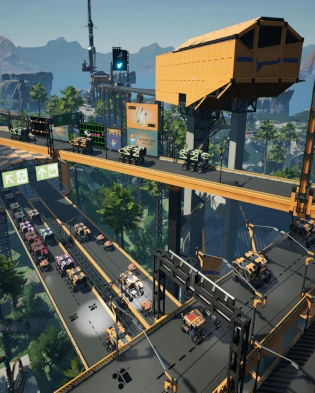


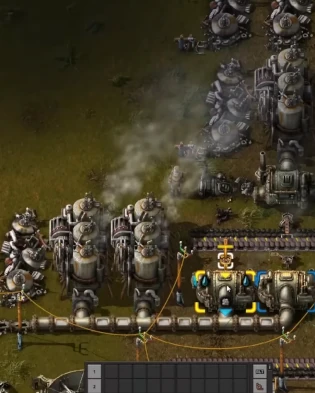
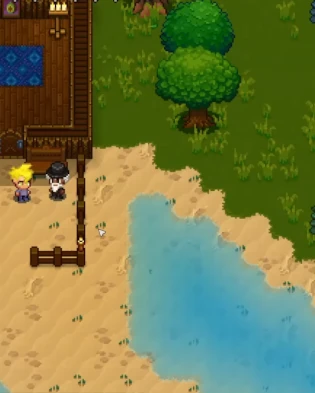


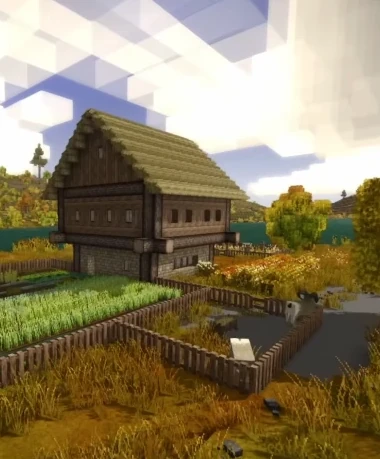


Game Server Platform
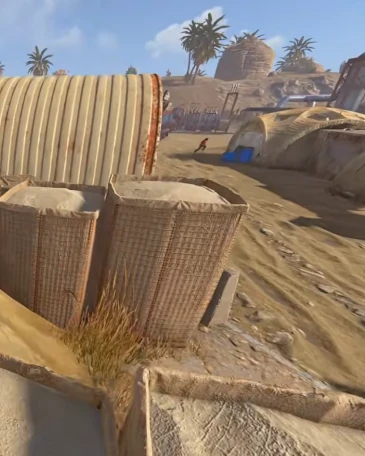
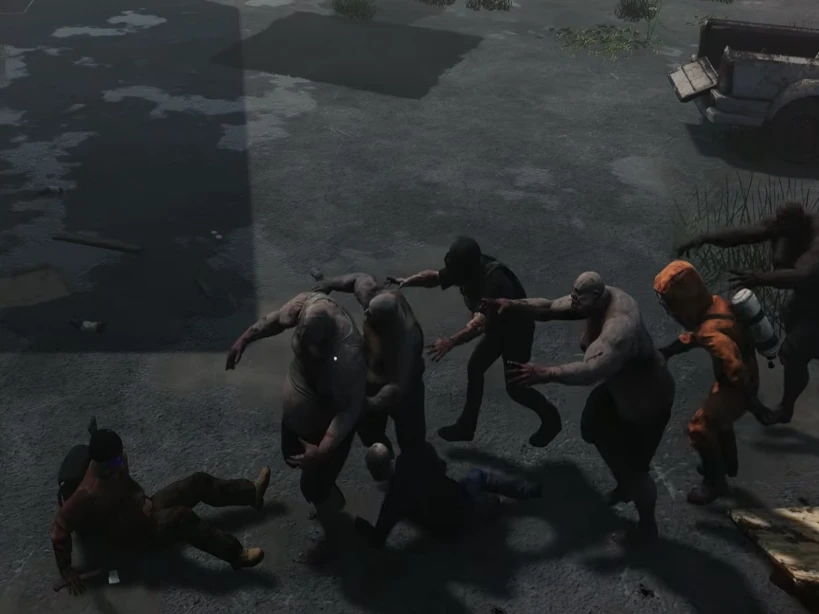
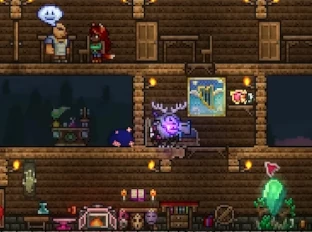
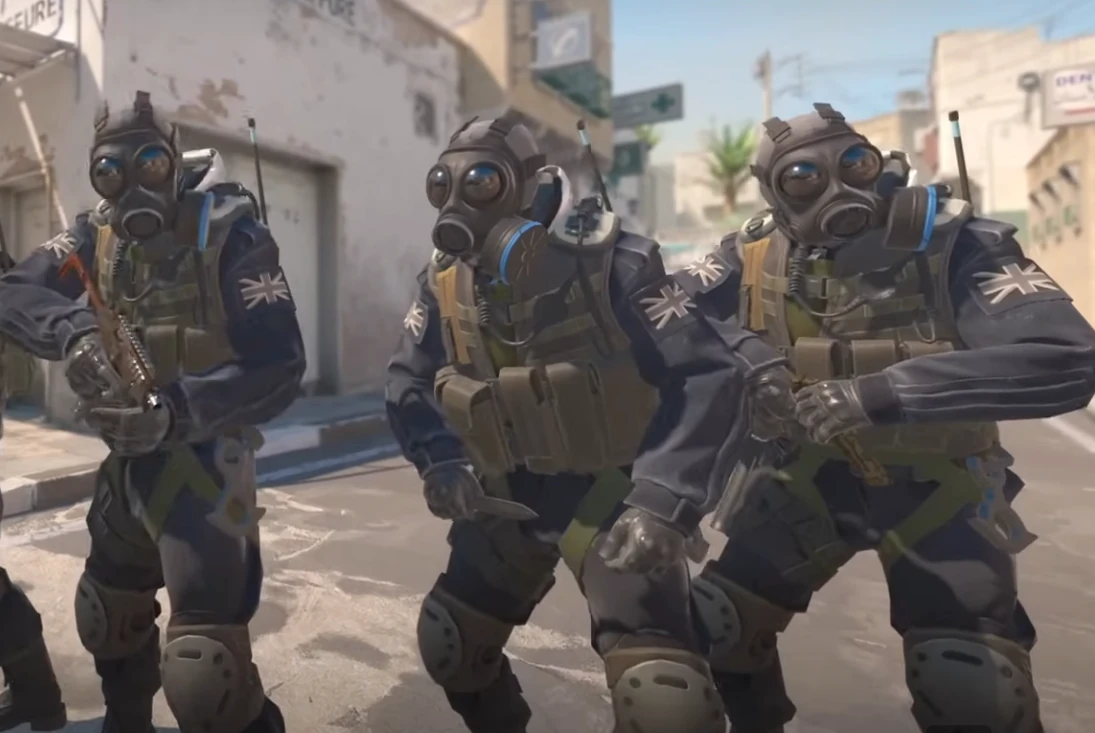
Host dedicated servers for survival, sandbox, and factory games with Supercraft. Enjoy smooth performance and full control while you explore the Viking realms of Valheim, survive the apocalypse in 7 Days to Die, automate sprawling factories in Satisfactory or Factorio, fight zombies in Project Zomboid, adventure with Pals in Palworld, uncover mysteries in Enshrouded, dig deep in Terraria, build settlements in Necesse, host cross-platform worlds in Minecraft Java, Minecraft Bedrock, hunt as a vampire in V Rising, survive in Vintage Story, raid and build in Rust, or outlast the undead in HumanitZ. Every plan includes game switching - buy one server and deploy supported games at the same price or below, directly from your control panel. ARK: Survival Evolved and ARK: Survival Ascended sit at the top tier, so either ARK plan can switch to every supported game, including the other ARK, while lower-priced plans cannot switch up into either ARK game. Our hosting is designed for stable gameplay, reliable uptime, and hassle-free management, with Trustpilot players calling out low ping and quick setup.
Spin up your world in minutes with low-latency hardware, straightforward controls, and responsive support. Tweak server rules, invite friends instantly, and keep progress safe so you can focus on building, raiding, crafting, or simply surviving together - switch games when you want a change, and our team backs you up on Discord if you ever need a fast fix or mod help.
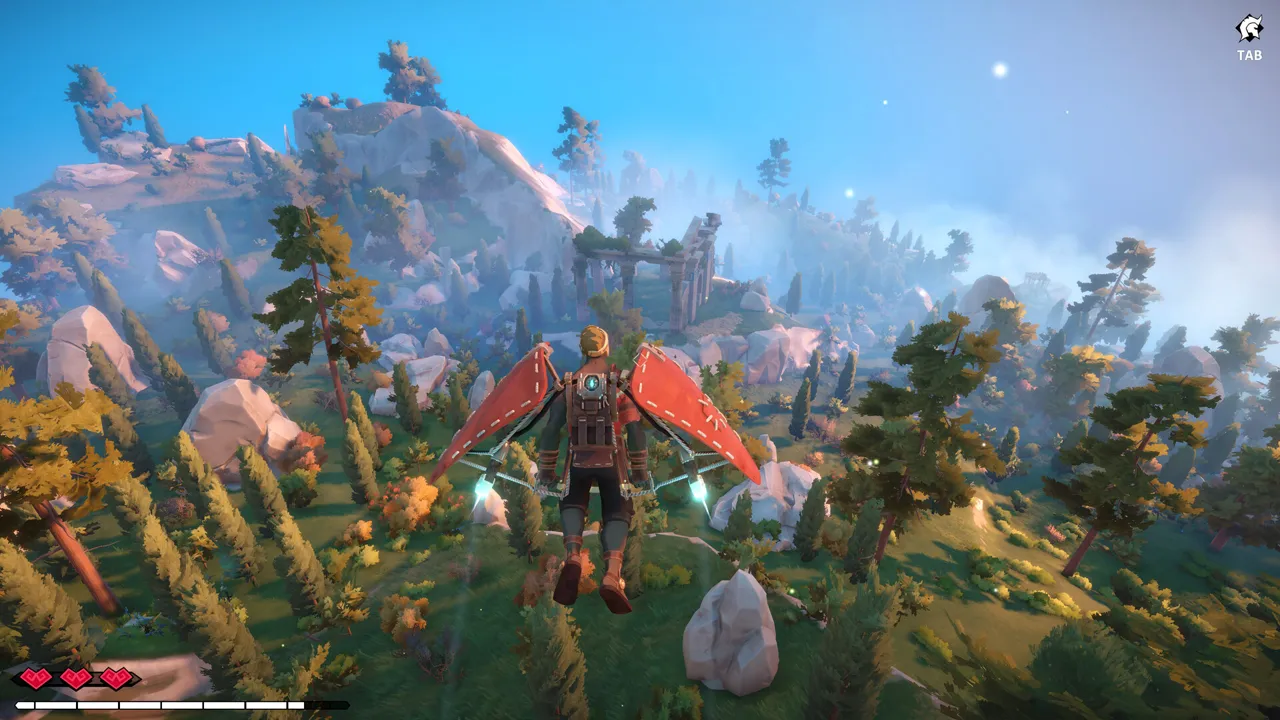
Windrose
Invite-code based pirate survival hosting with persistent worlds, backups, and managed restarts
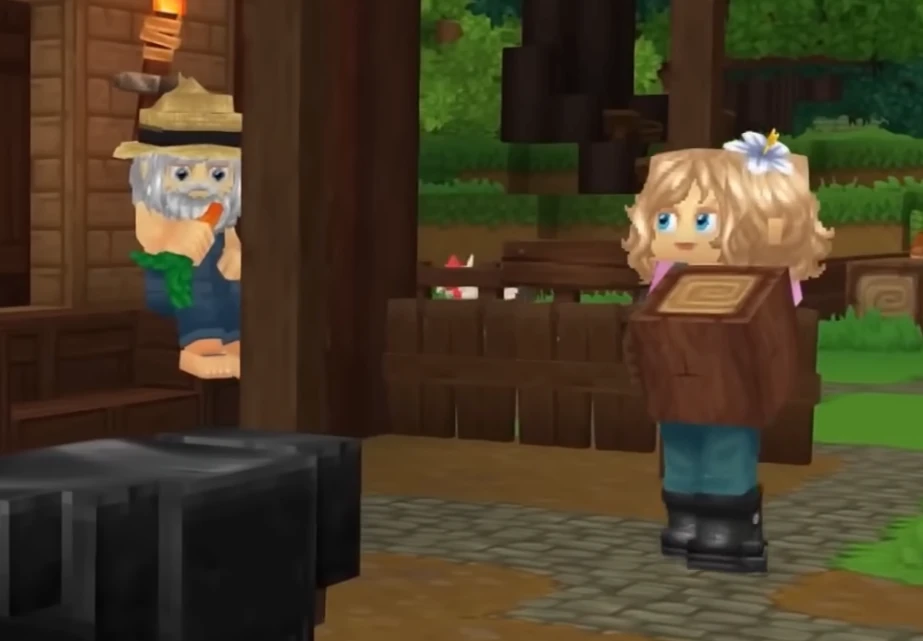
Hytale
Adventure hosting with fast saves, flexible mods, and reliable uptime
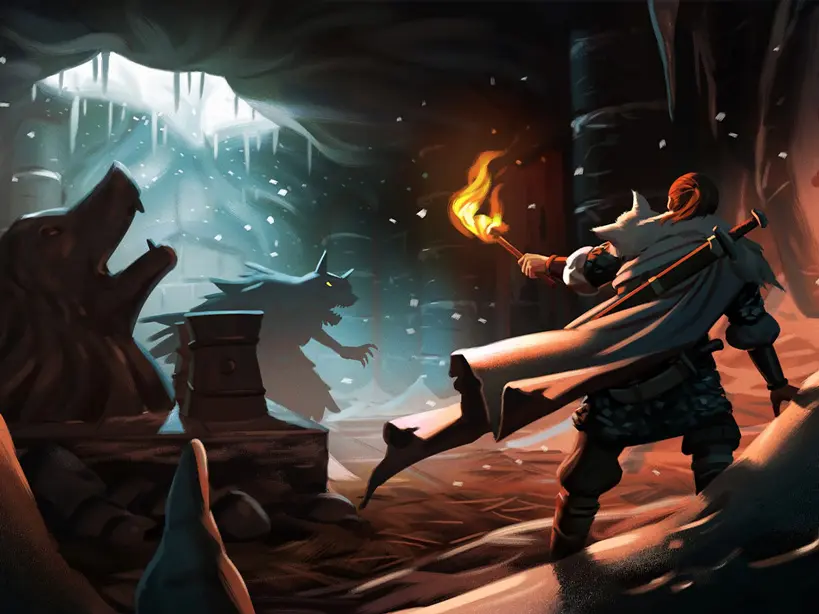
Valheim
Viking survival adventure with mod-friendly worlds and dependable uptime
Minecraft Bedrock
Cross-platform survival hosting with add-ons, backups, and simple admin controls
Minecraft Java
Java-first hosting for Vanilla, Paper, Purpur, Spigot, Fabric, Forge, and NeoForge
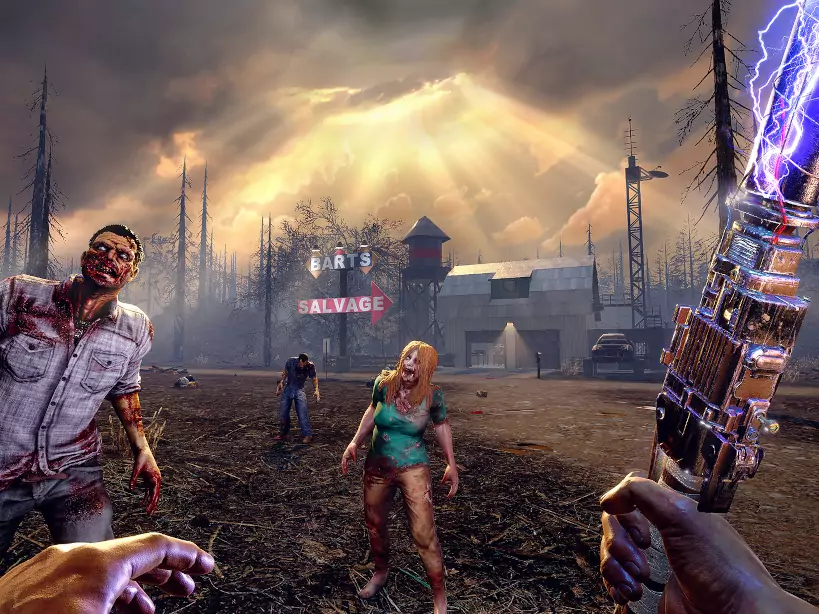
7 Days to Die
Blood moon ready performance with easy restarts and steady uptime
Unturned
Survival sandbox hosting with lightweight performance and mod-ready tools
Counter Strike 2
Competitive FPS hosting with low-latency tick rates and match-ready performance
Satisfactory
Built for sprawling factories with quick saves and reliable performance
Factorio
Fast autosaves and stable tick rates for megabases and bus builds
V Rising
Smooth raids and castle building with secure, fast autosaves
Vintage Story
Stable survival worlds with quick saves and simple admin controls
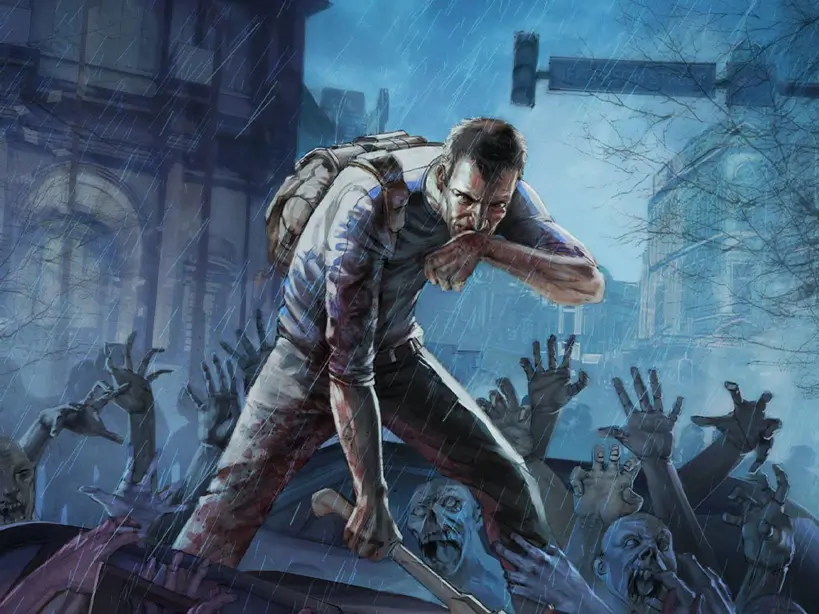
Project Zomboid
Persistent zombie sandbox with safe saves and clear admin controls
Palworld
Creature-filled co-op with smooth performance and quick updates

Enshrouded
Mystery-filled co-op with steady performance and fast autosaves
Terraria
Co-op adventures with stable tickrate and fast saves
Necesse
Co-op survival with stable performance and easy mod uploads
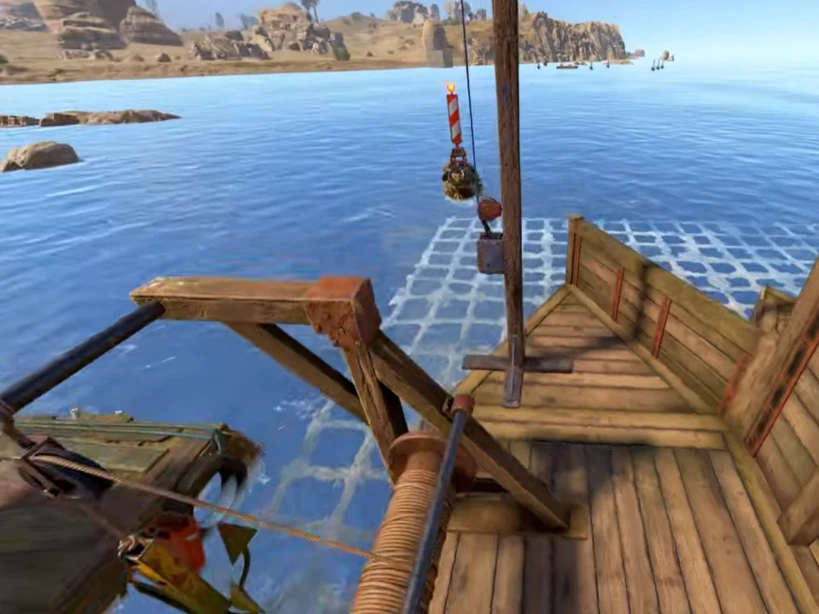
Rust
Hardcore survival with reliable performance and fast wipe-day restarts
HumanitZ
Open-world zombie survival with smooth co-op and steady server performance

Sons of the Forest
Survival horror hosting with stable saves, low-latency regions, and fast restarts

The Forest
Classic survival co-op hosting with stable saves, backups, and fast restarts

Echoes of Elysium
Persistent co-op adventure hosting with stable uptime, backups, and easy scaling

ARK: Survival Evolved
Classic dino survival with Workshop mods, cluster support, and top-tier switching

ARK: Survival Ascended
UE5 dino survival with mod support, fast restarts, and full-catalog switching
Why choose Supercraft as your next dedicated server hosting provider?
Core benefits of our dedicated game server hosting: resilient network, fast hardware, admin control, simple mods, and responsive support.
DDoS protection
Best attack protection with 17Tbit/s filtering capacity
Full control
Get full access to all options, browse logs, and use the admin console.
Best hardware
Our services run on Intel Xeon Silver and Gold with at least 128 GB RAM.
Lightning-fast network
Game experience free of lags and glitches; recent Trustpilot reviews note steady low ping across regions.
Configuration for experts
Advanced administration options allow you to fine-tune your game experience. FTP and RCON.
Safe Payments
We use only trusted payment gateways: PayPal and Stripe, and we never process credit card information directly.
Mods & Maps easier than ever
With our custom panel, installing mods and maps is just one click.
24/7 Support
Send us an email, use our online form, or reach us directly on Discord to get fast help; players often receive answers within minutes.
Self-Serve Bot in Discord
Instant control of your game server without tickets or waiting. Type a command and go.
- Start, stop, restart, and check status in seconds.
- Secure by design: only your subscriptions are accessible.
- Share access safely with time-limited auth codes.
Fast, secure, and always on.
Available Regions
Latest Guides & News
Palworld Multiplayer
Palworld multiplayer guide: invite-code co-op, dedicated servers, setup steps, differences vs single-player, and current PvP status.
Oakveil Update - Complete Content Guide
Complete guide to V Rising's Oakveil update including Megara boss fight, new weapons (Claws, Twinblades, Throwing Daggers), Venomblades bosses, Arena system, Fusion Forge, Blood Alchemy, and all new features.
Valheim Fortress Guide: Fader, Lightning Claymore, Portals, and Ashlands
Valheim fortress guide for Ashlands: lightning claymore build, battering rams, portals, Fader prep, and recovery tips.
Enshrouded Saves: Editing & Transfer Guide
How to transfer a Local Save to a Dedicated Server in Enshrouded. Learn to rename save files, use save editors to unlock POIs, and fix corrupted saves.
Palworld 2025 Roadmap
Explore Palworld 2025 roadmap featuring exciting updates like PvP, raid bosses, new islands, mod support, and crossplay. Dive into the future of this survival-crafting hit!
V Rising Server Performance Optimization Guide - Fix Lag & Improve FPS
Complete guide to optimizing V Rising dedicated server performance. Fix lag, improve FPS, optimize castle settings, manage server resources, and troubleshoot performance issues for smooth vampire gameplay.