

Game Server Hosting - One Server, Every Game
Last reviewed: 2026-05-01 · 20+ supported games · DDoS protection · 4 regions · cross-region transfers without wipe
One server. Every game. Supercraft hosts 20+ actively supported titles - open-world survival, sandbox, simulation, shooters and roleplay - and one subscription lets you switch between them without buying a new server. From Palworld and Valheim to The Isle, Rust, ARK, Project Zomboid and Satisfactory, your save survives every region change and every game switch.
Game server hosting that delivers low-latency performance, instant setup, automatic snapshots before every update, Discord webhook integration for live ops, and a simple control panel for communities of any size.

Garry's Mod NEW
Sandbox, DarkRP and TTT with Workshop collections, 2 to 8 GB, console and FTP
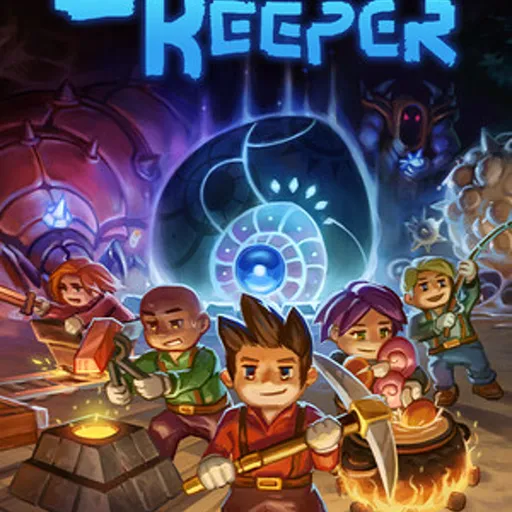
Core Keeper NEW
Persistent underground worlds that keep mining while you are offline, 8 to 30 slots

The Isle NEW
Evrima-branch servers kept in step with every patch, up to 100 slots, admin tools and FTP
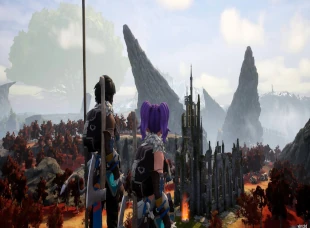
Palworld
1.0 is out now - explore the World Tree on a server that updates itself

Conan Exiles Enhanced
UE5 rebuild (May 2026) - Exiled Lands + Isle of Siptah, Steam Workshop mods, 70-player cap
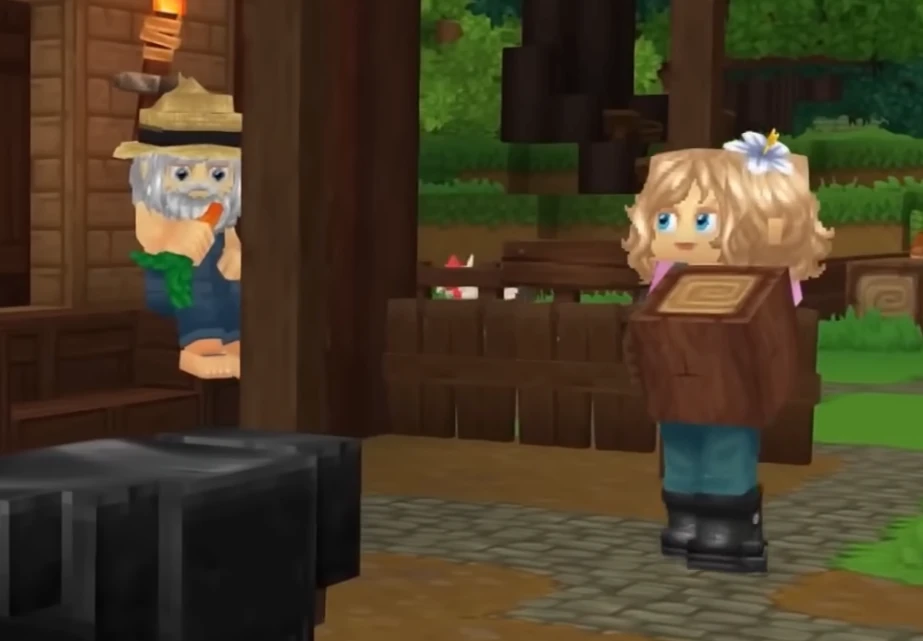
Hytale
Adventure hosting with fast saves, flexible mods, and reliable uptime
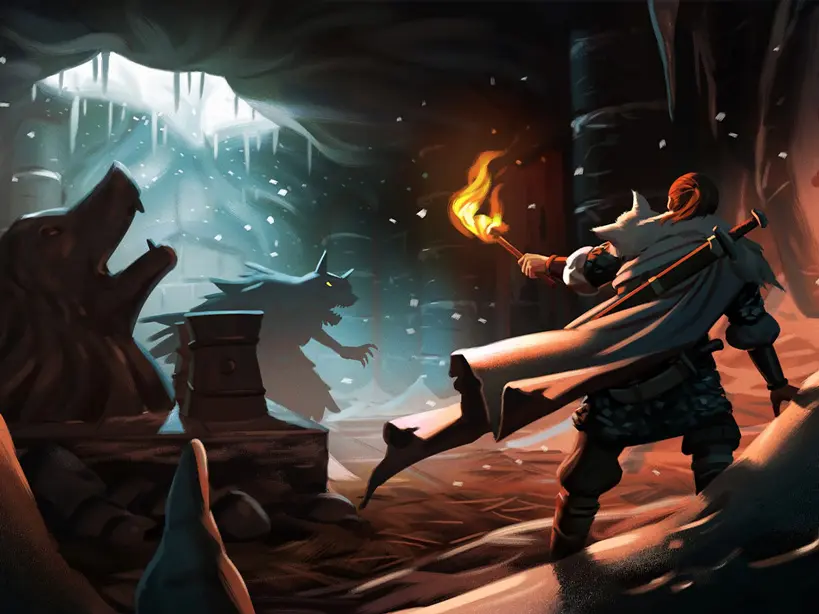
Valheim
Viking survival adventure with mod-friendly worlds and dependable uptime
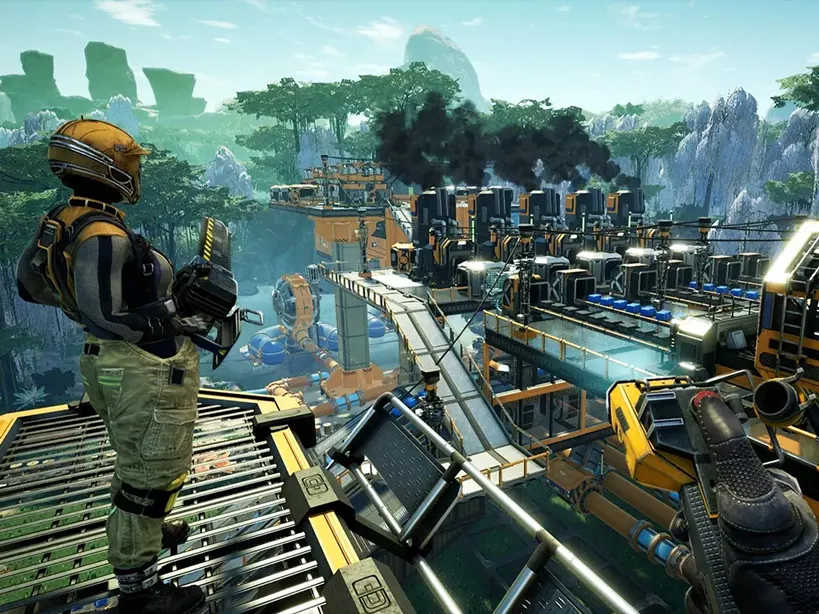
Satisfactory
Built for sprawling factories with quick saves and reliable performance
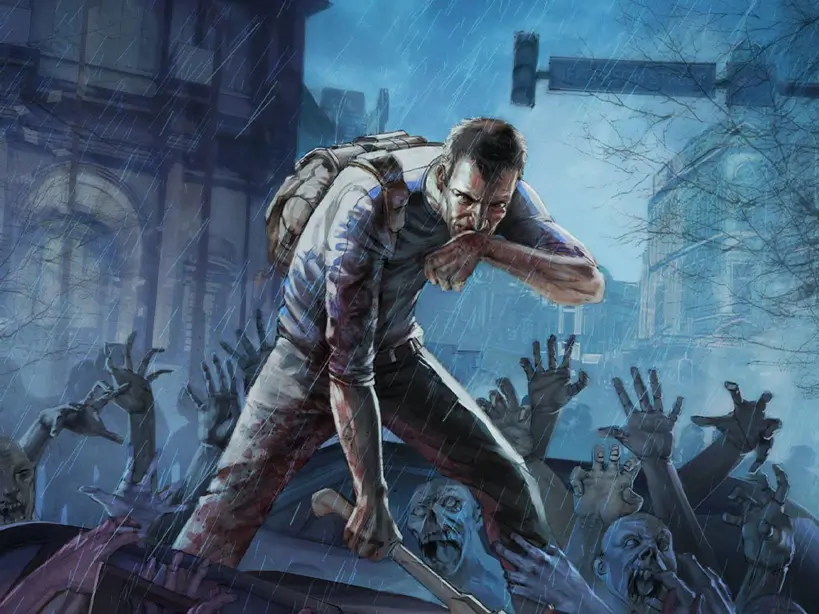
Project Zomboid
Persistent zombie sandbox with safe saves and clear admin controls
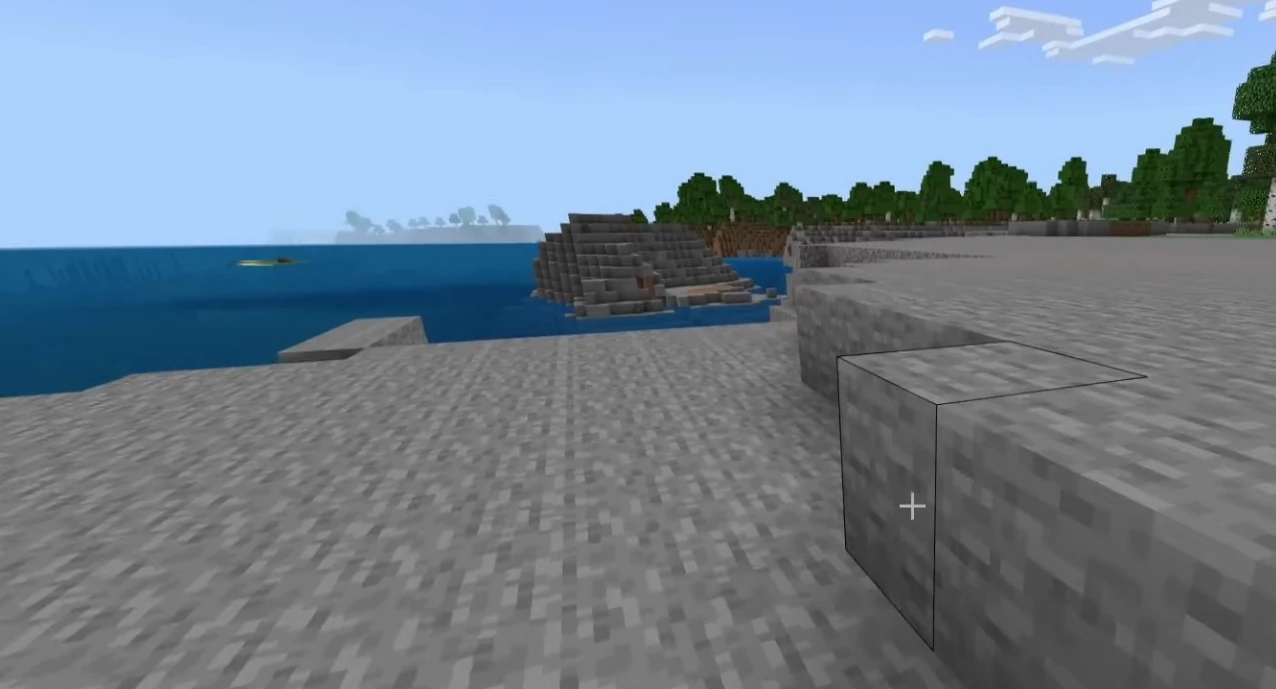
Minecraft Bedrock
Cross-platform survival hosting with add-ons, backups, and fast restarts
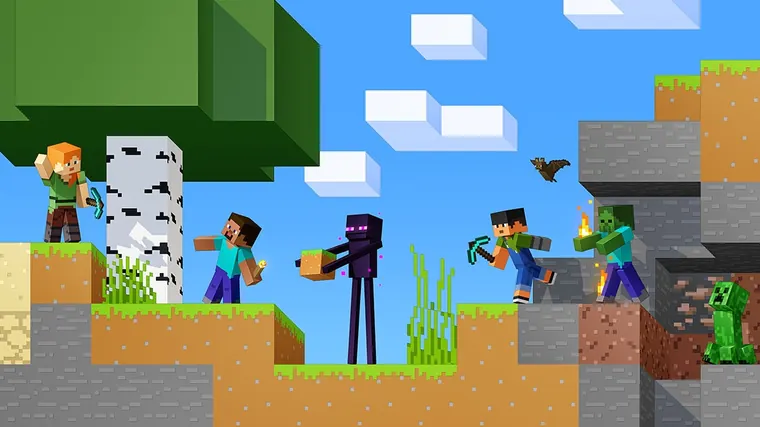
Minecraft Java
Vanilla, Paper, Purpur, Spigot, Fabric, Forge, and NeoForge hosting for Java 1.20+
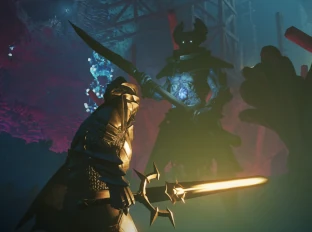
Enshrouded
Mystery-filled co-op with steady performance and fast autosaves
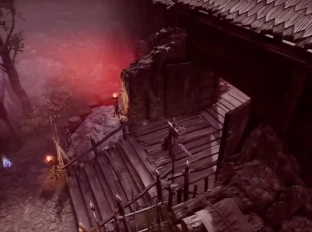
V Rising
Smooth raids and castle building with secure, fast autosaves
Vintage Story
Stable survival worlds with quick saves and simple admin controls

Factorio
Factory automation co-op with stable performance and fast saves
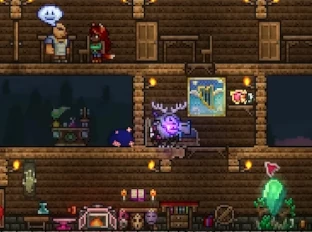
Terraria
Co-op adventures with stable tickrate and fast saves
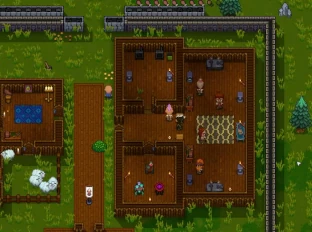
Necesse
Co-op survival with stable performance and easy mod uploads
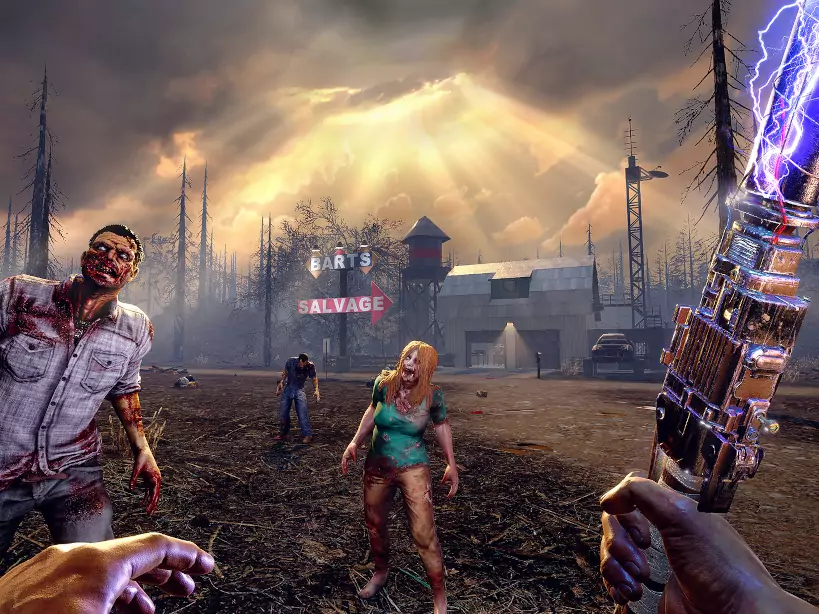
7 Days to Die
Blood moon ready performance with easy restarts and steady uptime
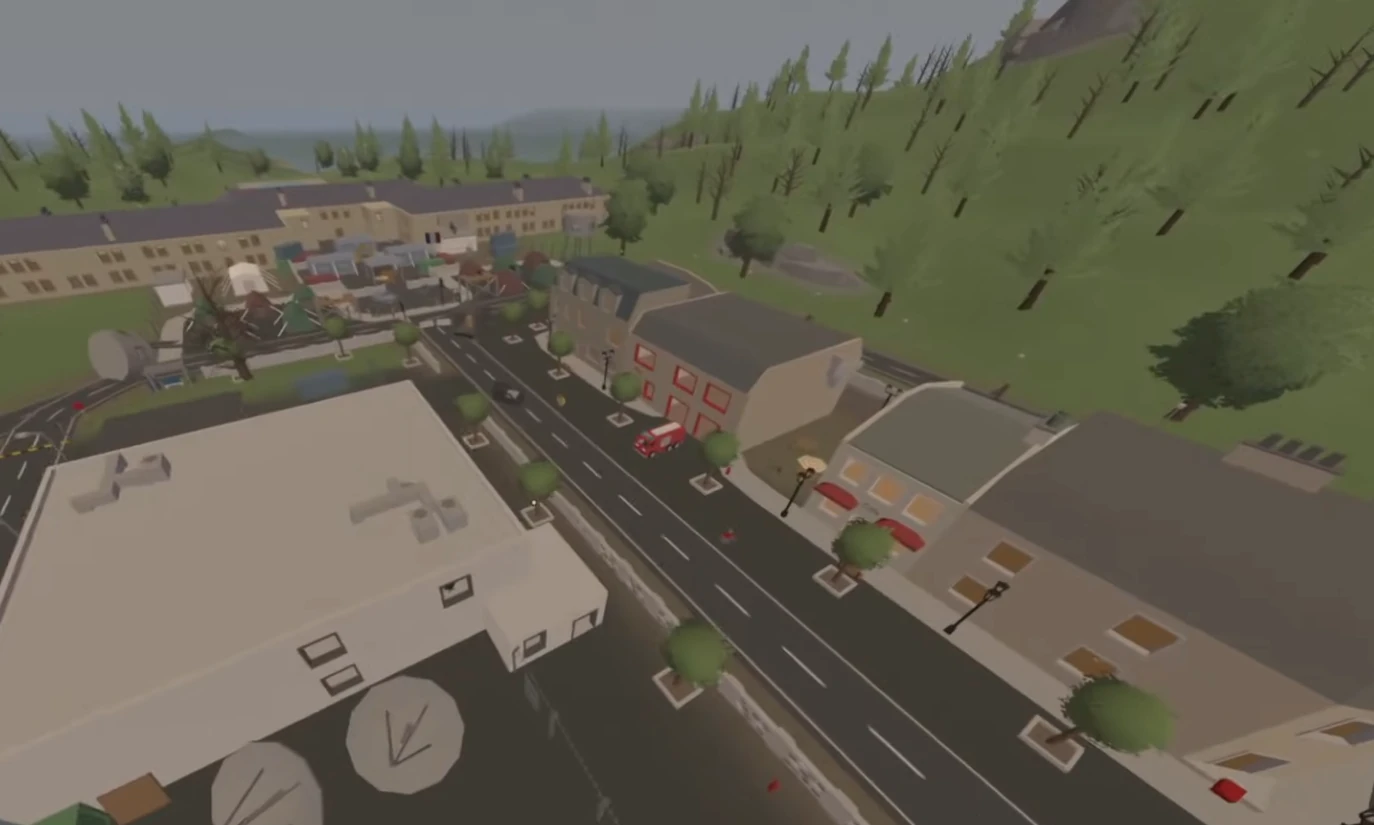
Unturned
Survival sandbox hosting with lightweight performance and mod-ready tools
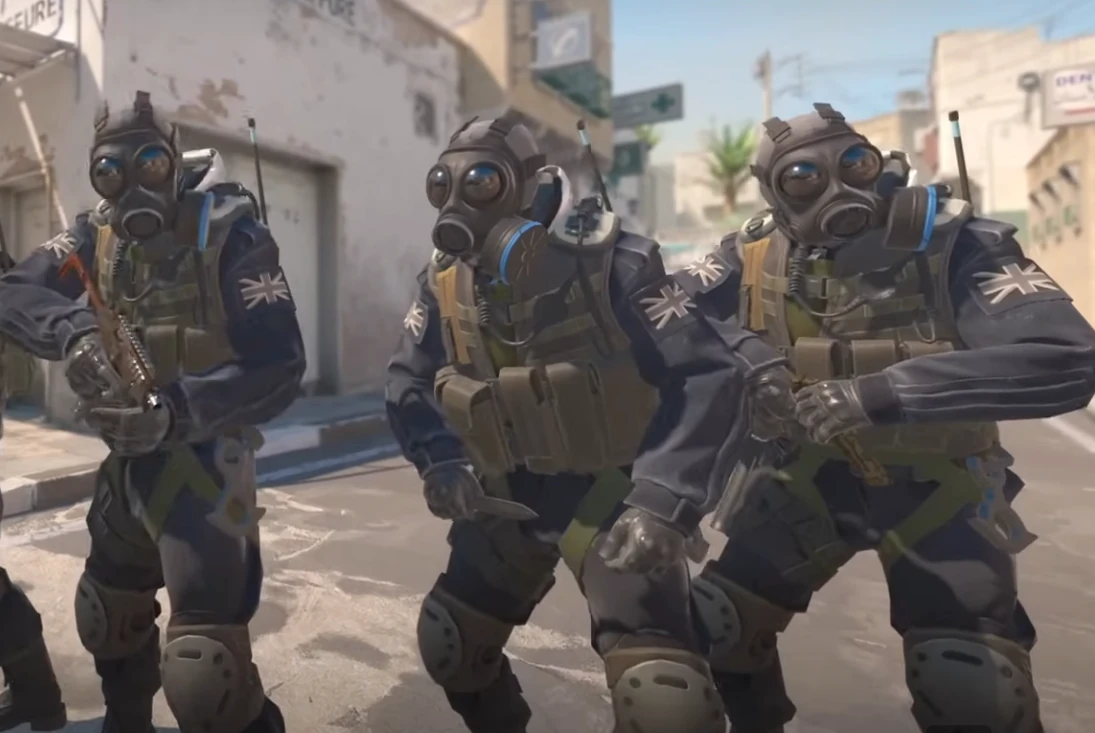
Counter Strike 2
Competitive FPS hosting with low-latency tick rates and match-ready performance
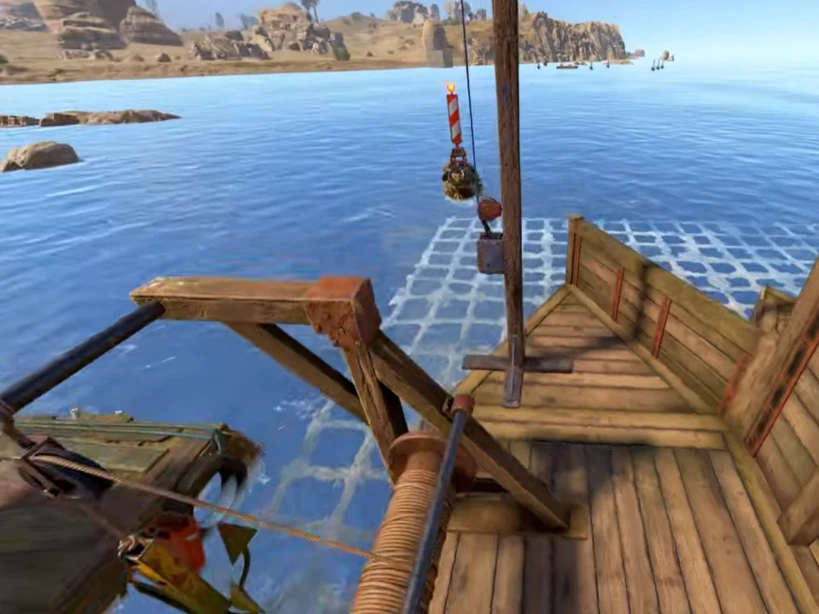
Rust
Hardcore survival with reliable performance and fast wipe-day restarts
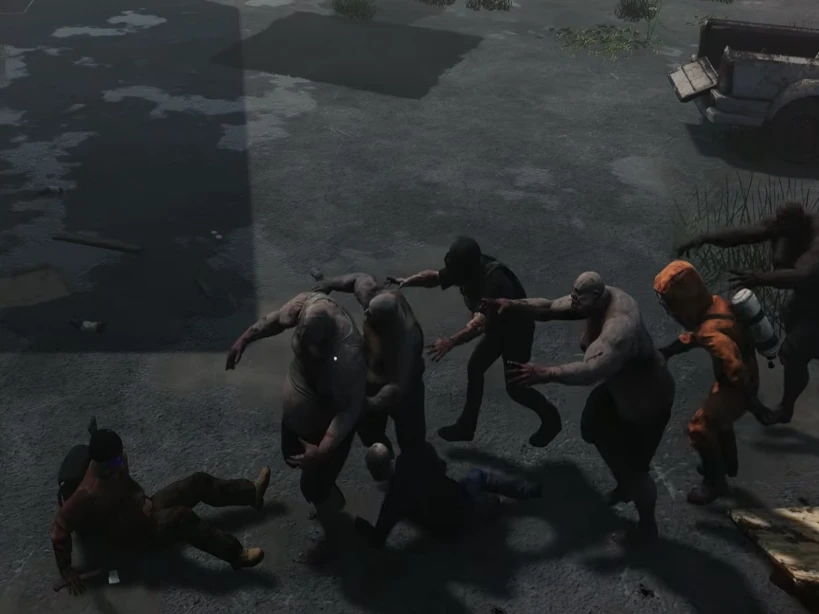
HumanitZ
Open-world zombie survival with smooth co-op and steady server performance
Sons of the Forest
Survival horror hosting with stable saves, low-latency regions, and fast restarts
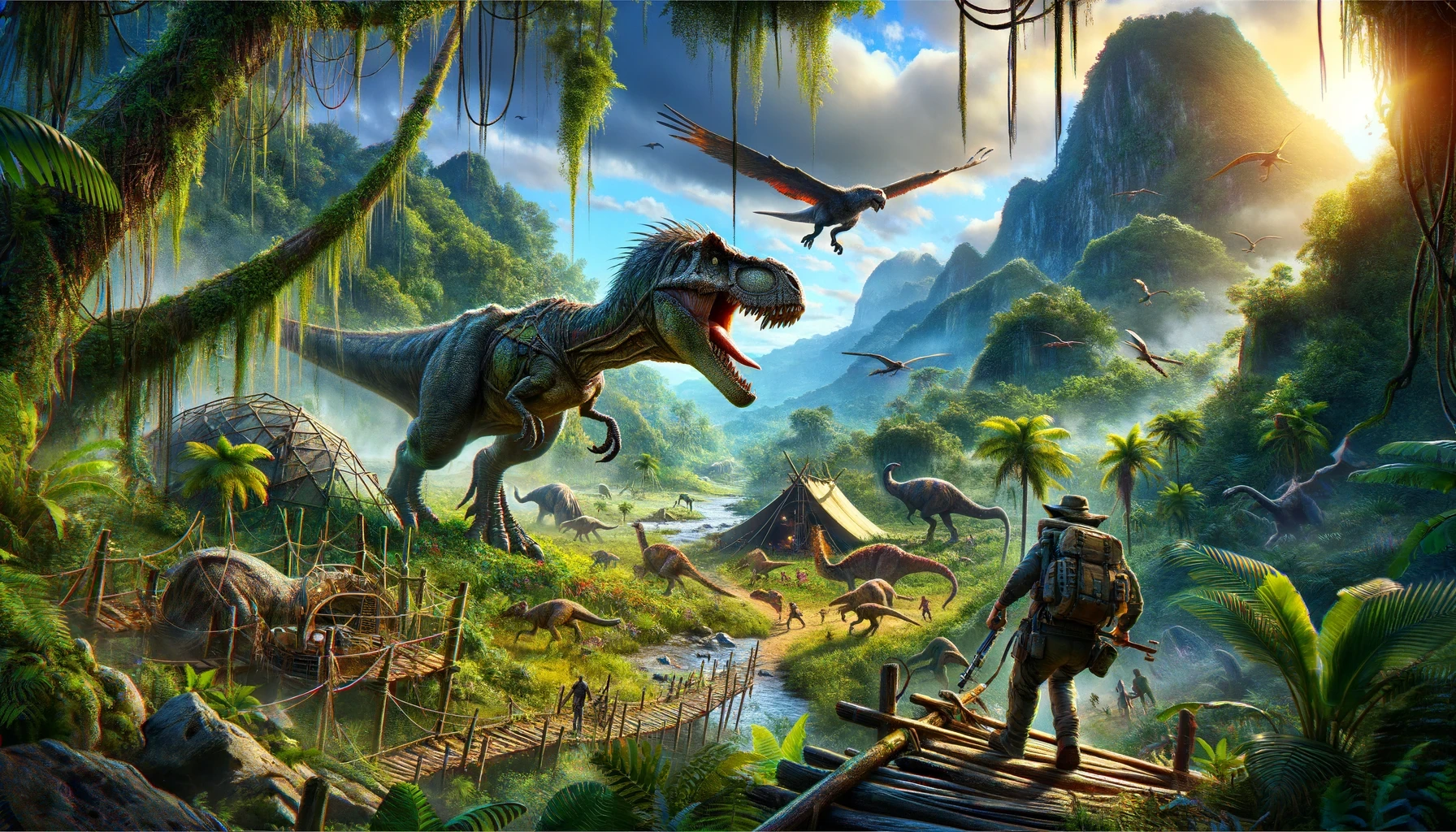
ARK: Survival Evolved
Classic dino survival hosting with Workshop mods, clusters, and fast restarts

ARK: Survival Ascended
Dino survival hosting with stable performance, mod support, and fast restarts
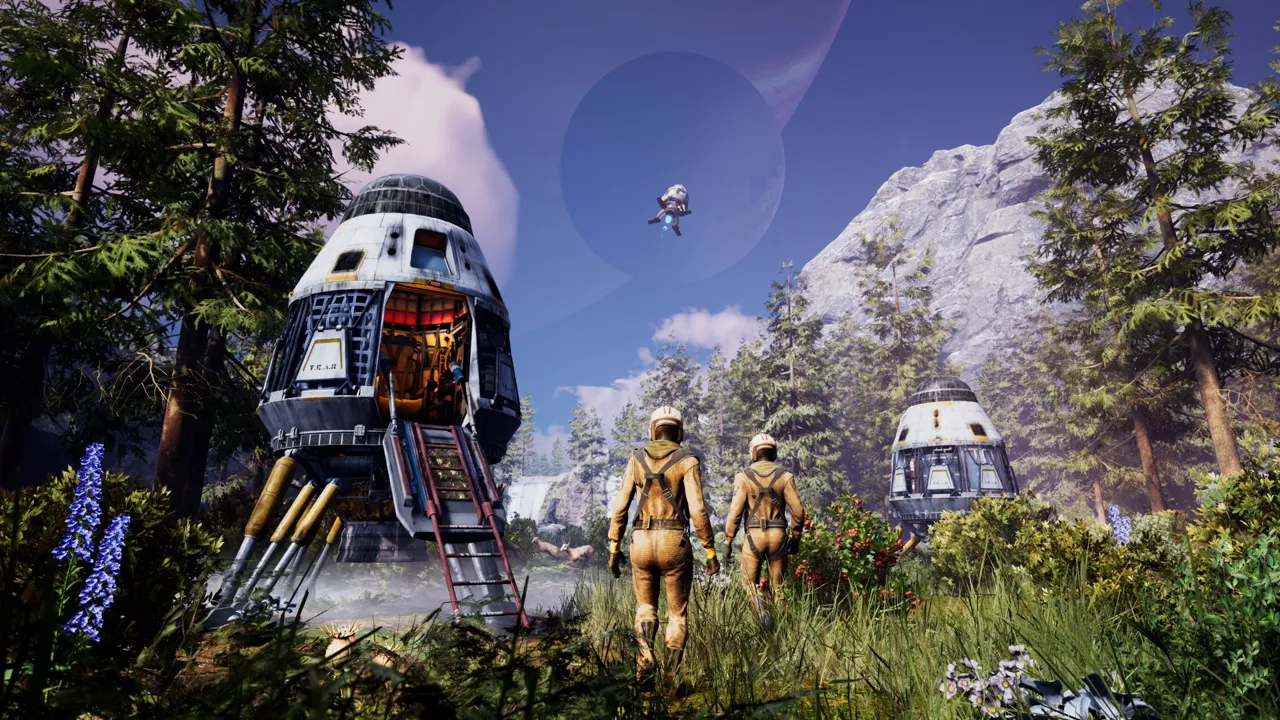
Icarus
Mission-ready survival hosting with stable saves, backups, and low-latency regions
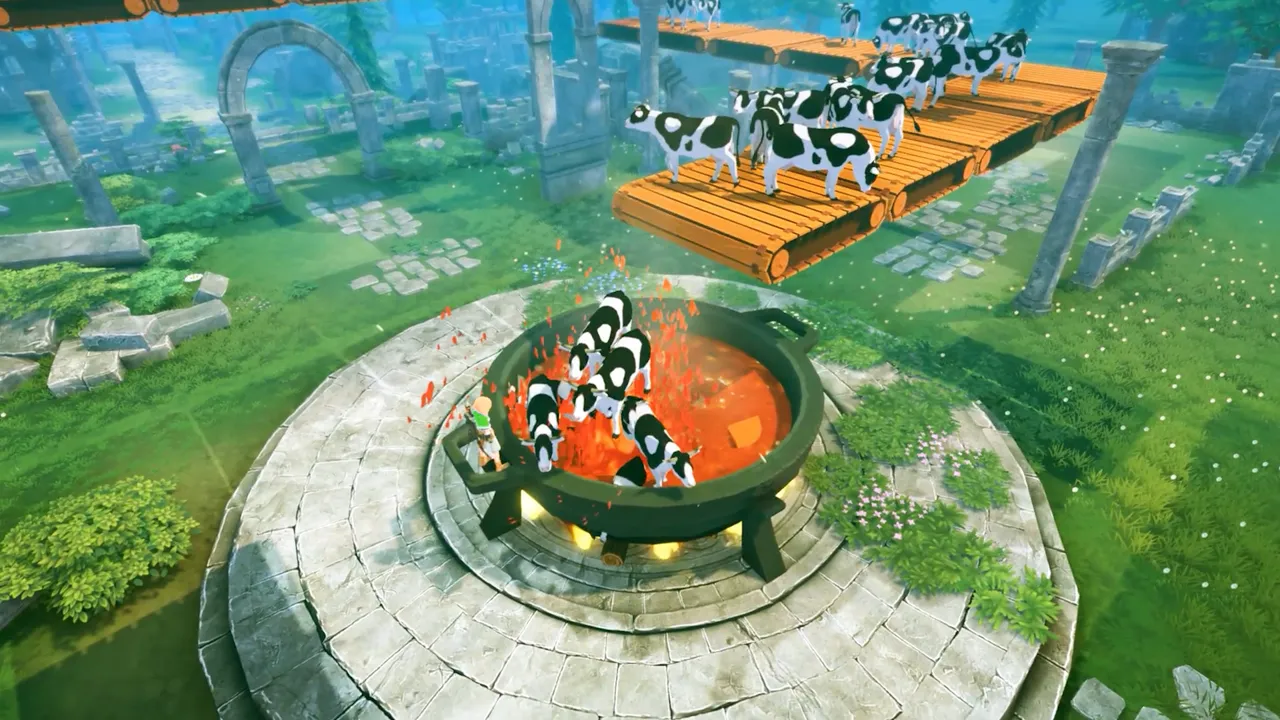
Craftopia
Co-op sandbox hosting with stable saves, mod support, and fast restarts
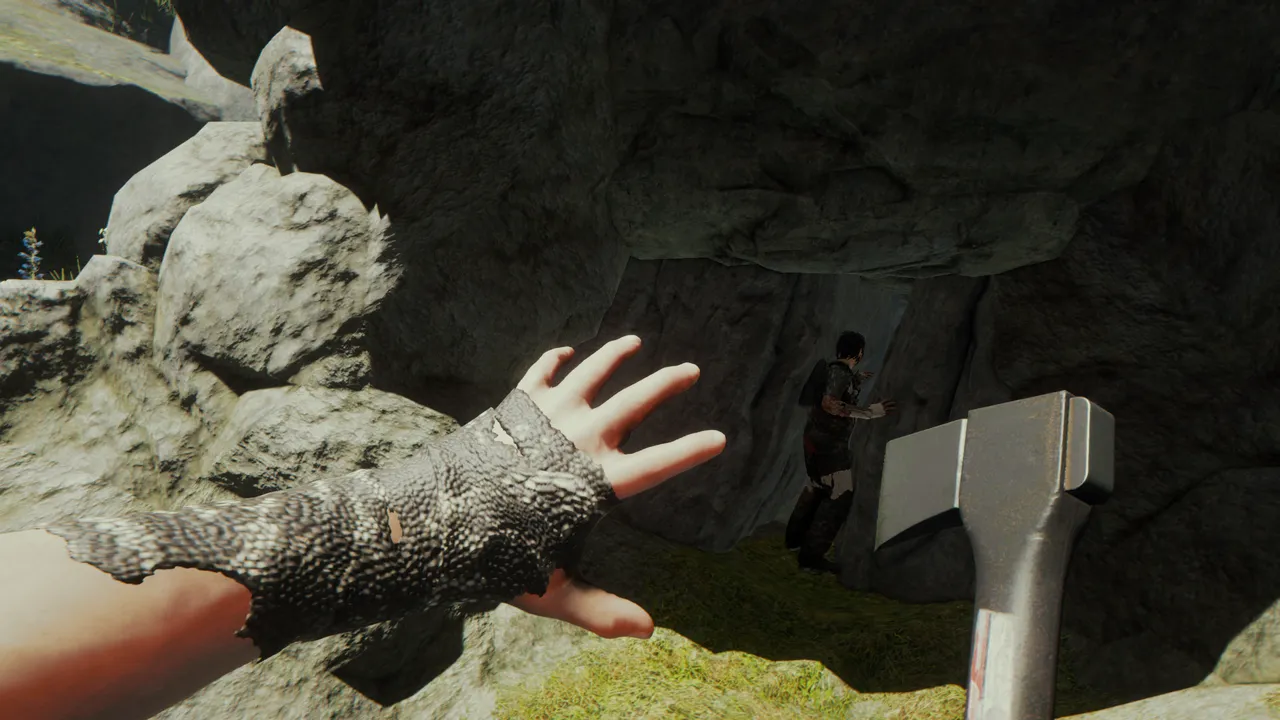
The Forest
Survival co-op hosting with stable performance, backups, and low-latency regions
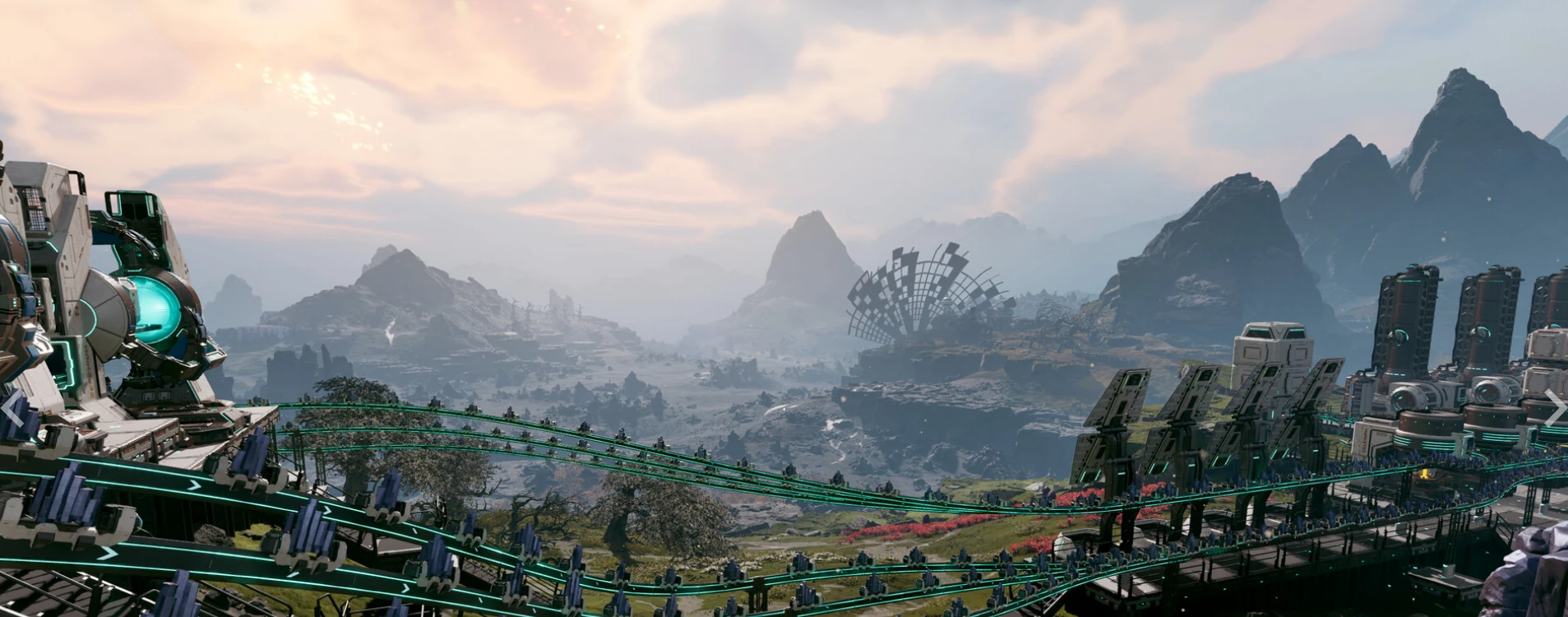
Star Rupture
Automation survival hosting with persistent worlds, backups, and low-latency regions
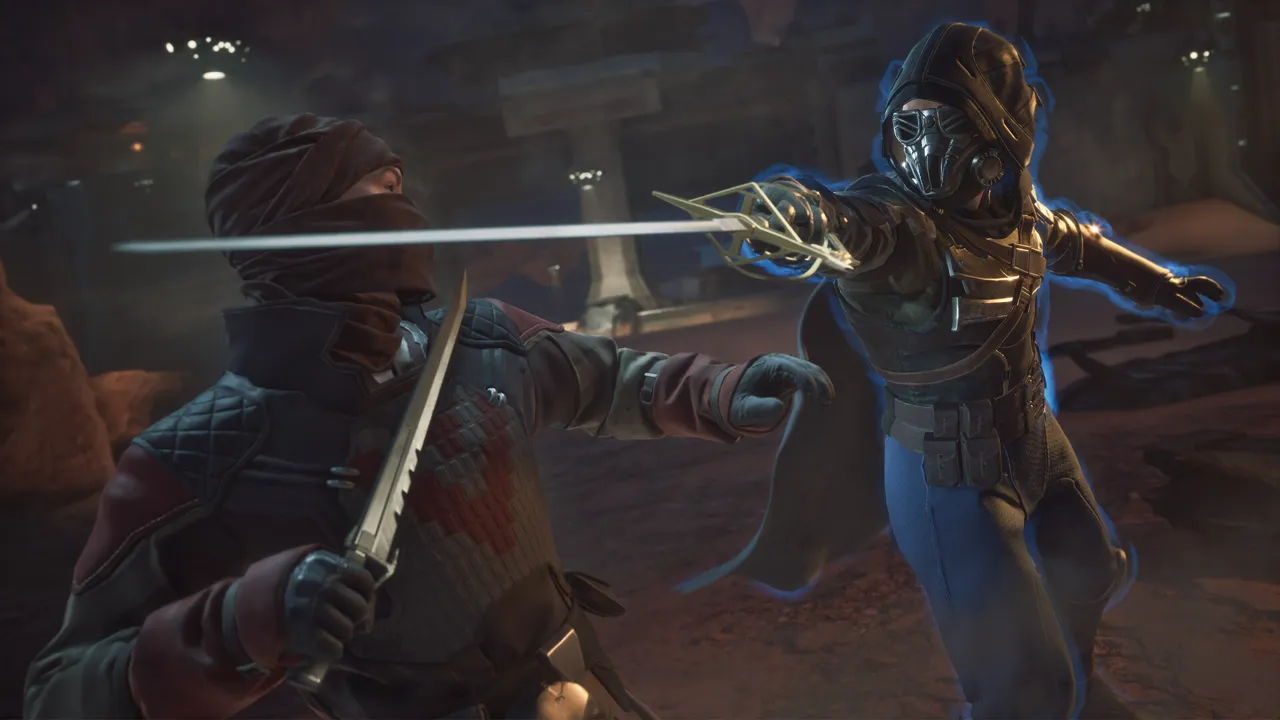
Dune: Awakening
Persistent world hosting with stable performance, backups, and low-latency regions
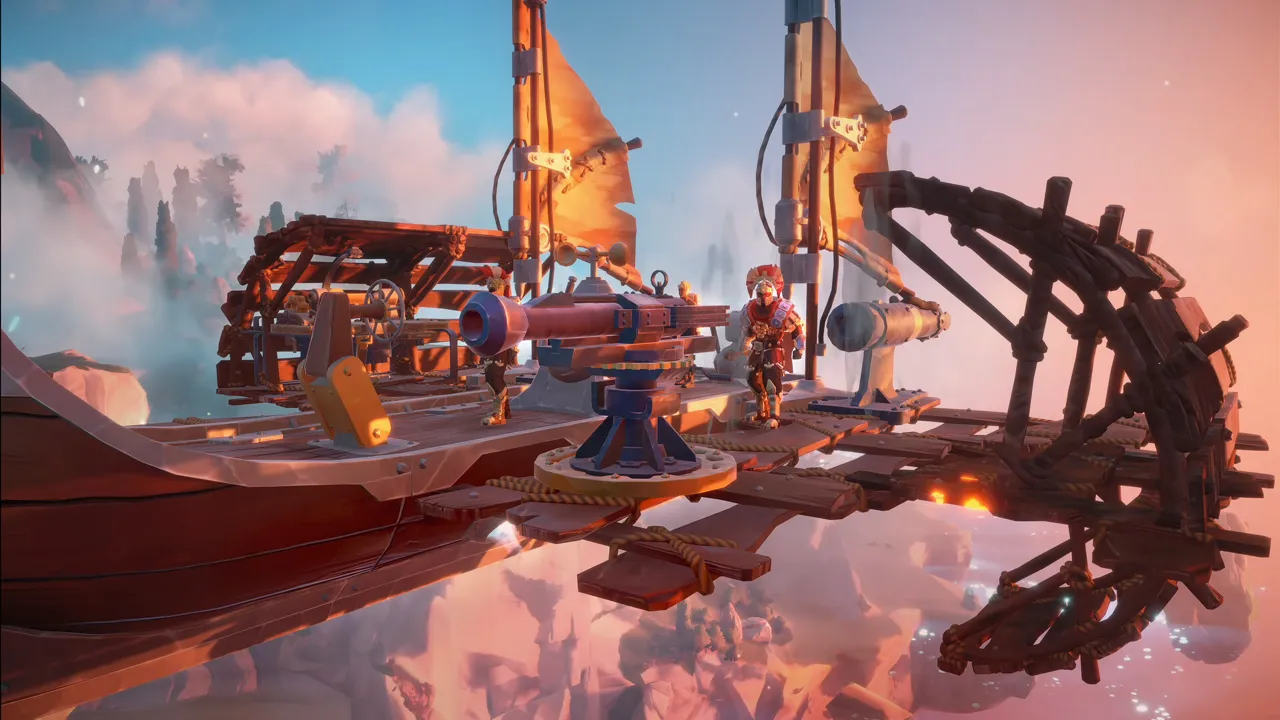
Echoes of Elysium
Co-op adventure hosting with stable saves, backups, and low-latency regions

Windrose
Invite-code based pirate survival hosting with persistent worlds, backups, and managed restarts
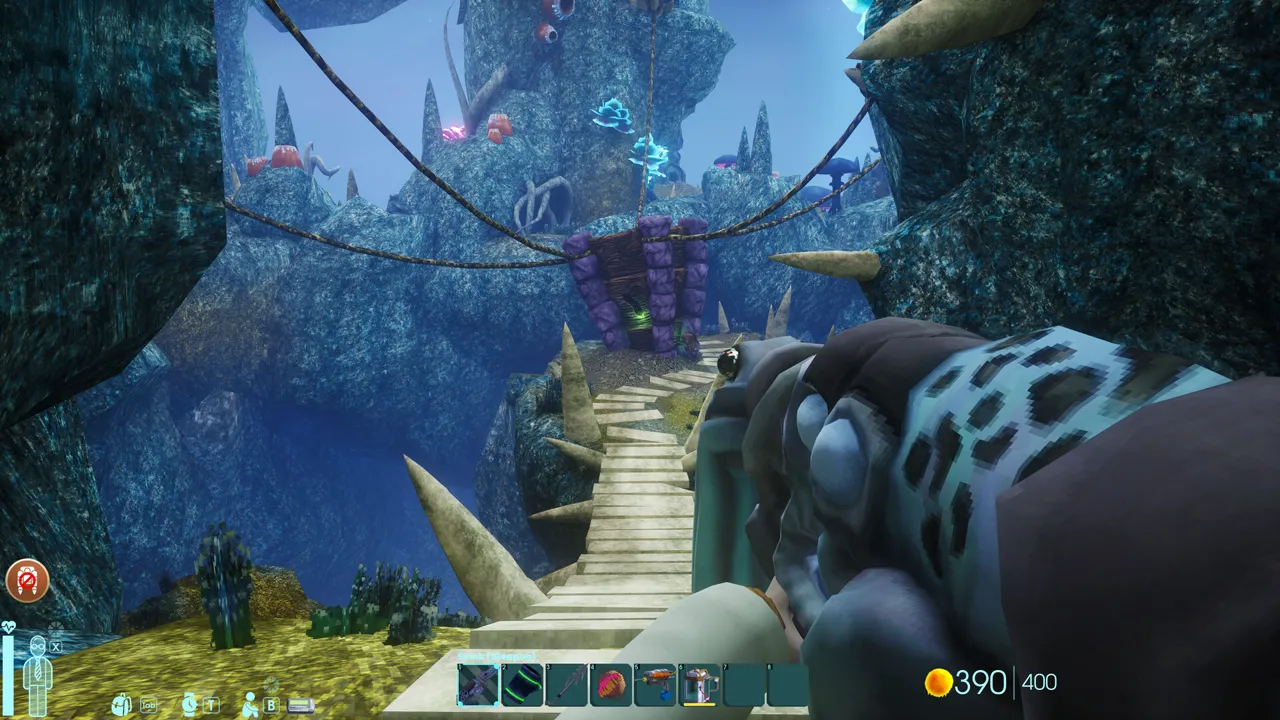
Abiotic Factor
Co-op lab survival hosting with stable saves, one-click setup, and low-latency regions
Game Switching - Play More, Pay Once
Most Supercraft plans come with built-in game switching. Buy one plan and deploy supported games within its eligible price family and size - directly from your control panel, at no extra cost. Higher-priced plan families unlock broader catalogs, while ARK: Survival Evolved and ARK: Survival Ascended stay above the standard ladder as their own top-tier family.
-
Default
Default S/M/L ladder
Icarus, Farming Simulator 25, VEIN, The Forest, Windrose, Star Rupture, and Echoes of Elysium share the same standard starter pricing ladder. -
Broader
Higher-priced plans unlock more games
Games like Factorio, HumanitZ, Palworld, Enshrouded, Rust, and Sons of the Forest include lower-priced eligible families at the same size and billing cadence. -
Rules
Same size, same cadence, price parity
A plan can switch to other supported games whose equivalent plan costs the same or less. One server runs at a time per subscription. -
ARK
From $29/mo - ARK family
ARK: Survival Evolved and ARK: Survival Ascended, plus access to the full catalog including each other
Entry-tier plans like Icarus, Farming Simulator 25, The Forest, Windrose, Star Rupture, and Echoes of Elysium switch within that default family. Broader catalogs open up as you move into higher-priced plan families.
Whether you're waiting for a wipe, want to try something new, or your group switched games - you're covered.
Available switch targets depend on the plan family, billing cadence, and size. One server runs at a time per subscription.

Self-Serve Bot in Discord
Instant control of your game server without tickets or waiting. Type a command and go.
- Start, stop, restart, and check status in seconds.
- Secure by design: only your subscriptions are accessible.
- Share access safely with time-limited auth codes.
Fast, secure, and always on.

Browse Live Community Servers
Find a public server to join, or rent your own. Live player counts, mods, rules, and one-click join - by game.
Dedicated game server hosting that scales with your community
Supercraft provides dedicated game server hosting with low ping, fast provisioning, and reliable uptime. Keep control over your world settings, invite friends instantly, and grow your community with stable, mod-ready performance across the games you love.
Frequently asked questions
Most servers are ready in minutes with instant setup and clear onboarding.
Most plans do. Game switching works within the plan's eligible price family, billing cadence, and size. Higher-priced plan families unlock broader catalogs, while ARK: Survival Evolved and ARK: Survival Ascended remain their own top-tier family. Switch from the control panel at no extra cost. See the full tier list above.
Yes. In My Account → Subscriptions, you can upgrade to a higher tier of the same game and same billing cadence (for example, 1 month to 1 month). Downgrades are not available right now. During an upgrade, your deployment is updated in place (quota update + restart), not wiped and recreated.
From the control panel, wipe your current server and redeploy a different game. Your plan's resource quota stays the same. One game server runs at a time per subscription.
Yes. We support mod-ready configurations for popular games with simple admin controls. For Minecraft specifically, Bedrock stays focused on Bedrock Dedicated Server add-ons while Minecraft Java supports Paper, Purpur, Spigot, Fabric, Forge, and NeoForge on eligible plans.
Latest Guides & News
Rust Dedicated Server (2026): Linux Setup, RCON & Admin Guide
Complete Rust dedicated server guide. Linux SteamCMD install (app 258550), RustDedicated launch flags, ports 28015/16/17, RCON config, weekly wipes, Oxide/uMod plugins, admin commands.
Pal Breeding Calculator - Palworld 1.0 Combos After the Rebalance
Game-exact Pal breeding calculator for Palworld 1.0. The 1.0 update reshuffled breeding combos (Penking + Bushi now makes Sibelyx) - this calc uses the 1.0 data: all 44,850 pairs, reverse lookup, chain solver, IV planner.
CS2 Dedicated Server Setup (Linux + SteamCMD, 2026)
Set up a CS2 dedicated server on Linux: SteamCMD app 730, GSLT token, steamclient.so symlink, cs2.sh, ports 27015/27016, gameserver.cfg.
DayZ Modded Server Setup (Linux + SteamCMD, 2026)
Set up a modded DayZ dedicated server: SteamCMD app 223350, workshop_download_item with mod IDs from app 221100, serverDZ.cfg, BattlEye, mod symlinks.
Can You Pause Project Zomboid? Solo, Multiplayer & Dedicated Server Setup
Yes, but it depends on solo, peer-to-peer host, or dedicated server. PauseEmpty=true config, why generators still drain, and the mod compatibility checks most admins miss.
Hytale Roadmap 2026: Chapter 1, WorldGen V2 and Weekly Updates
What Hypixel Studios has actually confirmed for Hytale in 2026: weekly Early Access updates, the first look at Chapter 1, and WorldGen V2 as the generator being built for 1.0.
How to Host a Factorio Headless Server (Linux + SteamCMD, 2026)
Host a Factorio dedicated server: SteamCMD app 427520 or standalone headless tarball, --start-server flag, server-settings.json, port 34197 UDP.
Is Subnautica 2 Crossplay & Cross-Platform? PS5, Xbox, PC (2026)
Is Subnautica 2 crossplay or cross-platform? Yes, confirmed PS5, Xbox, and PC support via dedicated servers for the May 14, 2026 Early Access launch, with account-linking notes and day-one co-op specifics from Krafton.