

Farming Simulator 25 News
FS25 Patch 1.16 Server Admin Checklist: New Machines, Stutter, and Hotfix 1.16.03
How to roll out FS25 Patch 1.16 safely, explain the first-launch stutter, and avoid false save-corruption panic after Hotfix 1.16.03.
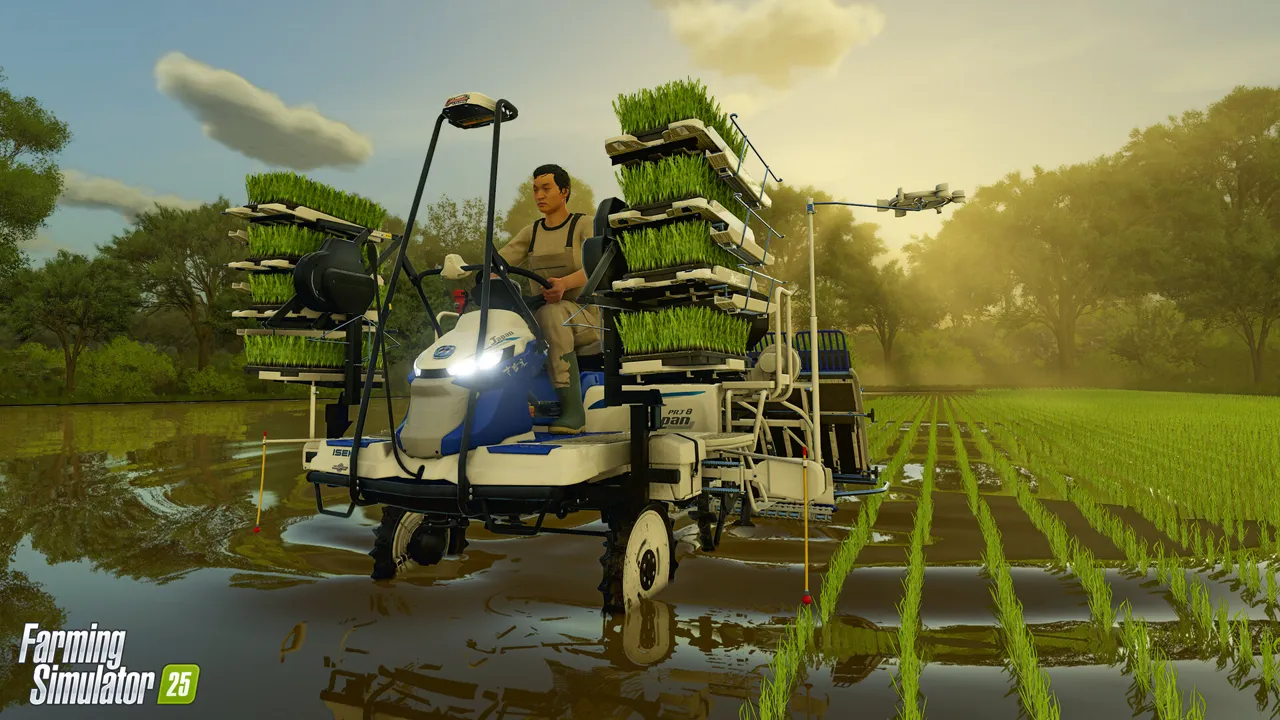
GIANTS shipped Patch 1.16 on February 3, 2026 with four new machines, and the official note also warned that players may see stuttering on the first launch after updating. For solo players that is mildly annoying. For shared farms, it creates instant confusion because hitching, texture rebuilds, and join failures all look like the save might be damaged.
The bigger operational detail is the hotfix trail that followed: 1.16.01, 1.16.02, and 1.16.03 all addressed real problems. That means server owners should treat 1.16 as a phased rollout, not a fire-and-forget patch. Let one admin load the farm first, let caches rebuild, and only then reopen the server to the wider group.
Why this matters right now
Patch-day panic spreads fast in farm communities because players do not distinguish between normal shader rebuild behavior, a temporary mismatch, and actual save corruption. A clear admin checklist prevents bad decisions like reinstalling the whole server or removing working mods too early.
- Patch 1.16 introduced four new machines and kicked off a hotfix sequence.
- GIANTS explicitly warned about first-launch stuttering after updating.
- Shared farms should use a staged reopen instead of patching mid-session.
Server admin take
The safest posture is boring and deliberate: back up the farm, update the server, boot it once privately, join with a test client, and only then invite everyone else. If stutter is limited to the first post-update session, treat it as expected warm-up behavior. If it persists after a clean second restart, then escalate into real troubleshooting.
This is also the right moment to confirm that every player is on the same branch and that nobody is carrying an old mod cache forward. A lot of so-called patch failures are just badly synchronized clients colliding with a freshly updated server.
Checklist for your next session
- Create a named pre-1.16 backup before touching the live server.
- Update the server and let one admin load the farm alone first.
- Restart once more after the first test session if shader rebuilds were heavy.
- Verify every client is on the same version before reopening the farm publicly.
- Only start disabling mods if stutter or join failures persist after the second clean boot.
Source watch
This article is anchored to GIANTS patch notes for Patch 1.16, dated February 3, 2026. Use the primary source to confirm final rollout details before changing a live farm.
Useful links for your team
- Farming Simulator 25 server hosting
- Farming Simulator 25 wiki hub
- FS25 dedicated server setup guide
- Game server wiki home
Need a cleaner rollout path? If your group wants less time spent debugging versions, restores, and restarts, move the farm onto managed FS25 hosting with backups and direct file access.