


Subnautica 2 Server Hosting for co-op underwater survival, exploration, and long-running worlds
Launch a dedicated Subnautica 2 server in minutes with stable performance, fast saves, and easy configuration management. Keep your world online for your crew, your bases, and long-term progression.
- Co-op survival sessions
- Base building support
- Config and difficulty tuning
- Stable long sessions
- Private password
- Low latency regions
- On-demand backups
- DDoS protection
- Branding-free servers
- Uncapped RAM
- User-friendly control panel
Pick a plan
Choose S, M, or L based on player count and world size.
Launch instantly
Provision your world and tune progression, difficulty, and rules.
Invite your crew
Share the IP and scale anytime without wipes.
Plan S
$00
/ per month
4 GB RAM
A reliable start for small groups surviving together.
Plan M
$00
/ per month
8 GB RAM
Balanced for growing communities and active base zones.
Plan L
$00
/ per month
12 GB RAM
Built for bigger crews, long sessions, and stable saves.
Hardcore survival with stable performance
Keep city events, police chases, and large RP sessions responsive with reliable uptime and consistent saves.
Roleplay servers and faction communities
Run custom rulesets, PvP/PvE mixes, and community events with full control over your Subnautica 2 server settings.
Backups, restores, and long-term progression
Protect your players' progress with automated snapshots and quick restore options whenever updates or config changes go wrong.
The Subnautica 2 Roleplay World
From city districts to high-pressure operations, Subnautica 2 is built around tension, teamwork, and smart planning. Keep your server online for every session.

Underwater exploration
Stable worlds for long sessions and co-op progression.

Base building
Smooth saves for long-term builds and crafting.
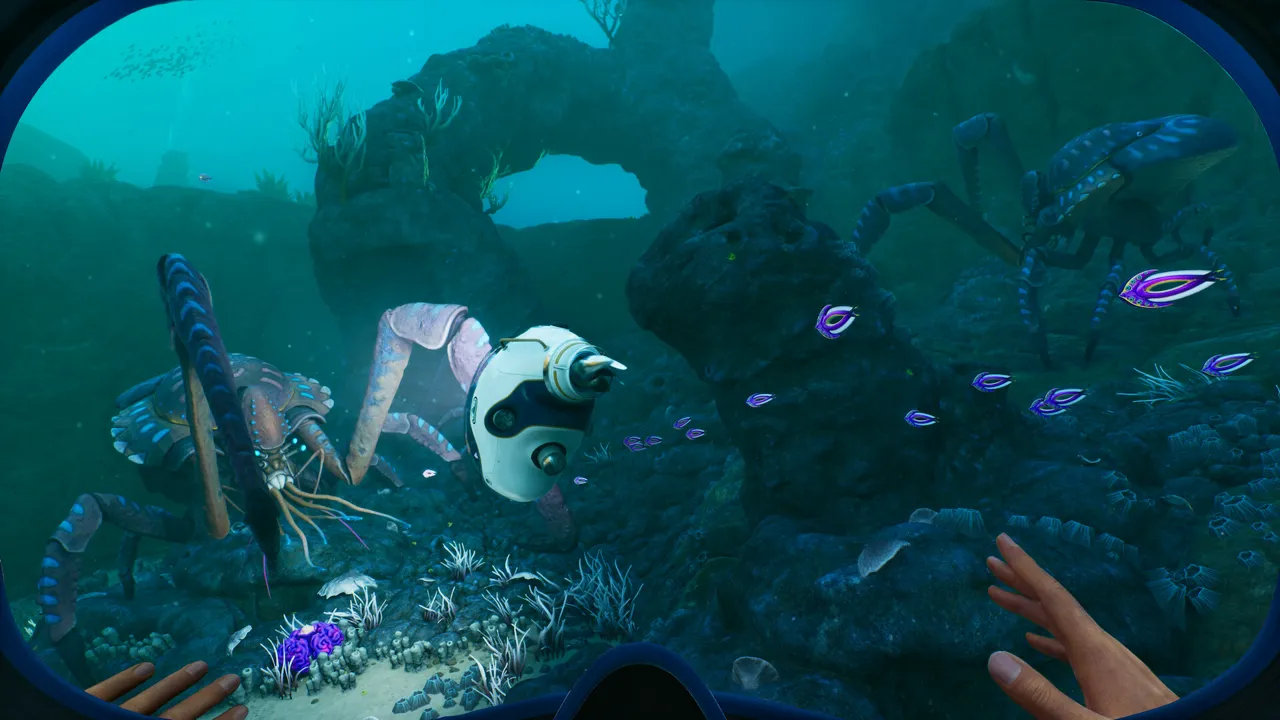
Deep sea encounters
Low latency for responsive fights and events.

Self-Serve Bot in Discord
Instant control of your Subnautica 2 server without tickets or waiting. Type a command and go.
- Start, stop, restart, and check status in seconds.
- Secure by design: only your subscriptions are accessible.
- Share access safely with time-limited auth codes.
Fast, secure, and always on.

Latest Subnautica 2 Guides & News
Subnautica 2 Wiki Index
All Subnautica 2 server guides in one place.
Subnautica 2 Server Requirements
CPU, RAM, and storage recommendations for stable performance.
Configuration Guide
Recommended settings, config files, and safe restart workflow.
Multiplayer Guide
Hosting, joining, and keeping co-op sessions stable with friends.
Save Management
Backup and restore your server saves and world data safely.
Update Guide
How to update Subnautica 2 servers safely without losing progress.
Troubleshooting
Fix common startup, connection, and save issues.