

Minecraft Bedrock Server Hosting for friends, realms-style play, and add-ons
Spin up a Minecraft Bedrock Dedicated Server (BDS) in minutes with instant setup, NVMe storage, and automatic backups. Upload your existing world, enable behavior and resource packs, and invite players from console, mobile, and PC. Scale up anytime as your world grows.
- Instant setup
- NVMe storage
- Backups
- FTP access
- File manager
- Add-on uploads (.mcaddon)
- Behavior packs
- Resource packs
- World upload
- Private password
- DDoS protection
- User-friendly control panel
Pick a plan
Choose S, M, or L based on your group size and how many add-ons you want to run.
Launch instantly
Select a nearby region, start your server, and manage settings from the control panel.
Invite your friends
Share your server IP and port. Add a password for private servers, and upgrade from My Account when you need more resources.
Plans

Plan S
$599
/ per month
Great for vanilla survival and light add-ons.

Plan M
$999
/ per month
More headroom for bigger worlds and more packs.

Plan L
$1600
/ per month
Ideal for larger groups and heavier add-on setups.
Console, mobile, and PC friendly
Minecraft Bedrock server hosting is built for cross-platform play. Keep your BDS online 24/7 for Xbox, PlayStation, Nintendo Switch, Windows, iOS, and Android players.
Add-ons and world uploads
Upload your existing world, then enable behavior and resource packs (including .mcaddon and .mcpack).
Manage files via the web file manager or FTP and restart to apply changes.
Backups before big updates
Take on-demand backups before new add-ons or game updates. Restore fast if something breaks and keep your world safe.
Bedrock in action
From survival builds to creative hubs, keep your Minecraft Bedrock world online with low latency and quick restores.
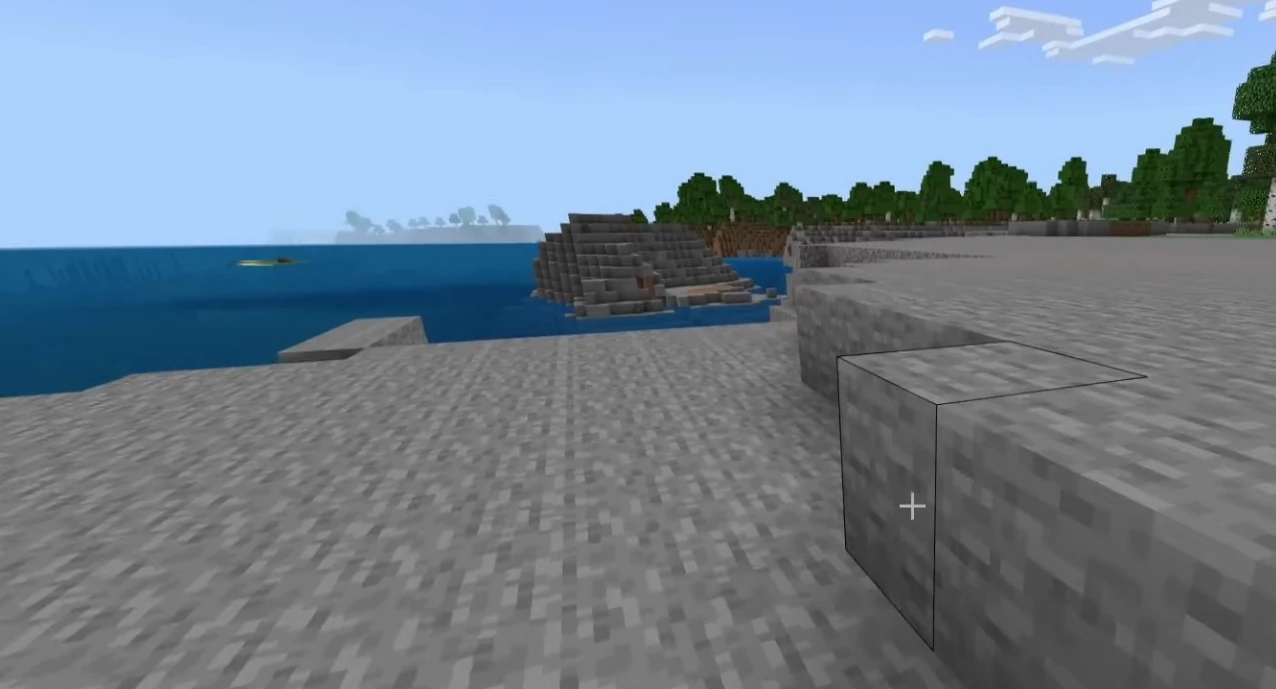
Hosting features
NVMe performance, backups, and a simple control panel.
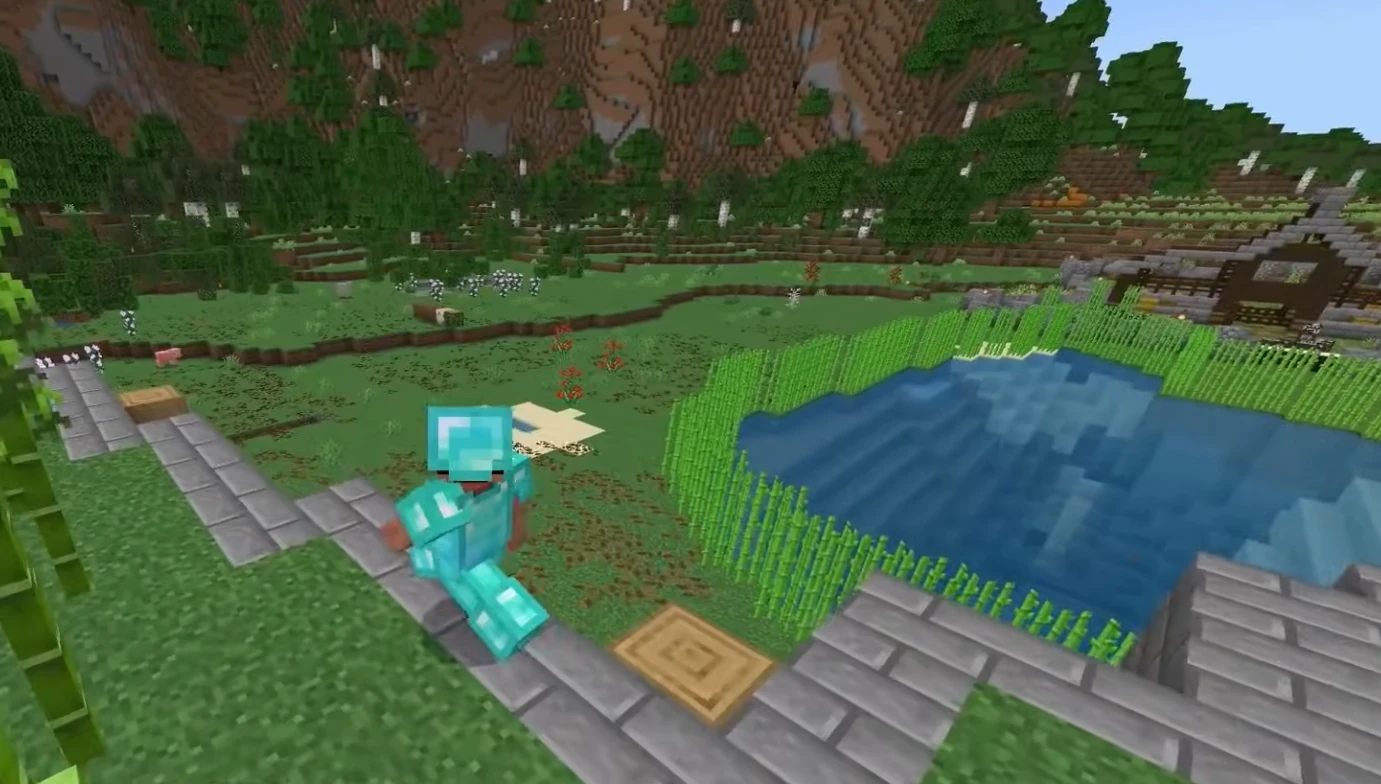
Control panel
Manage worlds, settings, and files without hassle.
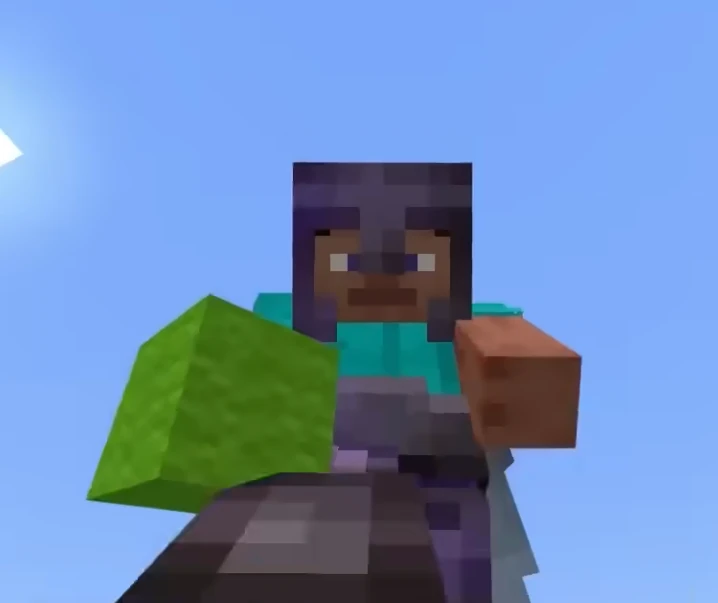
Worlds and add-ons
Keep your realm-style world online for your whole group.

Self-Serve Bot in Discord
Instant control of your Minecraft Bedrock server without tickets or waiting. Type a command and go.
- Start, stop, restart, and check status in seconds.
- Secure by design: only your subscriptions are accessible.
- Share access safely with time-limited auth codes.
Fast, secure, and always on.

Latest Minecraft Bedrock Guides & News
GeyserMC Setup Guide: Join Java from Bedrock
How to set up GeyserMC and Floodgate to allow Console and Mobile players to join your Java Edition server.
Fix Minecraft "Can't keep up! Is the server overloaded?"
Solution for the infamous "Can't keep up" error using Chunky, View-Distance, and Spark.
Minecraft Server Common Errors Fix
Fix common startup errors like EULA, Java Version Mismatch, and Port Binding issues.
Minecraft Server Security Guide
Prevent hacks, exploits, and UUID spoofing with whitelists and anti-exploit plugins.
Minecraft server.properties Configuration Deep Dive
Detailed explanation of every setting in the server.properties file.
Minecraft Server Optimization Guide
Reduce lag with Aikar's Flags, Chunky pre-generation, and server.properties tuning.
FAQ
.mcaddon and .mcpack). Upload the packs, enable them for your world, and restart to apply.