

DayZ Server Hosting for hardcore survival, PvP, and modded communities
Launch a dedicated DayZ server in minutes with stable performance, fast saves, and easy configuration management. Keep your world online for your community, your modpack, and long-running seasons.
- Mod support
- Custom loot economy
- PvP and PvE rules
- Persistent worlds
- Private password
- Low latency regions
- On-demand backups
- DDoS protection
- Branding-free servers
- Uncapped RAM
- User-friendly control panel
Pick a plan
Choose S, M, or L based on player count and world size.
Launch instantly
Provision your world and tune loot, mods, and progression rules.
Invite your crew
Share the IP and scale anytime without wipes.
DayZ server - on request
DayZ hosting on Supercraft is set up by our team on request. Tell us the plan size you want (small co-op / mid group / large community) and we’ll provision the server and send you a direct payment link.
- AMD EPYC hardware, NVMe storage
- Daily automated backups
- Full admin access - FTP, console, config files
- Mod / config support during setup
Hardcore survival with stable performance
Keep city events, police chases, and large RP sessions responsive with reliable uptime and consistent saves.
Roleplay servers and faction communities
Run custom rulesets, PvP/PvE mixes, and community events with full control over your DayZ server settings.
Backups, restores, and long-term progression
Protect your players' progress with automated snapshots and quick restore options whenever updates or config changes go wrong.
Modded DayZ servers with Steam Workshop, Expansion, and Namalsk
Run Steam Workshop mods on your DayZ PC server with one-click installs from the panel. Expansion adds vehicles, helicopters, and the trader system. Namalsk delivers the cold arctic survival map. KOTH, BaseBuildingPlus, Trader, MMG Base Storage, and the rest of the popular Workshop catalogue all plug into the same setup. Console DayZ stays vanilla - mods are PC only. Workshop mod installation guide · Modded server setup
Map options: Chernarus+, Livonia, Sakhal, and modded worlds
Pick from the official maps shipped by Bohemia (Chernarus+, Livonia, Sakhal) or community mod-maps like Namalsk, Banov, Esseker, Deer Isle, and Pripyat. Switch maps from the panel without wiping the rest of your community's progress. Each map ships with its own loot economy you can tune in the server config. Map comparison guide
Console crossplay: Xbox and PlayStation share servers since 1.29
Xbox One, Xbox Series, PS4, and PS5 players join the same server pool on Bohemia's official program (since DayZ Update 1.29). PC stays on its own pool with full mod support and a faster patch cadence. Is DayZ cross-platform? Full crossplay status guide
BattlEye, persistent loot economy, configurable XP and day length
BattlEye anti-cheat runs by default. Tune the loot economy table (CFG / types.xml), persistence intervals, day-night length, weather cycles, respawn rules, helicopter crash frequency, and mission cycles from the panel or via FTP. Stat tracking, role-play whitelists, and admin tooling integrate via the standard server commands.
DayZ 2 (Enfusion) ready
When Bohemia ships DayZ 2 on the new Enfusion engine, our infrastructure is ready to host it. Roadmap, performance expectations, and migration notes are tracked in our DayZ 2 Enfusion roadmap guide.
The DayZ Roleplay World
From city districts to high-pressure operations, DayZ is built around tension, teamwork, and smart planning. Keep your server online for every session.
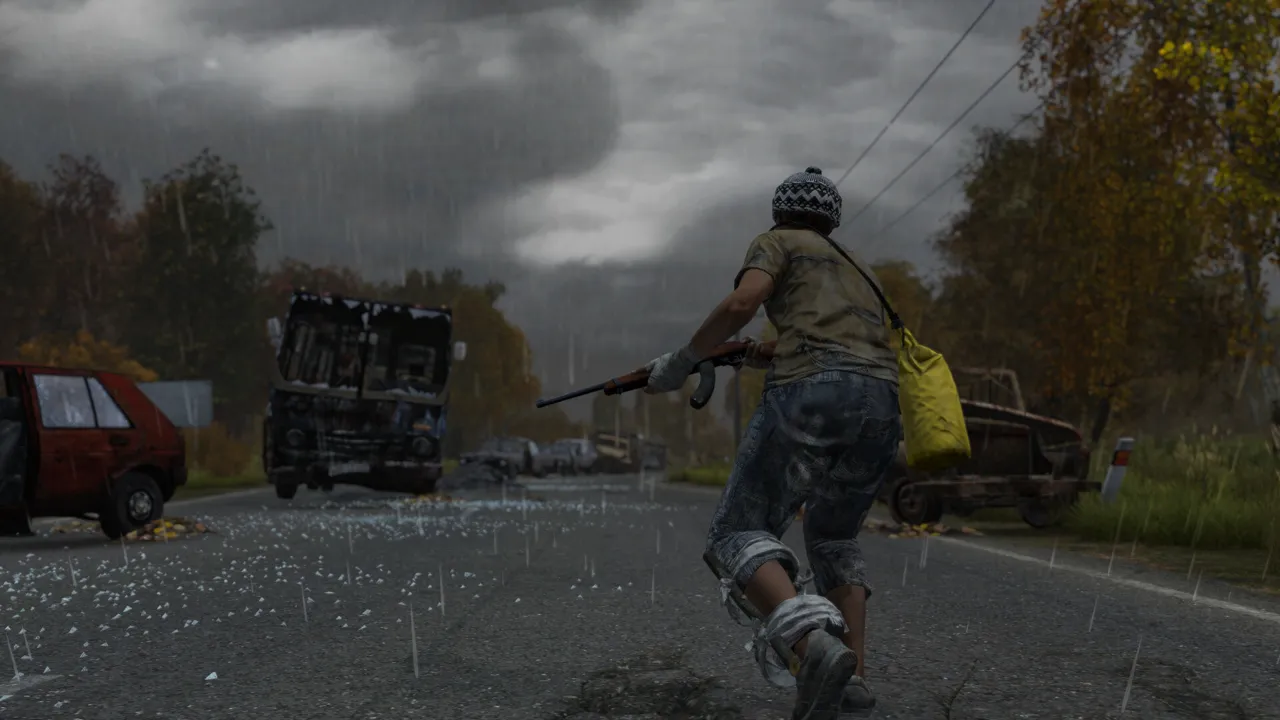
Bases and stashes
Stable worlds for long-running survival stories.
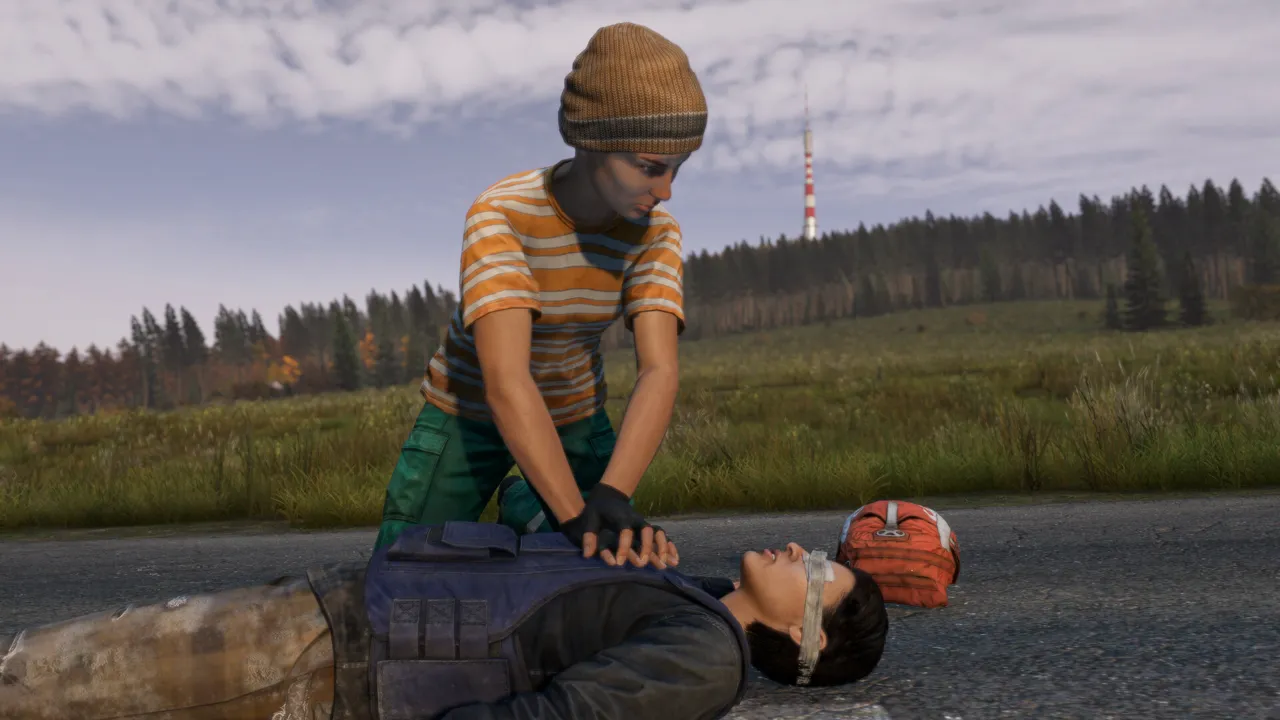
Loot routes
Low latency for busy towns and contested POIs.
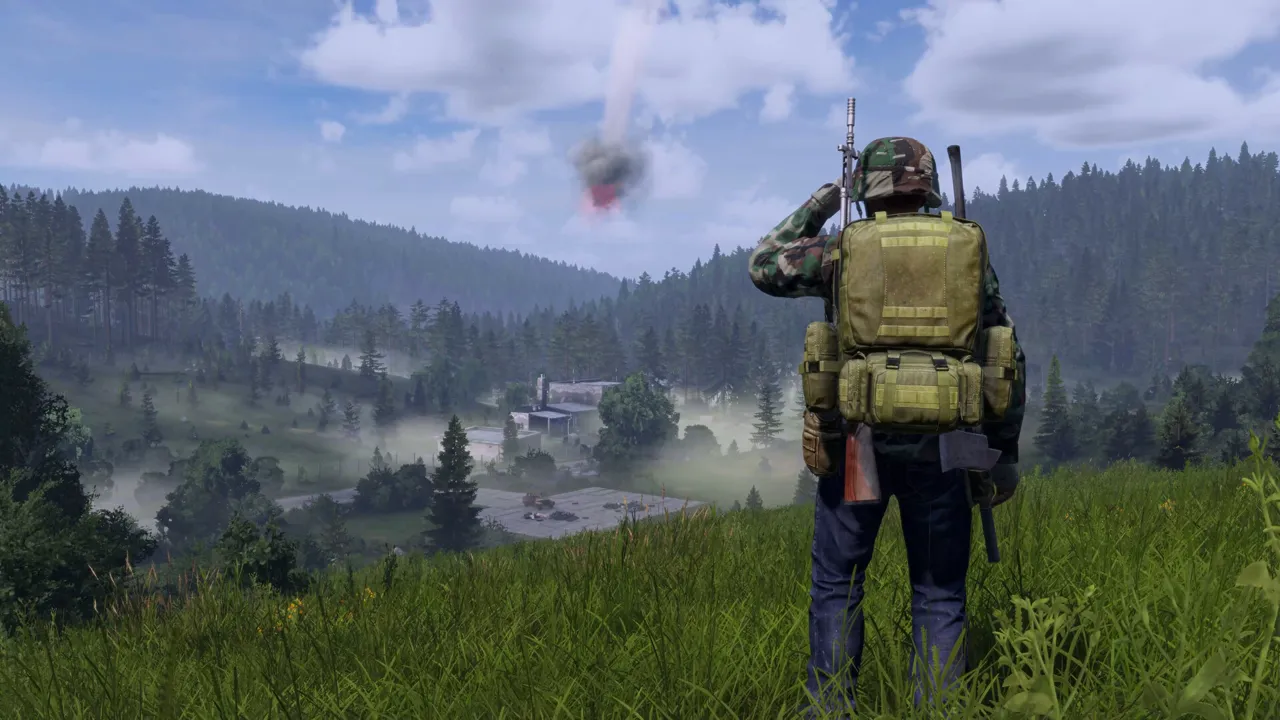
Firefights
Smooth sessions for PvP and events.

Self-Serve Bot in Discord
Instant control of your DayZ server without tickets or waiting. Type a command and go.
- Start, stop, restart, and check status in seconds.
- Secure by design: only your subscriptions are accessible.
- Share access safely with time-limited auth codes.
Fast, secure, and always on.

Latest DayZ Guides & News
Server Setup Guide
Complete guide to setting up a DayZ Standalone server on Linux.
Server Requirements
RAM, CPU, and storage requirements for hosting DayZ servers.
Configuration Guide
Master serverDZ.cfg and types.xml to control rules and loot economy.
Admin Tools
How to install and configure VPPAdminTools and Community Online Tools.
Backup and Restore
How to backup DayZ server saves and restore from backups.
Troubleshooting
Fix common server issues including crashes and connection problems.