Enshrouded
Embark on an immersive journey through the mystical world of Embervale in Enshrouded, where survival, crafting, and action RPG combat converge. This comprehensive post delves into every facet of the game, from its engaging mechanics and rich narrative to the latest updates and games that share its spirit.
Whether you’re setting foot in Embervale for the first time or seeking to deepen your mastery, this guide is your gateway to a captivating adventure. Join us as we explore the essence of Enshrouded, its gameplay innovations, the unfolding story, essential tips for thriving in this perilous world, and a look at similar titles that fans of Enshrouded will surely appreciate.
What is Enshrouded?
In Enshrouded, you step into a world where survival, crafting, and action RPG combat intertwine within the sprawling, voxel-based continent of Embervale. This realm, now a shadow of its former self due to your ancestors’ lust for magical power, sets the stage for your journey. You’re tasked with rekindling the Ancient Flame, embarking on a quest to piece together a story buried beneath the surface of a world on the brink of ruin.
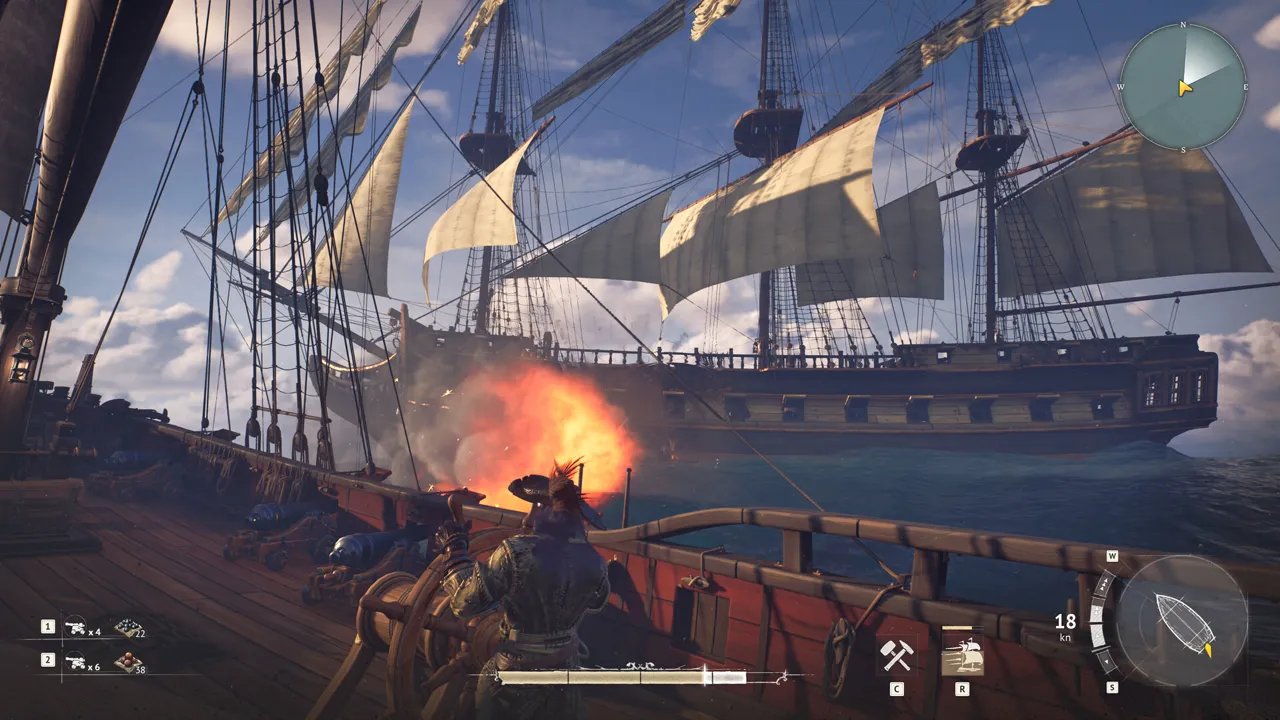
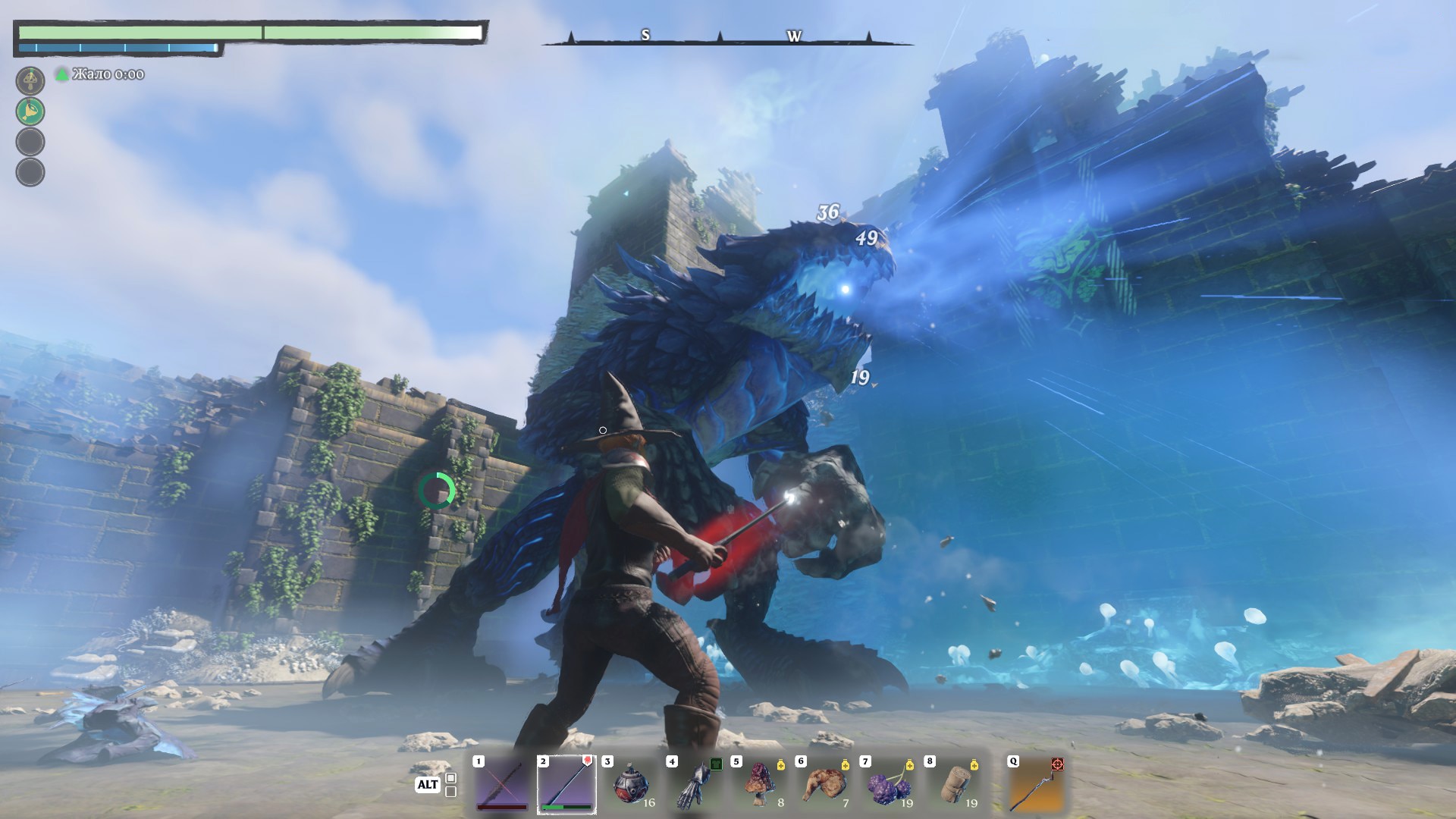
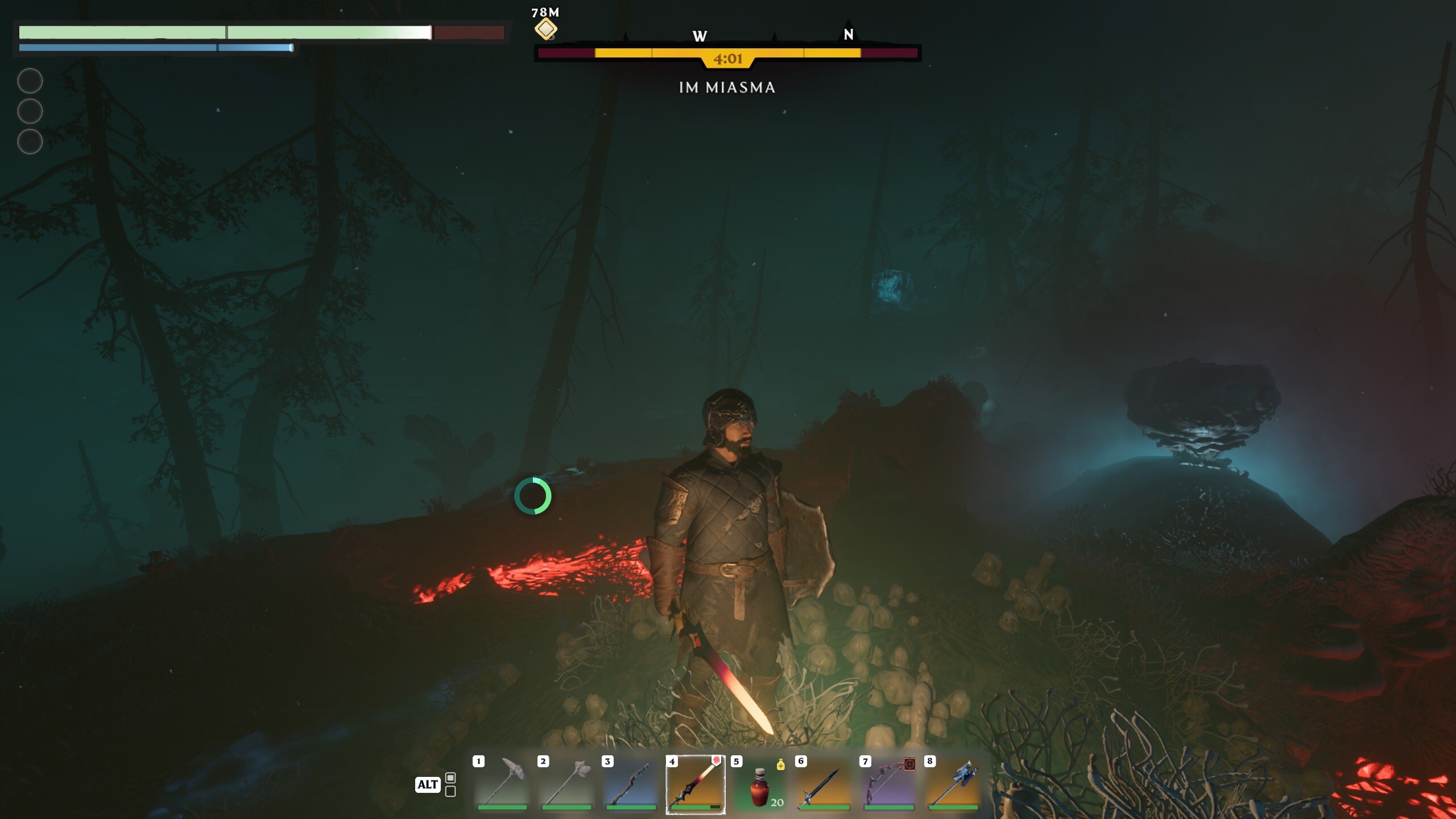
Your survival hangs in the balance as you navigate through the remnants of a lost kingdom, combat ravenous beasts, and brave the dangers of “the Shroud” – a fog-covered area fraught with hostile monsters and treacherous terrain, yet filled with valuable loot. The game doesn’t just challenge your ability to survive against the elements; it also thrusts you into heart-pounding combat against various factions and bosses. Through an in-depth skill tree system, you can tailor your combat style to suit your preferences, ensuring that each encounter is as thrilling as the last.
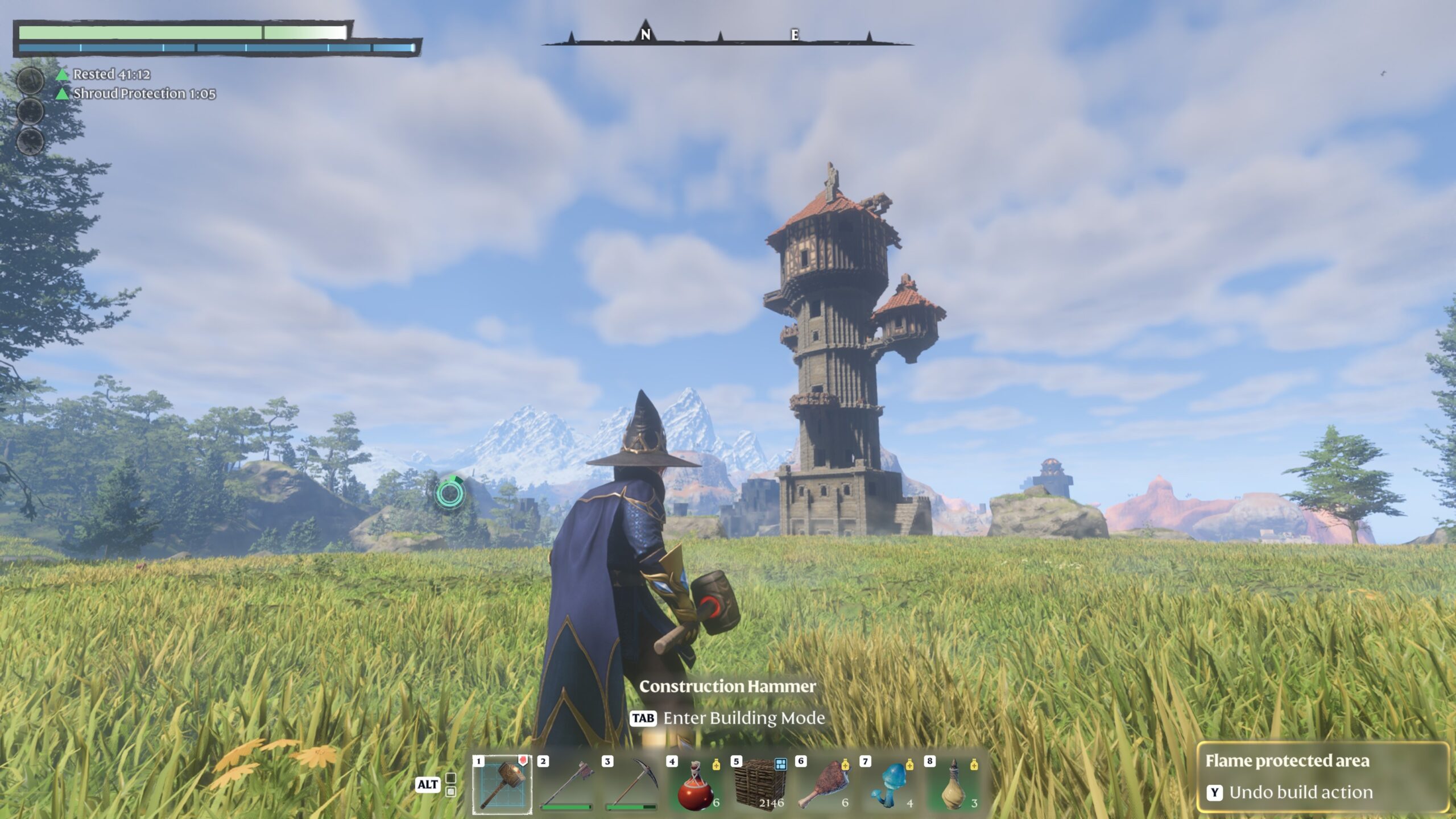
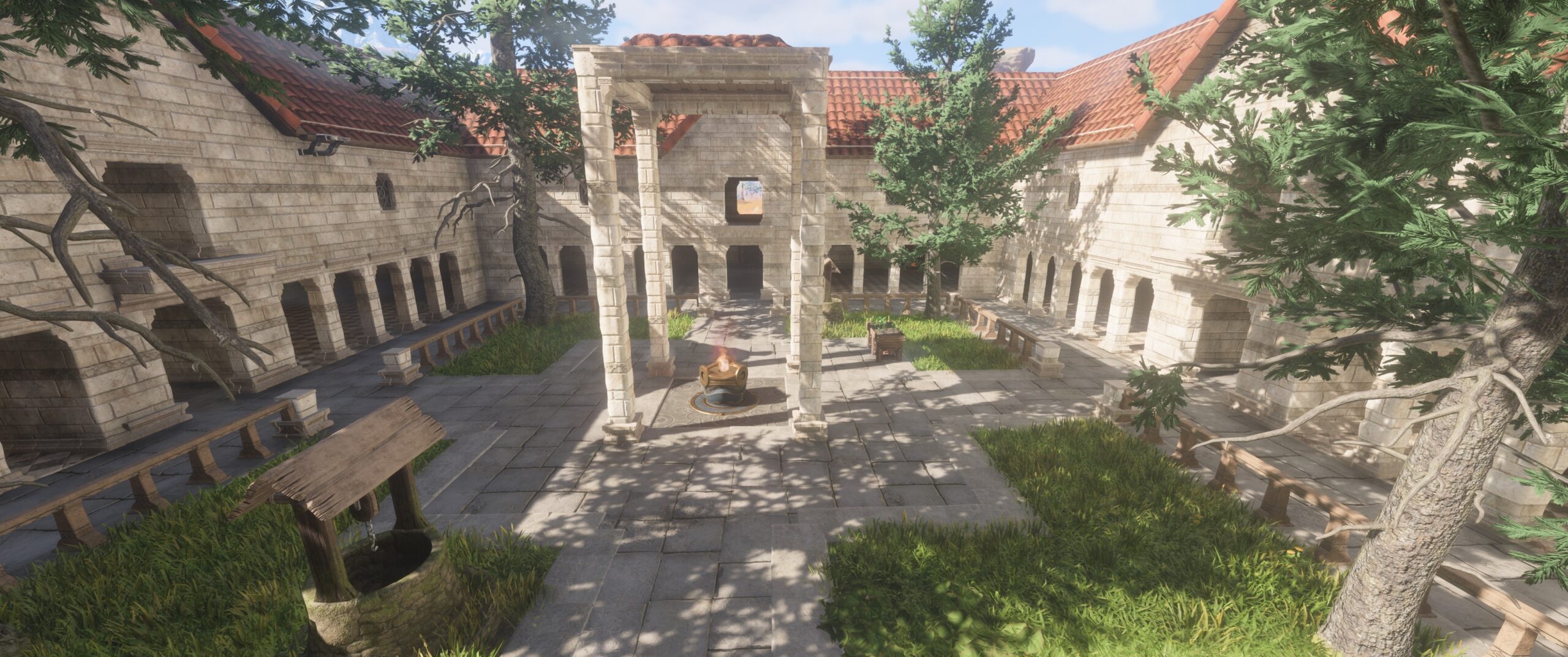
Crafting and building play a crucial role in your survival. You must gather resources, construct bases, and summon NPCs to unlock new crafting recipes and embark on quests. The game’s voxel-based building system allows you to erect grandiose structures, transforming the land and providing safe havens amidst the chaos of Embervale.
Surviving in Enshrouded means more than just fighting and building. You must also manage your hunger and thirst to maintain combat efficiency and utilize a unique sleep mechanic to stave off exhaustion. Whether you choose to face the world alone or with friends in online co-op, supporting up to 16 players, your journey through Embervale promises to be both challenging and rewarding.
Developed by Keen Games, Enshrouded is influenced by iconic titles like The Legend of Zelda: Breath of the Wild and Valheim, offering an accessible yet deep entry into the survival genre. Even in its early access phase, the game invites you to be part of its evolution, shaping it through your experiences and feedback into a world that captivates and engages.
Enshrouded’s Gameplay
In Enshrouded, your foray into the continent of Embervale is a compelling blend of survival and action RPG elements, where your combat prowess is tested against the backdrop of a world veiled in danger and mystery. Your journey is one of survival, strategy, and skill, echoing the rigorous demands of games with a Dark Souls-like combat system.
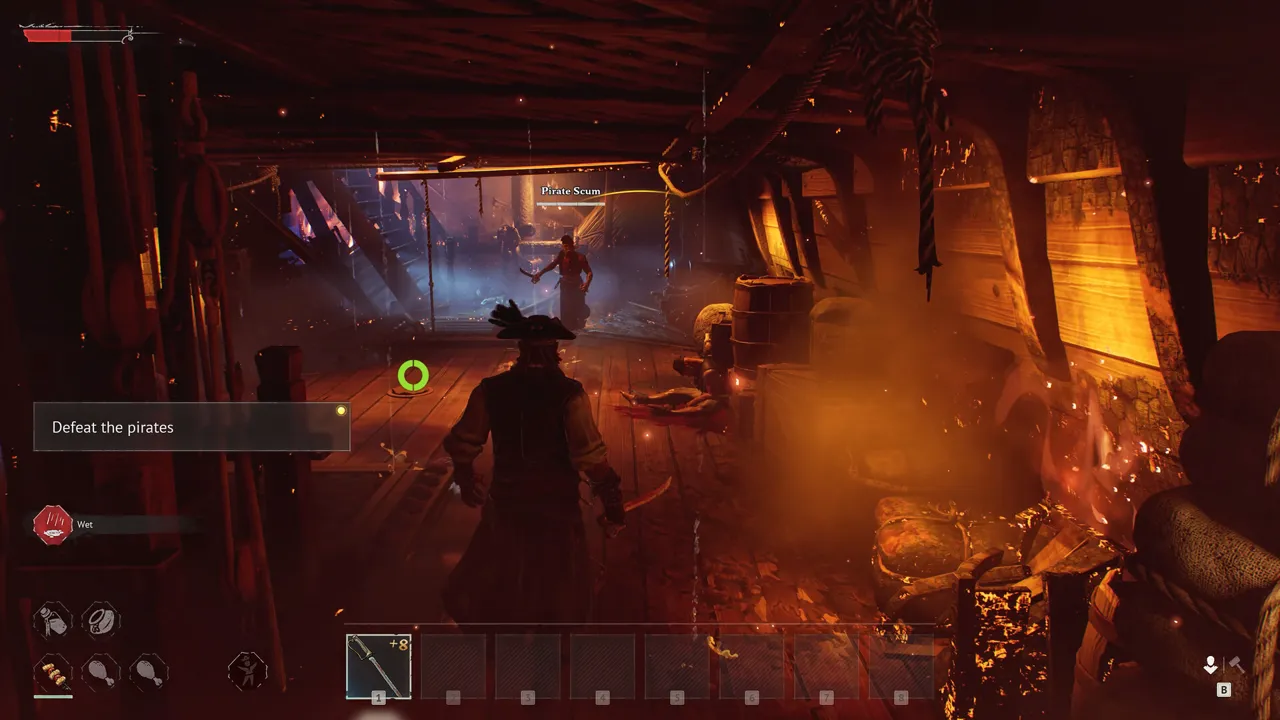
From the outset, you’re thrust into an environment where every decision, every swing of your weapon, and every dodge counts. Combat in Enshrouded is designed to be deliberate and challenging, demanding precision and timing reminiscent of the Dark Souls series. The mechanics focus on short combos, dodges, and parries, encouraging you to study your enemies and find the right moment to strike or evade. This combat system rewards skillful play, emphasizing strategic engagement over brute force.
The world of Enshrouded is vast, filled with diverse biomes that promise not just survival challenges but also arenas for your combat skills to shine. The deadly fog, or the Shroud, adds a layer of urgency to exploration and combat. Here, the game introduces a unique twist on risk-reward gameplay: the fog is both a grave threat and a source of valuable treasures, pushing you to balance the desire for loot with the need to survive its perilous embrace. It’s a dynamic that adds depth to combat, forcing you to weigh the benefits of engaging with formidable foes against the potentially lethal consequences of the fog’s suffocating embrace.
Building and crafting in Enshrouded are integral to your survival strategy, providing a respite from the relentless challenge of combat. The game’s voxel-based building system allows for creativity in constructing defenses and shelters, offering a tactical advantage against the dangers of Embervale. However, it’s the combat that often steals the spotlight, with its Dark Souls-inspired mechanics that require mastery of both offensive and defensive strategies to prevail against the monstrous inhabitants of the fog.
Exploration is rewarded with skill points and resources essential for your survival and combat readiness. The game’s skill tree, offering paths like Warrior, Ranger, and Mage, reflects a commitment to long-term character development, allowing you to tailor your combat style to your preferences and the challenges ahead. This progression system ensures that as you delve deeper into Embervale’s secrets, your encounters will become increasingly complex and demanding, requiring all your skill and strategic thinking to overcome.
Enshrouded’s Story
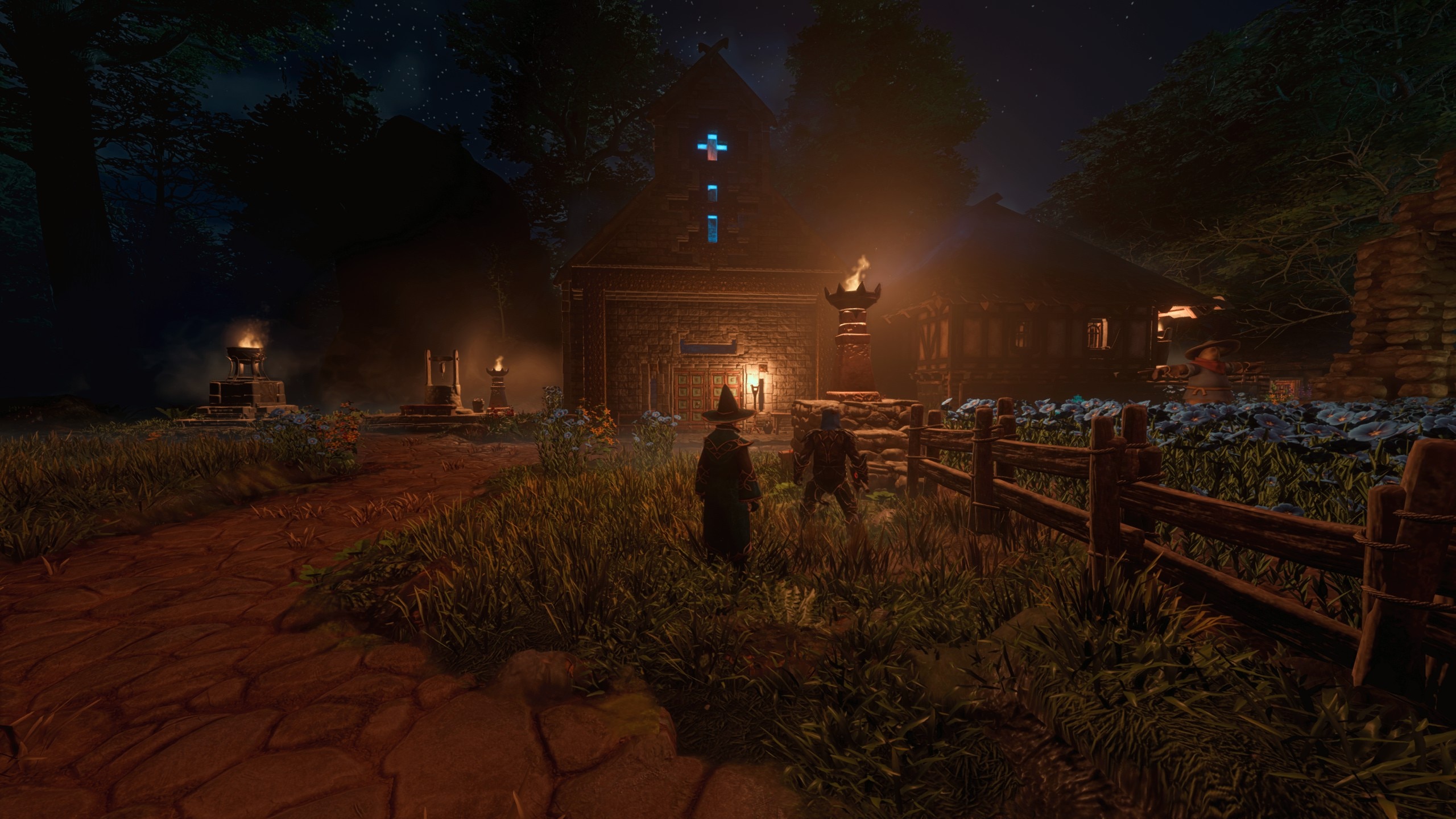
In Enshrouded, you are thrust into the magical realm of Embervale, a land forsaken and shrouded in mystery following a devastating plague unleashed by your ancestors in their quest for power. This setting serves as the backdrop for a rich narrative that intertwines survival, crafting, and action RPG combat within a sprawling voxel-based continent. As you embark on this journey, the fate of Embervale rests in your hands, offering you the freedom to carve out your destiny and explore the depths of this once-great kingdom.
The game’s narrative casts you as the Flameborn, a magic-wielding hero imbued with the potential to reclaim the fallen realm from the sinister grip of the Shroud. This deadly pestilence not only corrupts the land but also guides and mutates all life it encounters. With nothing but your wits and a latent arcane power, you’ll venture through lush forests, desolate deserts, and forgotten dungeons in search of secret knowledge and treasure. Your mission is to rebuild the surface world and gather the strength to delve deep below where the core of the continent intertwines with the Shroud, bringing the fight to the very heart of the darkness.
The narrative of Enshrouded is not just about survival; it’s a tale of magic, ruin, hope, and redemption waiting to be uncovered. The developers have woven a story that allows you to become the last beacon of hope for a world teetering on the edge of oblivion, making every step you take and every decision you make part of a larger saga of rebirth and resilience.
Enshrouded’s Mechanics
In Enshrouded, the mechanics extend beyond the typical survival game, offering a blend of strategy, action, and creativity that allows for a deeply personalized gameplay experience. At its core, the game emphasizes survival, crafting, exploration, and combat, set within the mystical and dangerous world of Embervale. However, it’s the unique and hidden mechanics that enrich the gameplay, offering layers of complexity and strategy for players to discover and utilize.
Building and resting mechanics play a significant role in enhancing your survival chances. Creating a shelter with a campfire, bed, and roof not only provides a safe haven but also grants powerful rested bonuses, crucial for strengthening your character before venturing into the deadly Shroud. The inclusion of passive skills like Radiant Aura and Water Aura adds a strategic layer to combat and survival, allowing for passive damage and healing based on your character’s intelligence level.
The game’s skill tree system encourages diverse character development, allowing you to tailor your Flameborn to your preferred playstyle with classes such as Warrior, Assassin, Mage, and Healer. This system is tied closely to exploration and progression, rewarding players with skill points for leveling up, defeating bosses, and completing specific quests. The ability to multiclass offers a flexible approach to combat and exploration, ensuring that each player’s journey through Embervale is unique.
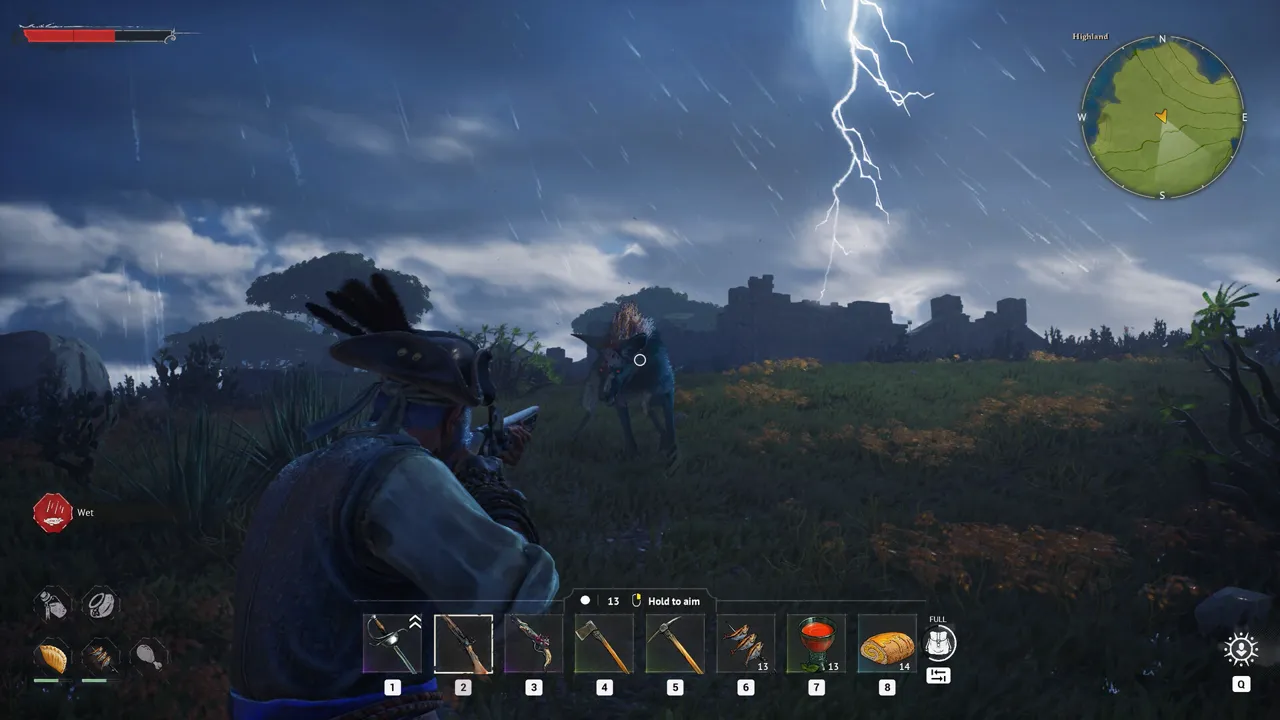
Combat in Enshrouded is designed to be versatile and engaging, with mechanics that cater to a range of playstyles. From melee to ranged combat, players can choose from a variety of weapons and tools to face the challenges of Embervale. The game introduces a parry system that drains enemy stamina, opening up opportunities for devastating attacks. Preparation is key to survival, with food, items, and strategic resting crucial for overcoming the varied enemy factions that inhabit the world.
Crafting is an integral part of Enshrouded, with NPCs playing a vital role in unlocking higher-level crafting options and items. This mechanic ensures a smooth progression as players explore Embervale, encouraging interaction with the world and its inhabitants to gain access to stronger equipment and resources.
Enshrouded’s Version History
Enshrouded launched in early access on January 24, 2024, for Microsoft Windows and is set for a full release later in 2024 on Windows, PlayStation 5, and Xbox Series X/S.
The early access phase allows players to explore, craft, and combat within the mystical world of Embervale, offering a blend of multiplayer and single-player experiences. Further details on version updates and expansions are anticipated as the game progresses towards its full release.
The team at Keen Games have continuously expressed their desire to bring more content to the game with plenty of additions planned between now and Enshrouded’s full release. In terms of a roadmap, you won’t currently find one publicly available. The devs are currently working on it internally so it is likely they will share it with us when it’s ready for prime time.
Tips for Playing Enshrouded
If you’re just getting started with Enshrouded and want to make the best possible start, check out the following rapid-fire tips:
- Acquire the Glider and Grappling Hook early for improved exploration.
- Complete initial quests to unlock essential NPCs and items.
- Ensure regular rest and adequate food consumption for survival benefits.
- Prioritize unlocking skills like Merciless Attack, Sneak Attack, and Double Jump for combat and mobility advantages.
- Strengthen your Flame Altar for increased attributes and shroud protection.
- Create multiple Flame Altars across the map for convenient fast travel points.
- Utilize both hotbars for efficient item management.
- Explore magical combat with wands and staves.
- Focus on blocking rather than dodging during enemy encounters.
Enshrouded Similar Games
Whether you’re coming from past games or want to explore other titles that inspired the creation of Enshrouded, here is a list of games that are similar to the recent early access release by Keen Games:
- Necesse: Offers a pixelated art style with vast worlds for exploration and near-infinite replayability, emphasizing community building.
- Valheim: A Norse mythology-centered survival RPG featuring extensive cooperative play and building mechanics.
- State of Decay 2: Juggernaut Edition: Enhances the zombie survival experience with mechanic improvements and cooperative play.
- Project Zomboid: A detailed survival game set in a zombie apocalypse, emphasizing crafting and cooperative play.
- Kenshi: Provides a vast open world with a high degree of player autonomy, where every choice significantly impacts the gameplay.
- Dark Souls 3: While not a survival game, DS3 is a culmination of all the lessons From Software learned over the years and is a definitive version of the Souls-like vision. Its deliberate combat is what inspired the fighting mechanics in Enshrouded.