Menu
 

Control Is Free Again On Epic


Control Is Free Again On Epic


Alright, listen up, you beautiful basket cases. It’s time to talk about that game. You know the one. The one that’s been given away more times than a cheap hooker’s business card. Yeah, I’m talking about Control. It’s free. Again. On Epic. 🙄

Now, before you start sharpening your pitchforks and lighting your torches, hear me out. I know, I know, we’ve all got it by now. Probably on like, five different platforms. Epic, PS Plus, that Humble Bundle you forgot you bought – it’s like a damn STD that just keeps coming back. But here’s the thing, if you’re still one of the uninitiated, the poor souls who haven’t yet had their minds bent by this game, then for the love of all that is holy, grab it. Even if it’s from that launcher everyone loves to hate.

For those of you living under a rock, Control is a mind-bending action-adventure game by Remedy, the same twisted geniuses behind Alan Wake and Max Payne. It throws you into the shoes of Jesse Faden, the new director of the Federal Bureau of Control (FBC), a shadowy government agency that deals with all things paranormal and weird. Think X-Files meets SCP Foundation, cranked up to eleven with a dash of Max Payne’s chaotic gunplay.

The FBC’s headquarters, the Oldest House, is a brutalist masterpiece that is constantly shifting, twisting, and generally breaking the laws of physics. It’s a labyrinth of concrete corridors, seemingly endless offices, and hidden dimensions that you’ll be navigating while battling interdimensional nasties. The story is a dense, bizarre trip into the unknown that will keep you hooked if you are into that kind of thing. And the gameplay? Oh man, the gameplay. You get telekinetic powers, a shapeshifting gun, and the ability to rip chunks of concrete from the walls and hurl them at your enemies. It’s like being a force-wielding badass, as some folks have pointed out, but with a bit more cosmic horror thrown in for good measure.

I have to admit, when I first played it, I was kind of confused. The game doesn’t hold your hand, it throws you into the deep end and expects you to swim. But once it clicks, you get sucked in, like one of those poor sods that get hoovered up by a fridge.

Let’s get into the meat of it – the combat. It’s fast-paced, fluid, and incredibly satisfying. You’re not just mindlessly shooting enemies; you’re also throwing objects, levitating, and mind-controlling your way through combat encounters. The sound design is top-notch too – that little whistle when you pull something to your hand? That’s the stuff that makes me moist, let’s be honest. And don’t even get me started on the environmental destruction. Stacks of paper go flying, walls crumble, and the whole place looks like a warzone by the time you’re done.

There is a certain satisfaction in ripping a chunk of concrete from a wall and hurling it at some poor bastard that’s in your way, that never gets old. It’s just so visceral. It’s not just the big obvious things that get destroyed either; it’s the little things too. And that’s what makes the environment feel so alive and dynamic. It’s like a modern-day Max Payne with telekinesis and a whole lot of weirdness.

But it’s not just the combat that makes Control so great. The game’s world-building is phenomenal. The Oldest House is a character in itself – a constantly shifting, labyrinthine structure that’s full of secrets and surprises. You’ll spend a lot of time exploring its corridors, offices, and hidden dimensions, uncovering the mysteries of the FBC and the paranormal forces they’re trying to contain. It’s like a mix of X-Files, Fringe, and the SCP Foundation, all rolled into one glorious, mind-bending package.

The story itself is a slow burn, unfolding through documents, audio logs, and environmental storytelling. It’s not a linear experience either, but more of a jigsaw puzzle where you have to piece the whole picture together, and it’s a rewarding experience to unravel it all. Some people find that tedious but I think it gives the game more depth. And the way the Old Gods of Asgard lyrics tie into the game? Pure genius. I spent 55 hours listening to them and the AWII soundtrack this year, and I regret nothing.

There’s a secret boss that is basically an SCP. It’s a fridge that you can’t stop looking at. Once you get too close it sucks you into another dimension and then you have an epic boss fight. There’s a recurring motel that can transport you across dimensions by pulling on a light string 3 times. And the janitor? Don’t even get me started on the janitor. The Oldest House is basically a containment facility for a bunch of anomalies and powers that appear in the world. Halfway through the game you get to explore the actual containment facility and read up on all the anomalies. It is a great world-building experience.

But enough about the good stuff. Let’s talk about the elephant in the room: The Epic Games Store. I get it. It’s not Steam. It doesn’t have all the bells and whistles. The UI is clunky. It’s like that one friend who always shows up late to the party, but they brought the good booze. But honestly, if you let something like a launcher stop you from playing a great game, you’re missing out big time. I mean it is free stuff, you know? You just click play and that’s it. It’s not like you need extra functions to play a single-player game.


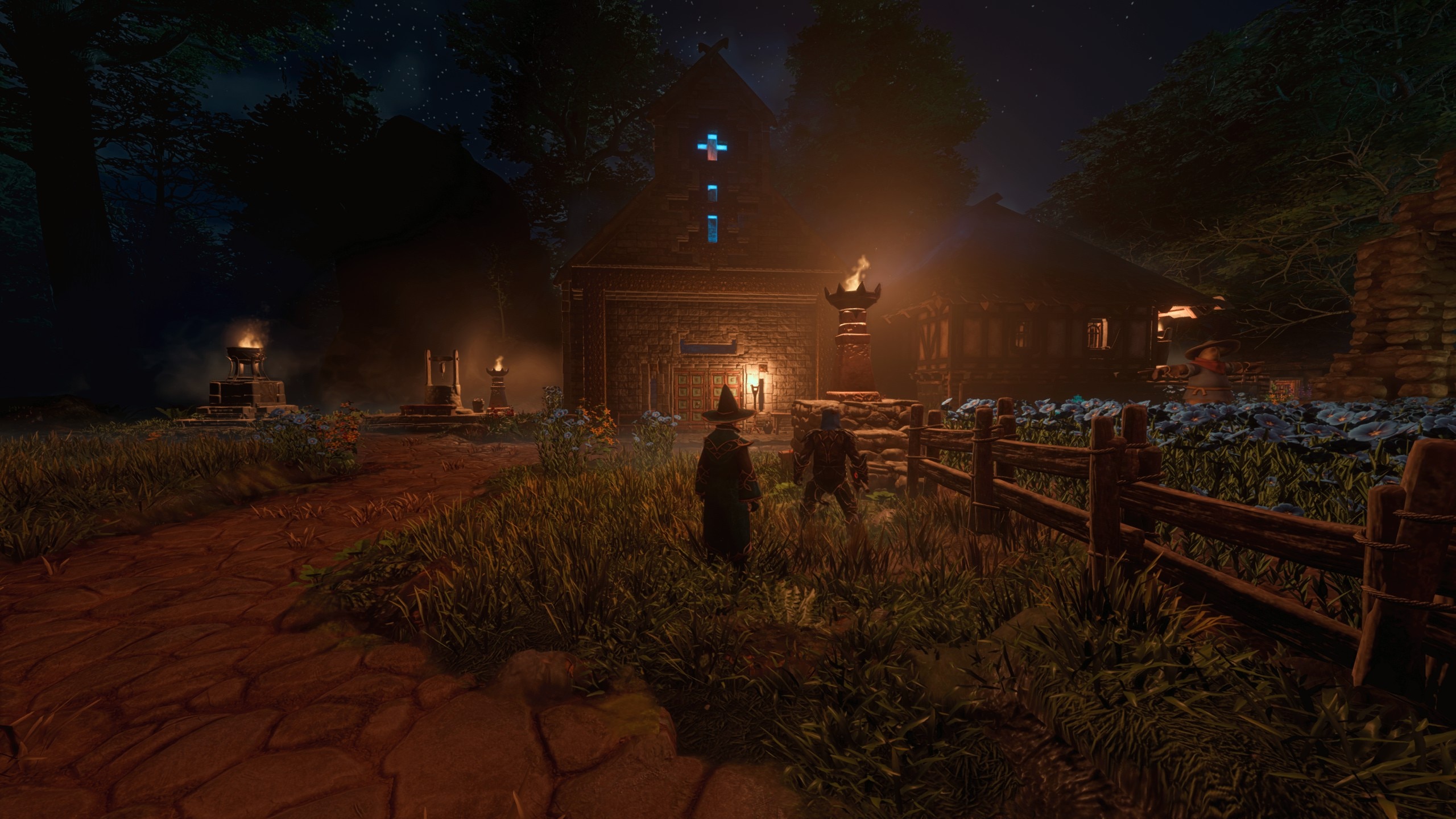
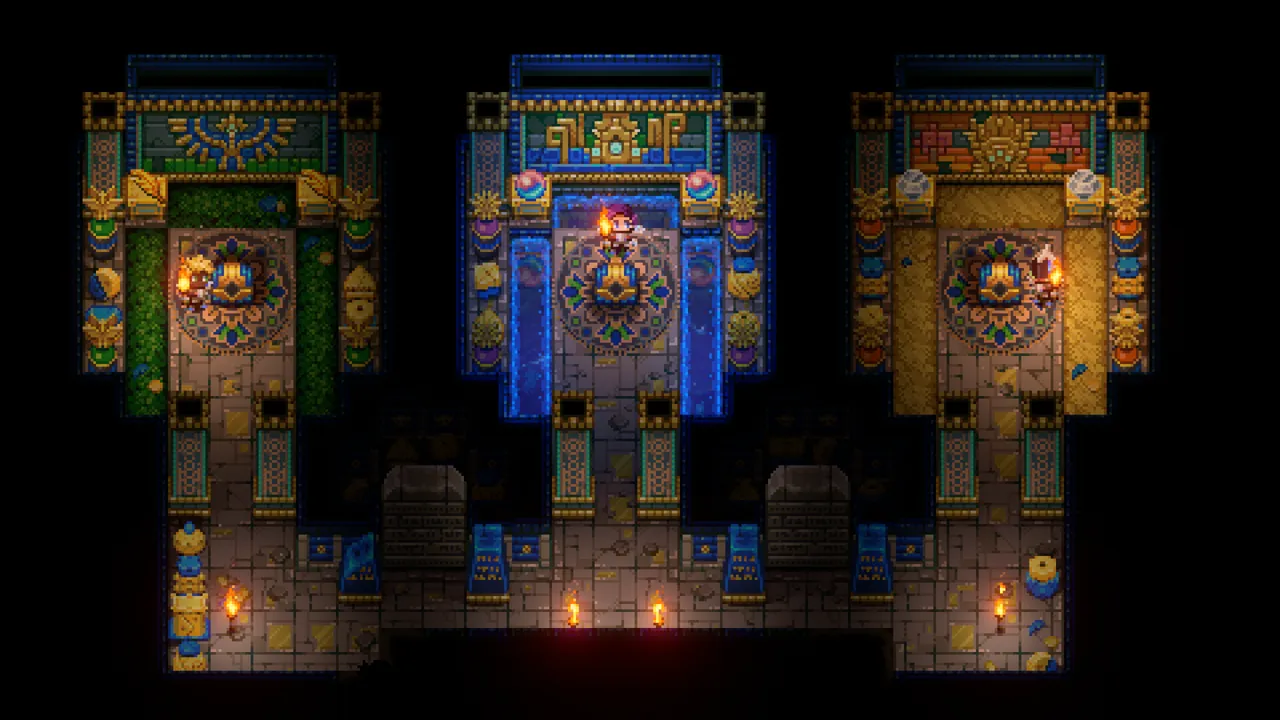
Core Keeper Server Hosting

Core Keeper Server Hosting for underground mining, boss hunts, and co-op survival

Launch a dedicated Core Keeper server in minutes with stable performance, fast saves, and easy world management. Keep your world online so your crew can mine, craft, and take on bosses together.

Start in 2 minutes Compare plans Monthly plans, cancel anytime
Prices include tax at checkout.
10k+ servers hosted 99.9% uptime 5 regions 2-day refund
PROMO: Buy Core Keeper – get access to multiple other games. See all games
Step 1

Pick a plan

Choose S, M, or L based on player count.

Step 2

Launch instantly

Provision your world and adjust settings.

Step 3

Invite your crew

Share the IP and scale anytime without wipes.

“Mining sessions stay smooth and our worlds are always backed up.”
Core Keeper customer review

Core Keeper server — on request

Core Keeper hosting on Supercraft is set up by our team on request. Tell us the plan size you want (small co-op / mid group / large community) and we’ll provision the server and send you a direct payment link.

  • AMD EPYC hardware, NVMe storage
  • Daily automated backups
  • Full admin access — FTP, console, config files
  • Mod / config support during setup

Stable underground worlds

Keep autosaves consistent as you dig deeper. Our servers keep sessions smooth and world files safe for long runs.

Boss fights without lag spikes

Low-latency regions keep combat responsive for coordinated boss runs and community events.

Mods, seeds, and shared worlds

Upload worlds, swap seeds, and manage mods from the control panel. Scale up anytime without wiping progress.

Showcase

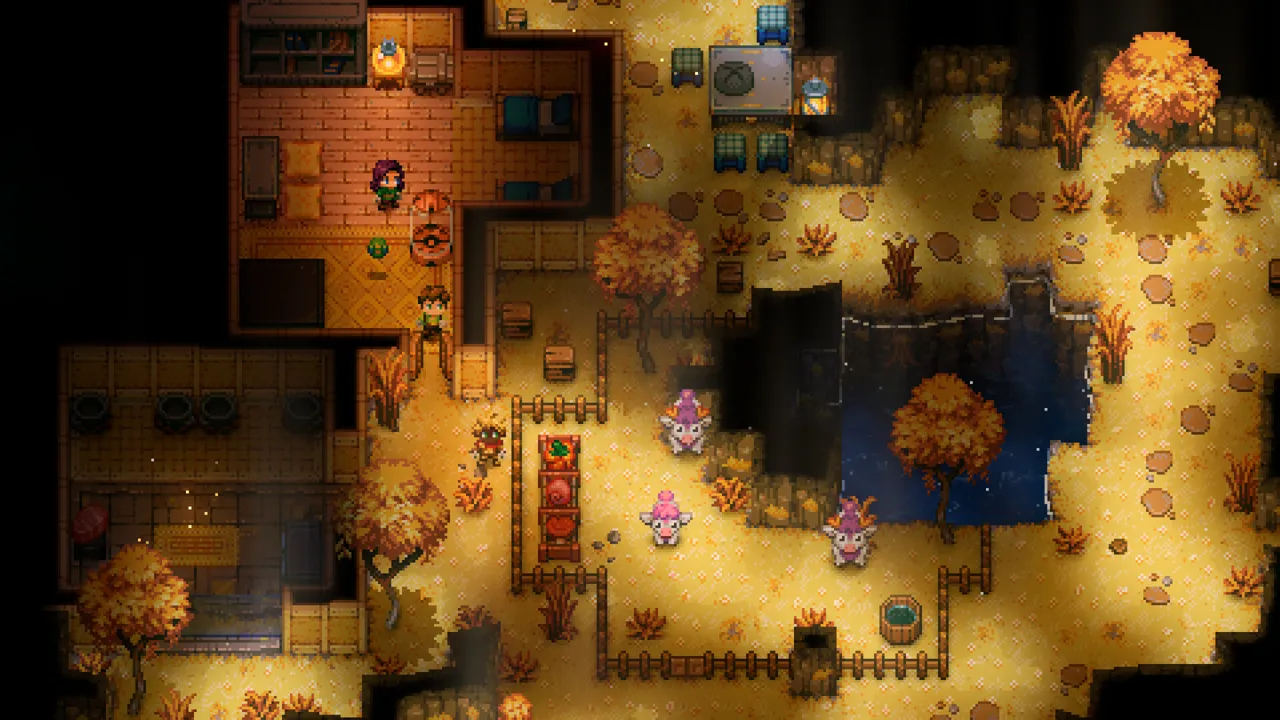
From crystal caverns to ancient ruins, keep your Core Keeper world online.

Core Keeper mining expedition

Deep mining

Fast saves and stable performance underground.

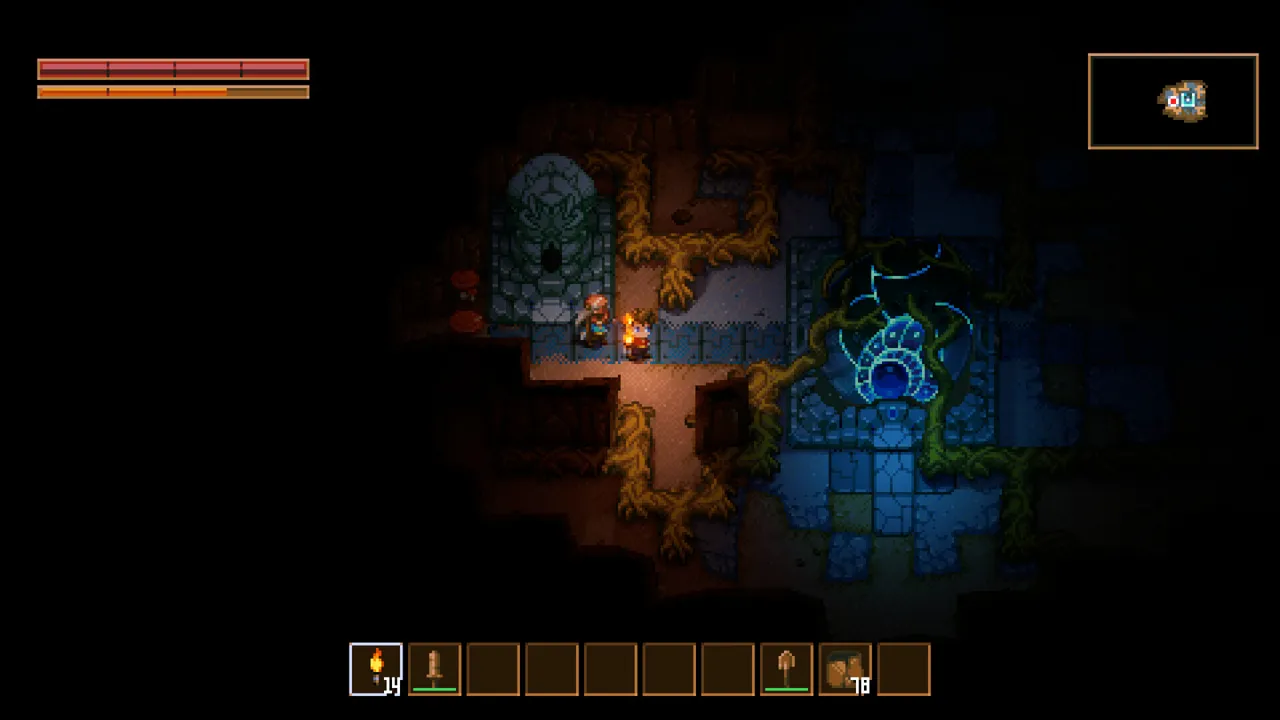
Core Keeper underground base

Underground bases

Reliable worlds for long-term builds.

Core Keeper boss arena

Boss arenas

Low latency for coordinated fights.

Latest Core Keeper Guides & News

FAQ

Yes. Set a password or whitelist players in the control panel.

Plans scale by player slots. Pick S, M, or L based on your group size.

Yes. Upload your world save via the file manager or FTP and keep all player data.

We host in US West (Oregon), US East (Virginia), US North-East (Toronto), Europe West (Paris), and Australia (Sydney) for low latency.

Yes. We run automatic snapshots and provide on-demand backups for quick restores.

Average Core Keeper server hosting cost is about $5-$10 per month for small groups, with larger communities typically $10-$18. Pricing follows player slots, mods, world size, storage I/O, and bandwidth.

Yes. In My Account → Subscriptions, you can upgrade to a higher tier of the same game with the same billing cadence (for example, monthly to monthly). Downgrades are not available right now. During an upgrade, your deployment is updated in place (quota update + restart), not wiped and recreated.
 
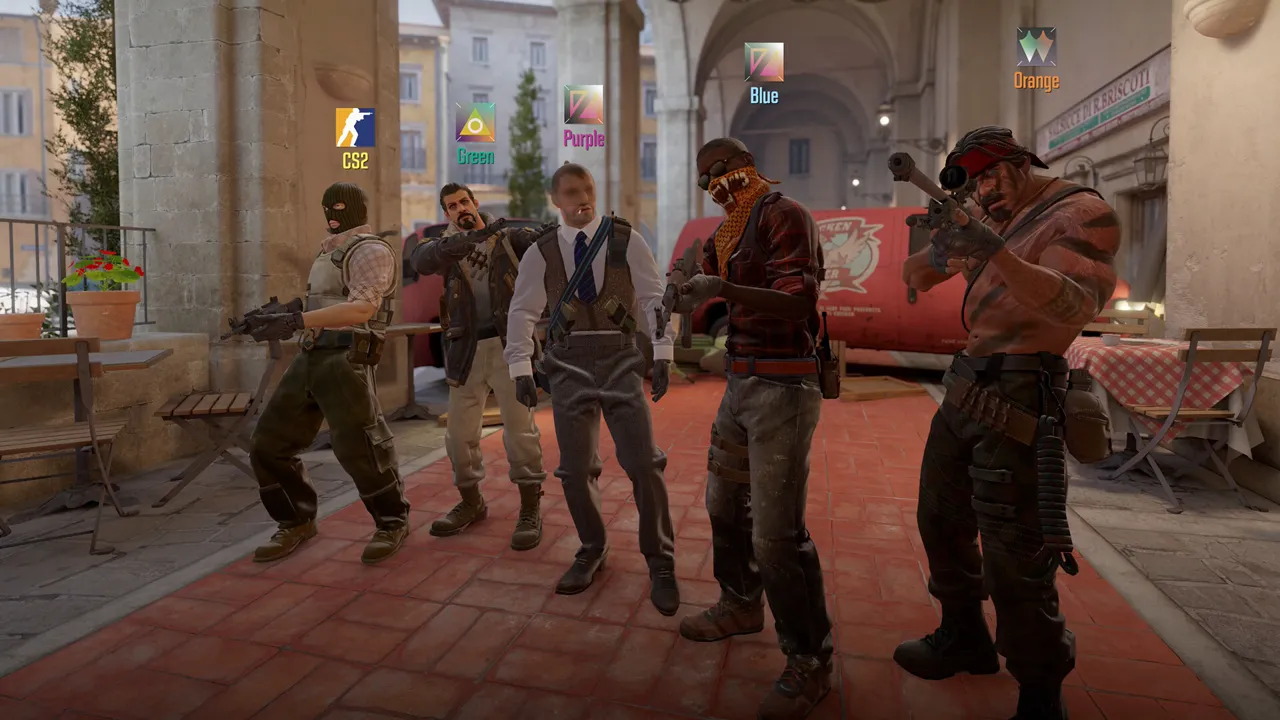
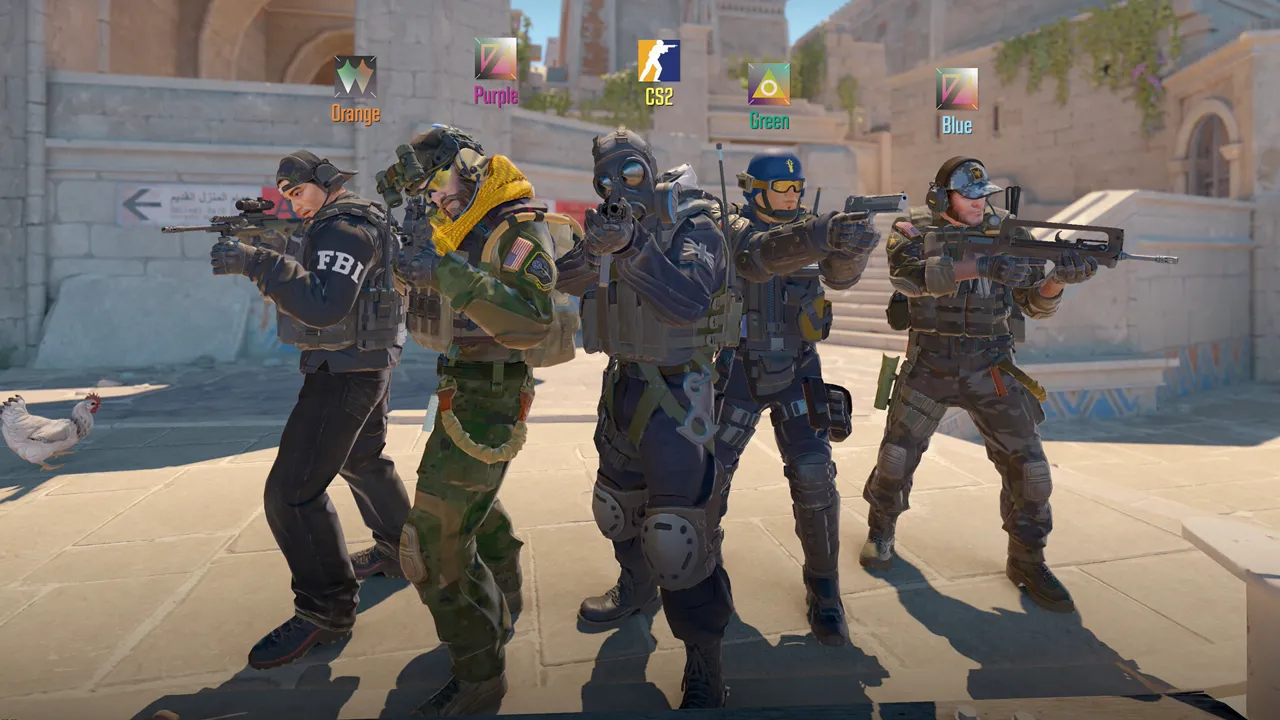
Counter Strike 2 Server Hosting

Counter-Strike 2 (CS2) Server Hosting for competitive matches, practice, and workshop maps

Launch a dedicated Counter-Strike 2 server in minutes with low-latency performance, full subtick fidelity, and easy config management. Run 5v5 scrims, aim practice, retakes, or community servers without lag — no Steam dev account needed for private play.

Prices include tax at checkout.
10k+ servers hosted 99.9% uptime 5 regions 2-day refund
Ready for: 5v5 scrims · Aim practice & retakes · Workshop maps · SourceMod / MetaMod · Community servers
Step 1

Pick a plan

Choose S, M, or L based on player count.

Step 2

Launch instantly

Provision your server and upload configs.

Step 3

Invite your squad

Share the IP and scale anytime without downtime.

“Hit reg stays crisp and our scrims are always stable.”
Counter-Strike 2 customer review
Available regions: US West (Oregon), US East (Virginia), US North-East (Toronto), Europe West (Paris), Australia (Sydney)
Counter Strike 2 server plan S

Plan S

$799
/ per month

Aim / Retakes · Up to 8 Players

Best for aim training, retake servers, and 4v4 practice.

Counter Strike 2 server plan M

Plan M

$1200
/ per month

5v5 Scrims · Up to 16 Players

Match-ready for 5v5 scrims with spectators and community play.

Counter Strike 2 server plan L

Plan L

$1900
/ per month

Community / League · Up to 32 Players

Built for tournaments, leagues, and busy community servers.

All plans include
Uncapped RAM
NVMe storage
Mod support
Daily snapshots
Server hardware: AMD EPYC CPUs (24c/48t+), ~3.6 GHz, 512 GB RAM

Competitive-ready performance

Low-latency regions and a stable tickrate keep aim tracking, peeks, and utility consistent for serious play.

Workshop maps and configs

Upload map collections, server configs, and rotation lists via FTP, then restart to apply changes in minutes.

RCON and admin tools

Manage players, bans, and match settings quickly with RCON access and server console controls.

Showcase

From aim practice to full matches, keep your Counter Strike 2 server online.

Counter Strike 2 aim practice

Aim practice

Stable performance for drills and warmups.

Counter Strike 2 competitive match

Competitive matches

Low latency for scrims and league play.

Counter Strike 2 workshop maps

Custom maps

Easy uploads for rotations and events.

Discord bot controls for your Counter Strike 2 server
Discord bot

Self-Serve Bot in Discord

Instant control of your Counter Strike 2 server without tickets or waiting. Type a command and go.

  • Start, stop, restart, and check status in seconds.
  • Secure by design: only your subscriptions are accessible.
  • Share access safely with time-limited auth codes.

Fast, secure, and always on.

Discord chat commands for Counter Strike 2 server management

Latest CS2 Guides & News

FAQ

No — GSLT is optional. A Game Server Login Token (GSLT) is only needed if you want your server listed in the CS2 Community Server Browser. For private scrims, league matches, invite-only servers, or LAN-style play, your friends connect directly by IP with no GSLT required. If you do want public browser visibility, visit Steam Game Server Account Management, log in, and create a new token using App ID 730. Paste the 32-character token into the GSLT field in your server configuration panel. Each server needs its own unique token.

CS2 runs Valve’s subtick networking model, which processes player inputs at the exact moment they happen rather than snapping them to a fixed 64 or 128 tick boundary. All our plans run subtick at full fidelity — there is no 64 vs 128 choice in CS2 any more; the engine no longer exposes that as a tunable. We provision high-frequency AMD EPYC cores (~3.6 GHz) so the server keeps up with subtick timing even under raid-heavy utility and peak player loads.

Yes. RCON access is available on all plans for remote administration.

Plans scale by player slots. Pick S, M, or L based on your group size.

Yes. Upload workshop maps, server configs, and rotation lists via FTP and restart to apply changes.

We host in US West (Oregon), US East (Virginia), US North-East (Toronto), Europe West (Paris), and Australia (Sydney) for low latency.

Yes. Network-level DDoS protection is included on all plans.

Average Counter Strike 2 server hosting cost is about $8-$15 per month for small teams, with larger communities typically $15-$30. Pricing follows player slots, tickrate headroom, and bandwidth.

Yes. In My Account → Subscriptions, you can upgrade to a higher tier of the same game with the same billing cadence (for example, monthly to monthly). Downgrades are not available right now. During an upgrade, your deployment is updated in place (quota update + restart), not wiped and recreated.
 
Craftopia Server Hosting

Craftopia Server Hosting for co-op crafting, farming, and boss fights

Launch a dedicated Craftopia server in minutes with stable performance, fast restarts, and easy configuration. Keep your world online for friends, automation builds, and long-running saves.

Start in 2 minutes Compare plans Monthly plans, cancel anytime
Prices include tax at checkout.
10k+ servers hosted 99.9% uptime 5 regions 2-day refund
PROMO: Buy Craftopia – get access to multiple other games. See all games
Step 1

Pick a plan

Choose S, M, or L based on player count.

Step 2

Launch instantly

Provision your world and adjust settings.

Step 3

Invite your crew

Share the IP and scale anytime without wipes.

“Stable co-op, smooth boss fights, and our world stays online for everyone.”
Craftopia customer review

Craftopia server — on request

Craftopia hosting on Supercraft is set up by our team on request. Tell us the plan size you want (small co-op / mid group / large community) and we’ll provision the server and send you a direct payment link.

  • AMD EPYC hardware, NVMe storage
  • Daily automated backups
  • Full admin access — FTP, console, config files
  • Mod / config support during setup

Co-op crafting and stable saves

Keep your Craftopia world online for friends and scheduled sessions with reliable uptime and consistent performance.

Performance for busy worlds

Low-latency regions keep big builds, dungeons, and boss fights smooth for every player.

Configs, mods, and backups

Adjust settings, upload mods, and restore snapshots from the control panel when you need quick recoveries.

Showcase

From sprawling bases to dungeon runs, keep your Craftopia world online.

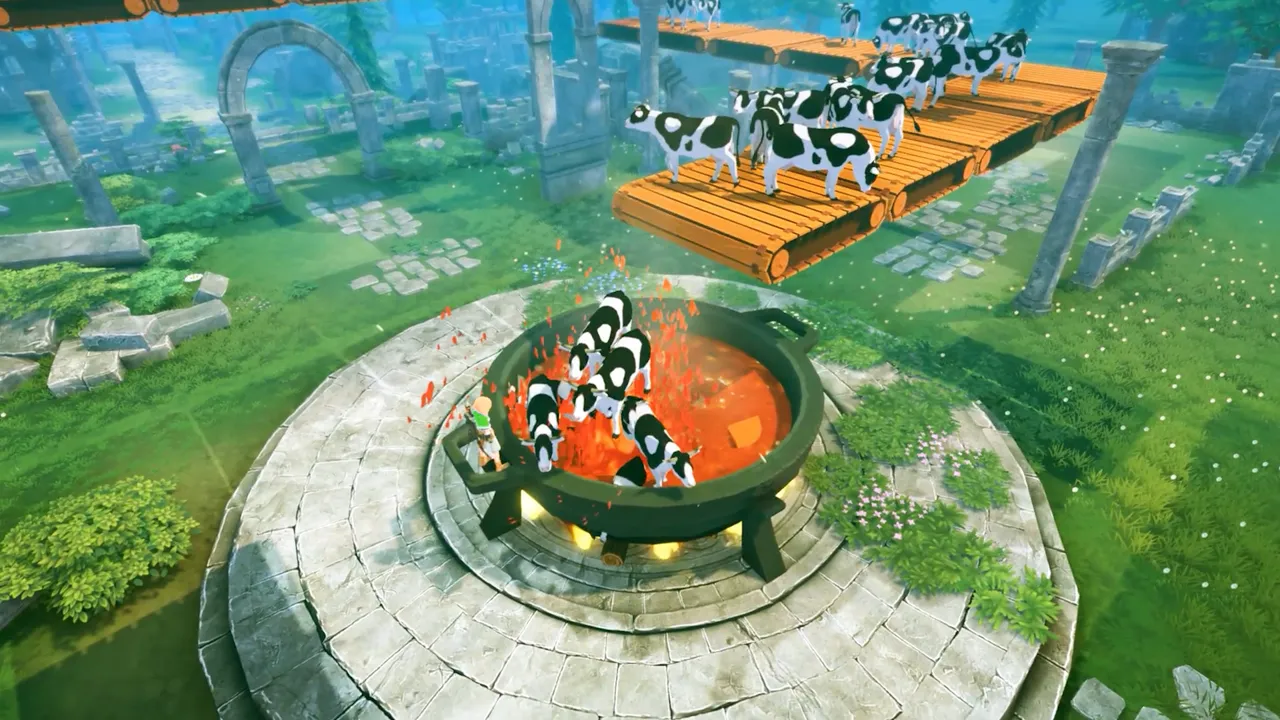
Craftopia co-op base

Persistent worlds

Reliable saves for long-term co-op progression.

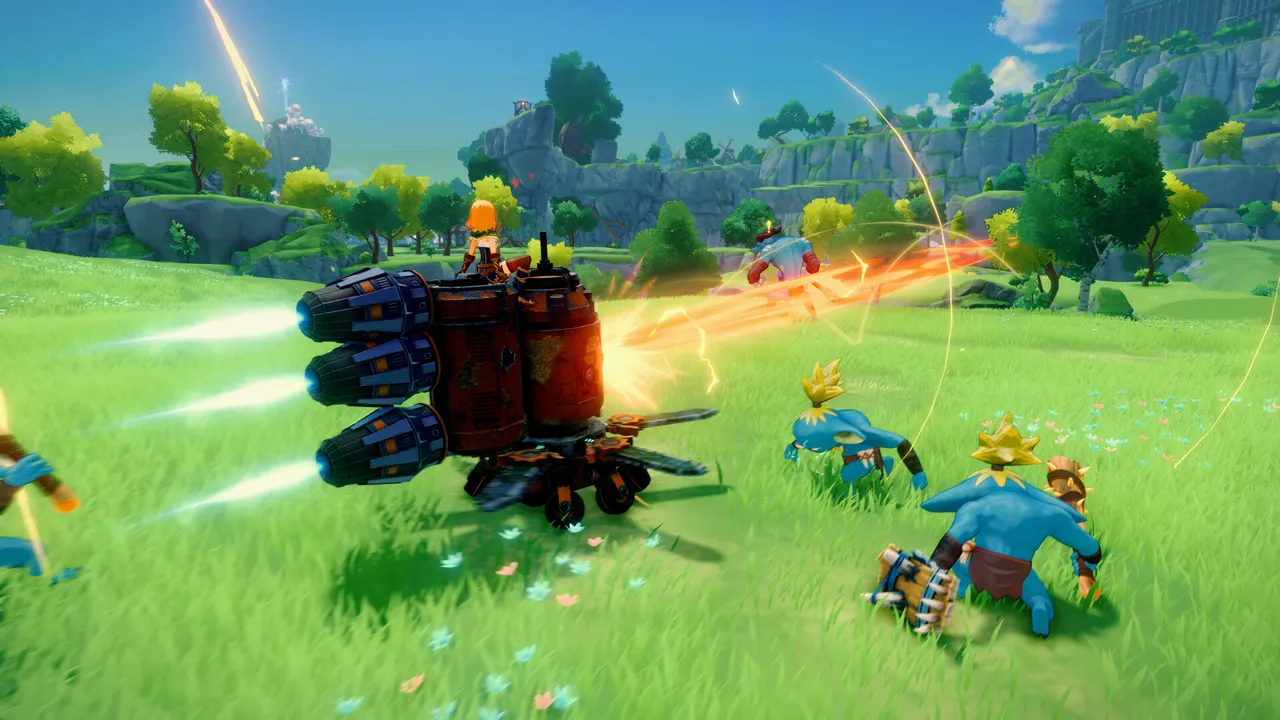
Craftopia dungeon run

Dungeon-ready

Smooth sessions for exploration and boss fights.

Craftopia farming and automation

Automation builds

Stable performance for busy bases and farms.

Discord bot controls for your Craftopia server
Discord bot

Self-Serve Bot in Discord

Instant control of your Craftopia server without tickets or waiting. Type a command and go.

  • Start, stop, restart, and check status in seconds.
  • Secure by design: only your subscriptions are accessible.
  • Share access safely with time-limited auth codes.

Fast, secure, and always on.

Discord chat commands for Craftopia server management

FAQ

Yes. Set a password or whitelist players in the control panel.

Plans scale by player slots. Pick S, M, or L based on your group size.

Yes. Upload your save files via the file manager or FTP and keep all player data.

We host in US West (Oregon), US East (Virginia), US North-East (Toronto), Europe West (Paris), and Australia (Sydney) for low latency.

Yes. We run automatic snapshots and provide on-demand backups for quick restores.

Average Craftopia server hosting cost is about $8-$16 per month for small co-op groups, with larger groups typically $16-$28. Pricing follows player slots, save size, and bandwidth.

Yes. In My Account → Subscriptions, you can upgrade to a higher tier of the same game with the same billing cadence (for example, monthly to monthly). Downgrades are not available right now. During an upgrade, your deployment is updated in place (quota update + restart), not wiped and recreated.
 
Windrose Server Hosting

Windrose Server Hosting for persistent pirate co-op worlds and invite-code based crews

Launch a managed Windrose dedicated server with stable uptime, backups, and fast restarts. Supercraft runs the current Windows-only upstream dedicated server stack for you and exposes the invite-code join flow directly in the panel.

Start in 2 minutes Compare plans Monthly plans, cancel anytime
Prices include tax at checkout.
10k+ servers hosted 99.9% uptime 5 regions 2-day refund
PROMO: Buy Windrose - get access to Icarus, Factorio, Palworld & more. See all games
Step 1

Pick a plan

Choose S, M, or L based on crew size and world activity.

Step 2

Launch instantly

Provision the server, start the game, and grab the invite code from the panel.

Step 3

Invite your crew

Share the server invite code, keep the world online, and scale without wipes.

Invite-code based hosting without self-host downtime
Managed Windows dedicated server runtime with persistent saves and quick recovery
Windrose server plan S

Plan S

$599
/ per month

4 GB RAM

Best for smaller crews, private worlds, and lighter persistence loads.

Windrose server plan M

Plan M

$999
/ per month

8 GB RAM

Balanced for busier crews, larger worlds, and heavier simulation activity.

Windrose server plan L

Plan L

$1600
/ per month

12 GB RAM

Built for long-running worlds, bigger crews, and the heaviest save churn.

All plans include
Invite-code joins
NVMe storage
Windows DS managed
Save backups
Server hardware: AMD EPYC CPUs (24c/48t+), ~3.6 GHz, 512 GB RAM

Invite-code joins instead of raw IP:port

Windrose players join by invite code, not by manually typing an IP and port. Supercraft surfaces that code in the panel so crew invites stay simple.

Managed Windows dedicated server runtime

Windrose dedicated servers are currently Windows-only upstream. Supercraft handles the managed runtime and restart flow so you do not need to self-host a Windows box.

Backups, restores, and persistent progression

Keep your world online beyond one player's PC uptime with backups, quick recovery, and stable save handling for longer co-op campaigns.

Upload your own save

Bringing a world over from a local host? Upload your existing Windrose save from the panel and restart to keep your ship progression, island bases, and crew discoveries intact—no command-line tooling required.

The Windrose Co-op World

Windrose is now framed around pirate survival, naval exploration, and small-crew progression. That makes persistent hosting more about reliability and world continuity than huge public shard counts.

Discord bot controls for your Windrose server
Discord bot

Self-Serve Bot in Discord

Instant control of your Windrose server without tickets or waiting. Type a command and go.

  • Start, stop, restart, and check status in seconds.
  • Secure by design: only your subscriptions are accessible.
  • Share access safely with time-limited auth codes.

Fast, secure, and always on.

Discord chat commands for Windrose server management

Latest Windrose Guides & News

FAQ

Yes. Windrose hosting is live and uses the current invite-code based dedicated server flow.

Players join with the server invite code exposed by Windrose. In Supercraft, you grab that code from the panel or the server files instead of sharing a raw IP:port.

No. Windrose uses an invite-code based connection flow, so the primary customer-facing join method is the invite code rather than a traditional public game port.

Yes. Region switching is available from the control panel when you need to move closer to your crew or change where the world runs.

Yes. Windrose worlds benefit from regular backups and restore options so you can recover from bad updates, bad settings, or save issues.

Yes. Upload an existing Windrose save from the panel and restart to keep your ship, island bases, and crew progression on the new server.

Yes. Windrose plans include Supercraft game switching within the eligible price family, billing cadence, and size.

Yes. You can upgrade to a larger Windrose tier on the same billing cadence when your crew or world requirements grow.

CS2 Scrim Communities in 2026: Why 128-Tick Practice Environments Still Win Teams

CS2 Scrim Communities in 2026: Why 128-Tick Practice Environments Still Win Teams

Teams say they want discipline, then practice in random public chaos and wonder why executes break. That mood is not random noise anymore. It is a reliable signal coming from active players, clan organizers, and admins who still care enough to fight over details. For anyone running Counter-Strike 2 communities, the argument is no longer just about the next content drop. It is about whether your dedicated servers feel alive, stable, and honestly managed during uncertain cycles. This is why cs2 practice server hosting matters in a practical sense: performance, trust, and communication all converge in one place.

The uncomfortable truth is that server operations now shape player sentiment almost as much as official announcements. If your world lags, moderation feels inconsistent, or policies change without warning, people assume leadership drift and quietly leave. If your hosting stack is dependable and your decisions are explained, the same players become patient. In short, when hype is low, reliability becomes your marketing. That is not glamorous, but it is how durable communities are built.

What Is Actually Happening Right Now

The current pressure point is scrim communities trying to standardize quality amid fragmented setups. Many admins try to solve this with bigger promises and louder branding, but players are not asking for slogans. They want signs that somebody is steering the ship with intent. The better approach is operational honesty: define what your server is, what it is not, what changes are planned, and what will stay stable. A focused server identity beats a “please everyone” strategy every single time.

Counter-Strike 2 communities are also more data-literate than before. They compare uptime, restart quality, rule consistency, moderation tone, and event cadence across multiple servers in the same week. That means your differentiation comes from execution, not from claiming to execute. Well-tuned hosting helps with CPU/RAM/network stability, but long-term trust comes from predictable behavior by admins and moderators.

Counter-Strike 2 dedicated server hosting gameplay

The Operator View: Why This Becomes a Retention Problem

Dedicated hosting is not vanity; it is training reliability. When communities get frustrated, they do not all quit at once. They thin out in waves: first casuals, then event organizers, then the reliable middle who kept evenings active. By the time hardcore regulars notice the drop, the social engine is already damaged. This is why retention needs structure instead of heroic improvisation.

A practical standard is to run the server like a live service product: clear ownership, visible changelog rhythm, incident playbook, and rollback discipline. You do not need enterprise theater. You need dependable habits. Players can tolerate strict rules, difficult settings, and occasional outages. They rarely tolerate confusion.

7-Day Action Plan for Dedicated Hosting Stability

  1. Audit current server settings and write down intent behind each critical value.
  2. Publish one concise status post to your players: what will change this week and what will not.
  3. Schedule restarts and warnings on fixed time blocks; avoid surprise downtime.
  4. Review backups and actually test restore, not just backup creation.
  5. Track one engagement metric and one stability metric every day.

High-Impact Moves That Work

  • Split aim, utility, and scrim servers with explicit purpose.
  • Use fixed warmup and timeout standards so sessions are comparable.
  • Keep map pools and plugins version-locked for tournament prep periods.
  • Archive demo sets and run weekly review sessions.
  • Treat uptime and low jitter as training prerequisites, not bonuses.

Mistakes That Keep Repeating

  • One all-purpose server for every training mode.
  • Frequent workshop rotation that destroys consistency.
  • No coach/admin ownership for server standards.
  • Ignoring infrastructure when blaming player discipline.
Counter-Strike 2 servers and hosting operations

Communication Rules That Prevent Drama

Use plain language and timestamp every important decision. If you run a trial config, label it as trial. If you roll back, explain why in one paragraph. If an incident is unresolved, say so openly with next update time. This sounds basic, but this single discipline can cut rumor spirals by half. People forgive imperfect execution; they do not forgive silence that feels like disrespect.

Second rule: keep moderators aligned on tone and escalation. Inconsistent moderator messaging destroys more trust than occasional lag spikes. Third rule: do not turn every debate into a referendum. Collect feedback, then decide on schedule. Communities need a listening process, not permanent negotiation paralysis.

30-Day Execution Blueprint

Days 1-7: freeze risky experiments and stabilize. Confirm backup integrity, restart windows, and admin coverage. Days 8-14: collect structured feedback, not random hot takes. Group complaints into buckets: performance, fairness, progression, moderation. Days 15-21: deploy one controlled improvement wave and document every change. Days 22-30: review impact, rollback weak changes, and lock next-month priorities.

This cadence sounds boring, and that is exactly why it works. Communities thrive when they can predict operator behavior. Players do not need perfect certainty about future official updates, but they do need confidence that your server leadership is rational under pressure. If you can prove consistency for one full month, sentiment usually shifts from doomposting to constructive feedback.

Incident Playbook (Use This When Things Go Sideways)

  1. Declare incident scope quickly: who is affected, which systems, expected next update time.
  2. Freeze non-essential changes until root cause is identified.
  3. Collect evidence first: logs, metrics, moderation timeline, player reports.
  4. Apply the smallest safe fix, then monitor for regression.
  5. Publish a post-incident summary with prevention actions.

Most communities do not quit because of one outage. They quit after repeated confusion. A clean incident loop preserves trust even when the technical event is ugly. Pair this playbook with strong dedicated hosting practices and your admin team can absorb shocks without losing credibility.

Reference Links

Need a cleaner setup with less firefighting? Launch your Counter-Strike 2 server now and run your community on stable dedicated hosting.

Quick FAQ

Q: Is this mostly a hardware problem?
A: Hardware matters, but policy clarity and rollout discipline are equally important for retention.

Q: How often should we change settings?
A: In controlled windows, with changelogs. Daily random tweaks usually hurt trust.

Q: Can we run experimental and stable audiences together?
A: Yes, but only with explicit separation of environments and expectations.

Q: What is the minimum professional baseline?
A: Dedicated hosting, tested backups, incident playbook, and transparent communication cadence.

Q: What should admins prioritize this month?
A: Consistency. Stable servers, predictable policy, visible operations notes, and one clear community identity.

CS2 Subtick Trust Issues: What Is Real Network Drift and What Is Server Config Noise

CS2 Subtick Trust Issues: What Is Real Network Drift and What Is Server Config Noise

In CS2, trust collapses faster than ping rises. One weird duel and the whole server blames 'subtick fraud.' That mood is not random noise anymore. It is a reliable signal coming from active players, clan organizers, and admins who still care enough to fight over details. For anyone running Counter-Strike 2 communities, the argument is no longer just about the next content drop. It is about whether your dedicated servers feel alive, stable, and honestly managed during uncertain cycles. This is why cs2 server hosting matters in a practical sense: performance, trust, and communication all converge in one place.

The uncomfortable truth is that server operations now shape player sentiment almost as much as official announcements. If your world lags, moderation feels inconsistent, or policies change without warning, people assume leadership drift and quietly leave. If your hosting stack is dependable and your decisions are explained, the same players become patient. In short, when hype is low, reliability becomes your marketing. That is not glamorous, but it is how durable communities are built.

What Is Actually Happening Right Now

The current pressure point is competitive communities debating whether misses are netcode, server settings, or pure bias. Many admins try to solve this with bigger promises and louder branding, but players are not asking for slogans. They want signs that somebody is steering the ship with intent. The better approach is operational honesty: define what your server is, what it is not, what changes are planned, and what will stay stable. A focused server identity beats a “please everyone” strategy every single time.

Counter-Strike 2 communities are also more data-literate than before. They compare uptime, restart quality, rule consistency, moderation tone, and event cadence across multiple servers in the same week. That means your differentiation comes from execution, not from claiming to execute. Well-tuned hosting helps with CPU/RAM/network stability, but long-term trust comes from predictable behavior by admins and moderators.

Counter-Strike 2 dedicated server hosting gameplay

The Operator View: Why This Becomes a Retention Problem

Transparent hosting and telemetry discipline reduce paranoia. When communities get frustrated, they do not all quit at once. They thin out in waves: first casuals, then event organizers, then the reliable middle who kept evenings active. By the time hardcore regulars notice the drop, the social engine is already damaged. This is why retention needs structure instead of heroic improvisation.

A practical standard is to run the server like a live service product: clear ownership, visible changelog rhythm, incident playbook, and rollback discipline. You do not need enterprise theater. You need dependable habits. Players can tolerate strict rules, difficult settings, and occasional outages. They rarely tolerate confusion.

7-Day Action Plan for Dedicated Hosting Stability

  1. Audit current server settings and write down intent behind each critical value.
  2. Publish one concise status post to your players: what will change this week and what will not.
  3. Schedule restarts and warnings on fixed time blocks; avoid surprise downtime.
  4. Review backups and actually test restore, not just backup creation.
  5. Track one engagement metric and one stability metric every day.

High-Impact Moves That Work

  • Lock your core config and publish it for scrim teams.
  • Record server-side metrics during match windows and review anomalies after, not mid-round.
  • Separate warmup/aim realms from official scrim realms.
  • Avoid experimental plugin changes on match day.
  • Create incident templates so admins respond consistently to hit-reg complaints.

Mistakes That Keep Repeating

  • Changing server parameters between scrims without notice.
  • Relying on one clip as proof of systemic failure.
  • Letting admins argue publicly while matches are live.
  • Mixing practice maps and ranked-like rules without clear signage.
Counter-Strike 2 servers and hosting operations

Communication Rules That Prevent Drama

Use plain language and timestamp every important decision. If you run a trial config, label it as trial. If you roll back, explain why in one paragraph. If an incident is unresolved, say so openly with next update time. This sounds basic, but this single discipline can cut rumor spirals by half. People forgive imperfect execution; they do not forgive silence that feels like disrespect.

Second rule: keep moderators aligned on tone and escalation. Inconsistent moderator messaging destroys more trust than occasional lag spikes. Third rule: do not turn every debate into a referendum. Collect feedback, then decide on schedule. Communities need a listening process, not permanent negotiation paralysis.

30-Day Execution Blueprint

Days 1-7: freeze risky experiments and stabilize. Confirm backup integrity, restart windows, and admin coverage. Days 8-14: collect structured feedback, not random hot takes. Group complaints into buckets: performance, fairness, progression, moderation. Days 15-21: deploy one controlled improvement wave and document every change. Days 22-30: review impact, rollback weak changes, and lock next-month priorities.

This cadence sounds boring, and that is exactly why it works. Communities thrive when they can predict operator behavior. Players do not need perfect certainty about future official updates, but they do need confidence that your server leadership is rational under pressure. If you can prove consistency for one full month, sentiment usually shifts from doomposting to constructive feedback.

Incident Playbook (Use This When Things Go Sideways)

  1. Declare incident scope quickly: who is affected, which systems, expected next update time.
  2. Freeze non-essential changes until root cause is identified.
  3. Collect evidence first: logs, metrics, moderation timeline, player reports.
  4. Apply the smallest safe fix, then monitor for regression.
  5. Publish a post-incident summary with prevention actions.

Most communities do not quit because of one outage. They quit after repeated confusion. A clean incident loop preserves trust even when the technical event is ugly. Pair this playbook with strong dedicated hosting practices and your admin team can absorb shocks without losing credibility.

Reference Links

Need a cleaner setup with less firefighting? Launch your Counter-Strike 2 server now and run your community on stable dedicated hosting.

Quick FAQ

Q: Is this mostly a hardware problem?
A: Hardware matters, but policy clarity and rollout discipline are equally important for retention.

Q: How often should we change settings?
A: In controlled windows, with changelogs. Daily random tweaks usually hurt trust.

Q: Can we run experimental and stable audiences together?
A: Yes, but only with explicit separation of environments and expectations.

Q: What is the minimum professional baseline?
A: Dedicated hosting, tested backups, incident playbook, and transparent communication cadence.

Q: What should admins prioritize this month?
A: Consistency. Stable servers, predictable policy, visible operations notes, and one clear community identity.

CS2 VacNet 3.0 Anxiety: Running Fair Community Servers Without False-Ban Paranoia

CS2 VacNet 3.0 Anxiety: Running Fair Community Servers Without False-Ban Paranoia

VacNet talk has become emotional, and emotional moderation usually creates worse fairness outcomes. That mood is not random noise anymore. It is a reliable signal coming from active players, clan organizers, and admins who still care enough to fight over details. For anyone running Counter-Strike 2 communities, the argument is no longer just about the next content drop. It is about whether your dedicated servers feel alive, stable, and honestly managed during uncertain cycles. This is why counter strike 2 dedicated server hosting matters in a practical sense: performance, trust, and communication all converge in one place.

The uncomfortable truth is that server operations now shape player sentiment almost as much as official announcements. If your world lags, moderation feels inconsistent, or policies change without warning, people assume leadership drift and quietly leave. If your hosting stack is dependable and your decisions are explained, the same players become patient. In short, when hype is low, reliability becomes your marketing. That is not glamorous, but it is how durable communities are built.

What Is Actually Happening Right Now

The current pressure point is fear of false positives and inconsistent community-level enforcement. Many admins try to solve this with bigger promises and louder branding, but players are not asking for slogans. They want signs that somebody is steering the ship with intent. The better approach is operational honesty: define what your server is, what it is not, what changes are planned, and what will stay stable. A focused server identity beats a “please everyone” strategy every single time.

Counter-Strike 2 communities are also more data-literate than before. They compare uptime, restart quality, rule consistency, moderation tone, and event cadence across multiple servers in the same week. That means your differentiation comes from execution, not from claiming to execute. Well-tuned hosting helps with CPU/RAM/network stability, but long-term trust comes from predictable behavior by admins and moderators.

Counter-Strike 2 dedicated server hosting gameplay

The Operator View: Why This Becomes a Retention Problem

Fair servers need legal-style evidence flow, not instant verdict culture. When communities get frustrated, they do not all quit at once. They thin out in waves: first casuals, then event organizers, then the reliable middle who kept evenings active. By the time hardcore regulars notice the drop, the social engine is already damaged. This is why retention needs structure instead of heroic improvisation.

A practical standard is to run the server like a live service product: clear ownership, visible changelog rhythm, incident playbook, and rollback discipline. You do not need enterprise theater. You need dependable habits. Players can tolerate strict rules, difficult settings, and occasional outages. They rarely tolerate confusion.

7-Day Action Plan for Dedicated Hosting Stability

  1. Audit current server settings and write down intent behind each critical value.
  2. Publish one concise status post to your players: what will change this week and what will not.
  3. Schedule restarts and warnings on fixed time blocks; avoid surprise downtime.
  4. Review backups and actually test restore, not just backup creation.
  5. Track one engagement metric and one stability metric every day.

High-Impact Moves That Work

  • Define evidence standards before incidents happen.
  • Use replay and GOTV data to support decisions.
  • Assign moderation roles with clear conflict-of-interest limits.
  • Publish a transparent appeal path with response windows.
  • Keep security announcements factual and boring.

Mistakes That Keep Repeating

  • Public shaming as first response.
  • Opaque bans with no evidence packet.
  • Changing security policy weekly based on social pressure.
  • Allowing admin alt accounts in competitive ladders.
Counter-Strike 2 servers and hosting operations

Communication Rules That Prevent Drama

Use plain language and timestamp every important decision. If you run a trial config, label it as trial. If you roll back, explain why in one paragraph. If an incident is unresolved, say so openly with next update time. This sounds basic, but this single discipline can cut rumor spirals by half. People forgive imperfect execution; they do not forgive silence that feels like disrespect.

Second rule: keep moderators aligned on tone and escalation. Inconsistent moderator messaging destroys more trust than occasional lag spikes. Third rule: do not turn every debate into a referendum. Collect feedback, then decide on schedule. Communities need a listening process, not permanent negotiation paralysis.

30-Day Execution Blueprint

Days 1-7: freeze risky experiments and stabilize. Confirm backup integrity, restart windows, and admin coverage. Days 8-14: collect structured feedback, not random hot takes. Group complaints into buckets: performance, fairness, progression, moderation. Days 15-21: deploy one controlled improvement wave and document every change. Days 22-30: review impact, rollback weak changes, and lock next-month priorities.

This cadence sounds boring, and that is exactly why it works. Communities thrive when they can predict operator behavior. Players do not need perfect certainty about future official updates, but they do need confidence that your server leadership is rational under pressure. If you can prove consistency for one full month, sentiment usually shifts from doomposting to constructive feedback.

Incident Playbook (Use This When Things Go Sideways)

  1. Declare incident scope quickly: who is affected, which systems, expected next update time.
  2. Freeze non-essential changes until root cause is identified.
  3. Collect evidence first: logs, metrics, moderation timeline, player reports.
  4. Apply the smallest safe fix, then monitor for regression.
  5. Publish a post-incident summary with prevention actions.

Most communities do not quit because of one outage. They quit after repeated confusion. A clean incident loop preserves trust even when the technical event is ugly. Pair this playbook with strong dedicated hosting practices and your admin team can absorb shocks without losing credibility.

Reference Links

Need a cleaner setup with less firefighting? Launch your Counter-Strike 2 server now and run your community on stable dedicated hosting.

Quick FAQ

Q: Is this mostly a hardware problem?
A: Hardware matters, but policy clarity and rollout discipline are equally important for retention.

Q: How often should we change settings?
A: In controlled windows, with changelogs. Daily random tweaks usually hurt trust.

Q: Can we run experimental and stable audiences together?
A: Yes, but only with explicit separation of environments and expectations.

Q: What is the minimum professional baseline?
A: Dedicated hosting, tested backups, incident playbook, and transparent communication cadence.

Q: What should admins prioritize this month?
A: Consistency. Stable servers, predictable policy, visible operations notes, and one clear community identity.

Darkness Falls Disappearing Items: Fix Chunk Resets and Land Claims

Darkness Falls Disappearing Items: Fix Chunk Resets and Land Claims

Dealing with Darkness Falls disappearing items and vanishing tree farms? Here is how to stop chunk resets, place land claim blocks correctly, and back up your world so your builds stay put.

  • Common causes of Darkness Falls disappearing items
  • Server settings to disable or extend chunk reset timers
  • Land claim placement, backups, and quick recovery tips
Darkness Falls disappearing items fix
Protect builds from chunk resets with land claims, settings tweaks, and backups.

Darkness Falls disappearing items: main causes

  • Chunk reset timer: If ChunkResetTime is low (or the server thinks a chunk is untouched), it can revert to wilderness when no land claim or bedroll is present.
  • No land claim coverage: Blocks outside your claim can be reset by the timer or server cleanup.
  • Map regen after updates: Wiping or switching worlds without clearing cache can respawn vanilla terrain over your builds.
  • World corruption/server crash: Unexpected shutdowns can roll back the last save.

Settings to stop chunk resets

  1. Open your server config (serverconfig.xml or panel) and set ChunkResetTime to -1 (disable) or a high value (e.g., 9999).
  2. Ensure PersistentPlayerProfiles is true to keep player data consistent.
  3. Restart the server cleanly; avoid force-stopping while saves are writing.
  4. If you changed seeds or worlds, delete the old Saves folder cache before relaunching.

Land claim and bedroll coverage

  • Place a land claim where your base and farms sit; overlap claims for large builds.
  • Check your claim radius in settings; increase if your panel allows.
  • Drop a bedroll inside the area as an extra “touched” marker to prevent resets.
  • Avoid building critical farms just outside the claim; move tree grids into the claimed zone.

Backup and recovery checklist

  1. Stop the server and copy Saves/ (world folder) to a backup location after each play session.
  2. Before big patches, take an extra backup and note the seed/world name.
  3. If a reset happens, restore the latest backup and re-run with ChunkResetTime = -1.

Quick fixes if items already vanished

  • Restore from your last backup and re-place a claim covering the area.
  • Verify server logs for chunk reset messages; if present, lower or disable the timer.
  • Check for mod updates; mismatched DF versions can cause terrain mismatches.

FAQ

Do I need multiple land claims? For wide bases, yes—overlap claims so all chunks stay flagged as player-owned.

Does a bedroll stop resets alone? It helps mark the chunk, but use a land claim for full protection.

Where can I read more? See the 7 Days to Die forums for Darkness Falls server tuning threads.

Need stable hosting for Darkness Falls? Check our server tips to keep worlds online without unexpected wipes.

Darkness Falls v5 Refresh: Hosting Checklist for Modded 7DTD Servers

Darkness Falls v5 Refresh: Hosting Checklist for Modded 7DTD Servers

Need a quick darkness falls v5 hosting checklist? This guide covers mod updates, quests, backups, and grief protection.

Check the latest patch notes on 7DTD Mods forum and Darkness Falls threads on 7daystodiemods to keep configs aligned.

darkness falls v5 hosting

Darkness Falls v5 hosting checklist

Every time Khaine pushes a big Darkness Falls update the modded community collectively holds its breath. Version 5 is the most ambitious refresh in months—new demon models, longer questlines, more loot to juggle—and it exposes weakness in any 7 Days to Die server hosting stack that treated modded worlds like a side quest. I spent a weekend hopping between public DF realms we manage, reading Discord feedback, and noting the scripts that kept things smooth. This write-up is intentionally conversational, almost journal style, because that is how most of us share hosting wisdom anyway.

Snapshot what you have before touching anything

The boring prep always saves the day. Before we even download the new mod files we schedule a triple backup: database dump, zipped world folder, and an off-site snapshot. Darkness Falls players invest hours grinding tech, so showing them a screenshot of three redundant backups instantly builds trust. On self-hosted boxes I recommend copying Saves to a separate disk entirely and labeling the folder with the exact patch number. Later, when someone swears a bug only appeared after the update, you have a pristine reference.

Create a staging server and invite two brave souls

Never push DF updates straight to production. Spin up a staging instance—even a temporary cloud VM works—and mirror the live settings. Then invite two players who enjoy debugging. We usually bribe them with cosmetic rewards or Discord badges. Their mission is simple: run through the new tutorial, craft the demon hunter gear, and report every hiccup. While they play, monitor CPU, memory, and disk queues. Version 5 preloads more high-resolution assets, so disk spikes are the first bottleneck you will see.

Automate the ugly filesystem work

Darkness Falls v5 expands the mod folder significantly, and manual uploads invite human error. We rely on a deployment script that wipes the existing DF directory, clones the Git mirror, verifies checksums, and only then swaps the live symlink. If you are stuck with FTP, at least script the deletion step so you do not accidentally leave stale DLLs behind. Stale DLLs are the root cause of half the crashes we see.

Quest data is precious, treat it that way

The new demon quests track more variables per player, which means corrupted saves become harder to untangle. We increased autosave frequency to every 10 minutes during the first week, then rolled back to every 20 minutes once we confirmed stability. You can also export quest progression per player into JSON; storing those exports in object storage gives you forensic evidence if someone claims the server “ate their class choice.”

Keep the economy human

Everyone loves calling Darkness Falls a hardcore mod, yet most communities still want a friendly market loop. Version 5 adds demon mat traders, faster coil gun recipes, and more chances to break balance. We address that in three ways:

  • Trader rules. Publish restock timers and limit the number of legendary items each account can buy per reset.
  • Community events. Gate unique schematics behind weekend raids so loot drama turns into social fun rather than hoarding.
  • Transparent logs. Pipe trader transactions into a read-only Discord channel. Seeing the data cuts conspiracy theories in half.

Protect clients from grief

Darkness Falls PvE realms sometimes attract bad actors who blow up farms using demon fire. Harden your logging: enable ServerTools or CSMM, stream damage events into Elasticsearch, and configure alerts when someone destroys X blocks within Y seconds. When grief happens—and it will—you can restore from the snapshot and show the community exactly what occurred. That level of transparency is why players stay loyal even on affordable 7 Days to Die hosting plans.

Recommended hardware tiers

Modded servers chew through more memory than vanilla. Our rule of thumb:

Player countvCPURAMStorageNotes
1-84 dedicated10 GBNVMe 50 GBPerfect for private clans, schedule nightly restarts.
9-166 dedicated14 GBNVMe 80 GBAdd staging world for testing, monitor disk IO.
17-248 dedicated18 GBNVMe 120 GBEnable burst scaling and consider regional mirrors.
25+10+ dedicated24 GBNVMe 160 GBSplit POIs across linked instances to avoid choke points.

Streamlined modpack updates for your players

Rolling out version 5 to hundreds of community members is a UX challenge. We host a static page that lists SHA-256 hashes, mirrors, and an auto-updater script. When players connect, the server also runs a lightweight handshake that confirms they are on the latest revision. If not, it links them to the resource page and kicks with a polite message. It feels strict, but it prevents desync bugs and keeps tech support sane.

Stories from the field

The most heartwarming feedback came from a casual duo who had bounced between multiple providers. They wanted an affordable Darkness Falls world with zero drama. We migrated their save, added automated mod updates, and gave them a private Discord webhook that reports CPU, RAM, and backup status every morning. Their thank-you note literally said, “We finally get to play the game instead of reinstalling it.” That line sits on our virtual corkboard as a reminder that good hosting is mostly empathy plus boring automation.

On the flip side, we helped rescue a public server where the owner skipped staging. They pushed v5 live, half the mods failed to load, and players lost classes. Because there were no backups, we had to reconstruct saves manually using log fragments. It was painful for everyone. Please do not be that admin. Your community will forgive bugs if you show preparation; they will leave instantly if you shrug and blame fate.

Final thoughts

Darkness Falls v5 is worth the hype. It adds enough late-game spice to keep veterans grinding, and it gives hosts a chance to prove that modded worlds can be as stable as vanilla realms. Take the time to stage updates, automate mod installs, secure your economy, and share transparent logs. You will spend less time firefighting and more time hanging out with players who genuinely appreciate the effort. And if you need a partner that already tuned hardware, backups, and monitoring for DF, reach out—we love helping communities carve out their own apocalypse.

This darkness falls v5 hosting checklist keeps servers stable: automate updates, test quests, back up worlds, and publish rules. Repeat the darkness falls v5 hosting steps in MOTD and Discord so players know what to expect.

 
DayZ Server Hosting

DayZ Server Hosting for hardcore survival, PvP, and modded communities

Launch a dedicated DayZ server in minutes with stable performance, fast saves, and easy configuration management. Keep your world online for your community, your modpack, and long-running seasons.

Start in 2 minutes Compare plans Monthly plans, cancel anytime
Prices include tax at checkout.
10k+ servers hosted 99.9% uptime 5 regions 2-day refund
PROMO: Buy DayZ – get access to multiple other games. See all games
Step 1

Pick a plan

Choose S, M, or L based on player count and world size.

Step 2

Launch instantly

Provision your world and tune loot, mods, and progression rules.

Step 3

Invite your crew

Share the IP and scale anytime without wipes.

“Our DayZ server stays smooth even during peak firefights.”
DayZ customer review

DayZ server — on request

DayZ hosting on Supercraft is set up by our team on request. Tell us the plan size you want (small co-op / mid group / large community) and we’ll provision the server and send you a direct payment link.

  • AMD EPYC hardware, NVMe storage
  • Daily automated backups
  • Full admin access — FTP, console, config files
  • Mod / config support during setup

Hardcore survival with stable performance

Keep city events, police chases, and large RP sessions responsive with reliable uptime and consistent saves.

Roleplay servers and faction communities

Run custom rulesets, PvP/PvE mixes, and community events with full control over your DayZ server settings.

Backups, restores, and long-term progression

Protect your players’ progress with automated snapshots and quick restore options whenever updates or config changes go wrong.

The DayZ Roleplay World

From city districts to high-pressure operations, DayZ is built around tension, teamwork, and smart planning. Keep your server online for every session.

DayZ survival base

Bases and stashes

Stable worlds for long-running survival stories.

DayZ looting run

Loot routes

Low latency for busy towns and contested POIs.

DayZ PvP firefight

Firefights

Smooth sessions for PvP and events.

Discord bot controls for your DayZ server
Discord bot

Self-Serve Bot in Discord

Instant control of your DayZ server without tickets or waiting. Type a command and go.

  • Start, stop, restart, and check status in seconds.
  • Secure by design: only your subscriptions are accessible.
  • Share access safely with time-limited auth codes.

Fast, secure, and always on.

Discord chat commands for DayZ server management

Latest DayZ Guides & News

FAQ

Yes. You can tune world settings, server rules, and access controls from the panel, then restart safely.

Player capacity depends on your plan, world activity, and server settings. You can scale as your community grows.

Yes. Move your server between regions from the panel without wiping progress.

We run automated snapshots and provide on-demand backups for quick restores.

Set a password or whitelist players in the control panel.

Pricing is based on plan tier and billing term. Pick the setup that matches your expected player load.

Yes. In My Account → Subscriptions, you can upgrade to a higher tier of the same game with the same billing cadence (for example, monthly to monthly). Downgrades are not available right now. During an upgrade, your deployment is updated in place (quota update + restart), not wiped and recreated.

Designing a Unique Aluminum Factory Architecture


Aluminum Factory Architecture


I just finished building my first aluminum factory and I’m thrilled with how it turned out! The architectural style is something I’ve been experimenting with, trying to create a unique and visually appealing structure that also makes sense from an in-game perspective.

When you look at the exterior of my factory, the first thing that might strike you is the train track entrance. At first glance, it might seem like a weird choice, but trust me, it’s actually very intentional. I wanted to create a sense of continuity with the surrounding environment while also hinting at the industrial nature of the factory itself. The tracks not only add visual interest but also serve as an interesting design element that ties everything together.

One thing that’s caught people’s attention is the lip of concrete sticking out from where the windows are. I get it, it does look a bit tricky! To be honest, it took me some experimentation to figure out how to achieve this look. It’s actually quite simple: you just need to create a half foundation distance and adjust the height accordingly. The key is to not overthink it – sometimes simplicity is the best approach.

As I was building this factory, I had no idea what kind of reaction it would get from the community. Seeing all these positive comments and reactions has been an incredible motivator! It’s amazing how much inspiration can be found in a simple comment thread like this.

What really struck me is that my creation has inspired others to think outside the box (pun intended) when building their own structures. I’m thrilled to see people sharing their own designs, inspired by what they’ve seen here. For those who might not have an architectural background or aren’t sure where to start, don’t worry! Just remember that there’s no one-size-fits-all approach – the beauty lies in experimentation and creative freedom.

Lastly, I want to acknowledge all the amazing content creators out there sharing their own masterpieces on this platform. Stinarchi videos have definitely influenced my style, but I’ve also learned so much from just exploring and building alongside others.

Author: AlexTr1


Dune: Awakening Server Hosting

Dune: Awakening Server Hosting for survival MMO communities and persistent worlds

Launch a dedicated Dune: Awakening server in minutes with stable performance, fast restarts, and easy configuration. Keep your world online for your guild, your base, and long-running progression.

Start in 2 minutes Compare plans Monthly plans, cancel anytime
Prices include tax at checkout.
10k+ servers hosted 99.9% uptime 5 regions 2-day refund
PROMO: Buy Dune: Awakening – get access to multiple other games. See all games
Step 1

Pick a plan

Choose S, M, or L based on player count.

Step 2

Launch instantly

Provision your world and adjust settings.

Step 3

Invite your crew

Share the IP and scale anytime without wipes.

“Stable uptime during peak hours and smooth performance for our community.”
Dune: Awakening customer review

Dune Awakening server — on request

Dune Awakening hosting on Supercraft is set up by our team on request. Tell us the plan size you want (small co-op / mid group / large community) and we’ll provision the server and send you a direct payment link.

  • AMD EPYC hardware, NVMe storage
  • Daily automated backups
  • Full admin access — FTP, console, config files
  • Mod / config support during setup

Communities and persistent progression

Keep your Dune: Awakening world online for your community and scheduled play with reliable uptime and consistent performance.

Performance for busy servers

Low-latency regions keep base activity, exploration, and large-scale moments smooth for every player.

Configs, mods, and backups

Adjust settings, upload mods, and restore snapshots from the control panel when you need quick recoveries.

Showcase

From survival outposts to large community hubs, keep your Dune: Awakening world online.

Dune: Awakening base building

Persistent worlds

Reliable uptime for long-running communities.

Dune: Awakening exploration

Exploration

Smooth sessions for long play nights.

Dune: Awakening combat

Combat moments

Stable performance for busy servers.

Discord bot controls for your Dune: Awakening server
Discord bot

Self-Serve Bot in Discord

Instant control of your Dune: Awakening server without tickets or waiting. Type a command and go.

  • Start, stop, restart, and check status in seconds.
  • Secure by design: only your subscriptions are accessible.
  • Share access safely with time-limited auth codes.

Fast, secure, and always on.

Discord chat commands for Dune: Awakening server management

FAQ

Yes. Set a password or whitelist players in the control panel.

Plans scale by player slots. Pick S, M, or L based on your group size.

Yes. Upload your save files via the file manager or FTP and keep all player data.

We host in US West (Oregon), US East (Virginia), US North-East (Toronto), Europe West (Paris), and Australia (Sydney) for low latency.

Yes. We run automatic snapshots and provide on-demand backups for quick restores.

Average Dune: Awakening server hosting cost is about $8-$16 per month for small co-op groups, with larger groups typically $16-$28. Pricing follows player slots, save size, and bandwidth.

Yes. In My Account → Subscriptions, you can upgrade to a higher tier of the same game with the same billing cadence (for example, monthly to monthly). Downgrades are not available right now. During an upgrade, your deployment is updated in place (quota update + restart), not wiped and recreated.
 
Echoes of Elysium Server Hosting

Echoes of Elysium Server Hosting – Co-op, Instant Setup

Launch a dedicated Echoes of Elysium server in minutes with stable performance, fast restarts, and easy configuration. Keep your world online for friends, communities, and long-running progression.

Start in 2 minutes Compare plans From $4.67/mo (annual) · cancel anytime
Prices include tax at checkout.
10k+ servers hosted 99.9% uptime 5 regions 2-day refund
PROMO: Buy Echoes of Elysium – get access to Palworld, Valheim, Satisfactory & 10 more games. See all games
Step 1

Pick a plan

Choose S, M, or L based on player count.

Step 2

Launch instantly

Provision your world and adjust settings.

Step 3

Invite your crew

Share the IP and scale anytime without wipes.

“Smooth co-op sessions and stable performance for long play nights.”
Echoes of Elysium customer review

Plan S

$599
/ per month

Up to 8 Players

A reliable start for small co-op groups and fresh worlds.

Plan M

$999
/ per month

Up to 16 Players

Balanced for bigger crews, larger maps, and steady uptime.

Plan L

$1600
/ per month

Up to 32 Players

Built for long-running servers, heavy modpacks, and busy co-op sessions.

All plans include
Uncapped RAM
NVMe storage
Mod support
Daily snapshots
Server hardware: AMD EPYC CPUs (24c/48t+), ~3.6 GHz, 512 GB RAM

Co-op sessions and stable saves

Keep your Echoes of Elysium world online for friends and scheduled play with reliable uptime and consistent performance.

Performance for busy worlds

Low-latency regions keep exploration, combat, and big moments smooth for every player.

Configs, mods, and backups

Adjust settings, upload mods, and restore snapshots from the control panel when you need quick recoveries.

Showcase

From co-op adventures to community hubs, keep your Echoes of Elysium world online.

Echoes of Elysium co-op gameplay

Persistent worlds

Reliable saves for long-running groups.

Echoes of Elysium exploration

Exploration

Low-latency regions for smooth travel.

Echoes of Elysium combat

Combat moments

Stable performance for busy fights.

Discord bot controls for your Echoes of Elysium server
Discord bot

Self-Serve Bot in Discord

Instant control of your Echoes of Elysium server without tickets or waiting. Type a command and go.

  • Start, stop, restart, and check status in seconds.
  • Secure by design: only your subscriptions are accessible.
  • Share access safely with time-limited auth codes.

Fast, secure, and always on.

Discord chat commands for Echoes of Elysium server management

Latest Echoes of Elysium Guides & News

Need the full knowledge base? Visit the Echoes of Elysium wiki for setup, saves, restarts, and connection fixes.

FAQ

Yes. Set a password or whitelist players in the control panel.

Up to 8 players on Plan S, 16 on Plan M, and 32 on Plan L. Each slot is a concurrent connection — you can invite more people than the slot count, just not all online at once.

Yes. Upload your save files via the file manager or FTP and keep all player data.

We host in US West (Oregon), US East (Virginia), US North-East (Toronto), Europe West (Paris), and Australia (Sydney) for low latency.

Yes. We run automatic snapshots and provide on-demand backups for quick restores.

Supercraft Echoes of Elysium plans are $5.99/mo (Plan S, 8 slots), $9.99/mo (Plan M, 16 slots), and $16/mo (Plan L, 32 slots) on monthly billing. Annual terms drop to $4.67, $7.83, and $12.50 per month respectively.

Yes. In My Account → Subscriptions, you can upgrade to a higher tier of the same game with the same billing cadence (for example, monthly to monthly). Downgrades are not available right now. During an upgrade, your deployment is updated in place (quota update + restart), not wiped and recreated.
 
ECO Server Hosting

ECO Server Hosting for civilization building, a player-run economy, and a living ecosystem

Launch a dedicated ECO server in minutes with stable performance, fast saves, and easy configuration management. Keep your world online for long-running towns, busy markets, and cooperative progression.

Start in 2 minutes Compare plans Monthly plans, cancel anytime
Prices include tax at checkout.
10k+ servers hosted 99.9% uptime 5 regions 2-day refund
PROMO: Buy ECO – get access to multiple other games. See all games
Step 1

Pick a plan

Choose S, M, or L based on player count and world size.

Step 2

Launch instantly

Provision your world and tune laws, difficulty, and economy settings.

Step 3

Invite your citizens

Share the IP and scale anytime as your town grows.

“Our Eco world stays stable even during peak hours and busy towns.”
ECO customer review

ECO server — on request

ECO hosting on Supercraft is set up by our team on request. Tell us the plan size you want (small co-op / mid group / large community) and we’ll provision the server and send you a direct payment link.

  • AMD EPYC hardware, NVMe storage
  • Daily automated backups
  • Full admin access — FTP, console, config files
  • Mod / config support during setup

Civilization building with stable performance

Keep town growth, crafting pipelines, and large server sessions responsive with reliable uptime and consistent saves.

Economy, laws, and governance

Run custom rulesets, configure laws, and manage permissions with full control over your Eco server settings.

Backups, restores, and long-term progression

Protect your players’ progress with automated snapshots and quick restore options whenever updates or config changes go wrong.

A living ecosystem and a player-driven world

From sprawling towns to efficient industry and trade networks, Eco rewards teamwork, smart planning, and long-term progression. Keep your server online for every session.

Eco town building screenshot

Town building

Reliable persistence for long-running worlds and community progress.

Eco industry and crafting screenshot

Industry and crafting

Low latency for busy towns, farms, and factories.

Eco economy and trade screenshot

Economy and trade

Stable sessions for markets, laws, and community events.

Discord bot controls for your ECO server
Discord bot

Self-Serve Bot in Discord

Instant control of your ECO server without tickets or waiting. Type a command and go.

  • Start, stop, restart, and check status in seconds.
  • Secure by design: only your subscriptions are accessible.
  • Share access safely with time-limited auth codes.

Fast, secure, and always on.

Discord chat commands for ECO server management

Latest ECO Guides & News

FAQ

Yes. You can tune world settings, server rules, and access controls from the panel, then restart safely.

Player capacity depends on your plan, world activity, and server settings. You can scale as your community grows.

Yes. Move your server between regions from the panel without wiping progress.

We run automated snapshots and provide on-demand backups for quick restores.

Set a password or whitelist players in the control panel.

Pricing is based on plan tier and billing term. Pick the setup that matches your expected player load.

Yes. In My Account → Subscriptions, you can upgrade to a higher tier of the same game with the same billing cadence (for example, monthly to monthly). Downgrades are not available right now. During an upgrade, your deployment is updated in place (quota update + restart), not wiped and recreated.

Enshrouded


Enshrouded

Embark on an immersive journey through the mystical world of Embervale in Enshrouded, where survival, crafting, and action RPG combat converge. This comprehensive post delves into every facet of the game, from its engaging mechanics and rich narrative to the latest updates and games that share its spirit.

Whether you’re setting foot in Embervale for the first time or seeking to deepen your mastery, this guide is your gateway to a captivating adventure. Join us as we explore the essence of Enshrouded, its gameplay innovations, the unfolding story, essential tips for thriving in this perilous world, and a look at similar titles that fans of Enshrouded will surely appreciate.

What is Enshrouded?
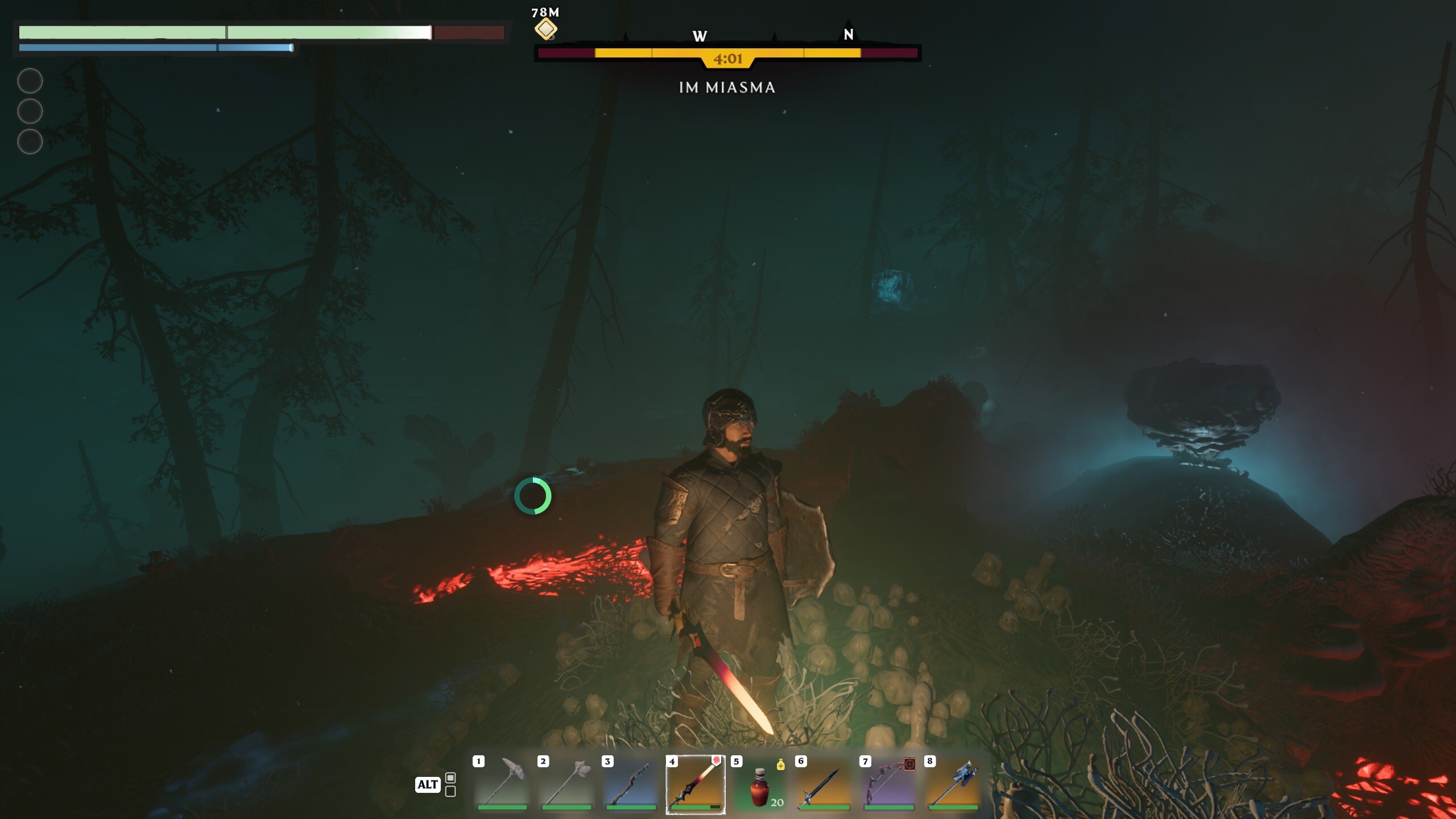
Enshrouded Tips

In Enshrouded, you step into a world where survival, crafting, and action RPG combat intertwine within the sprawling, voxel-based continent of Embervale. This realm, now a shadow of its former self due to your ancestors’ lust for magical power, sets the stage for your journey. You’re tasked with rekindling the Ancient Flame, embarking on a quest to piece together a story buried beneath the surface of a world on the brink of ruin.

Your survival hangs in the balance as you navigate through the remnants of a lost kingdom, combat ravenous beasts, and brave the dangers of “the Shroud” – a fog-covered area fraught with hostile monsters and treacherous terrain, yet filled with valuable loot. The game doesn’t just challenge your ability to survive against the elements; it also thrusts you into heart-pounding combat against various factions and bosses. Through an in-depth skill tree system, you can tailor your combat style to suit your preferences, ensuring that each encounter is as thrilling as the last.

Crafting and building play a crucial role in your survival. You must gather resources, construct bases, and summon NPCs to unlock new crafting recipes and embark on quests. The game’s voxel-based building system allows you to erect grandiose structures, transforming the land and providing safe havens amidst the chaos of Embervale.

Surviving in Enshrouded means more than just fighting and building. You must also manage your hunger and thirst to maintain combat efficiency and utilize a unique sleep mechanic to stave off exhaustion. Whether you choose to face the world alone or with friends in online co-op, supporting up to 16 players, your journey through Embervale promises to be both challenging and rewarding.

Developed by Keen Games, Enshrouded is influenced by iconic titles like The Legend of Zelda: Breath of the Wild and Valheim, offering an accessible yet deep entry into the survival genre. Even in its early access phase, the game invites you to be part of its evolution, shaping it through your experiences and feedback into a world that captivates and engages.

Enshrouded’s Gameplay
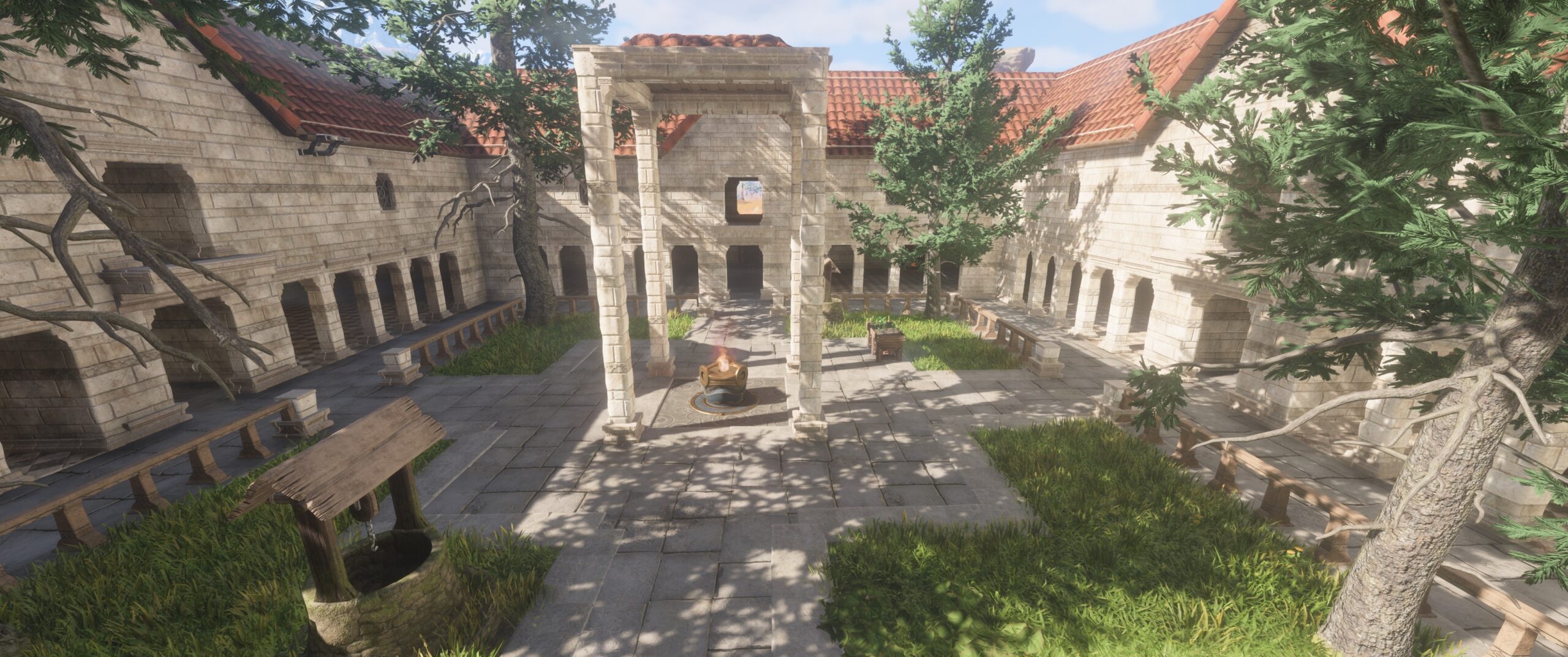
Enshrouded Gameplay

In Enshrouded, your foray into the continent of Embervale is a compelling blend of survival and action RPG elements, where your combat prowess is tested against the backdrop of a world veiled in danger and mystery. Your journey is one of survival, strategy, and skill, echoing the rigorous demands of games with a Dark Souls-like combat system.

From the outset, you’re thrust into an environment where every decision, every swing of your weapon, and every dodge counts. Combat in Enshrouded is designed to be deliberate and challenging, demanding precision and timing reminiscent of the Dark Souls series. The mechanics focus on short combos, dodges, and parries, encouraging you to study your enemies and find the right moment to strike or evade. This combat system rewards skillful play, emphasizing strategic engagement over brute force.

The world of Enshrouded is vast, filled with diverse biomes that promise not just survival challenges but also arenas for your combat skills to shine. The deadly fog, or the Shroud, adds a layer of urgency to exploration and combat. Here, the game introduces a unique twist on risk-reward gameplay: the fog is both a grave threat and a source of valuable treasures, pushing you to balance the desire for loot with the need to survive its perilous embrace. It’s a dynamic that adds depth to combat, forcing you to weigh the benefits of engaging with formidable foes against the potentially lethal consequences of the fog’s suffocating embrace.

Building and crafting in Enshrouded are integral to your survival strategy, providing a respite from the relentless challenge of combat. The game’s voxel-based building system allows for creativity in constructing defenses and shelters, offering a tactical advantage against the dangers of Embervale. However, it’s the combat that often steals the spotlight, with its Dark Souls-inspired mechanics that require mastery of both offensive and defensive strategies to prevail against the monstrous inhabitants of the fog.

Exploration is rewarded with skill points and resources essential for your survival and combat readiness. The game’s skill tree, offering paths like Warrior, Ranger, and Mage, reflects a commitment to long-term character development, allowing you to tailor your combat style to your preferences and the challenges ahead. This progression system ensures that as you delve deeper into Embervale’s secrets, your encounters will become increasingly complex and demanding, requiring all your skill and strategic thinking to overcome​.

Enshrouded’s Story

Enshrouded Story

In Enshrouded, you are thrust into the magical realm of Embervale, a land forsaken and shrouded in mystery following a devastating plague unleashed by your ancestors in their quest for power. This setting serves as the backdrop for a rich narrative that intertwines survival, crafting, and action RPG combat within a sprawling voxel-based continent. As you embark on this journey, the fate of Embervale rests in your hands, offering you the freedom to carve out your destiny and explore the depths of this once-great kingdom​.

The game’s narrative casts you as the Flameborn, a magic-wielding hero imbued with the potential to reclaim the fallen realm from the sinister grip of the Shroud. This deadly pestilence not only corrupts the land but also guides and mutates all life it encounters. With nothing but your wits and a latent arcane power, you’ll venture through lush forests, desolate deserts, and forgotten dungeons in search of secret knowledge and treasure. Your mission is to rebuild the surface world and gather the strength to delve deep below where the core of the continent intertwines with the Shroud, bringing the fight to the very heart of the darkness.

The narrative of Enshrouded is not just about survival; it’s a tale of magic, ruin, hope, and redemption waiting to be uncovered. The developers have woven a story that allows you to become the last beacon of hope for a world teetering on the edge of oblivion, making every step you take and every decision you make part of a larger saga of rebirth and resilience.

Enshrouded’s Mechanics

In Enshrouded, the mechanics extend beyond the typical survival game, offering a blend of strategy, action, and creativity that allows for a deeply personalized gameplay experience. At its core, the game emphasizes survival, crafting, exploration, and combat, set within the mystical and dangerous world of Embervale. However, it’s the unique and hidden mechanics that enrich the gameplay, offering layers of complexity and strategy for players to discover and utilize.

Building and resting mechanics play a significant role in enhancing your survival chances. Creating a shelter with a campfire, bed, and roof not only provides a safe haven but also grants powerful rested bonuses, crucial for strengthening your character before venturing into the deadly Shroud. The inclusion of passive skills like Radiant Aura and Water Aura adds a strategic layer to combat and survival, allowing for passive damage and healing based on your character’s intelligence level.

The game’s skill tree system encourages diverse character development, allowing you to tailor your Flameborn to your preferred playstyle with classes such as Warrior, Assassin, Mage, and Healer. This system is tied closely to exploration and progression, rewarding players with skill points for leveling up, defeating bosses, and completing specific quests. The ability to multiclass offers a flexible approach to combat and exploration, ensuring that each player’s journey through Embervale is unique​.

Combat in Enshrouded is designed to be versatile and engaging, with mechanics that cater to a range of playstyles. From melee to ranged combat, players can choose from a variety of weapons and tools to face the challenges of Embervale. The game introduces a parry system that drains enemy stamina, opening up opportunities for devastating attacks. Preparation is key to survival, with food, items, and strategic resting crucial for overcoming the varied enemy factions that inhabit the world​.

Crafting is an integral part of Enshrouded, with NPCs playing a vital role in unlocking higher-level crafting options and items. This mechanic ensures a smooth progression as players explore Embervale, encouraging interaction with the world and its inhabitants to gain access to stronger equipment and resources​.

Enshrouded’s Version History

Enshrouded launched in early access on January 24, 2024, for Microsoft Windows and is set for a full release later in 2024 on Windows, PlayStation 5, and Xbox Series X/S.

The early access phase allows players to explore, craft, and combat within the mystical world of Embervale, offering a blend of multiplayer and single-player experiences. Further details on version updates and expansions are anticipated as the game progresses towards its full release​.

The team at Keen Games have continuously expressed their desire to bring more content to the game with plenty of additions planned between now and Enshrouded’s full release. In terms of a roadmap, you won’t currently find one publicly available. The devs are currently working on it internally so it is likely they will share it with us when it’s ready for prime time.

Tips for Playing Enshrouded

If you’re just getting started with Enshrouded and want to make the best possible start, check out the following rapid-fire tips:

  • Acquire the Glider and Grappling Hook early for improved exploration.
  • Complete initial quests to unlock essential NPCs and items.
  • Ensure regular rest and adequate food consumption for survival benefits.
  • Prioritize unlocking skills like Merciless Attack, Sneak Attack, and Double Jump for combat and mobility advantages.
  • Strengthen your Flame Altar for increased attributes and shroud protection.
  • Create multiple Flame Altars across the map for convenient fast travel points.
  • Utilize both hotbars for efficient item management.
  • Explore magical combat with wands and staves.
  • Focus on blocking rather than dodging during enemy encounters.

Enshrouded Similar Games

Whether you’re coming from past games or want to explore other titles that inspired the creation of Enshrouded, here is a list of games that are similar to the recent early access release by Keen Games:
  • Necesse: Offers a pixelated art style with vast worlds for exploration and near-infinite replayability, emphasizing community building.
  • Valheim: A Norse mythology-centered survival RPG featuring extensive cooperative play and building mechanics.
  • State of Decay 2: Juggernaut Edition: Enhances the zombie survival experience with mechanic improvements and cooperative play.
  • Project Zomboid: A detailed survival game set in a zombie apocalypse, emphasizing crafting and cooperative play.
  • Kenshi: Provides a vast open world with a high degree of player autonomy, where every choice significantly impacts the gameplay.
  • Dark Souls 3: While not a survival game, DS3 is a culmination of all the lessons From Software learned over the years and is a definitive version of the Souls-like vision. Its deliberate combat is what inspired the fighting mechanics in Enshrouded.

Top