

Vintage Story Big Worlds: Complete Guide to Large World Generation and Settings
Checked on 14 October 2026 against the Vintage Story 1.22.7 game files and the worlds on the servers we host.
Vintage Story worlds are already enormous by default: a new world is 1,024,000 blocks wide and 1,024,000 blocks long, and the world creation screen goes up to 8,192,000 blocks per side. This guide covers the size, height, climate and terrain settings that shape a big world, what they really default to, which ones you can change later, and how much disk space a long-played world takes.
TL;DR:- The default world is 1,024,000 x 1,024,000 blocks; the menu offers sizes from 32 up to 8,192,000 blocks per side.
- World size is fixed when the world is created:
/worldconfiganswers “Changing world size is not supported”. - World height defaults to 256 blocks. Survival worlds can go from 128 to 512, creative building worlds up to 2,048.
- The climate band from pole to equator is 100,000 blocks on the standard playstyle.
- Disk use follows how much you explore, not the world size: across the 99 Vintage Story worlds we host, the median is about 680 MB and the largest is 11.6 GB.
Table of Contents
- Understanding Vintage Story World Sizes
- Maximum World Dimensions and Limits
- World Generation Settings for Big Worlds
- Performance and Storage Considerations
- Optimal Settings for Large Realistic Worlds
- Server Configuration for Big Worlds
- File Size Management
- FAQ
- Conclusion
Understanding Vintage Story World Sizes
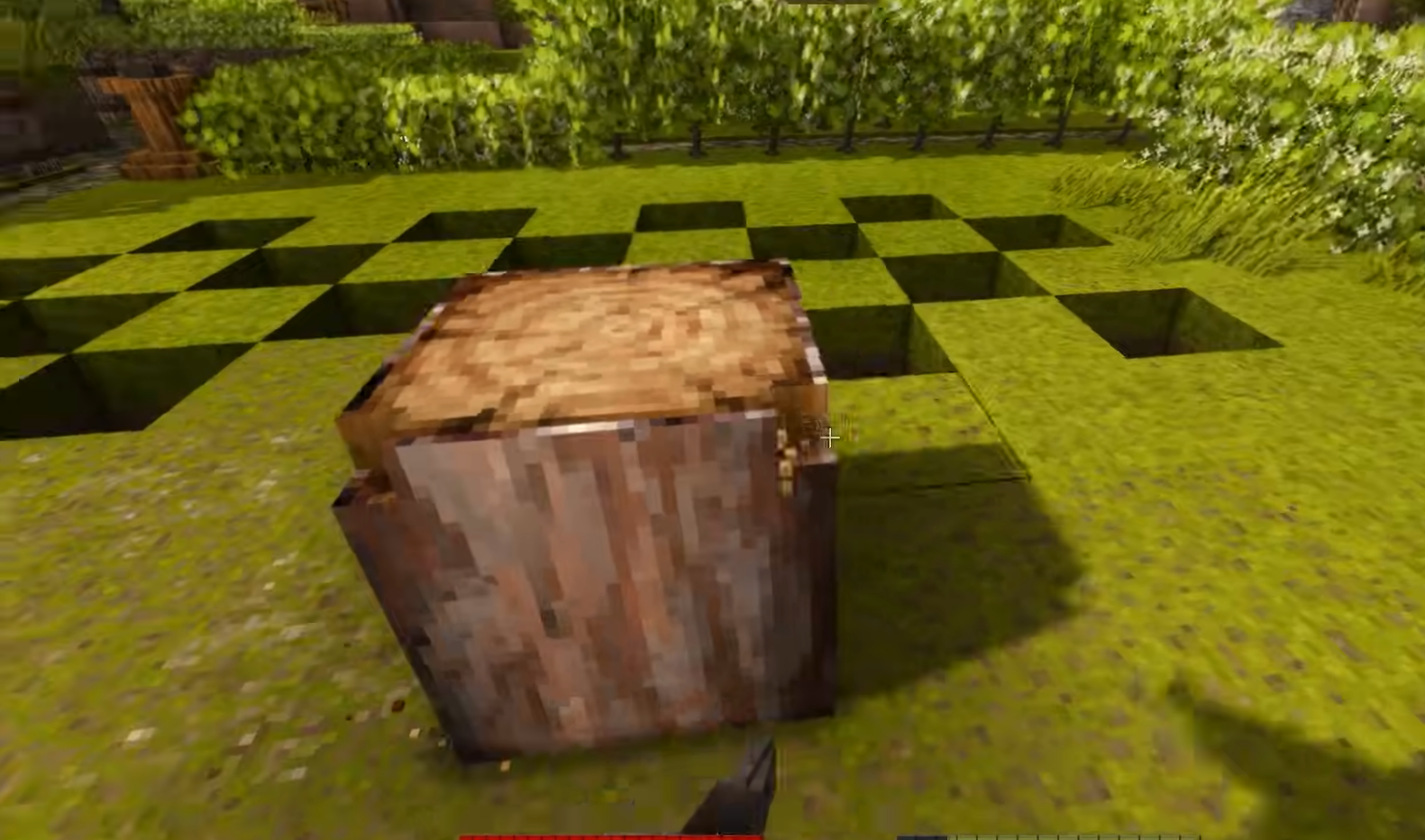
Two settings in the world creation screen decide how big the map is: World width (west to east) and World length (north to south). The game fills that area as players explore; nothing beyond the chunks someone has visited is generated or stored.
Default World Parameters
World size choices (per side):- Default: 1,024,000 blocks
- Larger: 2,048,000, 4,096,000 and 8,192,000 blocks
- Smaller: 600,000, 512,000, 384,000, 256,000, 102,400, 51,200, 25,600, 10,240 and 5,120 blocks, down to test sizes of 1,024 blocks and less
- Default: 256 blocks, which the game recommends for survival
- Survival playstyles: 128 to 512 blocks in steps of 64; above 384 the slider warns “Slow chunk loading at this height”
- Creative building: 128 to 2,048 blocks, with the warning above 1,024
Above 384 blocks on a survival world the game warns that “World generation is not well adapted to large heights yet”, and below 256 that you might not get the full survival experience, so 256 is the safe choice.
Climate and Geography Scale
With the default Climate distribution set to Realistic, it is cold toward the north and hot toward the south, and walking east or west keeps roughly the same climate. Patchy scatters hot and cold areas instead.
- Polar-Equator distance: how far you walk from the polar regions to the equator. The standard playstyle uses 100,000 blocks, Exploration 50,000, Homo sapiens 200,000; the menu offers 5,000 to 800,000. It only applies with Realistic climate.
- Global temperature and Global precipitation: multipliers from 0.25 to 4 and from 0.1 to 4, both 1 by default. The game warns that extreme values can make survival hard or impossible.
- Forestation and shrubs: from -1 to 1, default 0. High values make crossing terrain slower.
Maximum World Dimensions and Limits
The menu limits are generous, and the server allows even more when you set the size in its configuration:
Theoretical Maximums
Horizontal Dimensions:- World creation screen: up to 8,192,000 x 8,192,000 blocks
- Server cap: the map size is clamped to 67,108,864 blocks per side
- The world edge is traversable by default; set World edge to blocked to stop players and creatures at the border
- Menu maximum: 512 blocks for survival, 2,048 for creative building
- Server cap: world height is clamped to 16,384 blocks
- Above the menu values you are outside what the world generator is tuned for
Practical Limitations
What actually limits a big world:- Distance: on the standard playstyle it takes 100,000 blocks to walk from polar cold to equatorial heat, so most groups never reach the edge of a 1,024,000-block world
- Disk: the save grows with every newly explored chunk
- Exploration speed: chunk generation, not the map size, sets how fast players can push into new land
World Generation Settings for Big Worlds
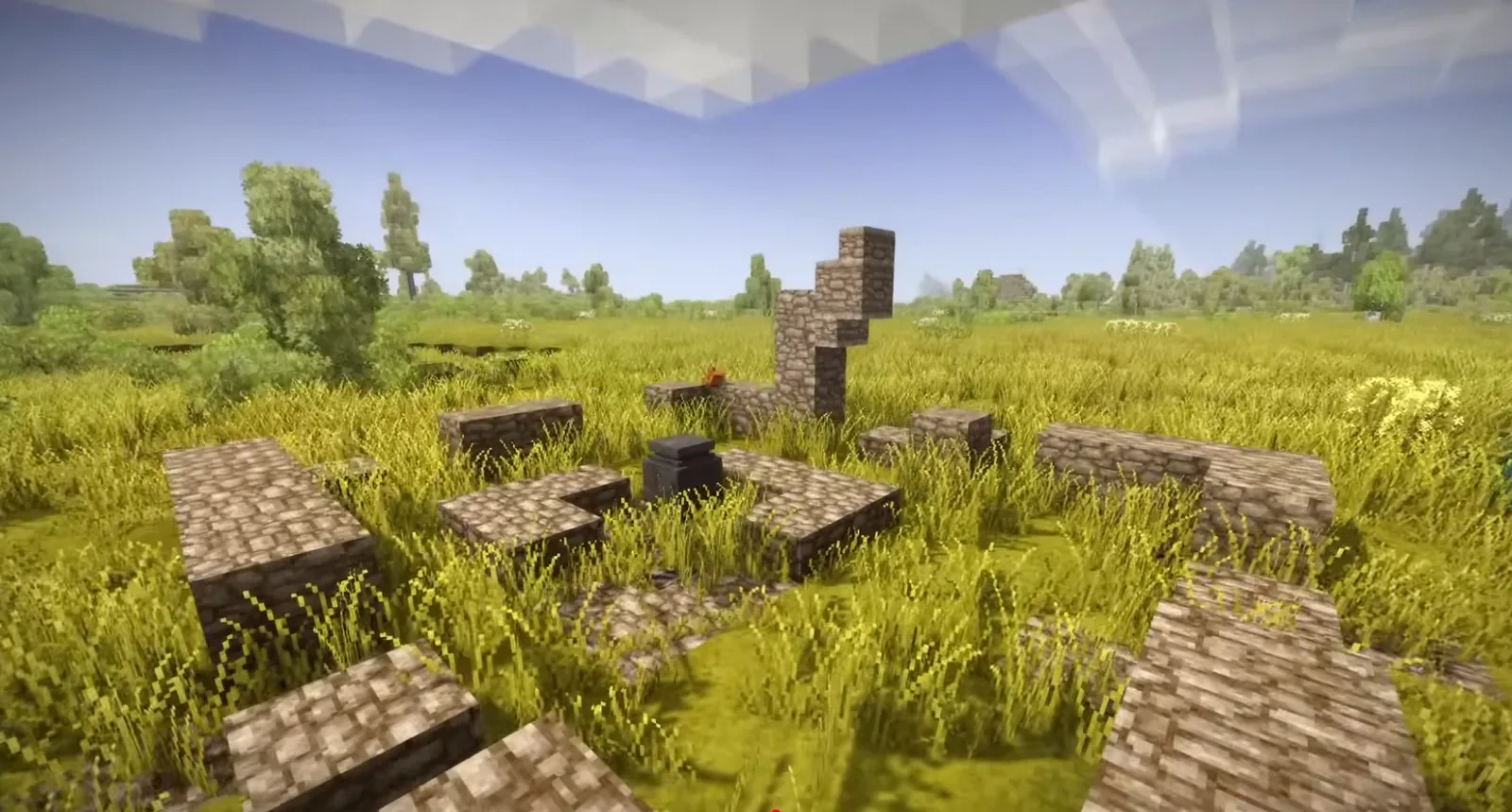
These settings shape the terrain itself. Their names below are the ones in the world creation screen, with the code you use in serverconfig.json or /worldconfig:
Essential Generation Settings
Land and ocean:- Landcover (
landcover): how much of the world is land; the rest is ocean. Default 0.975, so 97.5% land; choices from 0 to 1. - Landcover scale (
oceanscale): how much ocean lies between pieces of land. Default 5; choices from 0.1 to 5.
- Landform scale (
landformScale): landforms are what place lakes, mountains, hills, flat land and cliffs. Default 1.0; choices from 0.2 to 3. - Upheaval rate (
upheavelCommonness): how common geologic upheaval is, which produces large-scale hilly terrain. Default 0.3; choices from 0 to 1. - Geologic activity (
geologicActivity): high values bring hot springs and lava closer to the surface. Default 0.05; choices from 0 to 0.4.
- Climate distribution (
worldClimate): realistic or patchy - Polar-Equator distance (
polarEquatorDistance): 5,000 to 800,000 blocks - Starting climate (
startingClimate): hot, warm, temperate, cool or icy, default temperate
Advanced Generation Parameters
Resources:- Surface copper deposit frequency (
surfaceCopperDeposits): default 0.12; the Exploration playstyle uses 0.2 - Surface tin deposit frequency (
surfaceTinDeposits): default 0.007; Exploration uses 0.03 - Global deposit spawn rate (
globalDepositSpawnRate): a multiplier for ore deposits, default 1
- Most generation settings can be changed on an existing world with
/worldconfig, but they only shape chunks generated after the change, so old and new land can meet at a visible seam - World size cannot be changed at all after creation
Performance and Storage Considerations
A big map costs nothing until someone explores it. What a server pays for is the land players have actually walked through:
Storage Management
File size in practice:- A world is one SQLite file (
.vcdbs) inSaves, and it grows with each newly generated chunk - Across the 99 Vintage Story servers we host (October 2026), the largest world on each server has a median of about 680 MB; a quarter are over 1.6 GB, one in ten is over 4.2 GB, and the largest is 11.6 GB
- Seven of those worlds are over 5 GB and two are over 10 GB
- Keep regular backups;
/genbackupwrites a copy to theBackupsfolder - Agree on where to settle, since scattered exploration generates more chunks than a group that stays together
- Check free disk space: the server stops itself when less than 400 MB is free, because a full disk can corrupt the save
Performance Optimization
Server hardware:- RAM: the developers’ own estimate is 1 GB plus 300 MB per player for a survival world where players spread out; the map size itself does not add to it
- CPU: a 4-thread CPU at 1 GHz plus 150 MHz per player, per the same estimate; the main game loop runs on one thread, so per-core speed matters
- Storage: an SSD keeps chunk loading and saving smooth
- View distance on the client is capped by the server’s
MaxChunkRadius, 12 chunks by default - Taller worlds load more chunks per column, which is why the game warns about slow chunk loading above 384 blocks
Optimal Settings for Large Realistic Worlds
There is no single right preset, but these choices follow from how the settings work:
Recommended Configuration
World dimensions:- Size: the default 1,024,000 blocks is already more than most groups will ever cross
- Height: 256 blocks for survival, as the game recommends
- Polar-Equator distance: 100,000 blocks (standard) for long trips between climates; 25,000 to 50,000 if you want hot and cold regions within reach
- Landcover: lower it (for example 0.6 to 0.8) for continents and real oceans, keep 0.975 for mostly land
- Landcover scale: lower values mean less ocean between landmasses
- Landform scale: above 1 for larger, broader landforms, below 1 for more varied terrain in a small area
- Decide every generation setting before the world is created; changes later only affect new land
- Our world generator previews temperature, precipitation and terrain combinations before you start
Climate and Biome Settings
Temperature zones (Realistic climate):- North: cold, toward polar conditions
- South: hot, toward the equator
- East and west: roughly the same climate as where you are
- Global precipitation scales rainfall everywhere, from 0.1 (arid) to 4 (very wet)
- Combined with temperature it decides where forests, grassland and deserts appear
Server Configuration for Big Worlds
On a dedicated server the world settings go into serverconfig.json before the world is created:
Server.json Configuration
World size and height:{
"MapSizeY": 256,
"WorldConfig": {
"WorldConfiguration": {
"worldWidth": "2048000",
"worldLength": "2048000",
"polarEquatorDistance": "100000",
"landcover": "0.8"
}
}
}- The world settings are read only inside
WorldConfig, and only when the server creates a new world; an existing world keeps the settings stored in its save - Values are written as strings, the way the game stores them
MapSizeYsets the height for a new world
Network Optimization
What affects players on a big world:MaxChunkRadius(default 12) decides how many chunks around each player the server sends- Players who spread out keep more chunks loaded than a group playing together
- Port 42420 over TCP, plus UDP if you can; the game falls back to TCP without it
File Size Management
The save only grows; nothing in the game trims explored land automatically:
Growth Patterns
What makes a save grow:- Every newly generated chunk is written to the save
- Long journeys and scattered bases grow it fastest
- Building in already explored land adds little
- Half of the worlds we host are under about 680 MB
- One in ten is over 4.2 GB; the largest we host is 11.6 GB
Management Strategies
Backups:/genbackupcopies the world into theBackupsfolder- Stop the server before copying the save by hand; while it runs, the database keeps recent writes in a separate
-walfile - Keep an offsite copy of a world you care about
- The server stops when free space falls below 400 MB (
DieBelowDiskSpaceMb) - Free space before restarting, or move old backups elsewhere
FAQ
Q: What’s the largest practical world size for single-player?A: The default 1,024,000 x 1,024,000 blocks is already more than most players ever cross. Larger sizes up to 8,192,000 blocks per side cost nothing until explored, because only visited chunks are generated and saved.
Q: How much RAM do I need for large Vintage Story worlds?A: The map size does not change it. For a server the developers estimate 1 GB plus 300 MB per player for a survival world where players spread out; mods come on top.
Q: Can I change world size after creation?A: No. /worldconfig worldWidth and worldLength answer “Changing world size is not supported”. Pick the size before the world is created.
A: The size itself does not. The Polar-Equator distance does: it decides how far apart the climates are, and with it how far you travel for resources that only grow in certain climates.
Q: What’s the difference between world size and world height?A: World size is the map’s width and length (X and Z). World height is the vertical space (Y): 256 by default, 128 to 512 for survival and up to 2,048 for creative building.
Q: How do large worlds impact multiplayer servers?A: Through exploration, not size: each player keeps chunks loaded around them, and a group that spreads out uses more memory and disk than one that stays together.
Q: Can I run multiple large worlds on one server?A: A server runs one world at a time, the one named by SaveFileLocation in WorldConfig. You can keep several save files and switch between them with a restart.
A: Creating it is quick at any size, because the game generates chunks only as players reach them.
Conclusion
Vintage Story’s default world is already vast, so a “big world” is mostly about the climate distance, landcover and landform settings rather than the map size. Choose those before the world is created, since size never changes and generation changes only affect new land.
For a server, plan for disk rather than RAM: the save grows with exploration, from a few hundred megabytes for most worlds to over ten gigabytes on the longest-running ones. The official world configuration page lists the settings, and our worldconfig reference covers what each one does on a running server.
Playing with friends? A dedicated Vintage Story server keeps your world online 24/7 so everyone can join on their own schedule.
Run your own Vintage Story server
Dedicated Vintage Story hosting with instant setup, one-click mods, daily backups, and DDoS protection.
View Vintage Story Hosting Plans →