

Game Servers
Our game portfolio includes more than 20 actively hosted titles and keeps growing. From open-world and survival to shooter, sandbox, and simulation, there is a Supercraft server for every play style. Spin up your own server and enjoy your favorite games at their best.
Supercraft game server hosting delivers low-latency performance, fast setup, and simple controls for communities of any size. Browse dedicated game server plans, compare popular titles, and deploy in minutes.
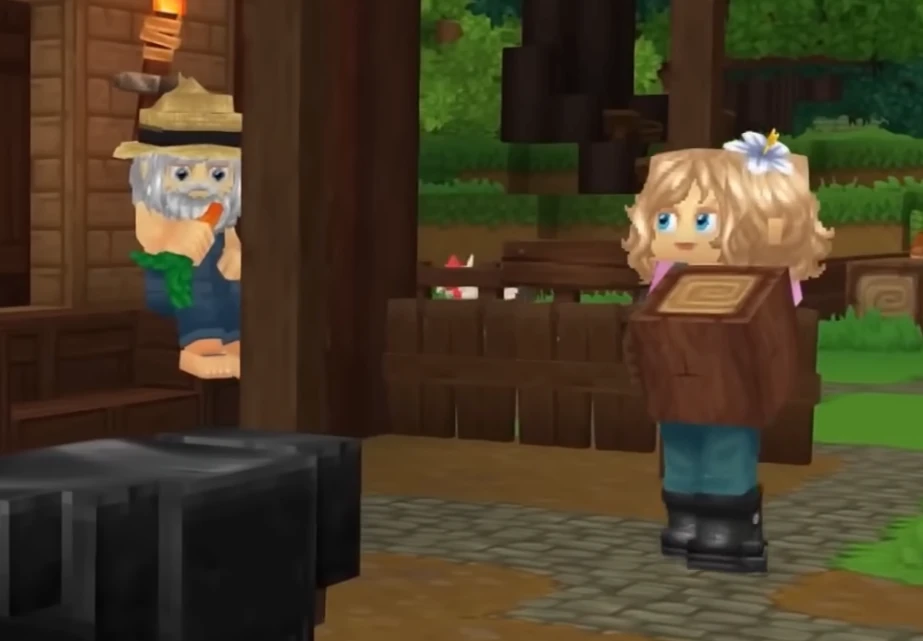
Hytale
Adventure hosting with fast saves, flexible mods, and reliable uptime
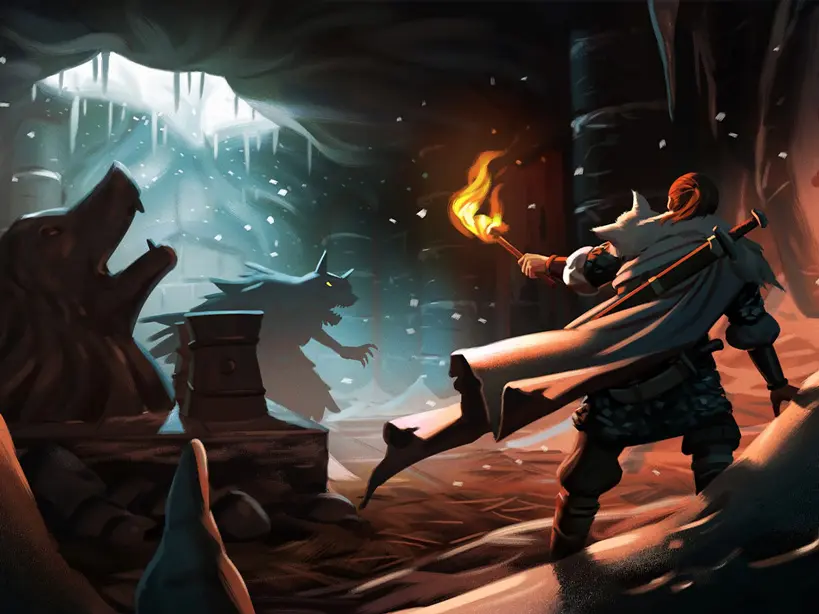
Valheim
Viking survival adventure with mod-friendly worlds and dependable uptime
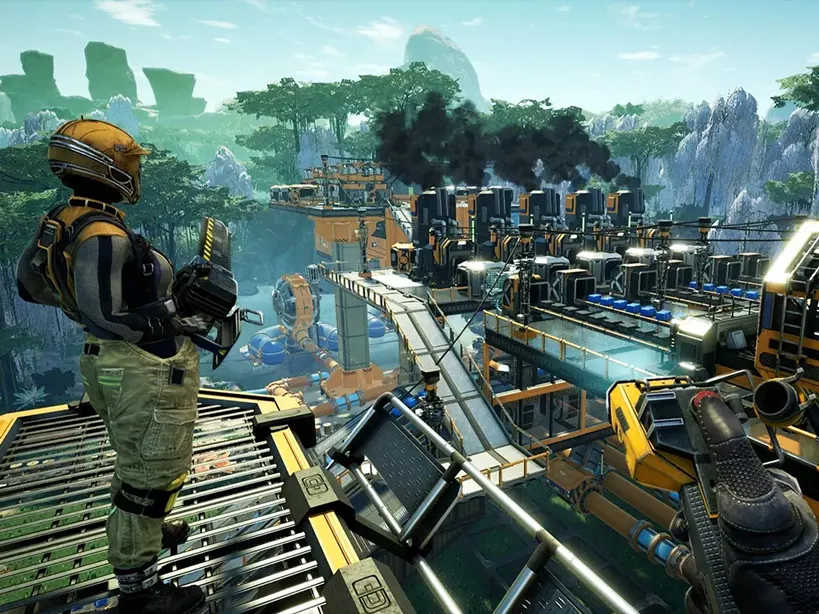
Satisfactory
Built for sprawling factories with quick saves and reliable performance
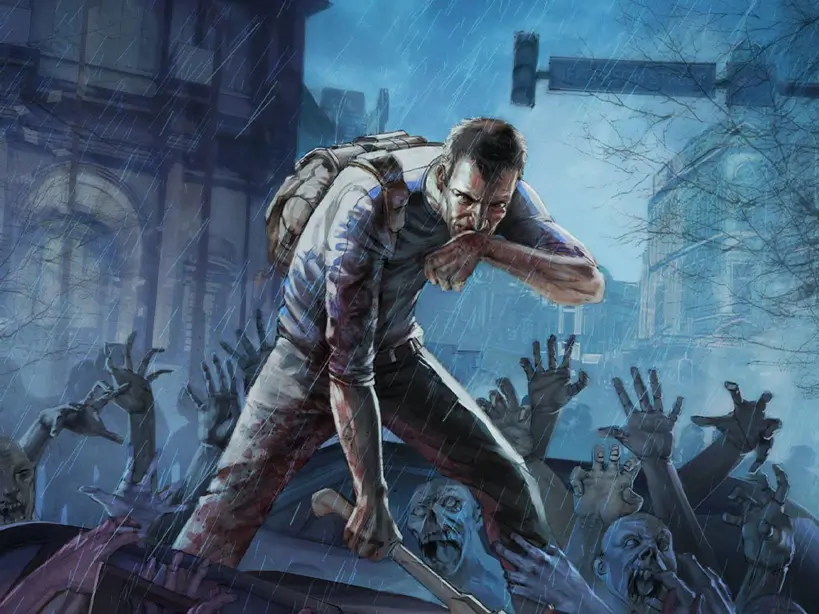
Project Zomboid
Persistent zombie sandbox with safe saves and clear admin controls
Palworld
Creature-filled co-op with smooth performance and quick updates
Minecraft Bedrock
Cross-platform survival hosting with add-ons, backups, and fast restarts

Minecraft Java
Vanilla, Paper, Purpur, Spigot, Fabric, Forge, and NeoForge hosting for Java 1.20+

FiveM
Linux-based roleplay hosting with FTP access, quick restarts, and 8/16/32-player tiers
Enshrouded
Mystery-filled co-op with steady performance and fast autosaves
V Rising
Smooth raids and castle building with secure, fast autosaves
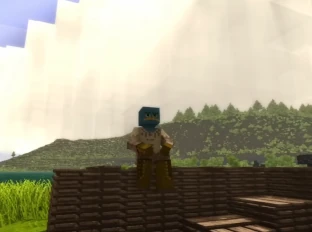
Vintage Story
Stable survival worlds with quick saves and simple admin controls

Factorio
Factory automation co-op with stable performance and fast saves
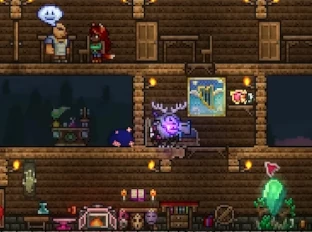
Terraria
Co-op adventures with stable tickrate and fast saves
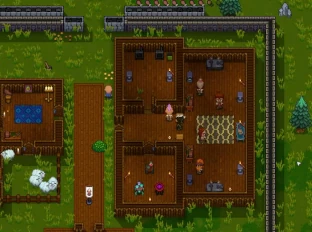
Necesse
Co-op survival with stable performance and easy mod uploads
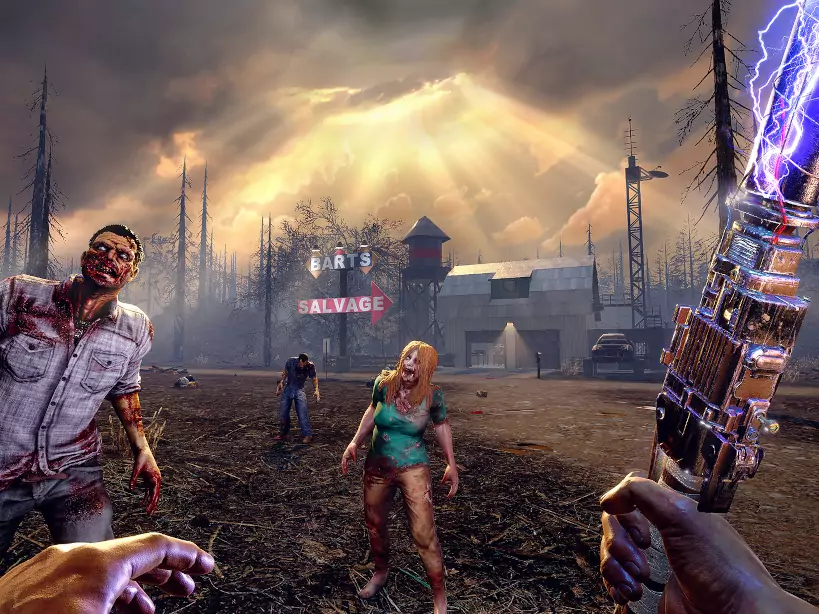
7 Days to Die
Blood moon ready performance with easy restarts and steady uptime
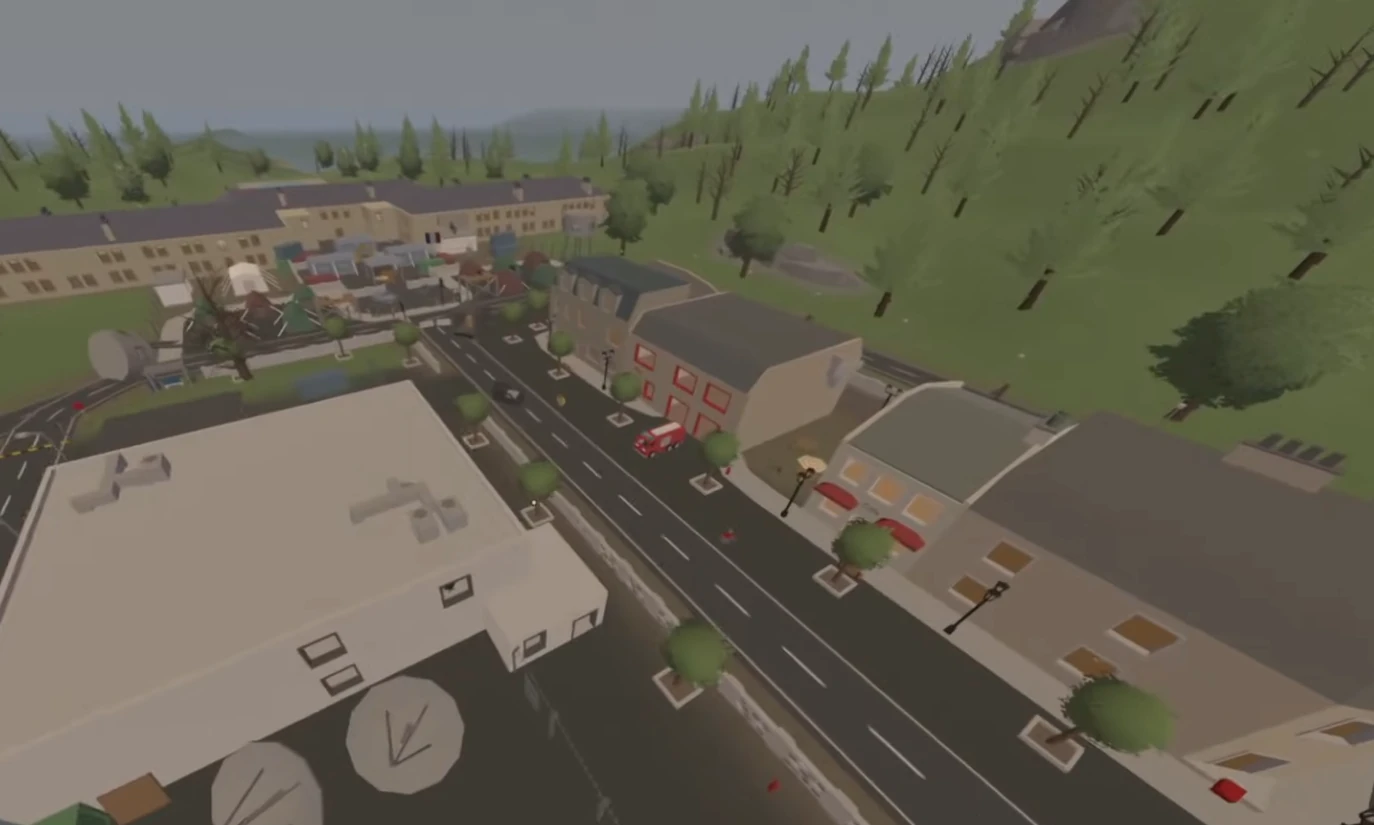
Unturned
Survival sandbox hosting with lightweight performance and mod-ready tools
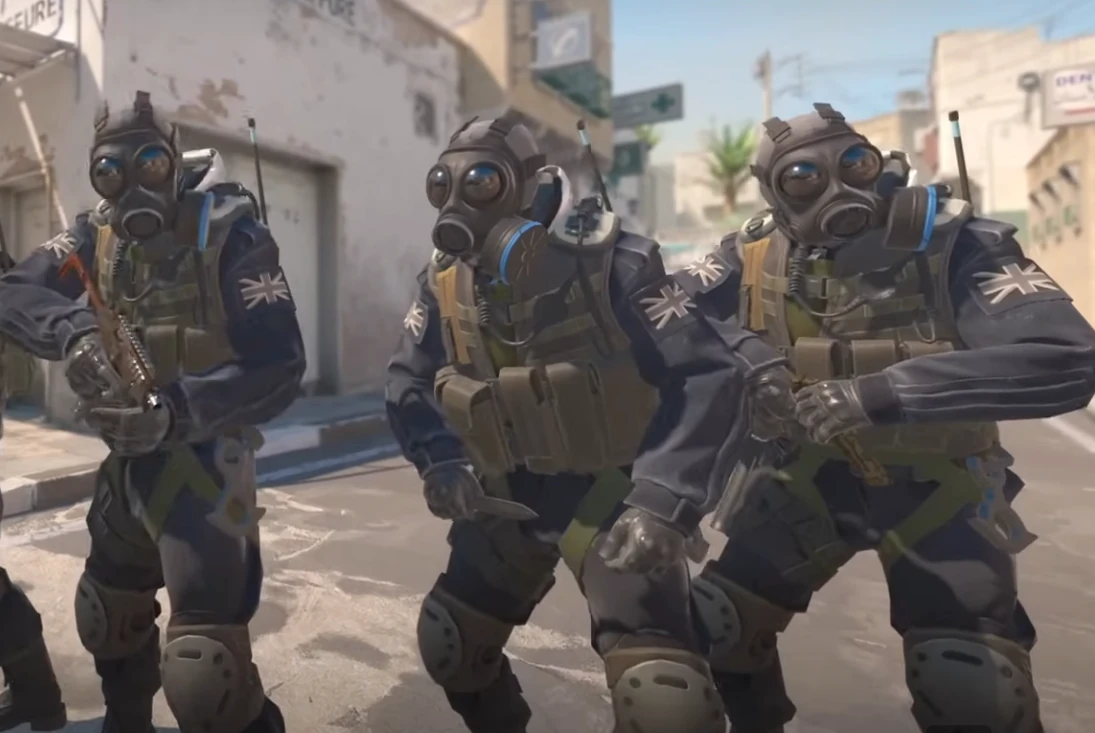
Counter Strike 2
Competitive FPS hosting with low-latency tick rates and match-ready performance
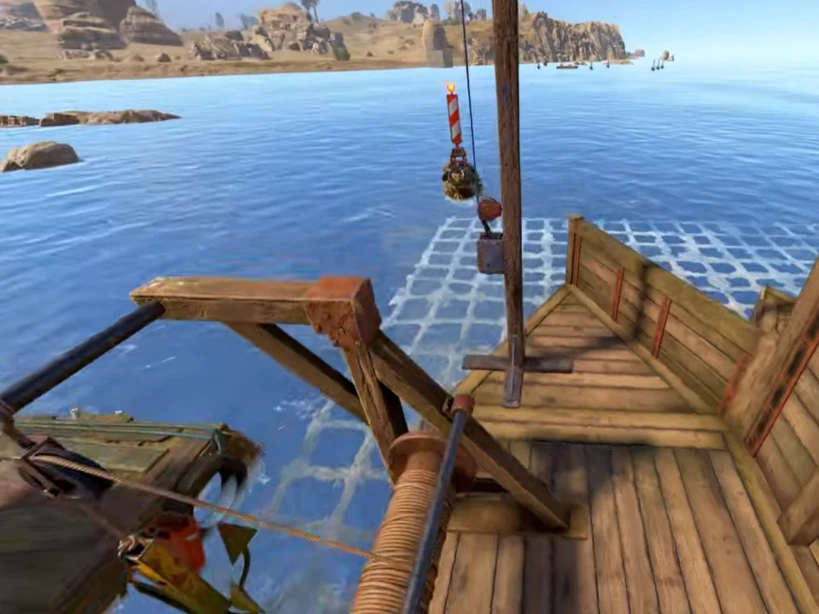
Rust
Hardcore survival with reliable performance and fast wipe-day restarts
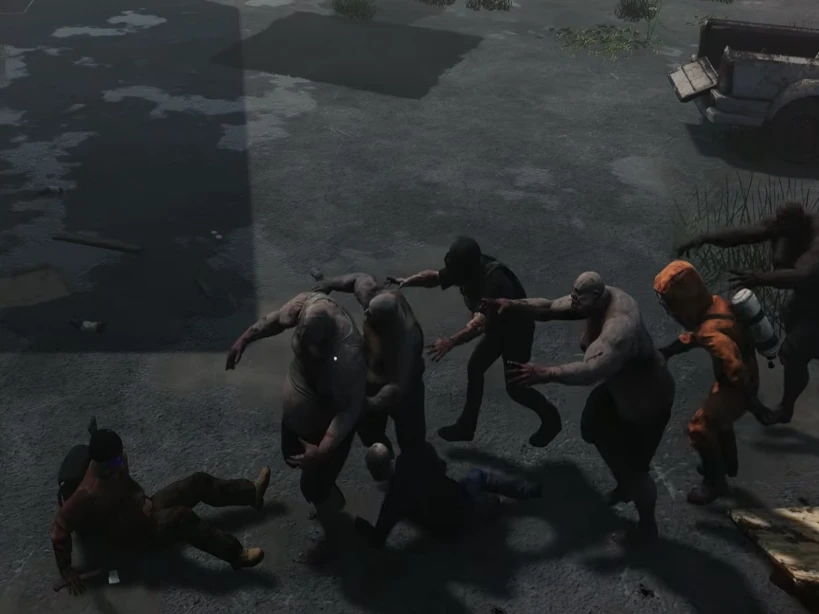
HumanitZ
Open-world zombie survival with smooth co-op and steady server performance
Sons of the Forest
Survival horror hosting with stable saves, low-latency regions, and fast restarts

ARK: Survival Evolved
Classic dino survival hosting with Workshop mods, clusters, and fast restarts

ARK: Survival Ascended
Dino survival hosting with stable performance, mod support, and fast restarts
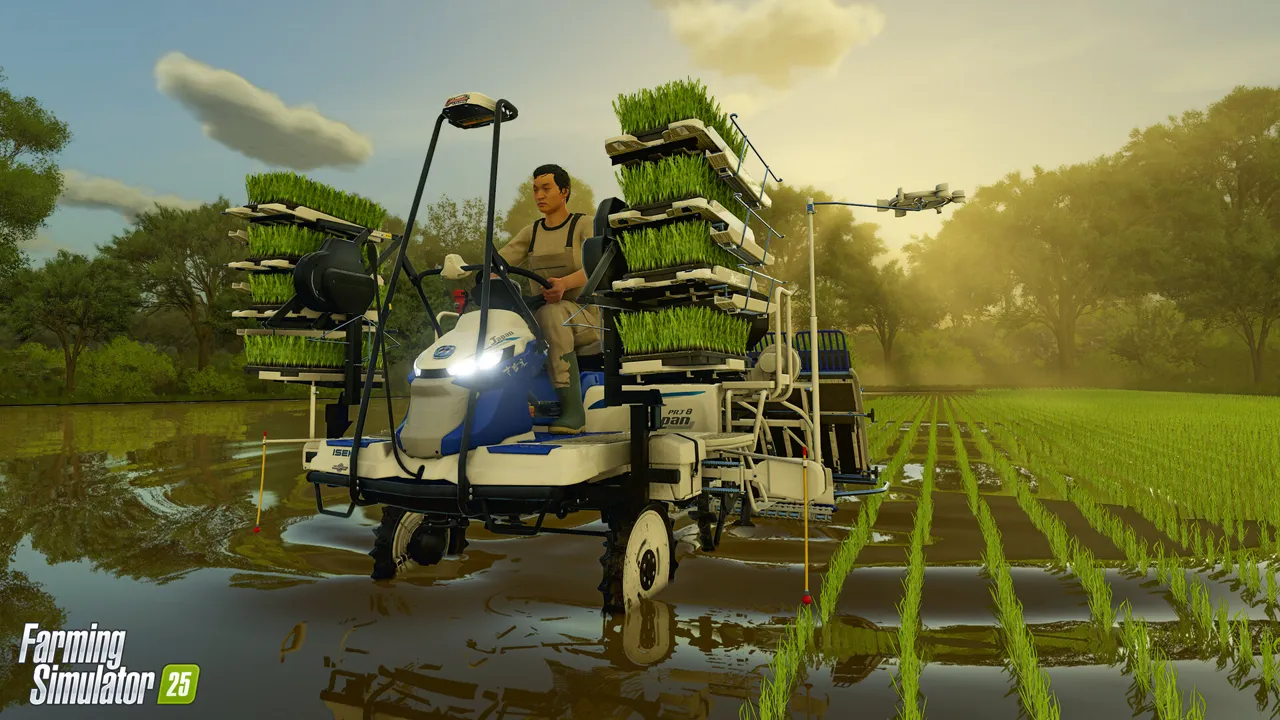
Farming Simulator 25
Co-op farm hosting with mod support, backups, and reliable uptime
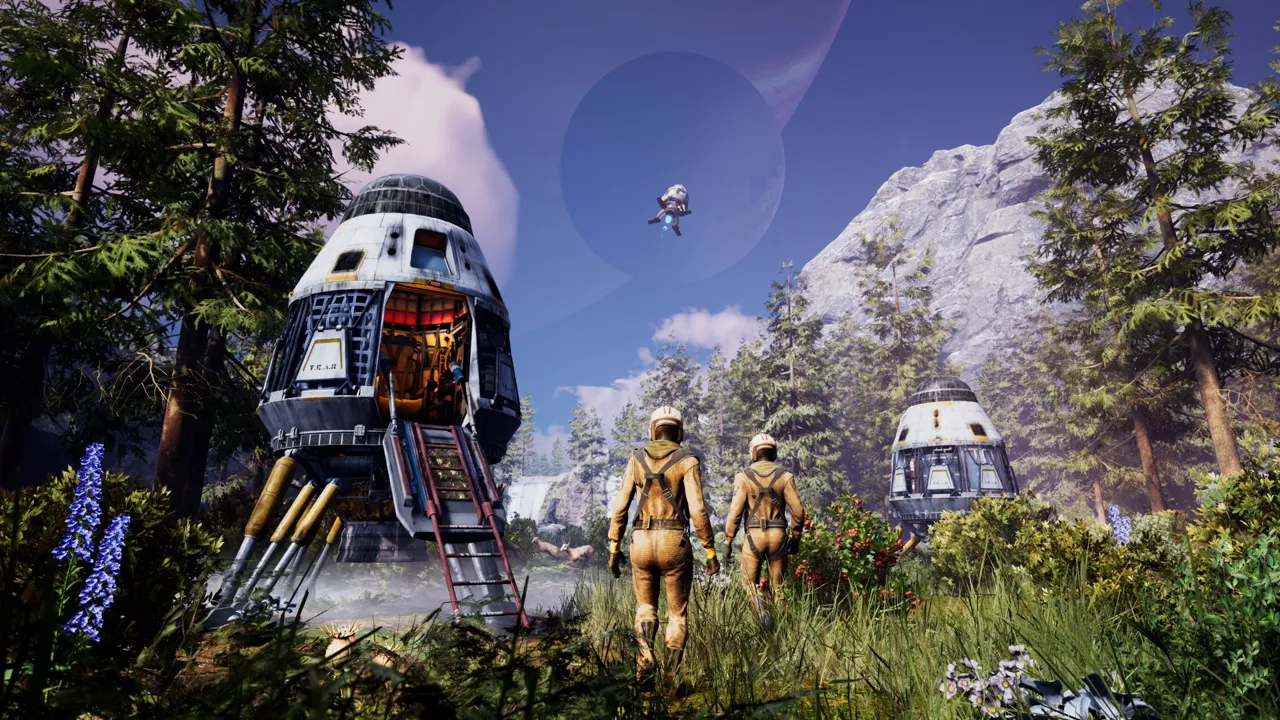
Icarus
Mission-ready survival hosting with stable saves, backups, and low-latency regions
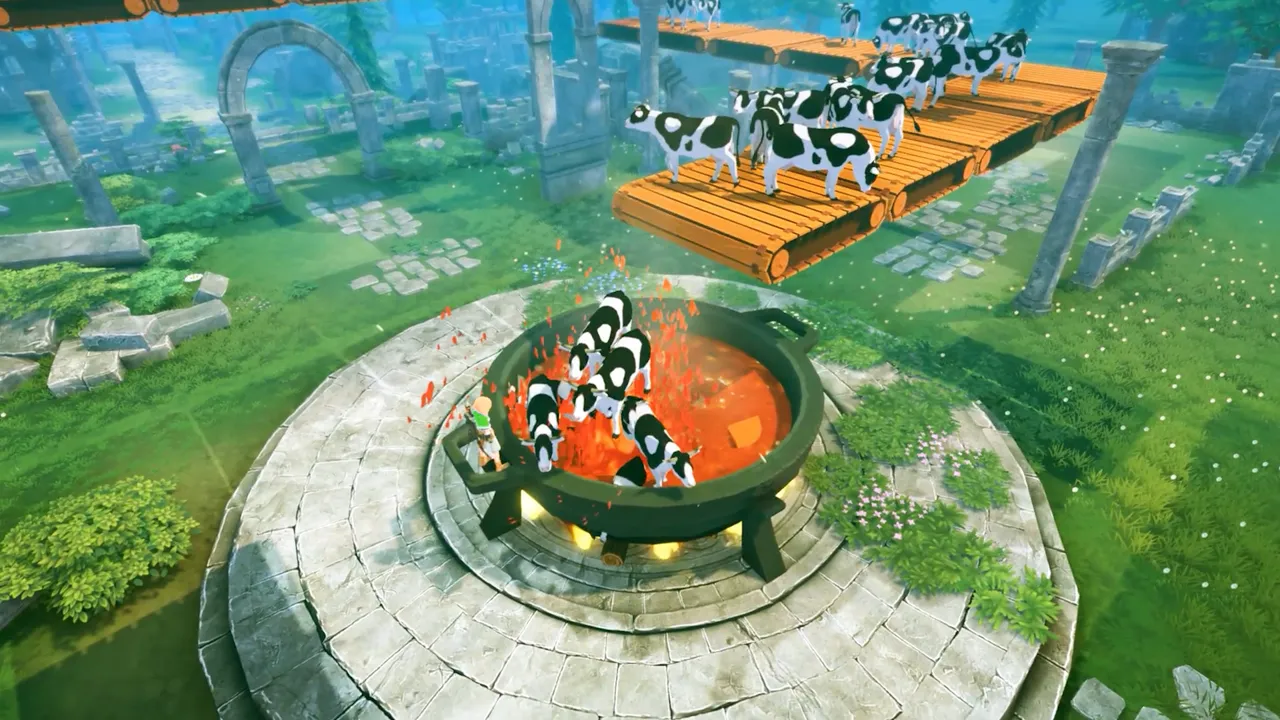
Craftopia
Co-op sandbox hosting with stable saves, mod support, and fast restarts
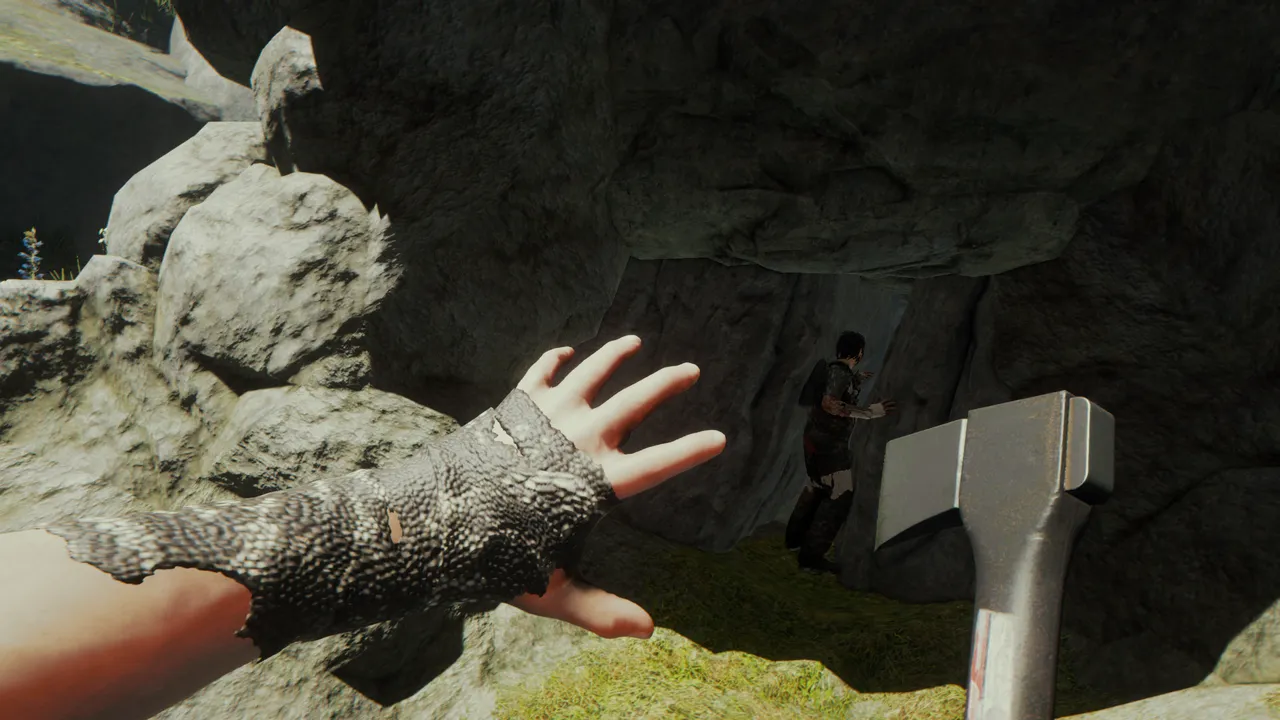
The Forest
Survival co-op hosting with stable performance, backups, and low-latency regions

Dune: Awakening
Persistent world hosting with stable performance, backups, and low-latency regions
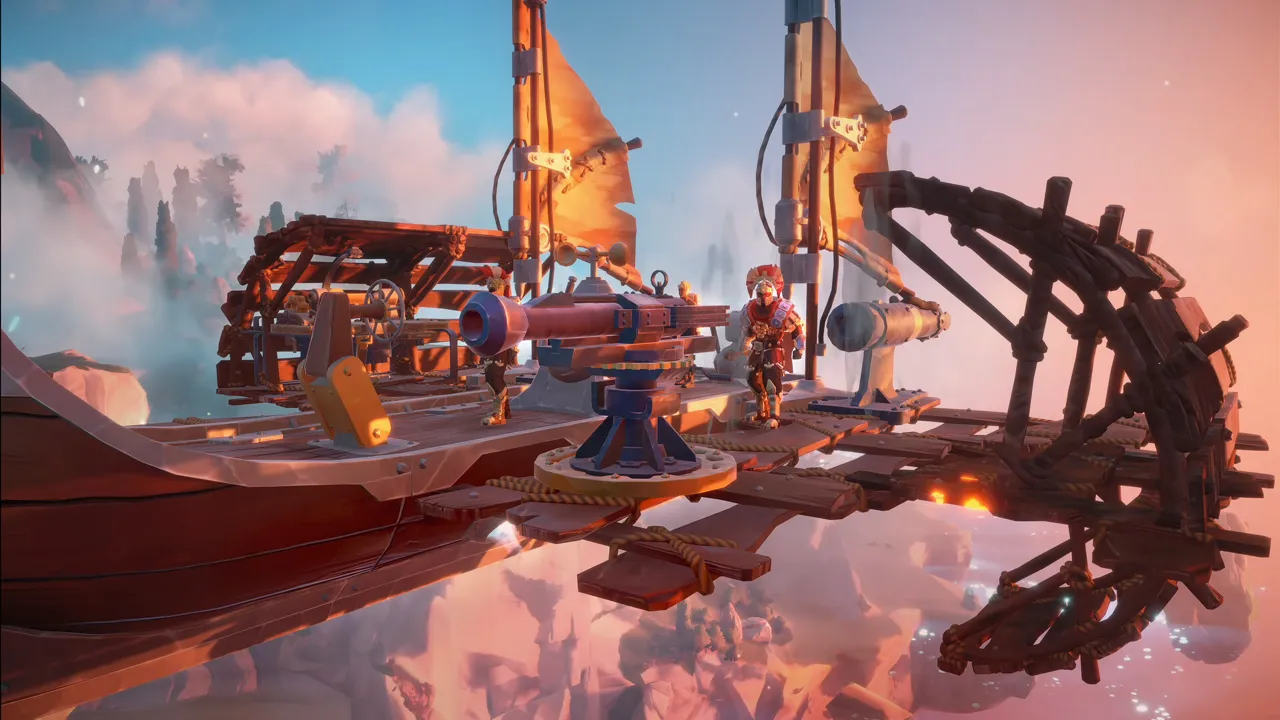
Echoes of Elysium
Co-op adventure hosting with stable saves, backups, and low-latency regions
Game Switching — Play More, Pay Once
Every Supercraft plan comes with built-in game switching. Buy one plan and deploy supported games within its eligible price family and size — directly from your control panel, at no extra cost. Higher-priced plan families unlock broader catalogs, while ARK: Survival Evolved and ARK: Survival Ascended stay above the standard ladder as their own top-tier family.
-
Default
Default S/M/L ladder
Icarus, Farming Simulator 25, VEIN, The Forest, Star Rupture, and Echoes of Elysium share the same standard starter pricing ladder. -
Broader
Higher-priced plans unlock more games
Games like Factorio, HumanitZ, Palworld, Enshrouded, Rust, and Sons of the Forest include lower-priced eligible families at the same size and billing cadence. -
Rules
Same size, same cadence, price parity
A plan can switch to other supported games whose equivalent plan costs the same or less. One server runs at a time per subscription. -
ARK
From $29/mo — ARK family
ARK: Survival Evolved and ARK: Survival Ascended, plus access to the full catalog including each other
Entry-tier plans like Icarus, Farming Simulator 25, The Forest, Star Rupture, and Echoes of Elysium switch within that default family. Broader catalogs open up as you move into higher-priced plan families.
Whether you’re waiting for a wipe, want to try something new, or your group switched games — you’re covered.
Available switch targets depend on the plan family, billing cadence, and size. One server runs at a time per subscription.

Self-Serve Bot in Discord
Instant control of your game server without tickets or waiting. Type a command and go.
- Start, stop, restart, and check status in seconds.
- Secure by design: only your subscriptions are accessible.
- Share access safely with time-limited auth codes.
Fast, secure, and always on.

Dedicated game server hosting that scales with your community
Supercraft provides dedicated game server hosting with low ping, fast provisioning, and reliable uptime. Keep control over your world settings, invite friends instantly, and grow your community with stable, mod-ready performance across the games you love.
Frequently asked questions
Most servers are ready in minutes with instant setup and clear onboarding.
Yes. Every plan includes game switching within its eligible price family, billing cadence, and size. Higher-priced plan families unlock broader catalogs, while ARK: Survival Evolved and ARK: Survival Ascended remain their own top-tier family. Switch from the control panel at no extra cost. See the full tier list above.
Yes. In My Account → Subscriptions, you can upgrade to a higher tier of the same game and same billing cadence (for example, 1 month to 1 month). Downgrades are not available right now. During an upgrade, your deployment is updated in place (quota update + restart), not wiped and recreated.
From the control panel, wipe your current server and redeploy a different game. Your plan’s resource quota stays the same. One game server runs at a time per subscription.
Yes. We support mod-ready configurations for popular games with simple admin controls. For Minecraft specifically, Bedrock stays focused on Bedrock Dedicated Server add-ons while Minecraft Java supports Paper, Purpur, Spigot, Fabric, Forge, and NeoForge on eligible plans.
Latest Guides & News
Valheim Auto Backup
Valheim Auto Backup: Learn how to protect your Valheim server with auto backups. Customize backup settings, explore community scripts, and keep your Viking world safe from data loss.
Palworld Home Sweet Home Update: ULTRAKILL Collab, Base Customization, and Farm Tour
Palworld Home Sweet Home update lands December 17 with an ULTRAKILL collab, base customization features, and fresh base tour ideas from v0.6.0 to prep for 1.0.
Server Configuration Guide
Complete guide to configuring V Rising dedicated servers including all settings, parameters, and configuration files.
V Rising Server Performance Optimization Guide - Fix Lag & Improve FPS
Complete guide to optimizing V Rising dedicated server performance. Fix lag, improve FPS, optimize castle settings, manage server resources, and troubleshoot performance issues for smooth vampire gameplay.
Enshrouded Server Config Guide: Slots, Password & Name
Complete guide to the enshrouded_server.json file. How to change server name, set a password, increase player slots, and save directory.
Palworld Server Hosting Is Hard?
Discover why hosting a Palworld server is challenging and learn step-by-step solutions, from manual setup to game panel hosting, to enhance your multiplayer experience.
Food Preparation Table Valheim
Level up your Valheim cooking game! This guide covers everything about the Food Preparation Table Valheim: crafting, recipes, upgrades, and how to maximize your stamina and health.
Enshrouded Wiki: Server Guides & Survival Manuals
Master the world of Embervale. Learn to survive the Shroud, build epic voxel fortresses, and conquer the Kindlewastes with our comprehensive Enshrouded guides.