

Vintage Story Server Hosting for long‑term worlds and stable survival
Last reviewed: 2026-06-14 · Updated for Vintage Story 1.22.3 - mod-safe updates (incompatible .NET 10 mods are logged and skipped, not crash-blocked), fishing, forge rework, and mechanical power
Launch a dedicated server in minutes with stable tickrates, fast saves, and easy mod management. We keep your worlds safe so your settlement can grow season after season.
- Fast NVMe storage
- Auto backups
- FTP & RCON access
- Stable tickrates
- Private password
- Region switching
- Mod support
- Mod-safe updates
- AI crash Doctor
- Helpful support
- 2-Day Refund Policy
- Uncapped RAM
Pick a plan
Choose a plan based on group size and mod load.
Launch instantly
Provision your world and select your rules.
Invite your friends
Share the IP and scale up without resets.

Plan S
$599
/ per month
Up to 8 Players
A reliable start for co-op survival worlds and new settlements.

Plan M
$1200
/ per month
Up to 16 Players
Balanced for larger villages, mods, and long-term worlds.

Plan L
$2000
/ per month
Up to 32 Players
For large communities, heavy modpacks, and persistent worlds.
Vintage Story dedicated server: requirements and how it works
The Vintage Story dedicated server runs on the .NET runtime and listens on a single TCP port (default 42420). Plan around 4 GB RAM for a vanilla world and 8 GB+ for heavily modded worlds, and note that the 1.22 update (rivers, boats, fishing overhaul) raised the per-tick simulation cost: a world that was comfortable on 4 GB under 1.21 typically uses 5 to 6 GB under 1.22. Chunk loading and world simulation are largely single-thread bound, so per-core CPU speed matters more than core count.
On a managed plan we run the server build, keep it updated through Vintage Story's release and RC cycle, handle the port and firewall, and snapshot your world daily. If you want to weigh that against self-hosting, the dedicated server setup guide walks the full manual route and the port configuration guide covers connectivity, while the panel handles both for you here.
Built for long survival sessions
Seasons, storms, and slow-burn progression need consistent performance. Our servers keep world saves safe and tickrates steady as your village grows.
Mod-friendly and easy to manage
Upload mods, configs, or existing worlds quickly via the control panel. Toggle settings without downtime and keep backups ready before big changes.
Vintage Story mods are supported via .zip uploads, and admin commands can be sent from the panel console for Vintage Story server hosting.
A world built for stories
Vintage Story shines in the quiet moments: a first winter, a field you finally irrigate, a settlement that survives a storm. We keep those moments safe with fast backups and stable tickrates.
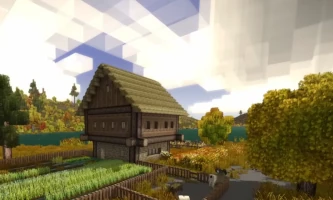
Seasonal villages
Stable performance for long-term settlements and slow-burn progression.
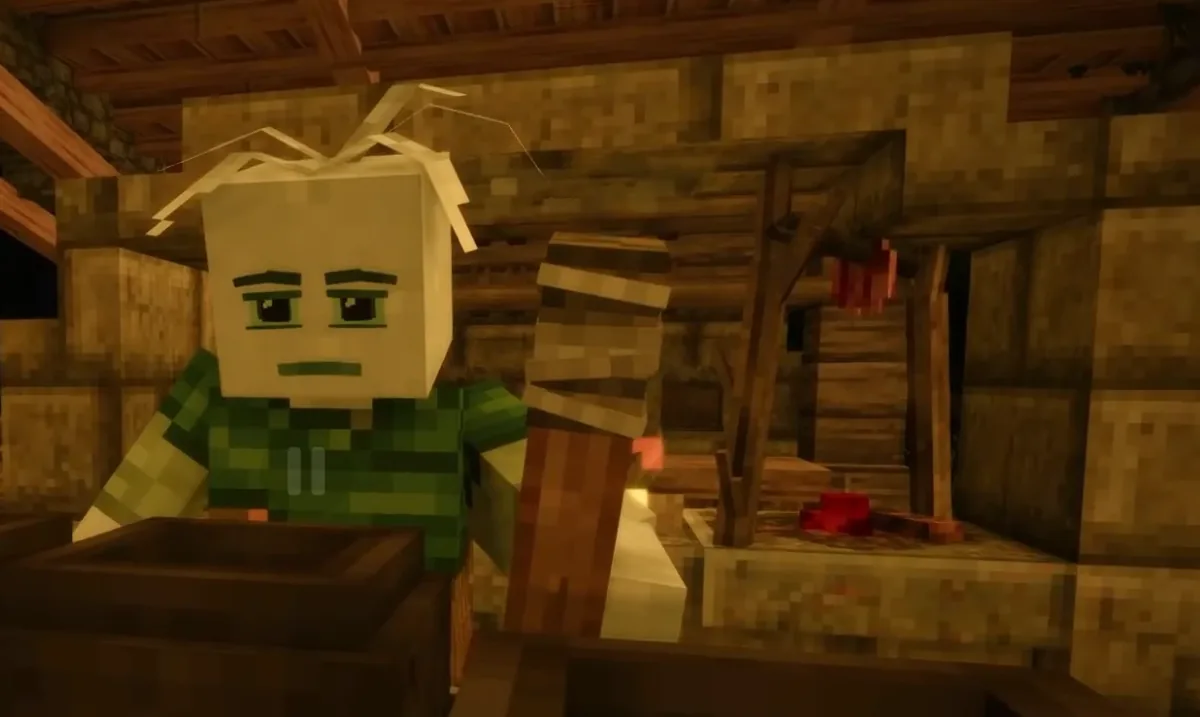
Wilderness journeys
Room for exploration, trade routes, and sprawling survival hubs.
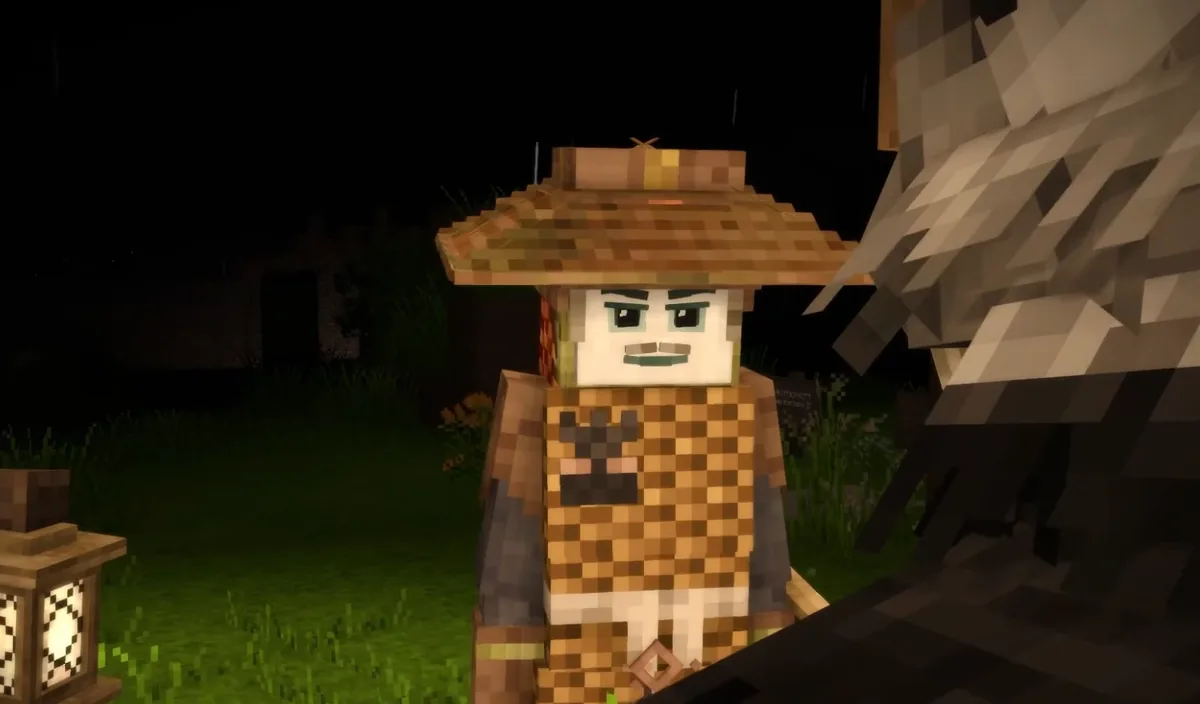
Harsh weather ready
Dependable saves and quick restores before major weather swings.
Not ready to order? Let us know what's holding you back.
Launch with a ready-made Vintage Story setup
Skip the config. Pick a preset and your new server boots preconfigured — mods, rates and rules already dialed in. Change anything later in the panel.
Vintage Story Creative Builder
Peaceful builder preset: creative game-mode allowed, passive creatures, no temporal storms, doubled harvest, …
Vintage Story Hardcore Survival
High-stress survival preset: aggressive creatures, frequent temporal storms, slower harvest acceleration, per…
Vintage Story Co-op Survival — Vanilla Rates
2 installsFriendly survival co-op preset: vanilla harvest rates, temperate climate, drop-on-death, occasional temporal …
Browse community Vintage Story servers
See live player counts, mods and rules from servers our customers run on Supercraft. Pick a server to join - or rent your own and list it the same way.
See live Vintage Story serversVintage Story RAM and player count: how to size your plan
Vintage Story is a chunk-streamed voxel sandbox. Memory grows as players spread out and as mods accumulate. The rough mapping below covers vanilla through moderate mod stacks. Heavy overhaul stacks - large worldgen, ruins, food, skills, creature, or automation mods like Primitive Survival, Wildcraft, BetterRuins, Expanded Foods, XSkills, or CarryCapacity - push the next tier up.
| Players | Vanilla | Light mods | Heavy mods | Suggested plan |
|---|---|---|---|---|
| 2-4 (friends) | 3-4 GB | 5-6 GB | 8 GB | Plan S |
| 5-10 (small community) | 4-6 GB | 8 GB | 10-12 GB | Plan M |
| 10-20 (mid community) | 8-10 GB | 12 GB | 16 GB | Plan L |
| 20-30 (large public) | 12 GB | 16 GB | 20+ GB | Plan L (or talk to us) |
CPU matters less than RAM here. Vintage Story uses 2-4 cores effectively for chunk generation and AI; the difference between a fast modern CPU and a very fast modern CPU is barely visible to players. For sizing across other games, see the cross-game hardware-sizing reference on ServerHosting.wiki.
From order to running server: the first 15 minutes
- Plan selected. The dedicated server build is provisioned automatically from the official Vintage Story release tarball (account.vintagestory.at). No SteamCMD, no manual install steps - the file system is set up, the data directory is created, and the world is ready to generate from the panel.
- Region picked. Pick the closest of US West (Oregon), US East (Virginia), US North-East (Toronto), Europe West (Paris), or Australia (Sydney). Latency under 50ms feels native; 50-120ms is comfortable; above 120ms players notice in PvP encounters.
- World settings configured. Default values are sensible. Adjust difficulty, chunk-radius, save-interval, and player cap from the panel. Restart applies the changes.
- Mods uploaded (optional). Drop .zip mod files into the panel mod manager. Vintage Story scans the directory at startup. Test mod compatibility before opening to players.
- Backups confirmed. Auto-backups run before every update and on a schedule you set. Test a restore before week two; the corruption you have not had yet is the corruption that will cost the most.
- Players invited. Share the connection address from the panel. Friends use either the Vintage Story client's Multiplayer menu or a direct address.
Migrating from a self-hosted Vintage Story server
If you have been running Vintage Story on a home machine and the operational load is wearing thin, the migration is straightforward. Stop the local server, copy the world folder out, upload it via the Supercraft panel's file manager or FTP, restart the deployment. Player accounts (when using Vintage Story's auth) and saved progress carry over without modification. The whole switchover usually takes 15-30 minutes including upload time.
Whether to make the move at all is its own question. The honest version of the self-host vs managed tradeoff lives at ServerHosting.wiki: when self-hosting wins, when it stops winning, and the breakeven point that decides which way to go.
Supercraft vs Other Vintage Story Hosts
Honest comparison based on what each provider publicly advertises on their Vintage Story hosting page as of 2026-05-01. Self-hosting via vintagestory.at is also a great option if you have a spare PC and time to maintain it.
| Feature | Supercraft | BisectHosting | G-Portal | Shockbyte |
|---|---|---|---|---|
| DDoS protection included | ✓ | ✓ | ✓ | ✓ |
| Switch to other games on the same plan, no extra purchase | ✓ 10+ games | - | ✓ Gamecloud | - |
| Cross-region transfers without wiping your world | ✓ | - | - | - |
| Discord webhook for start/stop/crash events | ✓ | - | - | - |
| Automatic snapshots before every update | ✓ | - | - | - |
| Vintage Story mod manager (one-click installs) | ✓ | - | - | - |
| Support familiar with Vintage Story saves, mods, configs and long-running worlds | ✓ | - | - | - |
| Branding-free server (no host name in MOTD) | ✓ | - | - | - |
One server. Every game. supercraft.host is the only host where one subscription unlocks 10+ games and your Vintage Story world survives every region change.

Self-Serve Bot in Discord
Instant control of your Vintage Story server without tickets or waiting. Type a command and go.
- Start, stop, restart, and check status in seconds.
- Secure by design: only your subscriptions are accessible.
- Share access safely with time-limited auth codes.
Fast, secure, and always on.

Latest Vintage Story Guides & News
Buyer's Checklist: Choosing a Vintage Story Dedicated Host
The 7 specs that actually matter when picking a Vintage Story hosting provider. Vendor-neutral framework.
1.22 Server Stability Issues - Known Crash Patterns
Look-direction crashes, MSI Afterburner conflicts, mid-save corruption: full playbook for the 1.22 stable release.
Mid-Save Mod Update Broke My World - Recovery
Chunks won't load after a mod-laden 1.22 update? Three recovery paths ranked by data preservation.
Long-Term Modded Server: Patterns That Survive Years
Mod pinning, backup discipline, admin onboarding, community structure: what 1-year+ servers do differently.
Migrate Your Server: Windows to Linux
Save transfer, .NET 7 setup, systemd unit, port forwarding - full migration walkthrough.
Vintage Story Rivers & Boat Guide (v1.22)
Navigate the new river system and craft boats in the latest version.
Dedicated Server Setup & Optimization (v1.20+)
Set up and optimize your Vintage Story dedicated server.
Admin Commands & Permissions Guide
Complete reference for server administration commands and permissions.
Agriculture & Crop Rotation Guide
Master farming with crop rotation and soil management techniques.
Mechanical Power Guide: Windmills & Automation
Build windmills and automate production with mechanical power systems.
Metallurgy Guide: From Copper to Steel
Progress through the metal ages with smelting and alloy techniques.