

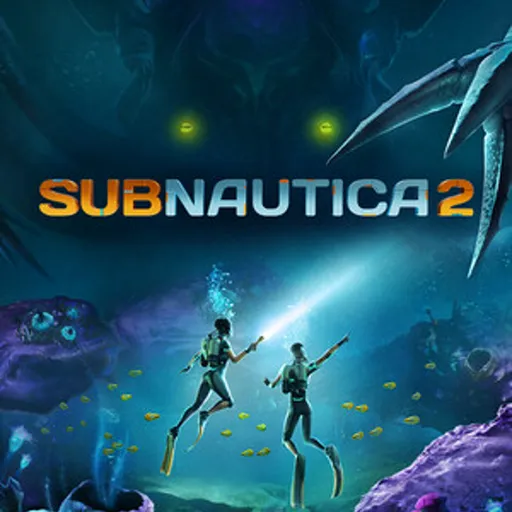
Subnautica 2 Server Hosting – Crossplay-Ready Co-op Servers (Early Access launch May 14, 2026)
Subnautica 2 co-op is host-based, so the world is only online while the host is playing – and there’s no official dedicated-server tool yet. The moment server tooling lands, our managed always-online Subnautica 2 hosting goes live: PC + Xbox crossplay (there’s no PS5 version), stable performance, fast saves, and daily backups so your underwater world, bases, and progression survive even when the host is offline.
- PC + Xbox crossplay (no PS5 version)
- Co-op survival sessions
- Base building support
- Config and difficulty tuning
- Private password
- Low latency regions
- On-demand backups
- DDoS protection
- Branding-free servers
- Uncapped RAM
- Uncapped disk space
- User-friendly control panel
Pick a plan
Choose S, M, or L based on player count and world size.
Launch instantly
Provision your world and tune progression, difficulty, and rules.
Invite your crew
Share the IP and scale anytime without wipes.
Subnautica server – on request
Subnautica hosting on Supercraft is set up by our team on request. Tell us the plan size you want (small co-op / mid group / large community) and we’ll provision the server and send you a direct payment link.
- AMD EPYC hardware, NVMe storage
- Daily automated backups
- Full admin access – FTP, console, config files
- Mod / config support during setup
Hardcore survival with stable performance
Keep city events, police chases, and large RP sessions responsive with reliable uptime and consistent saves.
Roleplay servers and faction communities
Run custom rulesets, PvP/PvE mixes, and community events with full control over your Subnautica 2 server settings.
Backups, restores, and long-term progression
Protect your players’ progress with automated snapshots and quick restore options whenever updates or config changes go wrong.
The Subnautica 2 Roleplay World
From city districts to high-pressure operations, Subnautica 2 is built around tension, teamwork, and smart planning. Keep your server online for every session.
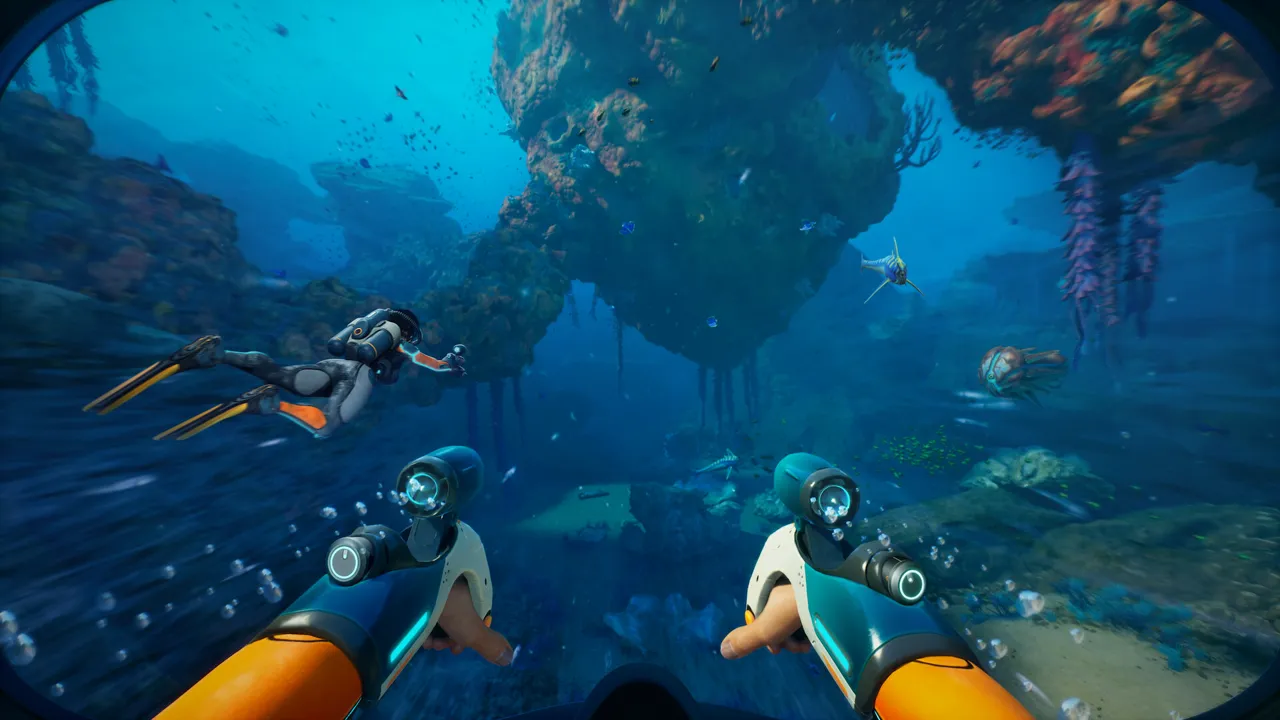
Underwater exploration
Stable worlds for long sessions and co-op progression.
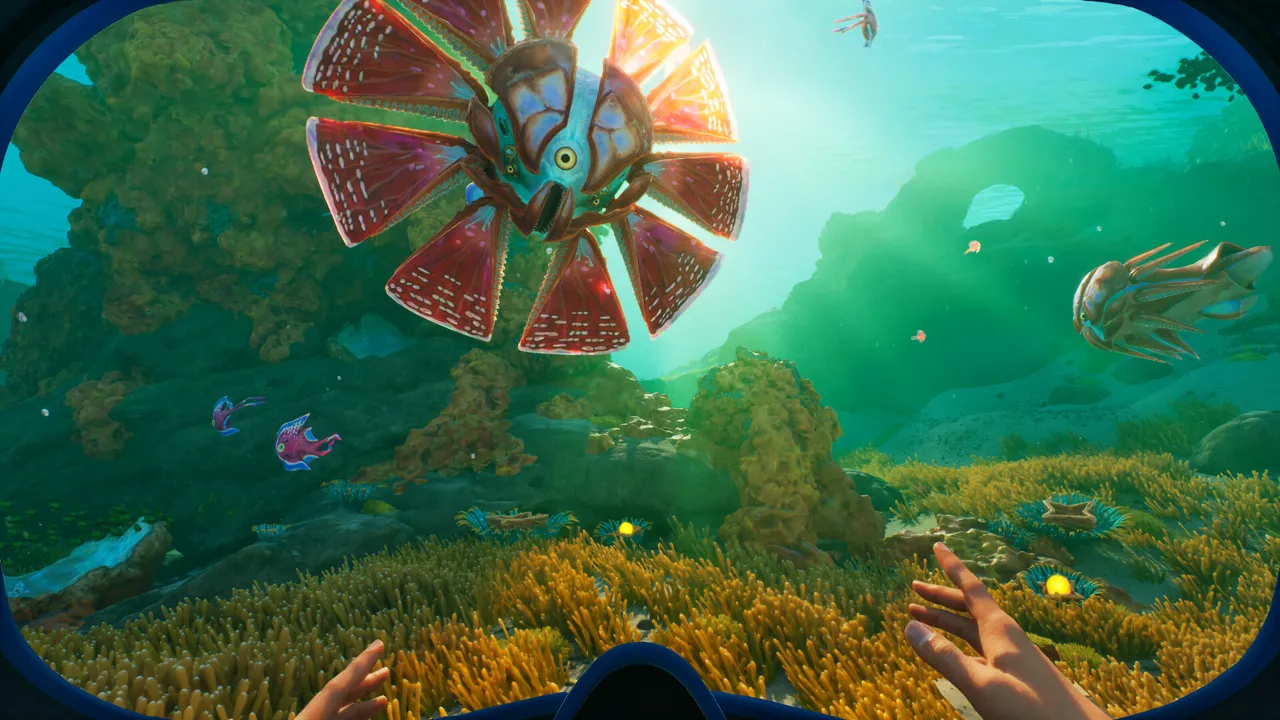
Base building
Smooth saves for long-term builds and crafting.
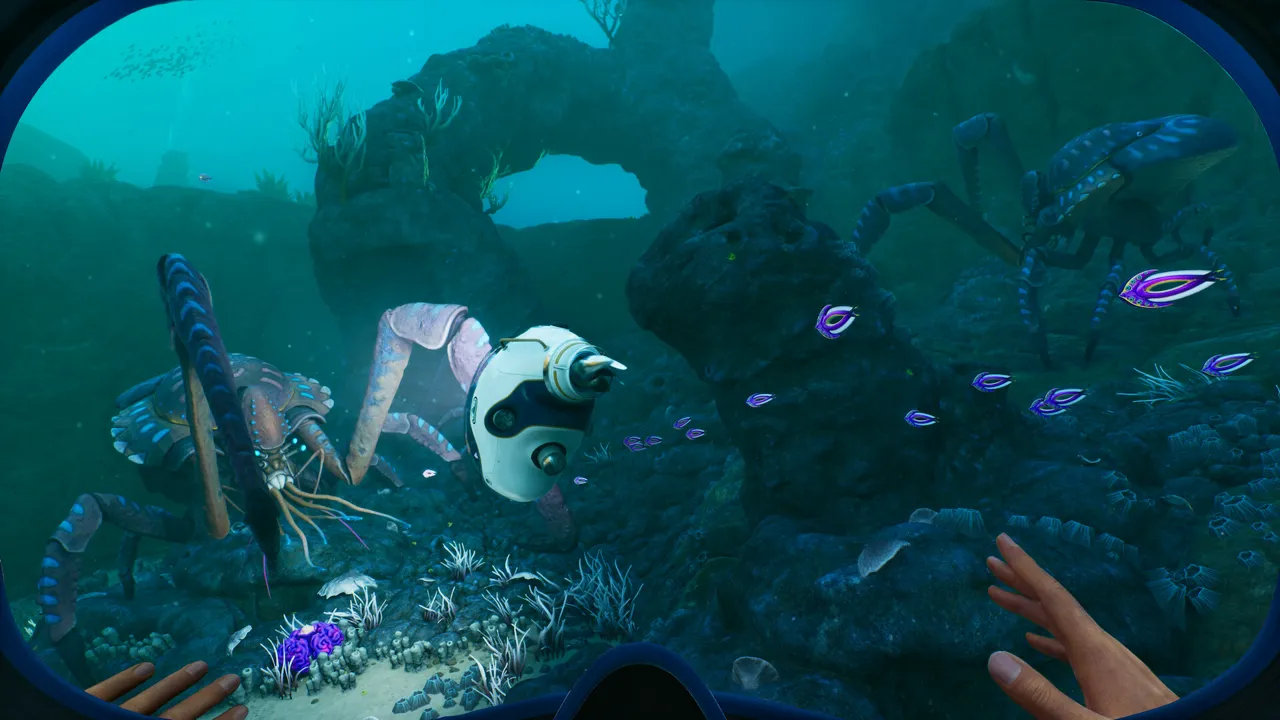
Deep sea encounters
Low latency for responsive fights and events.
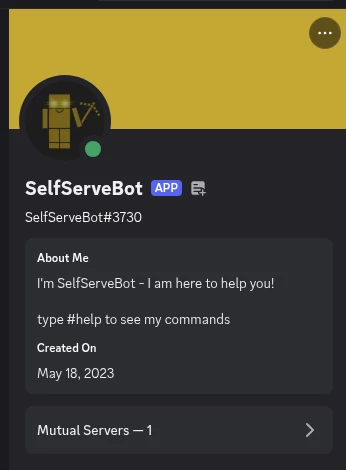
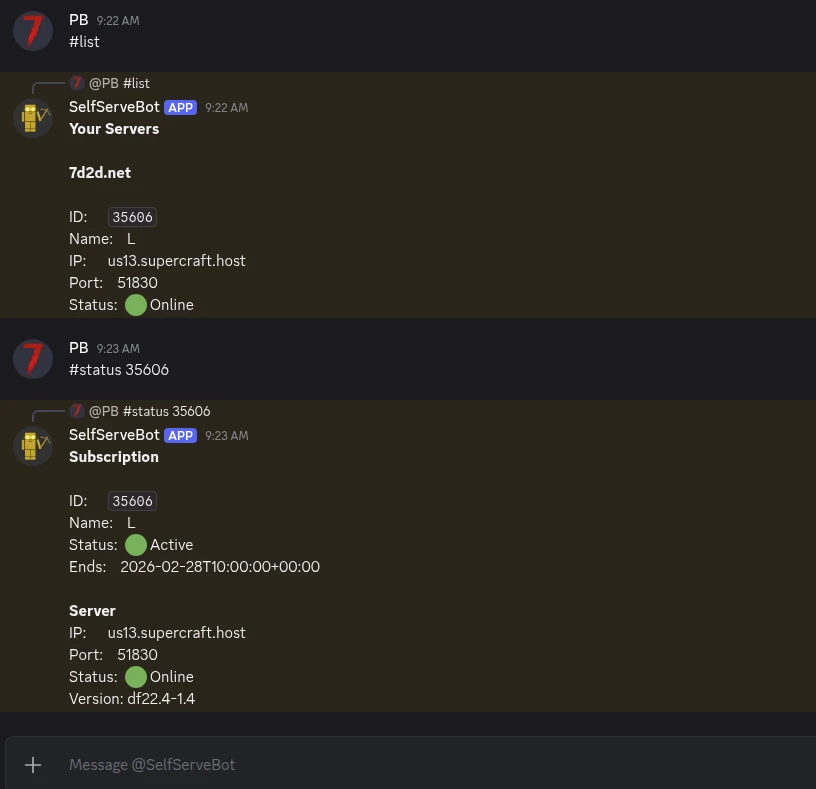
Self-Serve Bot in Discord
Instant control of your Subnautica 2 server without tickets or waiting. Type a command and go.
- Start, stop, restart, and check status in seconds.
- Secure by design: only your subscriptions are accessible.
- Share access safely with time-limited auth codes.
Fast, secure, and always on.
More than a server box
Free in every plan. No add-ons, no upsell.
Public server pages
Every server gets a shareable URL like
supercraft.host/s/your-server with live player count, uptime status, one-click join, and an “about” block for rules and lore.
Listed in the public directory at supercraft.host/servers: a second free traffic source for your community. Off by default; you decide what’s public.
Read the full announcement →Recipes marketplace
One-click curated modded servers. A Recipe is a hand-picked mod list with pinned versions, tested defaults, and a short description, so you launch the experience without becoming an amateur modpack engineer.
Live today for Palworld, Valheim, Project Zomboid (incl. Build 42), and Minecraft. More games every few weeks.
Browse the marketplace →Discord webhooks & live players
Wire join / leave / status events straight into your Discord. Paste a webhook URL into the panel, pick the events that matter, done.
Pair it with the real-time player list shown in the panel and on your public page: not a stale “12 players” number, the actual names of who’s on right now.
See webhook recipes →Switch games anytime
One subscription, 30+ games. Got bored of one game? Switch to another supported by your plan, in the panel, without buying a new plan or losing your billing cycle.
The region is your pick too: North America, Europe or Australia. Changed your mind before the first install? Switch it in the panel, free.
See switch-group plans →AI Server Doctor
Built into the panel. It reads your server’s logs and config to diagnose crossplay, connection and setup problems, then offers safe fixes you approve with one click.
Diagnosis credits are included with every plan, on every supported game. Ask it before you open a ticket.
7 Days to Die on 7d2d.net
Your plan also covers a 7 Days to Die server on 7d2d.net, our sister site built for that game. Open it from the panel: you are signed in with your Supercraft account.
One plan runs one server at a time: starting one stops the other.
Latest Subnautica 2 Guides & News
Subnautica 2 Wiki Index
All Subnautica 2 server guides in one place.
Subnautica 2 Server Requirements
CPU, RAM, and storage recommendations for stable performance.
Configuration Guide
Recommended settings, config files, and safe restart workflow.
Multiplayer Guide
Hosting, joining, and keeping co-op sessions stable with friends.
Save Management
Backup and restore your server saves and world data safely.
Update Guide
How to update Subnautica 2 servers safely without losing progress.
Troubleshooting
Fix common startup, connection, and save issues.
FAQ
Subnautica 2 Server Admin Resources
Setting up your own Subnautica 2 dedicated server? These guides cover everything from crossplay configuration to multiplayer save management. All free, all updated for the May 14 launch.
Why choose Supercraft as your next dedicated server hosting provider?
Core benefits of our dedicated game server hosting: resilient network, fast hardware, admin control, simple mods, and responsive support.
DDoS protection
Best attack protection with 17Tbit/s filtering capacity
Full control
Get full access to all options, browse logs, and use the admin console.
Best hardware
Our services run on high-clock multi-core CPUs with NVMe storage and generous RAM allocations.
Lightning-fast network
Game experience free of lags and glitches; recent Trustpilot reviews note steady low ping across regions.
Configuration for experts
Advanced administration options allow you to fine-tune your game experience. FTP and full config access.
Safe Payments
We use only trusted payment gateways: PayPal and Stripe, and we never process credit card information directly.
Mods & Maps easier than ever
With our custom panel, mods install in one click through each game's native mod ecosystem. Depending on the game that means Steam Workshop, Thunderstore, Satisfactory Mod Manager, Factorio Mod Portal, CurseForge, Vintage Story Mod DB, or a direct .zip upload.
Backups & scheduled restarts
Automatic snapshots of your world plus configurable scheduled restarts keep your server healthy without lifting a finger.
AI Server Doctor
Our built-in AI Server Doctor reads your logs and config to diagnose crossplay, connection, and setup problems, then offers one-click safe fixes. Diagnosis credits are included with your plan, on every supported game.
24/7 Support
Send us an email, use our online form, or reach us directly on Discord to get fast help; players often receive answers within minutes.