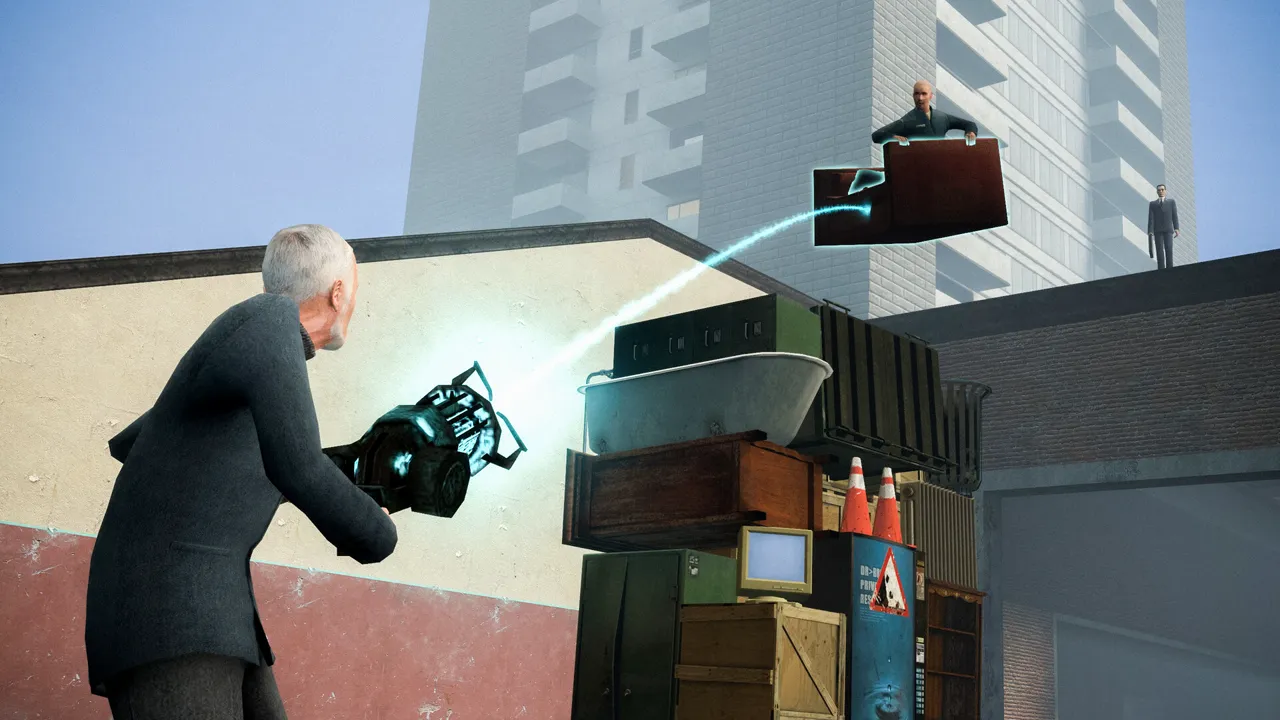
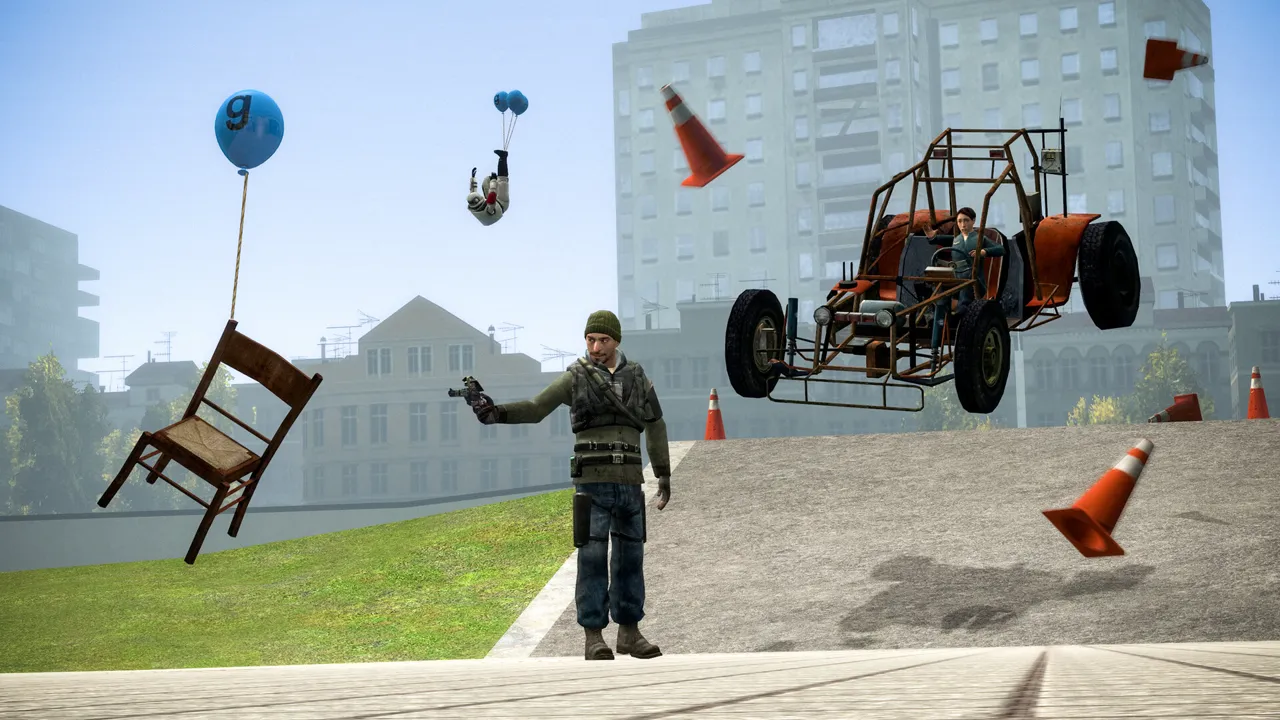
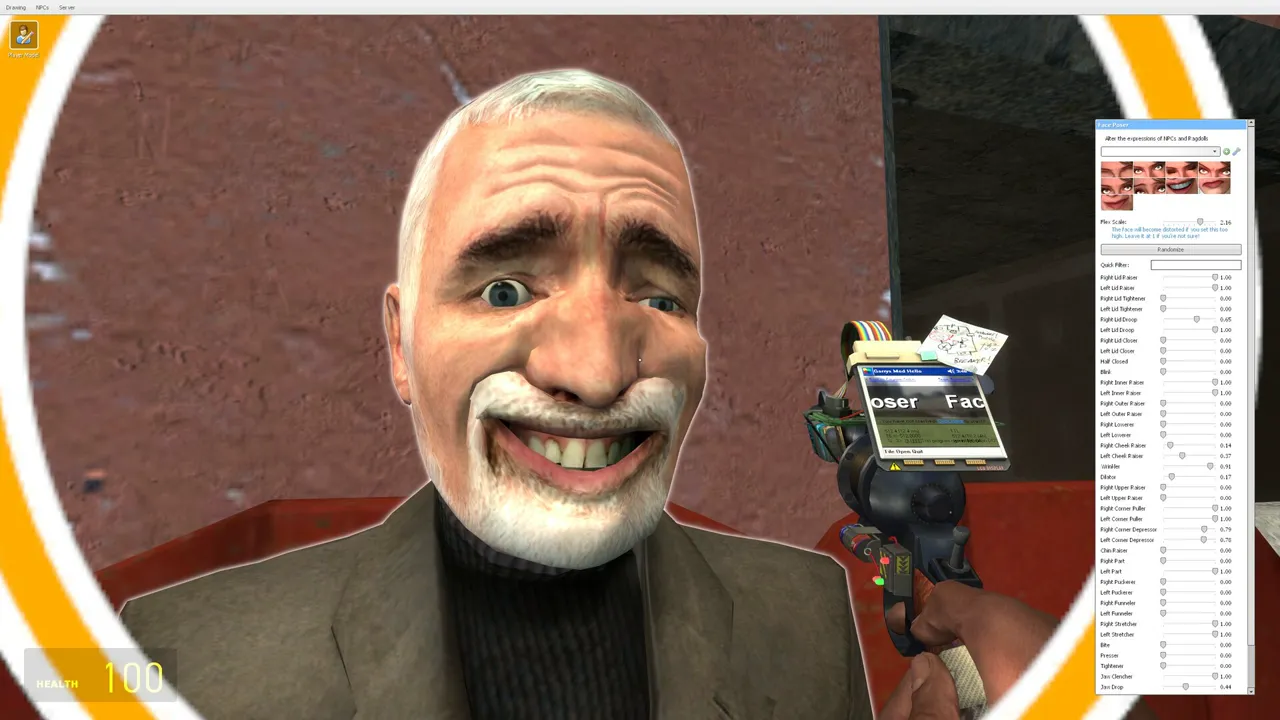
Garry's Mod
Server Hosting for sandbox physics, roleplay gamemodes, and Workshop addons
Launch a dedicated Garry's Mod server in minutes with
stable performance and simple management. Run DarkRP, TTT, Prop Hunt, or any custom
gamemode with Workshop collections, fast restarts, and reliable uptime.
Yes. Set a password or whitelist players
in the control panel.
Plans scale by slots and how heavy your addon pack is.
You can upgrade any time as your community grows.
Yes. You can run servers with Workshop addons and collections.
Use our guides to install and manage addon sets safely.
We host in US West (Oregon), US East (Virginia),
US North-East (Toronto), Europe West (Paris), and Australia (Sydney) for low latency.
Yes. We run automatic snapshots and provide
on-demand backups for quick restores.
Average Garry's Mod server hosting cost is
about $8-$16 per month for small communities, with larger groups
typically $16-$28. Pricing follows slots, addon complexity, and bandwidth.
Yes. In My Account → Subscriptions, you can upgrade to a higher tier of the same game with the same billing cadence (for example, monthly to monthly). Downgrades are not available right now. During an upgrade, your deployment is updated in place (quota update + restart), not wiped and recreated.
Halo 100GB Leak: A Glorious Mess of Gaming History
Okay, buckle up, buttercups, because this is gonna be a bumpy ride. So, the internet, in its infinite wisdom (and chaotic nature), has coughed up a massive, like, gargantuan 100GB leak of old-school Halo content. Yeah, you heard that right. We’re talking about a digital treasure trove of artifacts from a time when the Chief was still figuring out which way to point his gun, and before Microsoft decided to slap its logo on everything. I mean, seriously, 100GB?! That’s like, what, 2000 blurry JPEGs and some half-baked code? I’m kidding, mostly… This isn’t just your run-of-the-mill concept art and some boring design documents either. No, no, no. This includes a playable build from 1999, when Halo was still kicking it old-school in third-person. Third-person, you hear me? Like, Gears of War but with Spartans and way less cover-hugging. I’m picturing some janky camera angles and a whole lot of awkwardness. Still, I gotta admit, I’m intrigued.
So, naturally, the internet is having a collective meltdown. Everyone’s suddenly a historian, digging through this digital landfill like it’s the damn Rosetta Stone. There’s chatter about this being some kind of ‘revenge of the modders’ situation. Apparently, there were some people working on this stuff who got the middle finger from the powers that be. So, what better way to get back at them than to unleash the hounds… I mean the data.
Of course, everyone is asking for links, like a bunch of digital vultures circling a particularly juicy carcass. And yeah, I’m one of them, I’m not gonna lie. It’s like finding a lost episode of your favorite show, only this time it’s a whole damn season, with all the deleted scenes and the director’s cut. We are talking about stuff that was never supposed to see the light of day, like the gaming equivalent of Area 51’s secret files. This is better than any Christmas morning ever.
And the comments? Oh, the comments are a goldmine of nerdy goodness. People are reminiscing about the good old days, when games were, you know, games, not cash grabs with loot boxes and battle passes. I see you, you old-school gamers, I feel you. We are the same. There are some seriously strong opinions about how Halo peaked at Halo 3 (or Halo 2, depending on who you ask. This is like, a religious war, man) and how everything since has been a dumpster fire. You know, the usual.
There’s a whole faction of people who are going off on a tangent about ONI. Which if you don’t know, it’s a totally different game from Bungie (the same people that brought us Halo). I guess it’s a sore point with a lot of people, like the game was a missed opportunity and they are still waiting for a sequel. They talk about things I don’t even remember, like ‘spin shadow punch’ or some carrot top tanker. These guys are nuts. But I love them for it. It’s a reminder that games are more than just pixels and code. They are experiences. Memories. Obsessions. It’s the stuff that makes us who we are, for better or for worse, it’s a digital time capsule. There are a bunch of people mentioning stuff that made me feel old – like ‘Stumbleuponing’ which I also remember – I am getting old.
There is also a lot of debate about the state of Halo. People keep arguing whether it’s Microsoft or 343’s fault. It’s like a never-ending family feud, with the entire internet acting as dysfunctional relatives. I’m not even going to try to pick a side. I’m just here for the chaos. They talk about split-screen multiplayer, like that was the holy grail of gaming, and how the newer iterations are missing some spark or magic. I guess it’s true. I mean, remember those LAN parties? The smell of pizza, the clacking of keyboards, and the trash talk that could make a sailor blush. Damn, those were the days. No online toxicity, just good old-fashioned face-to-face smack talk. What a time to be alive.
And the conspiracy theories, man, they are everywhere. Some are claiming that this leak was a calculated move. I mean, did 343 leak this stuff? Are they tired of the complaints? I’m not going to lie, that would be some 4D chess level trolling. It’s like they are saying, ‘Fine, you want the old Halo? Here’s the old Halo. Now shut up and let us work’. The whole thing is so meta it’s giving me a headache.
There’s also a lot of talk about the technical side of things. PowerPC Macs? What year is it?! Some people are claiming that this was originally a Mac game, or at least it was primarily developed on a Mac. Who knows, maybe Steve Jobs had a secret love affair with Master Chief? It would explain a lot. But no, apparently Windows was the primary platform, with a Mac port done as an afterthought. It’s like they were trying to decide between the dark side and the dark side. I don’t know. I’m not a tech guy, all I know is that it’s all gibberish. But I’m here for the nerd rage.
And of course, the inevitable comparisons to other games. People are bringing up Tribes, Oni, and a bunch of other titles that I haven’t thought about in years. It’s like a digital reunion for all the games that time forgot. I kinda feel bad for them. Maybe they will get some love now. It’s a stark reminder that gaming history is a wild ride, filled with twists, turns, and a whole lot of glitches. Someone even mentioned Shogo: Mobile Armor Division which I had to google because I have no idea what it is, but seems cool.
And the discussion of Halo 3. Oh boy. Everyone is a Halo 3 expert. Apparently, the melee system was broken, and there were a lot of problems they fixed in Reach. I never noticed it, to be honest. People are talking about bloom, shield gating, and the golden tripod. It’s like they are speaking in tongues. Honestly, I’m just here for the ride. All I remember is having fun. Maybe that’s just me, though. It’s pretty funny to read all of this, it’s like people are trying to be historians, but it’s just a bunch of nerd-speak.
But here’s the thing, amidst all the chaos and nerd rage, there’s a strange kind of beauty in this leak. It’s a reminder that games are more than just products. They are pieces of history, filled with the sweat, blood, and tears of the people who made them. And sometimes, the best stories are the ones that are never supposed to be told. It’s a peek behind the curtain, a chance to see the inner workings of a machine. It’s awesome, even if it is a little bit messy.
So, yeah, the Halo leak is here, and it’s a glorious mess. It’s a reminder that the internet is a wild and unpredictable place, filled with treasures and landmines. I don’t know about you, but I’m grabbing my popcorn and diving in. Who needs a real life when you have this kind of madness? And if anyone has a link to the good stuff, hit me up. I am also thinking I might fire up my old copy of Oni too.
Highlands Fishing on Dedicated Servers: How to Roll Out Kinlaig for Co-op
Highlands Fishing is big enough to feel like a community reset. The right rollout makes it feel fresh instead of fragmented.
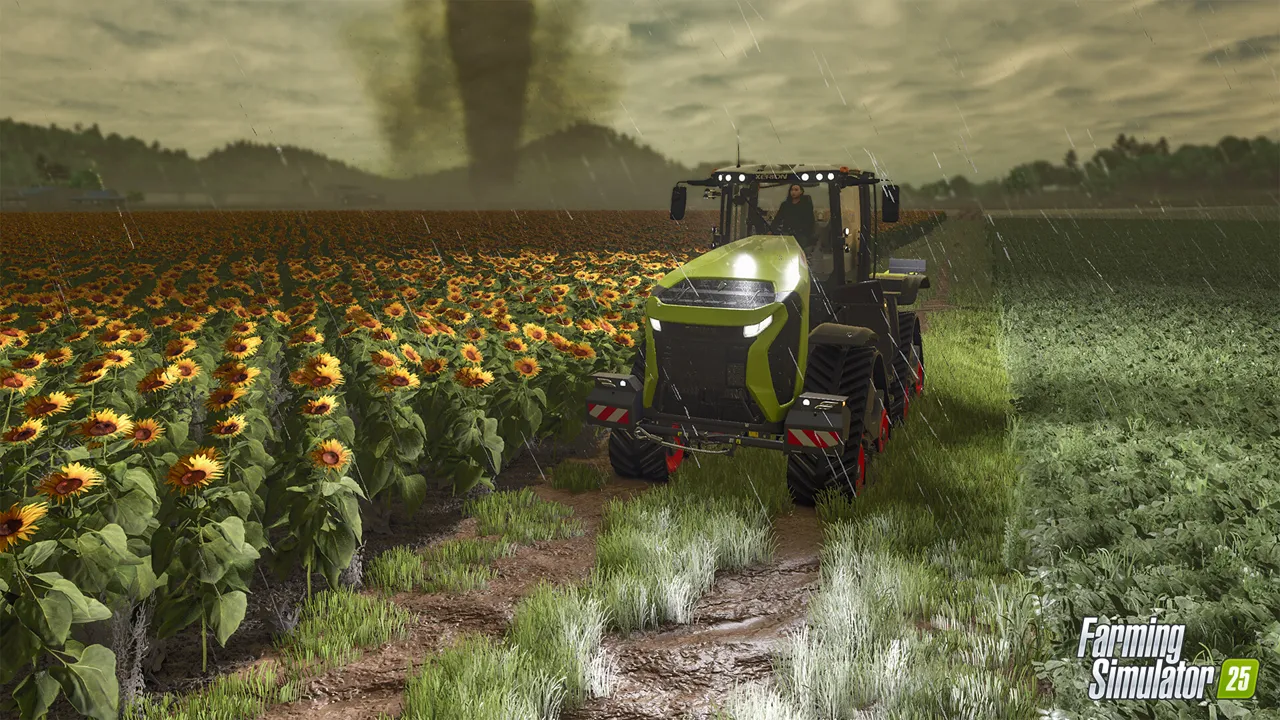
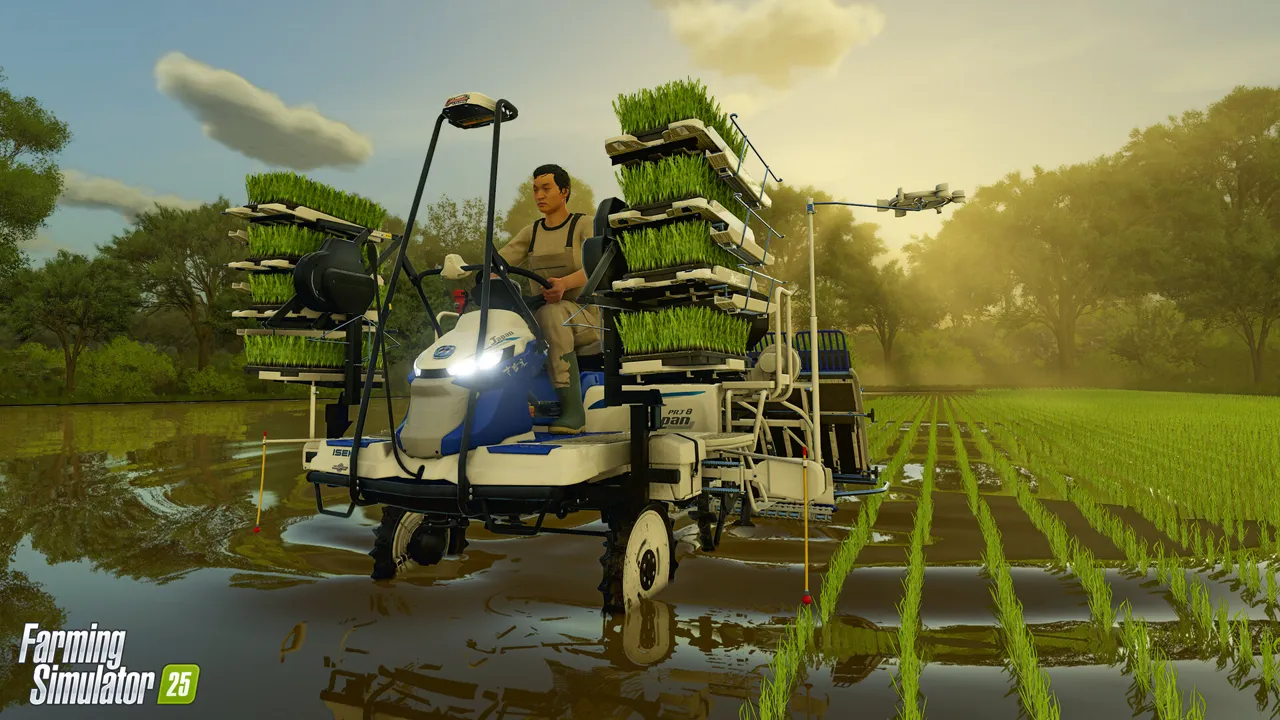
Farming Simulator 25 on Supercraft
Highlands Fishing is not a minor content pack. GIANTS frames it as a full expansion with the Kinlaig map, fishing and aquaculture gameplay, highland cattle, a new crop, and more than 20 machines. That makes it exciting for dedicated servers and dangerous for communities that assume they can drop it into an existing farm without changing how the group actually plays.
A big expansion shifts attention. Some players want to stay on the established farm. Others want the new map immediately. Admins get caught in the middle and often make the worst possible compromise: moving too quickly while pretending nothing important changed.
Why this matters right now
The cleanest rollout is to treat Highlands Fishing as a branch decision. Either it becomes the next major chapter of the community, or it becomes a side server, or it becomes a seasonal event save. Any of those can work if they are explicit.
Highlands Fishing adds Kinlaig, fishing, aquaculture, new animals, and a new crop.
Large expansions should be treated as branch decisions, not casual toggles.
A side-save test period reduces pressure on the main community farm.
Server admin take
Kinlaig also introduces water-oriented play loops that can refresh tired groups. That makes it valuable, but only if you protect the main farm from rushed migration and give players a clear reason to move.
Maps are emotional decisions in farming communities. People get attached to layouts, routines, and landmarks. Respect that, and your rollout will be smoother.
Checklist for your next session
Decide whether Kinlaig is a main save migration, side save, or time-boxed event world.
Back up the current farm before any expansion rollout discussion becomes action.
Test the expansion privately with one or two admins before inviting the full group.
Explain how the new map changes play style so players know what they are opting into.
Keep the old farm recoverable in case the community prefers it after the first week.
Dedicated Farming Simulator 25 hosting and co-op play
Source watch
This article is anchored to official Highlands Fishing expansion page,
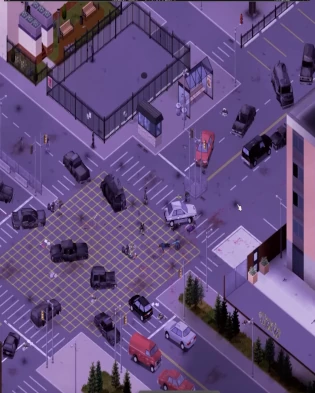
dated current expansion listing. Use the primary source to confirm final rollout details before changing a live farm.
Need a cleaner rollout path? If your group wants less time spent debugging versions, restores, and restarts, move the farm onto managed FS25 hosting with backups and direct file access.
Powerful Dedicated Game Servers at a Price You’ll Love!
PROMO: Switch to supported games at the same price or below. ARK: Survival Evolved and ARK: Survival Ascended unlock the full catalog, including each other. See all games
Host dedicated servers for survival, sandbox, and factory games with Supercraft. Enjoy smooth performance and
full control while you explore the Viking realms of Valheim, survive the apocalypse in 7 Days to Die, automate
sprawling factories in Satisfactory or Factorio, fight zombies in Project Zomboid, adventure with Pals in Palworld,
uncover mysteries in Enshrouded, dig deep in Terraria, build settlements in Necesse, host cross-platform worlds in
Minecraft Java, Minecraft Bedrock, hunt as a vampire in V Rising,
survive in Vintage Story, raid and build in Rust, or outlast the undead in HumanitZ. Every plan includes
game switching - buy one server and deploy supported games at the
same price or below, directly from your control panel. ARK: Survival Evolved and ARK: Survival Ascended sit at the top tier, so either ARK plan can switch to every supported game, including the other ARK, while lower-priced plans cannot switch up into either ARK game. Our hosting is designed for stable gameplay, reliable uptime,
and hassle-free management, with Trustpilot players calling out low ping and quick setup.
Spin up your world in minutes with low-latency hardware, straightforward controls, and responsive support.
Tweak server rules, invite friends instantly, and keep progress safe so you can focus on building, raiding,
crafting, or simply surviving together - switch games when you want a change, and our team backs you up on
Discord if you ever need a fast fix or mod help.
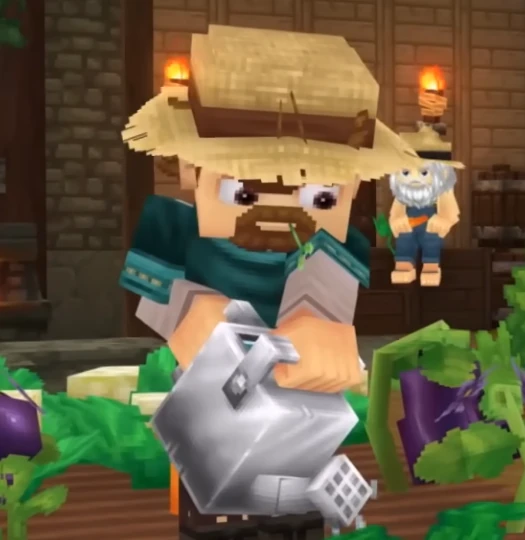
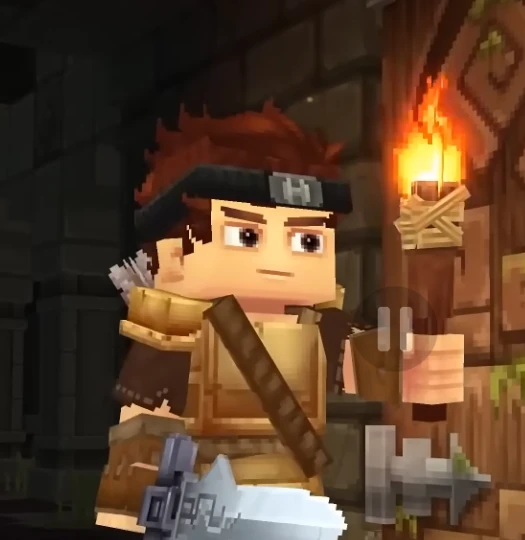
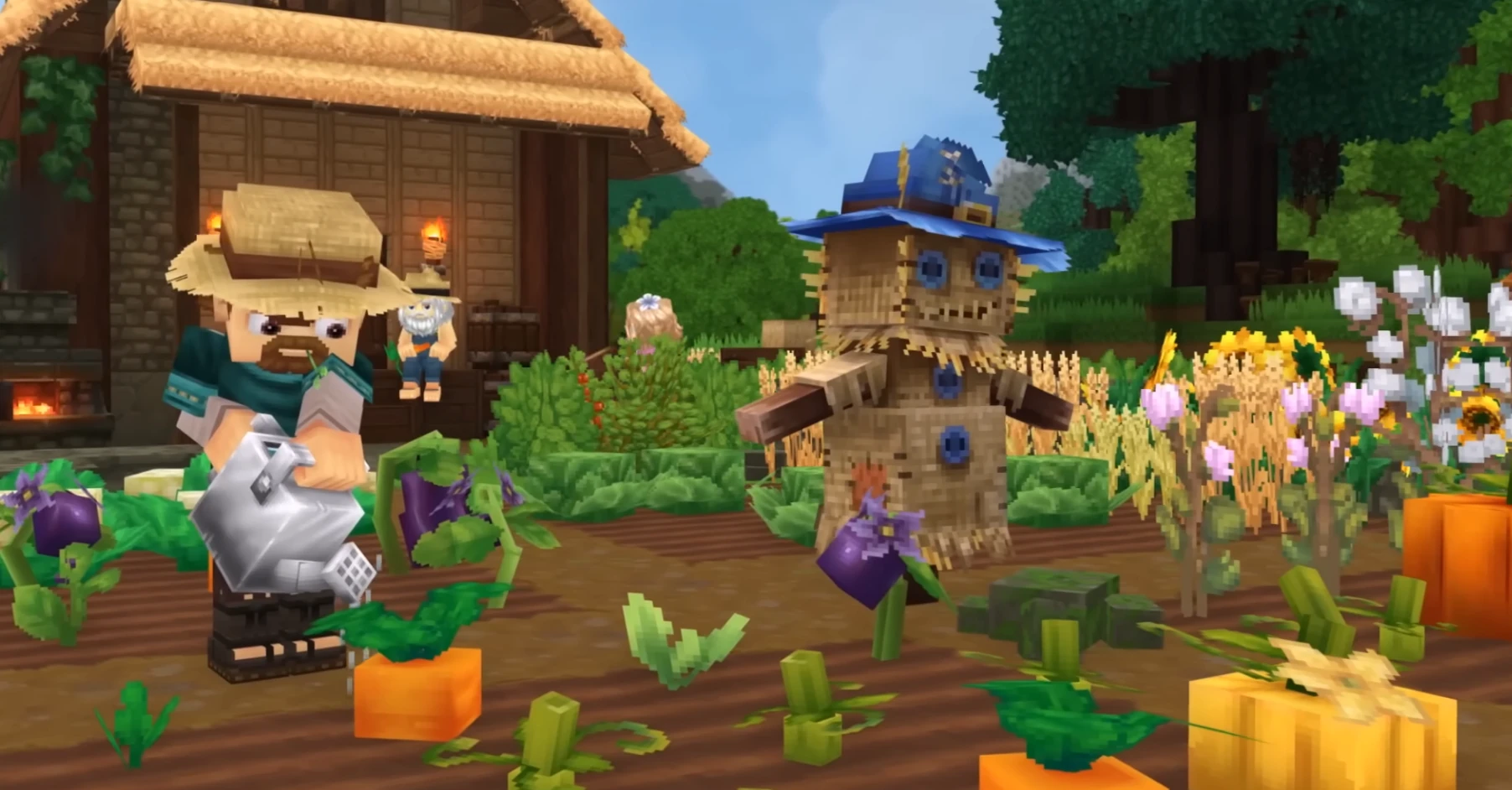
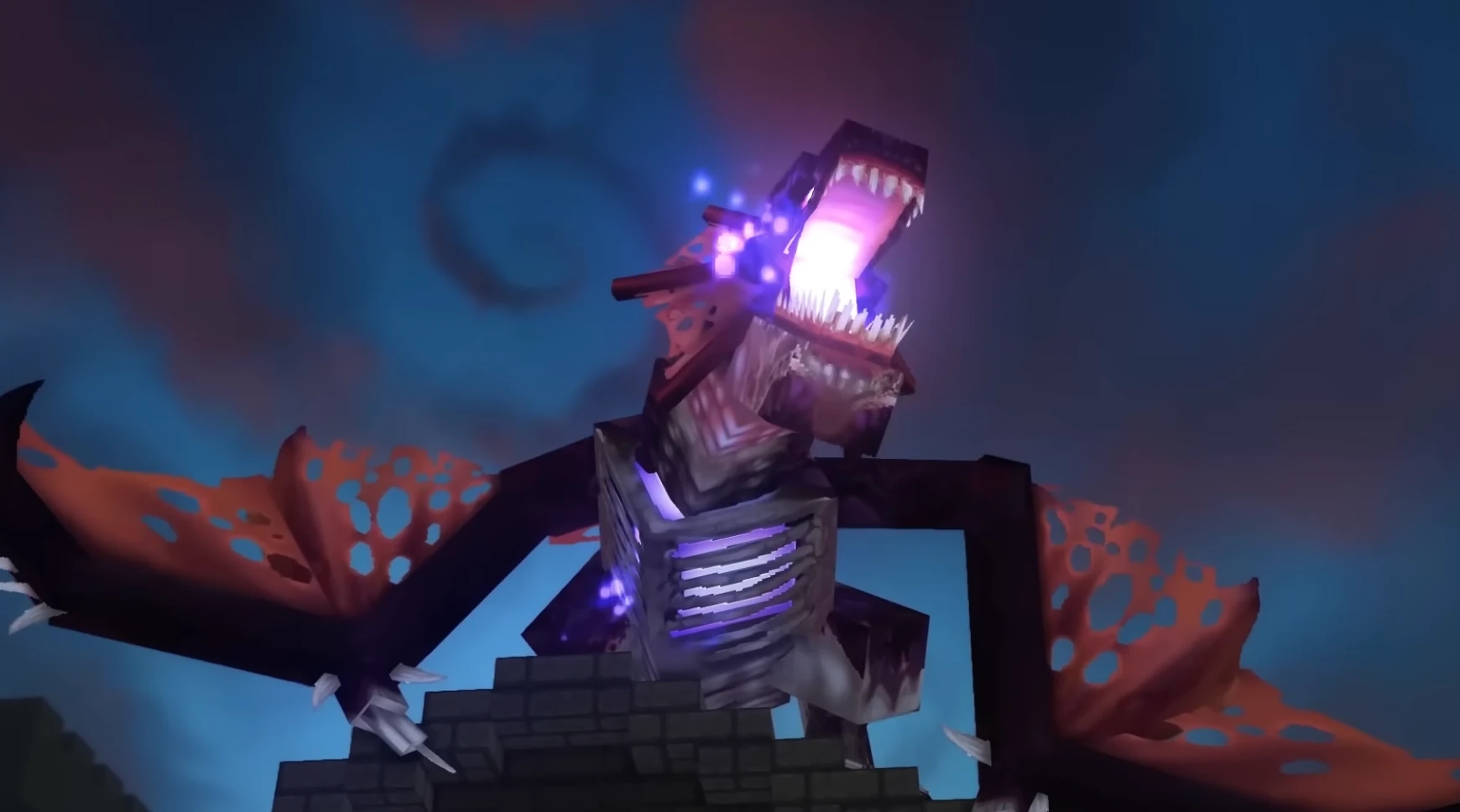
Hytale
Adventure hosting with fast saves, flexible mods, and reliable uptime
Valheim
Viking survival adventure with mod-friendly worlds and dependable uptime
Minecraft Bedrock
Cross-platform survival hosting with add-ons, backups, and simple admin controls
Minecraft Java
Java-first hosting for Vanilla, Paper, Purpur, Spigot, Fabric, Forge, and NeoForge
7 Days to Die
Blood moon ready performance with easy restarts and steady uptime
Unturned
Survival sandbox hosting with lightweight performance and mod-ready tools
Counter Strike 2
Competitive FPS hosting with low-latency tick rates and match-ready performance
Satisfactory
Built for sprawling factories with quick saves and reliable performance
Factorio
Fast autosaves and stable tick rates for megabases and bus builds
V Rising
Smooth raids and castle building with secure, fast autosaves
Vintage Story
Stable survival worlds with quick saves and simple admin controls
Project Zomboid
Persistent zombie sandbox with safe saves and clear admin controls
Palworld
Creature-filled co-op with smooth performance and quick updates
Enshrouded
Mystery-filled co-op with steady performance and fast autosaves
Terraria
Co-op adventures with stable tickrate and fast saves
Necesse
Co-op survival with stable performance and easy mod uploads
Rust
Hardcore survival with reliable performance and fast wipe-day restarts
HumanitZ
Open-world zombie survival with smooth co-op and steady server performance
Sons of the Forest
Survival horror hosting with stable saves, low-latency regions, and fast restarts
The Forest
Classic survival co-op hosting with stable saves, backups, and fast restarts
Echoes of Elysium
Persistent co-op adventure hosting with stable uptime, backups, and easy scaling
ARK: Survival Evolved
Classic dino survival with Workshop mods, cluster support, and top-tier switching
ARK: Survival Ascended
UE5 dino survival with mod support, fast restarts, and full-catalog switching
One Control Panel, Smarter Game Switching
Buy a server for one game and switch to supported games from your control panel at no extra cost when they match your current plan or sit below it. ARK: Survival Evolved and ARK: Survival Ascended sit at the top tier, so either ARK plan can switch across the full catalog, including the other ARK. Customize world settings, install mods with one click, and manage files over FTP across 5 global regions.
Hosting Affiliate Program Playbook for Gamers, Streamers, and Creators
Want a hosting affiliate program that actually feels built for gamers, not just bloggers? This long-form guide shows you how to earn money promoting hosting through a game server partner program that pays recurring commissions, converts well with gaming audiences, and scales even if you run a small channel. Throughout the article we reference the 7d2d.net hosting affiliate program, which is a great real-world example of a gaming affiliate program that pays and keeps things simple for creators, streamers, and community owners.
Why Gamers Love a Hosting Affiliate Program
Traditional web hosting payouts can feel disconnected from the gaming world. A game server hosting affiliate program lines up with what your audience already wants: faster servers, mod support, reliable uptime, and simple billing for their favorite titles. When you recommend a server host that you personally use for Minecraft, 7 Days to Die, Valheim, Rust, or Palworld, you are not just pushing a random SaaS link—you are solving lag, wipes, and admin pain points your viewers complain about daily. That relevance is why the best affiliate program for gamers tends to outperform generic tech offers, and why recurring commission affiliate hosting quickly turns into passive income for gamers who stay consistent.
Inside a Game Server Hosting Affiliate Program That Converts
A winning game server partner program does three things: delivers stable servers that keep players happy, pays on time with transparent dashboards, and gives you marketing assets that fit the gaming culture. The 7d2d.net hosting affiliate program hits those marks with clean landing pages, clear plan options, and fast provisioning that lets you demonstrate value live on stream. For gaming affiliate programs that pay, conversion rate matters more than raw commission percentage; a 20% commission on a high-converting offer often beats a 50% commission on a confusing checkout. Look for recurring payouts, cookie durations of 30 days or more, and support that knows the difference between modding Valheim and configuring Minecraft permissions.
Minecraft Hosting Affiliate Program Angles
Minecraft players respond to proof: smooth tick rates, easy modpacks, and automated backups. Build content that shows the host handling Forge, Fabric, Paper, and popular modpacks without downtime. A dedicated Minecraft hosting affiliate program pitch should include side-by-side footage of latency before and after migration, a tutorial on setting up a SkyFactory or Pixelmon server, and a one-click download of your optimized config files. Pair that with a call-to-action for the affiliate plan so viewers can replicate your setup and support your channel.
Game Server Partner Program Hooks
A strong game server partner program gives you promo codes, referral overlays, and trackable URLs that you can drop into Twitch panels, Discord announcements, and YouTube end screens. Use these hooks to create urgency: limited-time discounts on new maps, free migration for active clans, or extra slots for community servers. Mention how fast support answers tickets, because nothing frustrates a streamer more than waiting during a live session. The more you align your promotion with in-game events (new wipes, DLC releases, seasonal updates), the more the gaming audience clicks and converts.
Affiliate Program for Streamers: Monetize While You Play
If you stream on Twitch, Kick, or YouTube, an affiliate program for streamers works best when it blends into your routine. Create a !server command that links to your live server and the affiliate landing page. Build channel points rewards where viewers vote on settings, then show how the hosting panel handles those changes in real time. During breaks, run a quick scene showing dashboard metrics and uptime. This is not just advertisement; it is content that teaches viewers how to monetize gaming content and keep their own communities online. Always remind viewers that you earn a commission, because transparency builds trust and increases click-through.
How to Earn Money on YouTube with a Small Channel
Small channels often think they need thousands of subscribers to earn with an affiliate program for YouTubers gaming, but intent beats audience size. Target long-tail queries with tutorials: “How to host a modded 7 Days to Die server,” “How to earn from Minecraft channel with SMP hosting,” or “Fast Rust server settings for low ping.” Include clear timestamps, pin your affiliate link at the top of the comments, and add it to the video description with a short benefit statement like “Get smooth servers and help the channel.” A few high-intent viewers can deliver your first recurring commission affiliate hosting payouts faster than a broader montage video.
Affiliate Income for Streamers and Discord Owners
Discord is where many game communities make decisions. Add a welcome message in your server rules that mentions your recommended host and why you chose it. Create a “server-status” channel showing uptime screenshots or alerts. Run a weekly Q&A about server management; drop your affiliate link only after answering questions honestly. This approach earns community trust, keeps churn low, and turns one-time clicks into long-term affiliate income for streamers. If you run Patreon tiers, add a perk where you install mods or configure permissions for supporters using your partner host—people pay for convenience.
Affiliate Programs for Gaming Creators Beyond Streaming
Not every gaming creator wants to stream. Writers, modpack builders, map makers, and plugin developers can also monetize gaming content. Publish setup guides, benchmarking posts, and plugin roundups with embedded affiliate links. A detailed article on “best affiliate program for gamers running community servers” or “gaming affiliate programs that pay for modpack authors” helps you rank on Google and builds email subscribers. Collect these readers into a newsletter, and send periodic updates on patches, wipes, and optimization tips with a short CTA to the game server hosting affiliate program you prefer. This diversifies your traffic so you are not dependent on algorithm swings.
Hosting Reseller vs Affiliate: Which Fits You?
The “hosting reseller vs affiliate” debate comes down to responsibility and margin. Reselling gives you more control and potentially higher profit per client, but you also handle billing, support, abuse reports, and infrastructure surprises. An affiliate model is lighter: you recommend a host, collect recurring commissions, and let the provider manage support. If you run a tight-knit clan that insists on hands-on management, a reseller plan could make sense. If you want passive income for gamers with minimal overhead, stick with an affiliate program. Many creators start as affiliates, prove demand, then negotiate hybrid deals with their favorite host.
Earn Money Promoting Hosting: A Step-by-Step Blueprint
You do not need to guess your way into revenue. Use this repeatable process to earn money promoting hosting offers designed for gaming audiences:
Pick a focus niche (e.g., 7 Days to Die, Valheim, Minecraft modded servers) and join a relevant hosting affiliate program with recurring payouts.
Document your own server setup with screenshots, benchmarks, and cost breakdowns so people can copy your build.
Create at least three content formats: a long tutorial article, a short checklist or infographic, and a live or recorded demo session. Each should include your affiliate CTA.
Add your link to persistent surfaces: YouTube descriptions, Twitch panels, Discord channels, and a simple landing page. Make sure “hosting affiliate program” or similar anchor text is present for SEO.
Schedule promotion around events: wipe days, DLC drops, new seasons, or mod releases. Pair urgency with limited promo codes from the host.
Follow up with email or Discord announcements that show results (uptime, ping charts, happy player quotes). Social proof boosts conversion.
Reinvest a portion of commissions into better production: clearer mic, smoother overlays, or paid subtitles to help videos rank.
Monetize Gaming Content with SEO and Search Intent
To rank for terms like “hosting affiliate program,” “affiliate programs for gaming creators,” or “game server hosting affiliate program,” your on-page SEO matters. Place the primary keyword in your H1 and early in the introduction. Sprinkle secondary phrases like “game server partner program,” “minecraft hosting affiliate program,” and “recurring commission affiliate hosting” inside H2/H3 headings. Keep paragraphs scannable with short sentences and bullets. Add at least one outbound link to a helpful resource, plus an internal link if you are publishing on your own site. Compress images and add alt text with a variation of your keyword. Finally, update the content quarterly with new offers or screenshots; freshness signals help you maintain rankings and keep your gaming audience current.
Content Ideas That Pull Clicks from Gamers
Gamers respond to tactical content. Here are angles you can spin into scripts, blog posts, or shorts that naturally fit an affiliate program for streamers and YouTubers gaming:
“I moved my community server to a new host—before/after ping results.”
“How to monetize gaming channel episodes with server sponsorships.”
“Top 5 mistakes when choosing a minecraft hosting affiliate program.”
“Hosting reseller vs affiliate: what I wish I knew before trying to resell.”
“Best affiliate program for gamers who run weekly events.”
“Affiliate income for streamers: how I automated shout-outs and overlays.”
“Gaming affiliate programs that pay without locking you into exclusivity.”
“How to earn from Minecraft channel with modpack bundles and hosting links.”
Batch record these ideas, post them on YouTube and TikTok, then cross-link them in a pillar article. This clustering improves your topical authority and funnels viewers toward your preferred hosting affiliate program.
Game Server Hosting Affiliate Program Metrics to Track
To maximize revenue, watch more than just clicks. Track conversion rate, average order value, churn, and refund percentage. If you see high clicks but low conversions, improve the landing page handoff: add a bold CTA, shorten the path to checkout, or provide a setup bonus like your config files. If churn is high, record a video on onboarding and basic admin tasks; many cancellations happen because new hosts feel lost. Share uptime screenshots and latency graphs to prove reliability—data builds trust faster than hype. When a provider like the 7d2d.net affiliate program supports API or coupon tracking, use it to A/B test messaging across your channels.
Passive Income for Gamers: What Realistic Looks Like
Passive income for gamers is real, but it starts as active work: scripting videos, editing tutorials, and answering community questions. The payoff is stacking recurring commission affiliate hosting payouts that continue after the initial push. A modest scenario could be 20 referrals at $15 monthly recurring, netting $300 per month while you sleep. As you add more content clusters and seasonal promos, that can scale into a meaningful side income or even full-time revenue. The key is consistency: publish weekly, update old posts, and keep your community engaged so they renew instead of cancel.
Case Study: From Small Channel to Steady Hosting Revenue
Imagine a YouTuber with 2,000 subscribers who focuses on survival games. They join a game server hosting affiliate program, set up a 7 Days to Die server, and film a “zero to hero” performance walkthrough. The video includes benchmarks, admin panel tips, and a transparent note that they earn commissions. They pin the affiliate link, drop it in the description, and mention it once per stream. Over a month, 600 views turn into 30 clicks and 10 conversions because the video solves a real problem. Those 10 recurring commissions grow as the creator releases follow-up content on wipes, mods, and performance tweaks. By month three, the channel earns more from affiliate than from ad revenue—and the audience is happier because they got smoother servers.
FAQs on Gaming Affiliate Programs That Pay
Q: What makes a hosting affiliate program good for gamers? A: Fast servers, easy mod support, responsive support teams, and clean checkout flows. If it feels like a gamer built it, it will convert with a gamer audience.
Q: How do I promote a minecraft hosting affiliate program without seeming pushy? A: Teach first. Show your world, configs, and plugins. Mention that your link supports the channel and offers perks like discounts or faster setup.
Q: Is hosting reseller vs affiliate the better path for growth? A: Start as an affiliate to test demand. If you want full control and are ready for support overhead, add reseller later or negotiate custom terms.
Q: Can I monetize gaming content if my channel is tiny? A: Yes. Long-tail tutorials and niche guides convert small but high-intent viewers. Combine YouTube, Discord, and a simple blog post to capture clicks.
Q: Do game server partner program links work on Twitch? A: Absolutely. Place them in panels, chat commands, and timed messages during gameplay segments that show server performance.
Put It All Together
The best affiliate program for gamers is the one that makes your community’s servers faster, safer, and easier to manage. Whether you focus on Minecraft, 7 Days to Die, or a rotation of new survival hits, anchor your monetization on a reliable game server hosting affiliate program, keep teaching through content, and stay transparent about commissions. If you want a proven starting point, test the 7d2d.net affiliate program and measure how your audience responds. Commit to the blueprint above for 60 days, track your metrics, and you will have a scalable system to monetize gaming content without sacrificing trust.
Valheim, the popular survival game, has players exploring, fighting, and building in a Viking-themed world. But what if you’ve named your character in haste and now wish for a change? While the game doesn’t offer a direct way to rename your character, don’t worry! This guide will walk you through the available methods to help you change your character’s name in Valheim, ensuring you won’t be stuck with a name you’re unhappy with.
Use a New Character
The simplest solution might be to create a new character with your desired name. Before you do, make sure to transfer all your gear to a chest that your new character can access. This way, you won’t lose your hard-earned equipment, though you will have to rebuild your character’s skills.
Try Mods to Change Your Name
Mods are your go-to option for changing your character’s name in Valheim. The modding community has developed tools that allow you to edit both your name and appearance from the game’s main menu.
Find a Reliable Mod: Look for a mod that allows character name changes. Websites like NexusMods or Thunderstore.io are great places to start.
Install the Mod: Follow the installation instructions provided with the mod. Make sure to back up your game files before installing any mods to avoid losing data.
Change Your Name: Once the mod is installed, you can change your character’s name (and appearance) as you like. Some mods let you do this from the main menu, making the process straightforward.
Using Console Commands
For those comfortable with using console commands, there’s a way to adjust your character’s skills to match those of a newly named character. This method doesn’t change your current character’s name but allows you to create a new character with the desired name and skill levels.
Enable Console Commands: Press F5 to open the console.
Create a New Character: Make a new character with your desired name.
Adjust Skills: Use console commands to set the new character’s skills to match your original character’s levels.
Transfer Gear: Move your equipment from your old character to the new one.
Important Considerations
Back Up Your Data: Always back up your game files before using mods or console commands to avoid losing your progress.
Be Cautious with Mods: Not all mods are created equal. Read reviews and instructions carefully to ensure compatibility and stability.
Character Skills: Remember, if you start fresh with a new character or use console commands, you’ll need to build your character’s skills back up, unless you adjust them via commands.
While Valheim doesn’t offer an in-game feature to rename characters, these workarounds provide viable options. Whether you choose to create a new character, use mods, or employ console commands, you can align your character’s name with your Viking saga. As the Valheim community grows and evolves, perhaps more solutions will emerge. Until then, these methods will ensure your character carries a name you’re proud of on their journey through the Norse purgatory.
1. Run the ARK server for the first time to generate config files
2. Connect via FTP
3. Go to: ark/bin/ShooterGame/Config
Find GameUserSettings.ini and edit this file.
In the file content find [ServerSettings] section.
At the end of the section append line:
ActiveMods=731604991
731604991 is a mod id – you need to take the id from the Steam and put there. If you like to add more mods, separate them with coma:
ActiveMods=731604991,731604992
Connecting
Adding a custom ARK server is a bit tricky.
1) Open Steam; go to “View” (top menu), Servers.
2) Go to Favorites tab; click “add a server”; put: us2.servers.supercraft.host:10085
3) Save and refresh – you should see ARK #xxxxxx (v345.22) on the list
4) Close servers window, run Ark
5) Select “Favorites” from the combo box with server types
Your dedicated ARK Survival evolved server should be there.
How to tame boar Valheim: Pen, Food, and Breeding Guide
Wondering how to tame boar Valheim fast? Here is the exact pen layout, food, and step-by-step lure that keeps you safe while turning wild boars into a renewable source of meat and leather.
Best pen layout and location for early game
Food that tames boars fastest
Steps to lure, tame, and breed safely
Feed boars safely inside a fenced pen to tame and breed them for meat and leather scraps.
How to tame boar Valheim: build a safe pen
Fencing: Wood stake fences or regular walls in a 4×4+ area; keep terrain flat to avoid glitches.
Gate: Add one gate for feeding; close it fast after luring.
Location: Close to your base but outside the main hall; add a couple torches to deter mobs.
Best food to tame boars
Carrots (fastest), berries (blue/rasp), or mushrooms.
Drop 4–6 pieces in the pen before they enter; keep topping up while taming.
Lure and tame without dying
Find boars in the Meadows and aggro with one arrow tap or a quick melee poke.
Kite to the open gate, backpedaling; drop food on the path.
Once inside, close the gate and walk away. Staying close slows taming.
Check the yellow taming bar occasionally; refill food until it hits 100%.
Breed boars for steady supplies
Keep at least two tamed boars fed; hearts = breeding. Piglets grow into tame adults.
Expand pens or split herds to avoid overcrowding and pathing bugs.
Star boars (★) give more meat/leather—keep them as breeders.
Protection and troubleshooting
Defense: Ring the pen with a low wall/palisade; greydwarfs love to harass animals.
Escapes: Flatten ground and double-layer fences if they clip through slopes.
Slow taming: Leave the area for a bit and ensure food remains inside.
FAQ
Can I move tamed boars? Yes—open a new pen and lure with food, or harpoon carefully (they take damage).
Do boars need a roof? No. Just keep the pen lit to reduce random spawns nearby.
So, you’ve landed in Valheim, and you’re probably feeling a bit like a Viking with a wet noodle, huh? Don’t worry, we’ve all been there, punching trees and wondering how to get some decent gear. One of the first weapons you’ll want to get your hands on is the flint spear. It’s a massive step up from using your bare fists, and it’ll make those early game Greydwarfs a lot less scary. This guide will walk you through everything you need to know to unlock and craft this essential early-game weapon.
Why the Flint Spear is a Must-Have
The flint spear gives you a few key advantages:
Increased Damage: It hits harder than your starting rock, making combat more efficient.
Better Range: You can keep a bit of distance from enemies, which is a lifesaver when dealing with multiple foes.
Throwable Option: The spear can be thrown, offering a basic ranged attack option.
Basically, the flint spear turns you from a scared Viking into a slightly less scared one with a pointy stick.
The Pre-Requisites: What You Need Before the Spear
To craft the flint spear, you’ll need:
Stone: Gather as much as you can for crafting recipes.
Wood: Essential for crafting and building – collect plenty.
Flint: Found along the shoreline in the Meadows biome. Look for small, smooth, light-gray rocks near the water.
Crafting the Flint Spear: Step-by-Step
Build a Workbench: Requires 10 Wood. Place it under shelter to keep it functional.
Interact with the Workbench: Open the crafting menu.
Craft the Flint Spear: Requires 6 Wood and 2 Flint.
Equip Your Spear: Drag it to your hotbar, select it, and you’re ready to fight.
Combat Tips with the Flint Spear
Stab and Move: Keep your distance and attack safely.
Throwing: Use right-click to throw the spear, but be cautious as retrieval can be tricky.
Block: Use the secondary action to block attacks and reduce damage.
Further Upgrades
The flint spear is an early-game weapon, but you can upgrade to:
Bronze Spear: Found in the Black Forest.
Iron Spear: Requires exploration and mining in advanced biomes.
Blackmetal Spear: A powerful late-game weapon.
Final Thoughts
The flint spear is your first major step towards becoming a successful Viking in Valheim. Gather some flint, craft your spear, and enjoy your journey in the game!
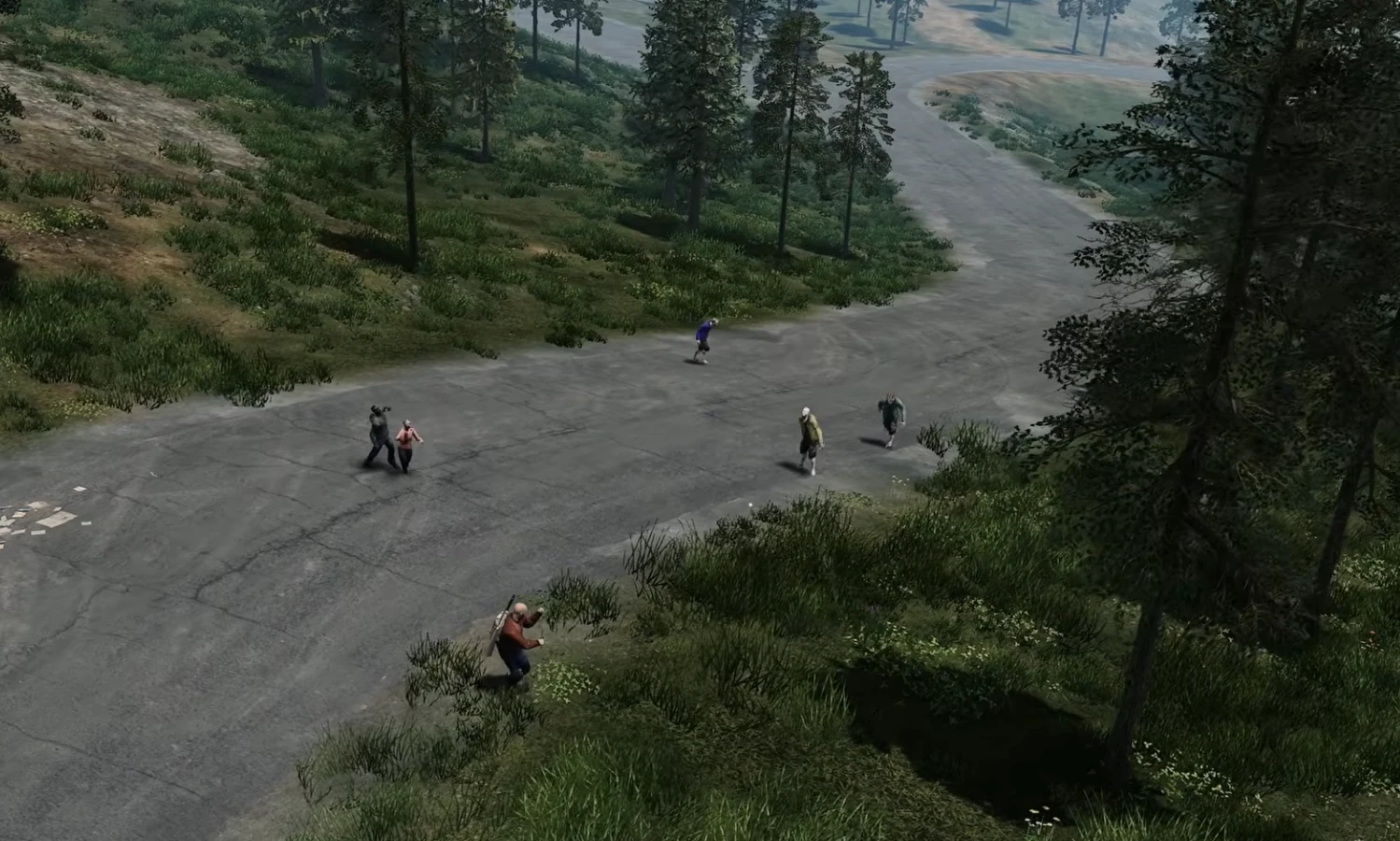
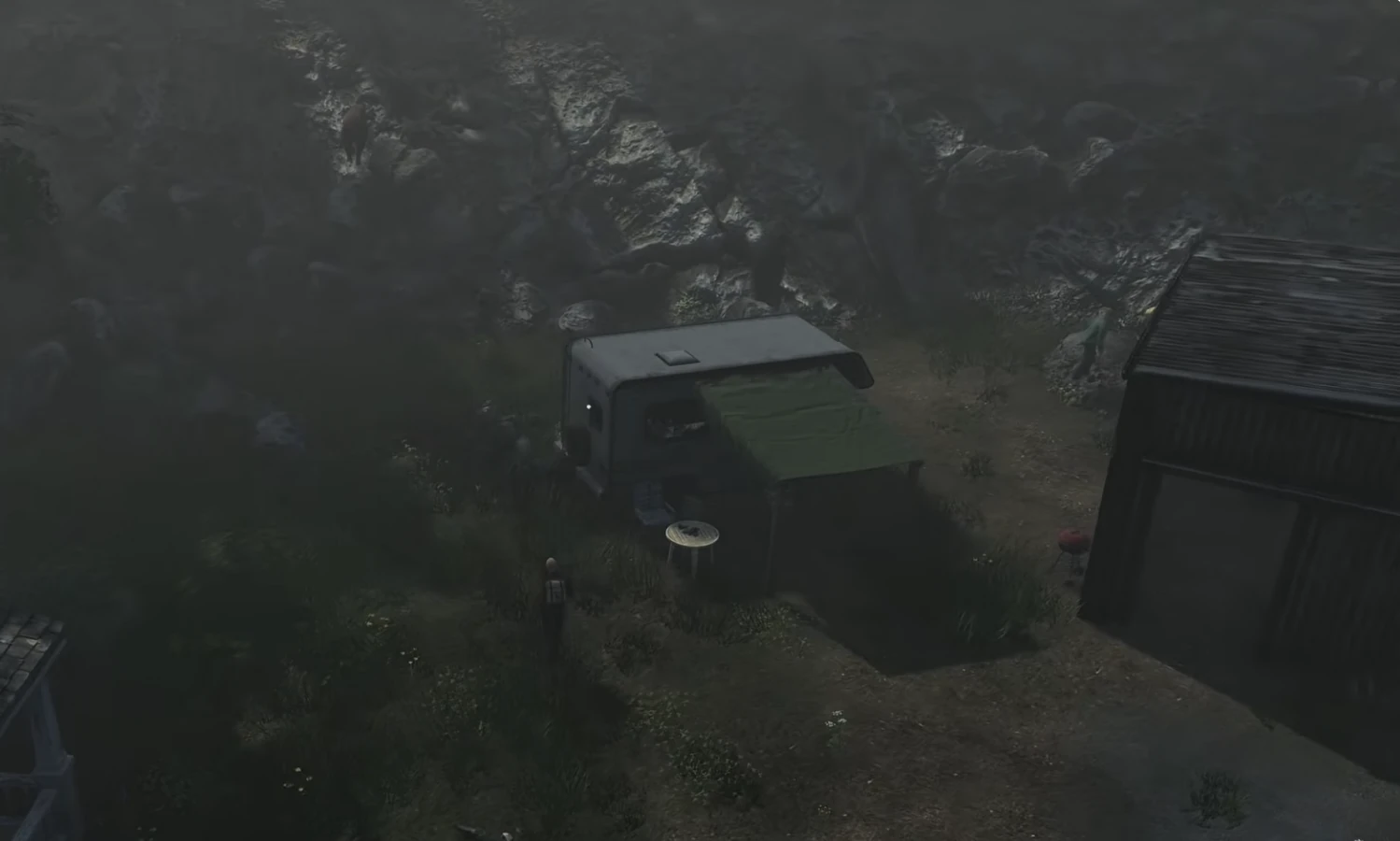
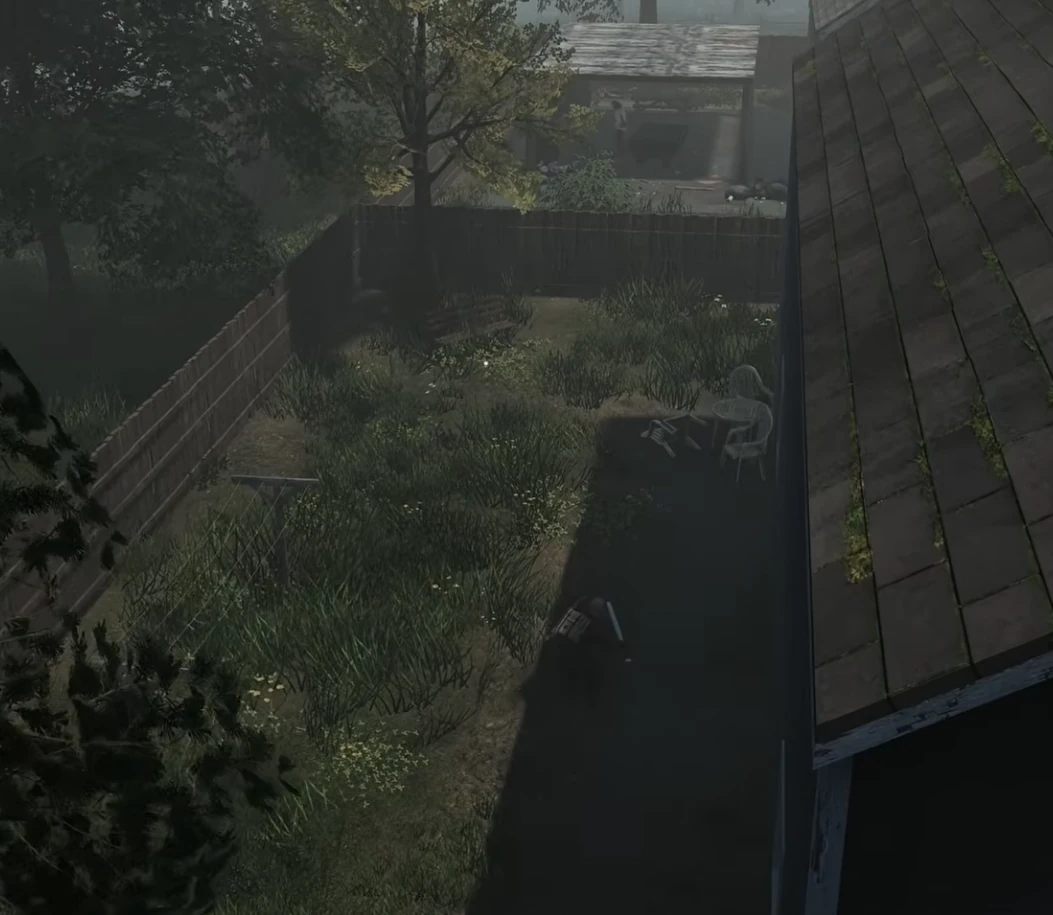
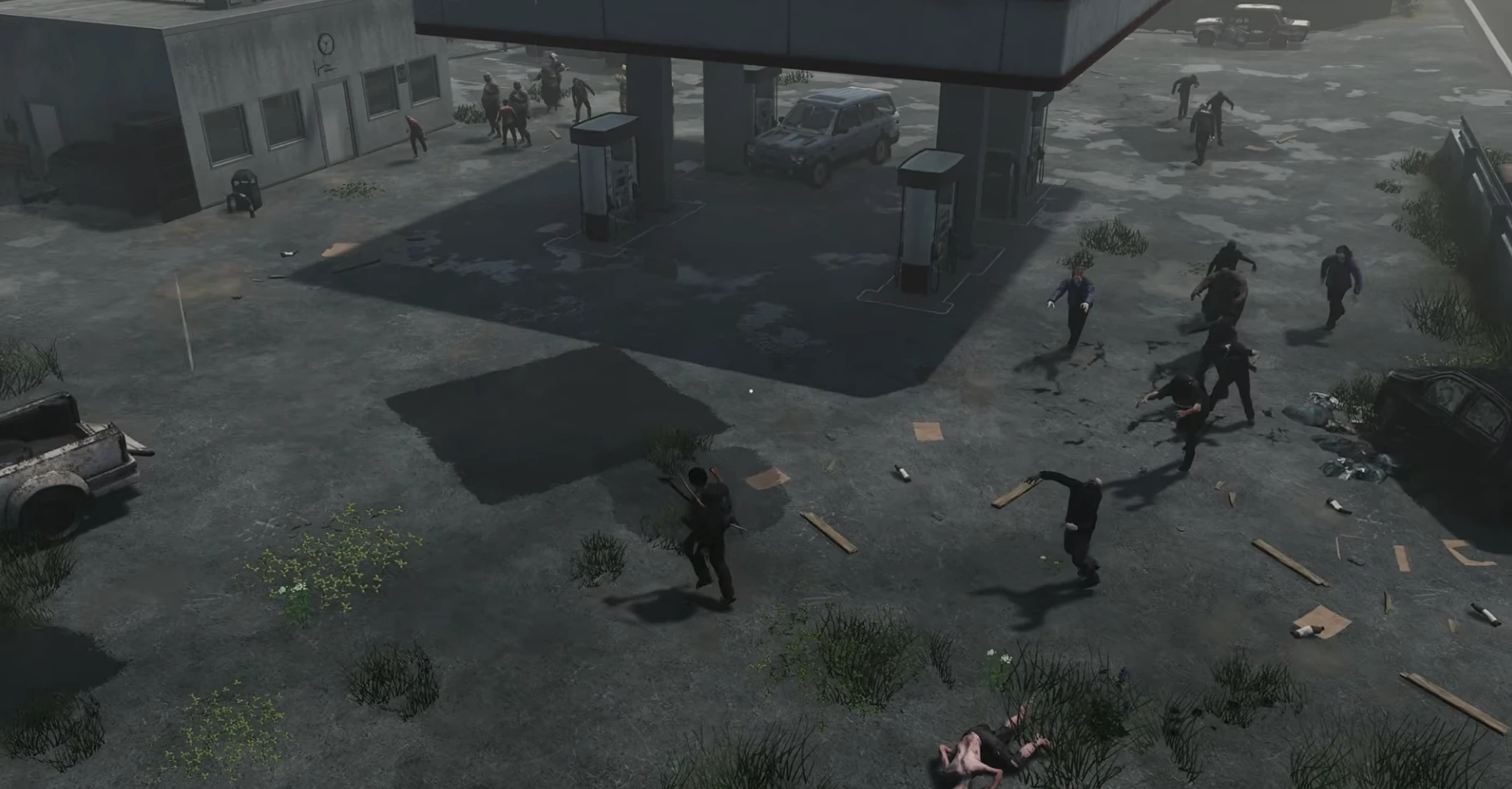
Humanitz
Server Hosting for co-op survival, loot runs, and base building
Launch a dedicated Humanitz server in minutes with
stable performance, fast saves, and easy world management. Keep your squad online
for scavenging, crafting, and long-term survival.
HumanitZ 1.0 Server Admin Reality Check: Which Default Settings Are Killing Retention?
Here is the blunt version: default settings are not neutral. They silently pick a playstyle for your community. In the current cycle around February 6, 2026, the conversation around HumanitZ is not only about features. It is about governance, expectations, and whether your community can trust your dedicated servers to stay consistent under pressure. If you run community infrastructure, this is exactly where humanitz dedicated server hosting becomes practical, not marketing fluff. Players do not care how elegant your panel looks if the world stutters, resets unexpectedly, or rules change without warning. They care about fairness, uptime, and clear admin intent. This guide is built from that reality: messy, opinionated, and field-tested.
Across forums, Discord channels, and community reports, one pattern keeps repeating: admins copy “recommended” defaults, then wonder why retention collapses after the initial spike. The problem is not effort. The problem is policy drift. You launch one vision, then slowly mutate into another under pressure from loud player segments. No blame here, this happens to almost everyone. But if you want strong retention, your configuration, moderation style, and content cadence have to align from day one. That is why this article focuses on operations, not theory, and why we keep repeating the fundamentals: stable hosting, dedicated resources, clear rules, and predictable server behavior.
Why This Topic Is Hot Right Now
The current debate is driven by the split between official defaults and community-tested rulesets after the 1.0 launch. In practical terms, communities are asking one hard question: should admins follow official defaults, or optimize for the way real groups actually play? The official route gives legitimacy and easier documentation. The community route gives better retention when tuned well. Neither side is fully wrong. But pretending they are equivalent is where admins lose momentum. For dedicated hosting, this means your server plan is not just hardware sizing. It is a product decision with social consequences. Tick rate, restart windows, backup cadence, and moderation response times influence culture as much as patch notes do.
Another reason this topic is hot is transparency. Players compare servers constantly now. They cross-check uptime claims, ask for changelogs, and share screenshots of admin decisions. A single inconsistent reset can trigger migration. A single hidden tweak can trigger conspiracy threads. That sounds dramatic, but experienced operators already know this pattern. The fix is straightforward: publish your rules, publish your maintenance windows, and publish what changed after every significant update. When people know what to expect, they tolerate imperfections. When everything feels random, even good updates look suspicious.
Community vs Official: What Actually Breaks in Practice
Let us strip out ideology and talk failure modes. Official settings often underperform for mid-size communities because they assume generic behavior. Community settings often underperform because they are over-tuned for one loud subgroup. In both cases, admins discover the same pain points: progression pacing mismatch, economy imbalance, PvP/PvE friction, and unclear enforcement. These are not technical bugs. They are design bugs in server policy. If you want your dedicated servers to feel premium, treat configuration like versioned code. Track changes. Roll them out intentionally. Measure results over at least one full weekly cycle before declaring victory.
A practical rule: optimize for the median committed player, not for the loudest edge case. That means balancing convenience with effort, and excitement with sustainability. For example, ultra-fast progression can spike short-term concurrency but often destroys long-term goals. Hyper-punitive systems can look hardcore but kill casual social groups that keep communities alive between major updates. Reliable hosting helps, but it cannot save a design that burns trust. Your server should feel coherent, not chaotic. When users can explain your rules in one sentence, you are usually on the right track.
Admin Playbook: 30-Day Dedicated Server Strategy
Week 1: Stabilize first. Lock critical settings, run predictable restarts, and monitor performance at peak hours. Do not run experimental rule changes during launch traffic. Week 2: Gather evidence. Use logs, player feedback channels, and admin notes to identify two or three high-impact friction points. Week 3: Run controlled changes. Adjust one cluster of settings at a time, announce it clearly, and observe behavior for several days. Week 4: Consolidate. Keep what worked, rollback what failed, and publish a concise changelog so players see the logic behind your decisions.
This 30-day pattern sounds simple, yet it outperforms impulsive daily tweaks. It also aligns perfectly with professional hosting operations: scheduled backups, predictable resource usage, and clear incident response. If you are serious about humanitz dedicated server hosting, your goal is not to look busy. Your goal is to produce a server environment where players can invest confidently. That confidence is what converts casual visitors into regulars, and regulars into moderators who help you scale. In short: sustainable communities are built by consistency, not heroics.
Configuration Principles That Age Well
First principle: document intent, not just values. Writing “loot multiplier = X” is less useful than writing “we keep scarcity moderate to protect trade and exploration value.” Second principle: pre-commit rollback thresholds. If a change increases crash frequency, queue delay, or abandonment indicators beyond your threshold, revert quickly. Third principle: keep moderation policy and technical policy aligned. If your rules encourage risk-taking but punish every failure harshly, players perceive hypocrisy. That perception harms retention faster than most performance issues. Reliable dedicated hosting gives you room to iterate safely, but policy coherence is still your core lever.
Fourth principle: announce changes before they happen, not after. Treat your players like collaborators, not passive consumers. Fifth principle: isolate contentious features in events or temporary realms before promoting them to the main environment. Sixth principle: train your admin team on message discipline. Conflicting admin statements create more damage than a short outage. None of this is glamorous, but it is what separates servers that survive seasonal spikes from servers that die after one viral weekend. If this sounds strict, good. Mature communities want adults in the room.
If you are rebuilding your stack now, prioritize boring excellence: stable backups, clear restart policy, transparent changelogs, and hardware that can absorb peak load without panic mode. That formula wins repeatedly across games, communities, and patch cycles. No magic. Just disciplined operations and honest communication.
Q: Should I copy official defaults exactly?
A: Start there, but do not stop there. Defaults are a baseline. Community behavior should guide your final server profile.
Q: How often should I change settings?
A: In batches, usually weekly. Daily unplanned changes erode trust unless you are handling incidents.
Q: What is the most ignored retention lever?
A: Communication clarity. Players tolerate strict rules if they are consistent and visible.
Q: What matters more, hardware or policy?
A: You need both. Weak hardware kills performance, but weak policy kills community identity.
Q: What is the minimum professional baseline?
A: Dedicated resources, automated backups, incident playbook, and a public changelog rhythm.
HumanitZ Co-op vs PvP Server Rules in 2026: The Settings War and What Actually Works
If your server feels dead after week one, it is usually not content drought. It is rule mismatch. In the current cycle around February 2026, the conversation around HumanitZ is not only about features. It is about governance, expectations, and whether your community can trust your dedicated servers to stay consistent under pressure. If you run community infrastructure, this is exactly where best humanitz server settings becomes practical, not marketing fluff. Players do not care how elegant your panel looks if the world stutters, resets unexpectedly, or rules change without warning. They care about fairness, uptime, and clear admin intent. This guide is built from that reality: messy, opinionated, and field-tested.
Across forums, Discord channels, and community reports, one pattern keeps repeating: admins copy “recommended” defaults, then wonder why retention collapses after the initial spike. The problem is not effort. The problem is policy drift. You launch one vision, then slowly mutate into another under pressure from loud player segments. No blame here, this happens to almost everyone. But if you want strong retention, your configuration, moderation style, and content cadence have to align from day one. That is why this article focuses on operations, not theory, and why we keep repeating the fundamentals: stable hosting, dedicated resources, clear rules, and predictable server behavior.
Why This Topic Is Hot Right Now
The current debate is driven by the open fight between slower survival communities and full-chaos PvP clusters. In practical terms, communities are asking one hard question: should admins follow official defaults, or optimize for the way real groups actually play? The official route gives legitimacy and easier documentation. The community route gives better retention when tuned well. Neither side is fully wrong. But pretending they are equivalent is where admins lose momentum. For dedicated hosting, this means your server plan is not just hardware sizing. It is a product decision with social consequences. Tick rate, restart windows, backup cadence, and moderation response times influence culture as much as patch notes do.
Another reason this topic is hot is transparency. Players compare servers constantly now. They cross-check uptime claims, ask for changelogs, and share screenshots of admin decisions. A single inconsistent reset can trigger migration. A single hidden tweak can trigger conspiracy threads. That sounds dramatic, but experienced operators already know this pattern. The fix is straightforward: publish your rules, publish your maintenance windows, and publish what changed after every significant update. When people know what to expect, they tolerate imperfections. When everything feels random, even good updates look suspicious.
Community vs Official: What Actually Breaks in Practice
Let us strip out ideology and talk failure modes. Official settings often underperform for mid-size communities because they assume generic behavior. Community settings often underperform because they are over-tuned for one loud subgroup. In both cases, admins discover the same pain points: progression pacing mismatch, economy imbalance, PvP/PvE friction, and unclear enforcement. These are not technical bugs. They are design bugs in server policy. If you want your dedicated servers to feel premium, treat configuration like versioned code. Track changes. Roll them out intentionally. Measure results over at least one full weekly cycle before declaring victory.
A practical rule: optimize for the median committed player, not for the loudest edge case. That means balancing convenience with effort, and excitement with sustainability. For example, ultra-fast progression can spike short-term concurrency but often destroys long-term goals. Hyper-punitive systems can look hardcore but kill casual social groups that keep communities alive between major updates. Reliable hosting helps, but it cannot save a design that burns trust. Your server should feel coherent, not chaotic. When users can explain your rules in one sentence, you are usually on the right track.
Admin Playbook: 30-Day Dedicated Server Strategy
Week 1: Stabilize first. Lock critical settings, run predictable restarts, and monitor performance at peak hours. Do not run experimental rule changes during launch traffic. Week 2: Gather evidence. Use logs, player feedback channels, and admin notes to identify two or three high-impact friction points. Week 3: Run controlled changes. Adjust one cluster of settings at a time, announce it clearly, and observe behavior for several days. Week 4: Consolidate. Keep what worked, rollback what failed, and publish a concise changelog so players see the logic behind your decisions.
This 30-day pattern sounds simple, yet it outperforms impulsive daily tweaks. It also aligns perfectly with professional hosting operations: scheduled backups, predictable resource usage, and clear incident response. If you are serious about best humanitz server settings, your goal is not to look busy. Your goal is to produce a server environment where players can invest confidently. That confidence is what converts casual visitors into regulars, and regulars into moderators who help you scale. In short: sustainable communities are built by consistency, not heroics.
Configuration Principles That Age Well
First principle: document intent, not just values. Writing “loot multiplier = X” is less useful than writing “we keep scarcity moderate to protect trade and exploration value.” Second principle: pre-commit rollback thresholds. If a change increases crash frequency, queue delay, or abandonment indicators beyond your threshold, revert quickly. Third principle: keep moderation policy and technical policy aligned. If your rules encourage risk-taking but punish every failure harshly, players perceive hypocrisy. That perception harms retention faster than most performance issues. Reliable dedicated hosting gives you room to iterate safely, but policy coherence is still your core lever.
Fourth principle: announce changes before they happen, not after. Treat your players like collaborators, not passive consumers. Fifth principle: isolate contentious features in events or temporary realms before promoting them to the main environment. Sixth principle: train your admin team on message discipline. Conflicting admin statements create more damage than a short outage. None of this is glamorous, but it is what separates servers that survive seasonal spikes from servers that die after one viral weekend. If this sounds strict, good. Mature communities want adults in the room.
If you are rebuilding your stack now, prioritize boring excellence: stable backups, clear restart policy, transparent changelogs, and hardware that can absorb peak load without panic mode. That formula wins repeatedly across games, communities, and patch cycles. No magic. Just disciplined operations and honest communication.
Q: Should I copy official defaults exactly?
A: Start there, but do not stop there. Defaults are a baseline. Community behavior should guide your final server profile.
Q: How often should I change settings?
A: In batches, usually weekly. Daily unplanned changes erode trust unless you are handling incidents.
Q: What is the most ignored retention lever?
A: Communication clarity. Players tolerate strict rules if they are consistent and visible.
Q: What matters more, hardware or policy?
A: You need both. Weak hardware kills performance, but weak policy kills community identity.
Q: What is the minimum professional baseline?
A: Dedicated resources, automated backups, incident playbook, and a public changelog rhythm.
Hytale
Server Hosting for adventure worlds, creative builds, and modded realms
Launch a dedicated Hytale server in minutes with
stable performance, fast saves, and easy mod management. Build in creative, explore in
adventure mode, and keep your world online for your friends.
Explore lush forests, icy peaks, and underground dungeons with steady
performance and reliable saves. Our servers keep combat responsive so
boss fights, raids, and exploration feel smooth.
Creative builds and modded realms
Upload mods, asset packs, or custom rulesets in minutes. Switch between
creative hubs and adventure worlds without wiping progress.
Minigames and community events
Host tournaments, roleplay towns, or custom minigames. Scale your server
anytime as your community grows.
Worlds of Orbis
From cozy villages to towering castles, Hytale is all about shared stories.
Keep your world online with fast backups and quick restores before major updates.
Living forests
Stable servers for big builds and bustling towns.
Mountain expeditions
Low latency for combat, climbing, and exploration.
Dungeon raids
Reliable saves for loot runs and epic boss fights.
Discord bot
Self-Serve Bot in Discord
Instant control of your Hytale server without tickets or waiting. Type a command and go.
Start, stop, restart, and check status in seconds.
Secure by design: only your subscriptions are accessible.
Yes. Upload mods and asset packs via the
control panel or FTP, then restart to apply changes.
Plans scale by RAM. Choose S, M,
or L based on your party size.
Yes. Move your server between regions from
the panel without wiping progress.
We run automated snapshots and provide
on-demand backups for quick restores.
Set a password or whitelist players in the
control panel.
Pricing is based on RAM. Choose a
plan that matches your group size.
Yes. In My Account → Subscriptions, you can upgrade to a higher tier of the same game with the same billing cadence (for example, monthly to monthly). Downgrades are not available right now. During an upgrade, your deployment is updated in place (quota update + restart), not wiped and recreated.
AI Agent: This game is available via the Supercraft Agentic API.
Hytale Community Retention Blueprint: Events, Creator Tools, and Onboarding Loops
Retention is not a mystery metric. It is a product of predictable rituals and clear reasons to return. That sentence keeps showing up in admin channels for a reason. Players are no longer judging servers by launch promises. They judge by whether the world stays stable, moderation stays coherent, and rules remain understandable under pressure. If you run Hytale communities right now, this is where hytale server hosting stops being a generic keyword and turns into day-to-day operational reality.
The hard truth is simple: when sentiment turns volatile, infrastructure quality and policy quality become inseparable. Strong hardware with chaotic rules still loses players. Clean rules with weak uptime still loses players. The winners are operators who treat server hosting as a product: versioned settings, documented intent, scheduled communication, and visible rollback discipline. This article focuses on that operator layer because it is where retention is won or lost.
What Is Driving This Topic in 2026
The current pressure point is community operators balancing creator-first worlds with moderation and infrastructure constraints. Players have better comparison habits than ever. They evaluate restart behavior, event consistency, moderation tone, wipe policy, and trust signals across multiple communities before committing. That means your server identity must be explicit. A vague “we do everything” posture usually collapses into reactive management and burnout.
For admins, this creates a practical challenge: you need enough flexibility to respond to real problems without making your environment feel random. A disciplined operating rhythm solves most of this tension. Set planned change windows, communicate scope, deploy one meaningful adjustment batch, and then measure before changing again. It sounds basic, but it beats impulsive daily tweaking by a wide margin.
Why It Becomes a Retention Problem Fast
Hosting quality supports growth, but event and onboarding design determines whether communities stick. Most communities do not collapse in one dramatic incident. They degrade in layers: first the casuals disappear, then event organizers stop showing up, then long-session regulars drift toward better-run alternatives. By the time population drops are obvious, social momentum is already damaged.
The remedy is not louder marketing. It is operational credibility. Players need to see that your team can make decisions calmly, explain tradeoffs, and protect world continuity during bad weeks. If they trust your process, they tolerate difficult settings and occasional technical incidents. If they do not trust your process, even small hiccups trigger rumor cycles and churn.
7-Day Server Stabilization Plan
Audit core settings and write one-sentence intent for each high-impact value.
Publish a weekly operations note: what changes this week and what stays fixed.
Lock restart windows and alert timings so players can plan around them.
Verify backups by performing at least one real restore test.
Track two daily KPIs: one stability metric and one engagement metric.
High-Impact Actions
Create a repeatable weekly event spine with small optional side-events.
Support creators with documented tooling and stable staging spaces.
Treat new-player onboarding as a funnel with measurable drop-off steps.
Use automation to reduce repetitive admin tasks and preserve human moderation focus.
Publish monthly roadmap notes and close the loop on prior promises.
Mistakes That Keep Repeating
Running high-effort events with no follow-up community loop.
Forcing creators into production realms without QA safeguards.
No clear onboarding sequence for first-session players.
Measuring growth only by peak concurrency snapshots.
Policy and Communication Rules That Work
Timestamp every relevant decision. If a change is experimental, label it experimental. If a rollback happens, explain root cause and next steps in one concise note. Ambiguity creates more damage than most technical incidents. Communities can live with imperfect execution; they struggle with leadership that looks inconsistent.
Second, keep staff alignment tight. Inconsistent moderator messaging is a known trust killer. Third, separate feedback intake from immediate policy changes. Listening does not mean changing settings in real time. Collect evidence for a defined window, then decide with intent. This keeps your server governable and prevents emotional policy swings.
30-Day Operations Blueprint
Days 1-7: freeze risky experiments and stabilize uptime, backups, and staffing coverage. Days 8-14: collect structured feedback and classify into performance, fairness, progression, and moderation. Days 15-21: deploy one controlled change wave with public notes. Days 22-30: evaluate impact, rollback weak changes, and lock next month priorities.
This cycle is deliberately boring, and boring is exactly what high-retention communities need. Predictability lets players invest socially. It also gives admins room to improve without panic mode. If your team can execute this rhythm for one full month, sentiment usually shifts from doomposting to constructive participation.
When Things Break: Incident Loop
Declare incident scope quickly and provide next update timestamp.
Freeze unrelated changes until core issue is understood.
Collect evidence: logs, metrics, timeline, and player-facing symptoms.
Apply smallest safe fix and watch for regressions.
Publish post-incident summary with prevention actions.
That loop protects trust even when a technical event is ugly. Combined with stable dedicated hosting, it turns fragile communities into resilient ones. The key is consistency: same process, every time, regardless of who is on duty.
One practical habit makes this sustainable: keep a lightweight operations journal. Note what changed, why, what was observed, and what you will revisit next week. This creates continuity across shifts, reduces repeated mistakes, and gives your team a defensible record when community debates get noisy.
Hytale Dedicated Server Launch Checklist: Config, Moderation, and Day-One Stability
Launch-day chaos is normal. Unprepared admin teams make it catastrophic. That sentence keeps showing up in admin channels for a reason. Players are no longer judging servers by launch promises. They judge by whether the world stays stable, moderation stays coherent, and rules remain understandable under pressure. If you run Hytale communities right now, this is where hytale dedicated server hosting stops being a generic keyword and turns into day-to-day operational reality.
The hard truth is simple: when sentiment turns volatile, infrastructure quality and policy quality become inseparable. Strong hardware with chaotic rules still loses players. Clean rules with weak uptime still loses players. The winners are operators who treat server hosting as a product: versioned settings, documented intent, scheduled communication, and visible rollback discipline. This article focuses on that operator layer because it is where retention is won or lost.
What Is Driving This Topic in 2026
The current pressure point is new-server operators stress-testing launch workflows as Hytale communities scale into always-on multiplayer. Players have better comparison habits than ever. They evaluate restart behavior, event consistency, moderation tone, wipe policy, and trust signals across multiple communities before committing. That means your server identity must be explicit. A vague “we do everything” posture usually collapses into reactive management and burnout.
For admins, this creates a practical challenge: you need enough flexibility to respond to real problems without making your environment feel random. A disciplined operating rhythm solves most of this tension. Set planned change windows, communicate scope, deploy one meaningful adjustment batch, and then measure before changing again. It sounds basic, but it beats impulsive daily tweaking by a wide margin.
Why It Becomes a Retention Problem Fast
Day-one wins come from boring operational discipline, not hype-heavy announcements. Most communities do not collapse in one dramatic incident. They degrade in layers: first the casuals disappear, then event organizers stop showing up, then long-session regulars drift toward better-run alternatives. By the time population drops are obvious, social momentum is already damaged.
The remedy is not louder marketing. It is operational credibility. Players need to see that your team can make decisions calmly, explain tradeoffs, and protect world continuity during bad weeks. If they trust your process, they tolerate difficult settings and occasional technical incidents. If they do not trust your process, even small hiccups trigger rumor cycles and churn.
7-Day Server Stabilization Plan
Audit core settings and write one-sentence intent for each high-impact value.
Publish a weekly operations note: what changes this week and what stays fixed.
Lock restart windows and alert timings so players can plan around them.
Verify backups by performing at least one real restore test.
Track two daily KPIs: one stability metric and one engagement metric.
High-Impact Actions
Pre-stage moderation roles, escalation paths, and response windows before opening public invites.
Load-test core config values in a closed rehearsal environment.
Define incident communications templates and update cadence.
Pin onboarding documentation in every player channel from hour one.
Verify backup and restore on real data before launch.
Mistakes That Keep Repeating
Opening to public without tested restart and rollback workflow.
Relying on one admin to handle moderation and infrastructure at the same time.
Changing core world rules during launch-day incident response.
Treating player confusion as 'just early access noise'.
Policy and Communication Rules That Work
Timestamp every relevant decision. If a change is experimental, label it experimental. If a rollback happens, explain root cause and next steps in one concise note. Ambiguity creates more damage than most technical incidents. Communities can live with imperfect execution; they struggle with leadership that looks inconsistent.
Second, keep staff alignment tight. Inconsistent moderator messaging is a known trust killer. Third, separate feedback intake from immediate policy changes. Listening does not mean changing settings in real time. Collect evidence for a defined window, then decide with intent. This keeps your server governable and prevents emotional policy swings.
30-Day Operations Blueprint
Days 1-7: freeze risky experiments and stabilize uptime, backups, and staffing coverage. Days 8-14: collect structured feedback and classify into performance, fairness, progression, and moderation. Days 15-21: deploy one controlled change wave with public notes. Days 22-30: evaluate impact, rollback weak changes, and lock next month priorities.
This cycle is deliberately boring, and boring is exactly what high-retention communities need. Predictability lets players invest socially. It also gives admins room to improve without panic mode. If your team can execute this rhythm for one full month, sentiment usually shifts from doomposting to constructive participation.
When Things Break: Incident Loop
Declare incident scope quickly and provide next update timestamp.
Freeze unrelated changes until core issue is understood.
Collect evidence: logs, metrics, timeline, and player-facing symptoms.
Apply smallest safe fix and watch for regressions.
Publish post-incident summary with prevention actions.
That loop protects trust even when a technical event is ugly. Combined with stable dedicated hosting, it turns fragile communities into resilient ones. The key is consistency: same process, every time, regardless of who is on duty.
One practical habit makes this sustainable: keep a lightweight operations journal. Note what changed, why, what was observed, and what you will revisit next week. This creates continuity across shifts, reduces repeated mistakes, and gives your team a defensible record when community debates get noisy.
Hytale Roadmap 2026+: What’s Confirmed, What’s Planned, and What’s Still Wait and See
This Hytale roadmap 2026 guide highlights what’s confirmed, what’s planned, and what’s still wait-and-see after Early Access.
Hytale has finally entered Early Access (January 13, 2026) — but if you’re looking for a single neat “2026 roadmap image” with quarters and checkboxes, the developers have been explicit: the roadmap isn’t fully pre-planned because they want to respond to real player feedback now that the game is in people’s hands.
That doesn’t mean there’s no direction. Between official development updates, Early Access announcements, design blogs (especially world generation), and patch notes from the first weeks, we can piece together a high-confidence roadmap: what the studio has already committed to, what systems are in-flight, and what’s a longer-term ambition.
Below is a “sources-first” roadmap written to separate:
Confirmed / already shipping
Near-term priorities (Early Access cadence)
Medium-term pillars (systems and content they’re actively building)
Long-term bets (big expansions and platform goals)
Hytale roadmap 2026: TL;DR snapshot
Now (Early Access launch + first weeks):
Rapid iteration via frequent updates + hotfixes, heavy focus on stability, QoL, balance.
First content drops already landed (Update 1 and Update 2).
Continued content iteration in Exploration/Creative while the team gathers feedback.
Then (major medium-term inflection):
Transition toward World Generation V2 becoming the primary worldgen (Orbis on V2), with V2 content accessible earlier via “Gateways” and testing in pre-release builds.
Platform expansion beyond PC, with console described as “later stage,” and Steam explicitly “not initially.”
1) Why Hytale’s “roadmap” looks different
The studio’s public messaging since launch has been consistent: Early Access is meant to be shaped by informed player feedback, and they don’t want to lock themselves into a rigid plan before they see how players engage with systems at scale.
This matters because Hytale has already lived through major resets:
A multi-year technical pivot (engine rewrite) discussed openly in earlier updates.
A high-profile cancellation/wind-down announcement in mid-2025, followed by the project being acquired and revived by original founders in late 2025.
A rapid push to ship an Early Access build in January 2026, including merging hundreds of branches into a working release line.
So instead of “feature promises by date,” what we can reliably map is their sequence of priorities and dependency chain: the technical foundations they’re laying first, then the content and systems that build on top.
2) Timeline recap: how we got to the current roadmap
2022: The engine pivot (foundation work)
In the Summer 2022 development update, the team explained they decided to redevelop the engine (client and server) in C++, citing cross-platform ambitions, performance, and maintainability.
This period is important because it set up a multi-year emphasis on “build the tools and engine right,” even if it delayed external-facing milestones.
2023-2024: Tools, workflows, and staged development
By Winter 2023, they described bringing engine development fully in-house and running an external playtest milestone.
In Summer 2024, they outlined a more structured approach to feature maturity (first playable → first testable → alphas → betas), and emphasized that moving features into the new engine could be fast but “less predictable” in velocity during the hybrid stage.
Early 2025: Internal playtesting focus
The Spring 2025 update emphasized getting core gameplay fundamentals online in the new engine and ramping internal playtesting around movement, block placement, combat, crafting, inventory/hotbars, and creator-focused tools (copy/paste, undo/redo, etc.).
Mid 2025: Cancellation + shutdown news
In June 2025, development was publicly stated as ending and the studio winding down; major trade coverage documented the cancellation and shutdown.
(There’s also an official Hypixel forum post about ending development dated June 23, 2025.)
Late 2025 → Jan 2026: Revival and Early Access ship
In November 2025, Hytale’s team announced they had acquired Hytale and were returning toward the original vision, explicitly framing Early Access as rough, frequently updated, and expected to last at least a few years.
By late November 2025, they confirmed the Early Access date: January 13, 2026, and described moving back to an older legacy build and consolidating development branches to ship.
This history shapes the 2026 roadmap: ship playable core + creator tools first, then expand the world, systems, and platforms.
3) Roadmap pillar #1: Early Access cadence (stability + iteration)
The first and most concrete “roadmap” item is simply: patch fast, patch often.
What’s already shipped (first two updates)
Update 1 (Jan 17, 2026) and Update 2 (Jan 24, 2026) delivered a mix of:
Content additions and environment updates
NPC/creature changes and balance adjustments
UI/UX improvements and accessibility options
Tech/stability bug fixes
This supports the studio’s stated intent to maintain a rapid patch cadence and improve the game quickly in response to feedback.
What this implies next
Based on how Early Access launches usually stabilize, and how Hytale is patching already, the next months tend to be dominated by:
Performance and crash fixes
Network/server stability improvements
Tuning progression loops and combat feel
Quality-of-life backlog (inventory, UI, accessibility, building ergonomics)
That isn’t speculative in spirit–the patch notes already show these categories as primary workstreams.
4) Roadmap pillar #2: Creator tools and modding support (not optional, core identity)
Hytale positions creation as a first-class feature, and multiple official posts reinforce that the same tools the devs use are meant to be shared with players.
Asset pipeline and art tooling
The “Introduction to Making Models” post is effectively a roadmap signal: the team is investing in teaching creators to produce content in the Hytale style, and framing this as the start of a larger series.
Documentation and first-party guidance
In the World Generation blog, the developers explicitly say they’ll publish tutorials, guides, and system documentation–covering everything from worldgen concepts to best practices for performance optimization.
Roadmap take
In practice, expect the creator roadmap to revolve around:
Better documentation and tutorials
More stable mod APIs
More modular asset structures (so updates don’t break content as often)
More editor workflow improvements and live-reload friendliness
This is one of the most “locked-in” roadmap items because it’s repeatedly described as a core strategy, not a stretch goal.
5) Roadmap pillar #3: World Generation V2 and the “Orbis transition”
If you want the single biggest medium-term milestone, it’s this:
Two world generators, one planned handoff
Hytale’s World Generation post states:
V1 (2016-2020) is the current playable base and will ship Exploration mode first.
V2 (in development since 2021) is intended to fully replace V1 when ready.
They describe a phased approach:
Early Access launches on V1 because it already has biomes and content ready.
V2 content can appear earlier via “Gateways” as fragments of Orbis.
Once Orbis on V2 is ready, V2 becomes the primary generator; V1 stops generating new chunks, but older worlds remain accessible.
“Intentional procedural” design
They emphasize curated procedural generation–designer control, heuristics, pattern scanning systems–and the idea that V2 enables creators to make advanced changes without coding using a node editor.
Roadmap take
A realistic “Orbis transition roadmap” looks like:
Stabilize Early Access on V1 (content + systems)
Expand creator-facing V2 tooling and docs
Ship more V2 “fragment” experiences via Gateways
Begin broader testing in pre-release builds for Orbis-on-V2
Flip the switch: V2 becomes the primary worldgen
That’s the clearest sequential roadmap described in any official material.
6) Roadmap pillar #4: Systems expansion (magic, social, narrative expectations)
Magic / mana system (planned, not fully in yet)
In post-launch coverage, the developers have indicated that some early additions (like necromancy-themed items) aren’t the final “magic system,” and that a proper mana/spell system is planned.
Treat this as directionally confirmed (they’re talking about it), but details/timing remain fluid.
Social features
The launch-era messaging mentions prototypes of social features such as friend lists and proximity voice chat being in development.
This suggests a future roadmap lane around multiplayer UX: discovery, invites, moderation/admin, and “stickiness” features needed for community servers.
Narrative and lore: expectation-setting rather than promises
The lore/philosophy blog is mainly a reset of expectations–especially clarifying that concept art isn’t a promise and that not everything shown historically will become canon.
Roadmap implication: narrative content will expand, but they’re intentionally cautious about over-committing specifics publicly.
7) Roadmap pillar #5: Platforms and distribution
The official FAQ provides some of the clearest “yes/no” answers:
Steam: “No, not initially”
The team says Early Access won’t launch on Steam at first, explaining they want to iterate with the existing community and avoid cold first impressions steering development too aggressively. They also mention Steam compatibility constraints for some modding features as part of the reason it’s not immediate.
Consoles: “later stage”
They describe console plans as later and requiring significant backend work; priority is making a good game first.
PC platforms: Windows now, others TBD
Their revival-era messaging and Early Access announcement frame Windows as the primary launch target, with Linux/Mac attempted (status TBD).
Roadmap take: platform expansion is real, but it’s downstream of stabilizing core systems and creator tooling.
8) A practical roadmap view for players, creators, and server owners
If you’re a player
Expect:
Frequent balance changes, QoL improvements, and content tuning (sometimes disruptive).
Core loop refinement: combat feel, progression, exploration rewards, and stability.
If you’re a creator/modder
Expect:
Improving docs and tutorials
More stable APIs over time (but also periodic breaking changes early)
A major creative expansion when V2 worldgen tools mature and Orbis-on-V2 becomes the baseline
If you run a server/community
Expect:
Rapid patch cadence (meaning frequent update cycles for servers)
Multiplayer/social improvements to become increasingly important (friend lists, voice proximity prototypes)
Better tooling for content distribution and mod management as Early Access matures
9) What to watch for (roadmap “signals”)
Because the developers are intentionally not locking a rigid schedule, the best way to track the roadmap is by watching for these signals in official posts:
Worldgen V2 milestones: more Gateway access, pre-release Orbis testing, V2 becoming default.
Creator documentation drops: first-party tutorials and system docs expanding beyond introductory posts.
Patch cadence stabilization: shifting from frantic hotfixing to a predictable release rhythm.
Platform clarity: Linux/Mac status, Steam re-evaluation, console backend work starting.
“Big system” announcements: formal magic/mana systems, deeper social tools, and larger content arcs.
Conclusion: the real Hytale roadmap is a sequence, not a calendar
Right now, Hytale’s roadmap is best understood as a dependency stack:
1) Stabilize the Early Access core with rapid updates
3) Expand the world via V2 and eventually transition Orbis to V2 as primary
4) Grow major systems (social, magic, deeper content)
5) Only then: broaden platforms and storefront strategy
If you want one sentence to summarize it: Hytale is roadmap-driven by foundations (engine/tools/worldgen) first, then content and platforms–while using Early Access feedback to decide the exact order and pacing.
Running a community already? Get reliable performance and fast updates with Hytale server hosting built for Early Access patch cadence.