

Minecraft Bedrock Edition Server Hosting - Cross-play, Add-ons & Realms-style Worlds
Launch a Minecraft Bedrock Edition Dedicated Server (BDS) in under two minutes. NVMe storage, automatic backups, one-click world uploads, behavior and resource pack support (.mcaddon / .mcpack), and full cross-play for Xbox, PlayStation, Nintendo Switch, Windows, iOS, and Android - on AMD EPYC hardware across five regions. Better than Minecraft Realms: more players, FTP access, unlimited add-ons, no fixed cap.
- Instant setup
- NVMe storage
- Backups
- FTP access
- File manager
- Add-on uploads (.mcaddon)
- Behavior packs
- Resource packs
- World upload
- Private password
- DDoS protection
- User-friendly control panel
Pick a plan
Choose S, M, or L based on your group size and how many add-ons you want to run.
Launch instantly
Select a nearby region, start your server, and manage settings from the control panel.
Invite your friends
Share your server IP and port. Add a password for private servers, and upgrade from My Account when you need more resources.
Plans

Plan S
$599
/ per month
Great for vanilla survival and light add-ons.

Plan M
$999
/ per month
More headroom for bigger worlds and more packs.
Plan L
$1600
/ per month
Ideal for larger groups and heavier add-on setups.
Console, mobile, and PC friendly
Minecraft Bedrock Edition server hosting is built for cross-platform play. Keep your BDS online 24/7 for Xbox, PlayStation, Nintendo Switch, Windows, iOS, and Android players. Java Edition clients can join through a GeyserMC proxy if you need a fully unified group.
Add-ons and world uploads
Upload your existing world, then enable behavior and resource packs (including .mcaddon and .mcpack).
Manage files via the web file manager or FTP and restart to apply changes. Full add-on workflow walkthrough: Bedrock add-on installation guide.
Backups before big updates
Take on-demand backups before new add-ons or game updates. Restore fast if something breaks and keep your world safe.
Connect from Xbox, PS5, and Switch
Console clients connect by adding the server to their in-game Servers tab - no Microsoft account workarounds, no port-forwarding setup. Default Bedrock port is 19132/UDP; if your console can't reach the server, the most common cause is the port. See the port 19132 troubleshooting guide.
- Xbox / Series X|S: Play → Servers tab → Add Server. Enter the server name, IP, and port. Save and connect.
- PlayStation 4 / 5: Same Servers tab. PSN account region must match your Microsoft account region for crossplay sign-in to work.
- Nintendo Switch: Servers tab. Switch needs an active Switch Online sub for online play in addition to the server credentials.
- Windows 10/11 (Bedrock): Add server through the Servers tab in-game, same flow as console.
- iOS / Android: Tap Servers → Add Server. Most flexible client; useful for admin checks on the go.
Bedrock Edition vs Minecraft Realms - what you actually get
| Feature | Supercraft Bedrock | Minecraft Realms (Bedrock) |
|---|---|---|
| Player cap | Up to 16 (Plan L), upgradable | Fixed at 10 |
| Add-on (.mcaddon / .mcpack) | Unlimited; behavior + resource packs | Marketplace-only; limited bundles |
| FTP / file access | Full FTP + web file manager | None |
| server.properties access | Direct edit + auto-reload | None |
| Custom MOTD | Yes | No |
| Backups | Automatic + on-demand restore | Daily auto, limited slots |
| Whitelist / op control | Full control via panel + JSON files | Friend-list invite only |
| Region choice | 5 regions (US, CA, EU, AU) | Mojang-managed, no choice |
| Starting price | $5.99/mo (Plan S, 3 players) | ~$7.99/mo (10 players, fixed) |
| World migration in/out | Upload/download anytime | Export to local only |
Bedrock vs Java Edition - which one do you actually need?
The single most-asked question. Short version: Bedrock if your group includes consoles, mobile, or Switch players; Java if everyone is on PC and you want mods (Forge, Fabric, NeoForge), Paper, Spigot, or large modpacks. The two editions don't crossplay - server choice is binding.
- Pick Bedrock when: your friend group has at least one Xbox / PS / Switch / mobile player; you want simple add-ons over the deep mod ecosystem; you want cross-region play with low setup overhead.
- Pick Java when: every player is on PC; you want Paper/Purpur plugins, Forge/Fabric/NeoForge modpacks, or a custom server type. See Minecraft Java hosting.
- Mixed group? Run a Java server with GeyserMC + Floodgate - Bedrock clients (Xbox, PS, Switch, mobile) can join your Java server through the proxy. Single server, all platforms.
Bedrock in action
From survival builds to creative hubs, keep your Minecraft Bedrock world online with low latency and quick restores.
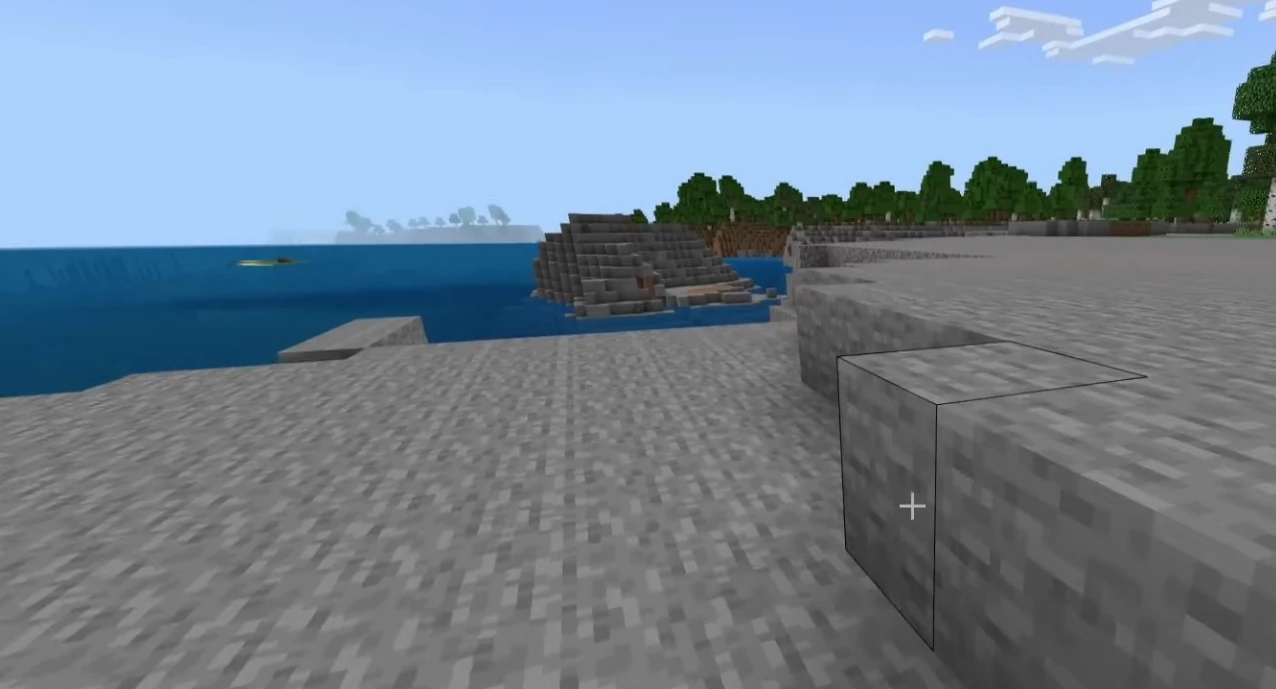
Hosting features
NVMe performance, backups, and a simple control panel.
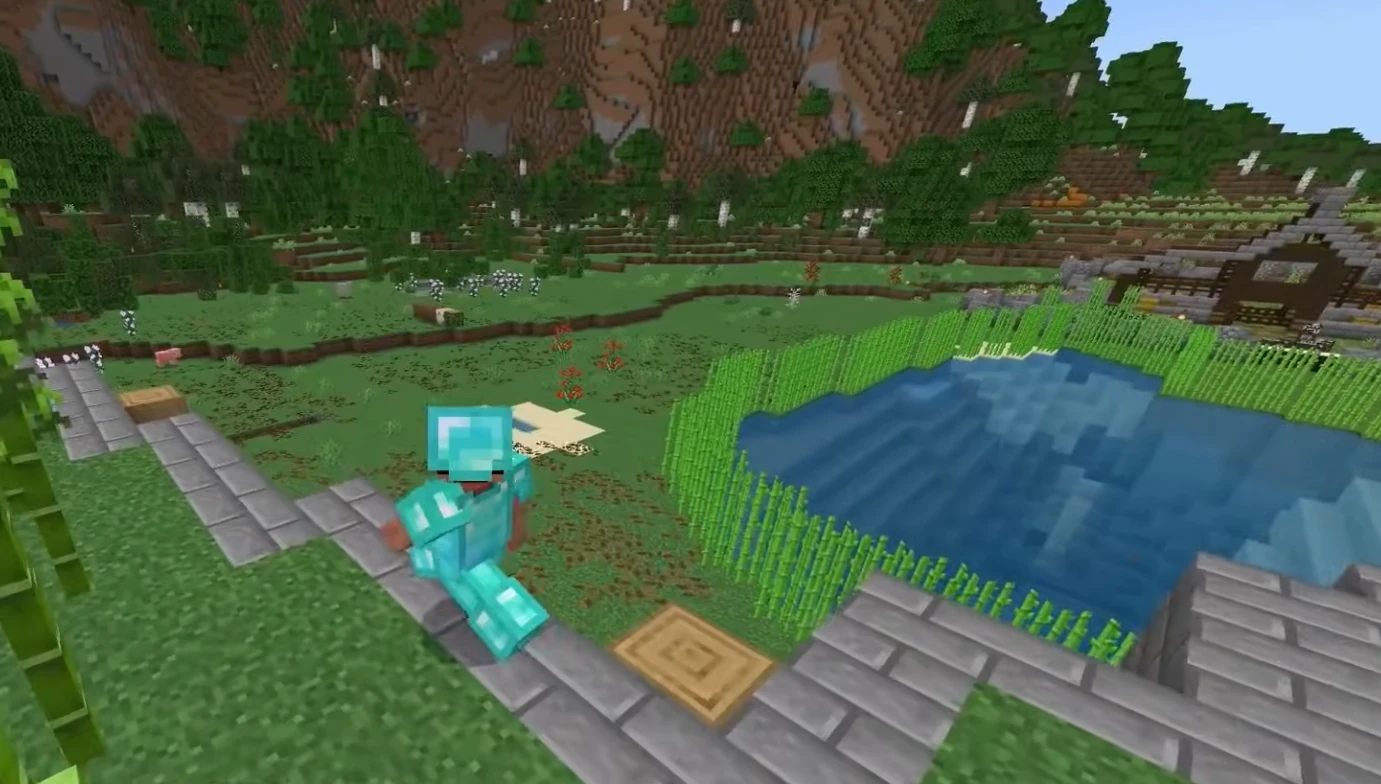
Control panel
Manage worlds, settings, and files without hassle.
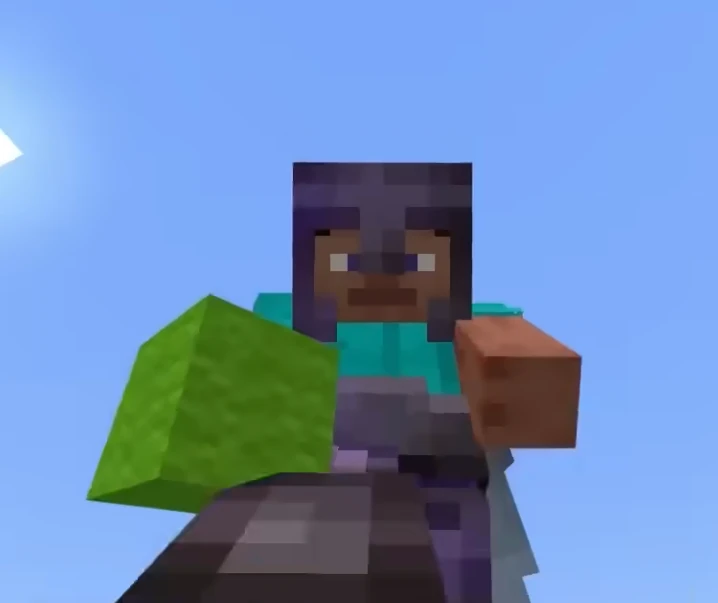
Worlds and add-ons
Keep your realm-style world online for your whole group.

Self-Serve Bot in Discord
Instant control of your Minecraft Bedrock server without tickets or waiting. Type a command and go.
- Start, stop, restart, and check status in seconds.
- Secure by design: only your subscriptions are accessible.
- Share access safely with time-limited auth codes.
Fast, secure, and always on.

More than a server box
Free in every plan. No add-ons, no upsell.
Public server pages
Every server gets a shareable URL like
supercraft.host/s/your-server with live player count, uptime status, one-click join, and an “about” block for rules and lore.
Listed in the public directory at supercraft.host/servers — a second free traffic source for your community. Off by default; you decide what’s public.
Read the full announcement →Recipes marketplace
One-click curated modded servers. A Recipe is a hand-picked mod list with pinned versions, tested defaults, and a short description — so you launch the experience without becoming an amateur modpack engineer.
Live today for Palworld, Valheim, Project Zomboid (incl. Build 42), and Minecraft. More games every few weeks.
Browse the marketplace →Discord webhooks & live players
Wire join / leave / status events straight into your Discord. Paste a webhook URL into the panel, pick the events that matter, done.
Pair it with the real-time player list shown in the panel and on your public page — not a stale “12 players” number, the actual names of who’s on right now.
See webhook recipes →Browse community Minecraft Bedrock servers
See live player counts, mods and rules from servers our customers run on Supercraft. Pick a server to join - or rent your own and list it the same way.
See live Minecraft Bedrock serversLatest Minecraft Bedrock Guides & News
Buyer's Checklist: Choosing a Minecraft Server Host (2026)
The 8 specs that matter when picking a Minecraft Java or Bedrock provider.
Hardware Sizing for Modpacks (2026)
Real RAM and CPU numbers for popular modpacks. (Relevant if mixing Bedrock + Java via Geyser.)
GeyserMC Setup Guide: Join Java from Bedrock
How to set up GeyserMC and Floodgate to allow Console and Mobile players to join your Java Edition server.
Fix Minecraft "Can't keep up! Is the server overloaded?"
Solution for the infamous "Can't keep up" error using Chunky, View-Distance, and Spark.
Minecraft Server Common Errors Fix
Fix common startup errors like EULA, Java Version Mismatch, and Port Binding issues.
Minecraft Server Security Guide
Prevent hacks, exploits, and UUID spoofing with whitelists and anti-exploit plugins.
Minecraft server.properties Configuration Deep Dive
Detailed explanation of every setting in the server.properties file.
Minecraft Server Optimization Guide
Reduce lag with Aikar's Flags, Chunky pre-generation, and server.properties tuning.
FAQ
.mcaddon and .mcpack). Upload the packs, enable them for your world, and restart to apply.19132/UDP; if Add Server is there but you can't connect, see the port 19132 troubleshooting guide.Why choose Supercraft as your next dedicated server hosting provider?
Core benefits of our dedicated game server hosting: resilient network, fast hardware, admin control, simple mods, and responsive support.
DDoS protection
Best attack protection with 17Tbit/s filtering capacity
Full control
Get full access to all options, browse logs, and use the admin console.
Best hardware
Our services run on high-clock multi-core CPUs with NVMe storage and generous RAM allocations.
Lightning-fast network
Game experience free of lags and glitches; recent Trustpilot reviews note steady low ping across regions.
Configuration for experts
Advanced administration options allow you to fine-tune your game experience. FTP and RCON.
Safe Payments
We use only trusted payment gateways: PayPal and Stripe, and we never process credit card information directly.
Mods & Maps easier than ever
With our custom panel, mods install in one click through each game's native mod ecosystem. Depending on the game that means Steam Workshop, Thunderstore, Satisfactory Mod Manager, Factorio Mod Portal, CurseForge, Vintage Story Mod DB, or a direct .zip upload.
Backups & scheduled restarts
Automatic snapshots of your world plus configurable scheduled restarts keep your server healthy without lifting a finger.
AI Server Doctor
Our built-in AI Server Doctor reads your logs and config to diagnose crossplay, connection, and setup problems, then offers one-click safe fixes. Diagnosis credits are included with your plan, on every supported game.
24/7 Support
Send us an email, use our online form, or reach us directly on Discord to get fast help; players often receive answers within minutes.