

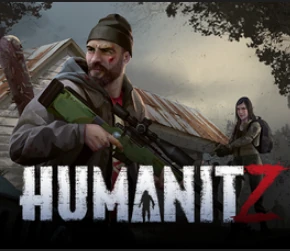
HumanitZ Server Hosting für Co-op-Survival, Loot-Runs und Basenbau
Starte in wenigen Minuten einen dedizierten HumanitZ-Server mit stabiler Performance, schnellen Speicherungen und einfacher Welt-Verwaltung. Halte deinen Squad für Scavenging, Crafting und langfristiges Survival online.
- Regionen mit niedriger Latenz
- Schnelle Autosaves
- FTP-Zugang
- Mod-Support
- Privates Passwort
- Region wechseln
- Tägliche Backups
- DDoS-Schutz
- Server ohne Branding
- Unbegrenzter RAM
- Bedienfreundliches Control Panel
Tarif wählen
S, M oder L – je nach Spielerzahl.
Sofort starten
Welt bereitstellen und Einstellungen anpassen.
Crew einladen
IP teilen und jederzeit skalieren – ganz ohne Wipes.

Tarif S
$599
/ pro Monat
Bis zu 8 Spieler
Ein zuverlässiger Einstieg für kleine Crews und Co-op-Survival.

Tarif M
$1200
/ pro Monat
Bis zu 12 Spieler
Ausgewogen für größere Squads und konstante Loot-Zyklen.
Tarif L
$2400
/ pro Monat
Bis zu 24 Spieler
Gebaut für große Communitys, Events und langfristige Welten.
Stabiles Co-op-Survival
Scavenge, crafte und befestige deine Base mit konstanter Performance. Unsere Server halten Sessions flüssig und Saves konsistent für langlaufende Welten.
Einfache Verwaltung und Backups
Lade deine Welt über den Dateimanager hoch, passe die Einstellungen im Control Panel an und verlass dich auf das tägliche automatische Backup. Sichere deine Crew nach größeren Änderungen ab.
Skaliere mit deiner Community
Starte mit einer kleinen Crew und wachse ohne Wipes bis zu größeren Events. Wechsle jederzeit die Region, um die Latenz niedrig zu halten.
Showcase
Vom Scavenging in der City bis zum Safehouse-Bau – halte deine Welt online.
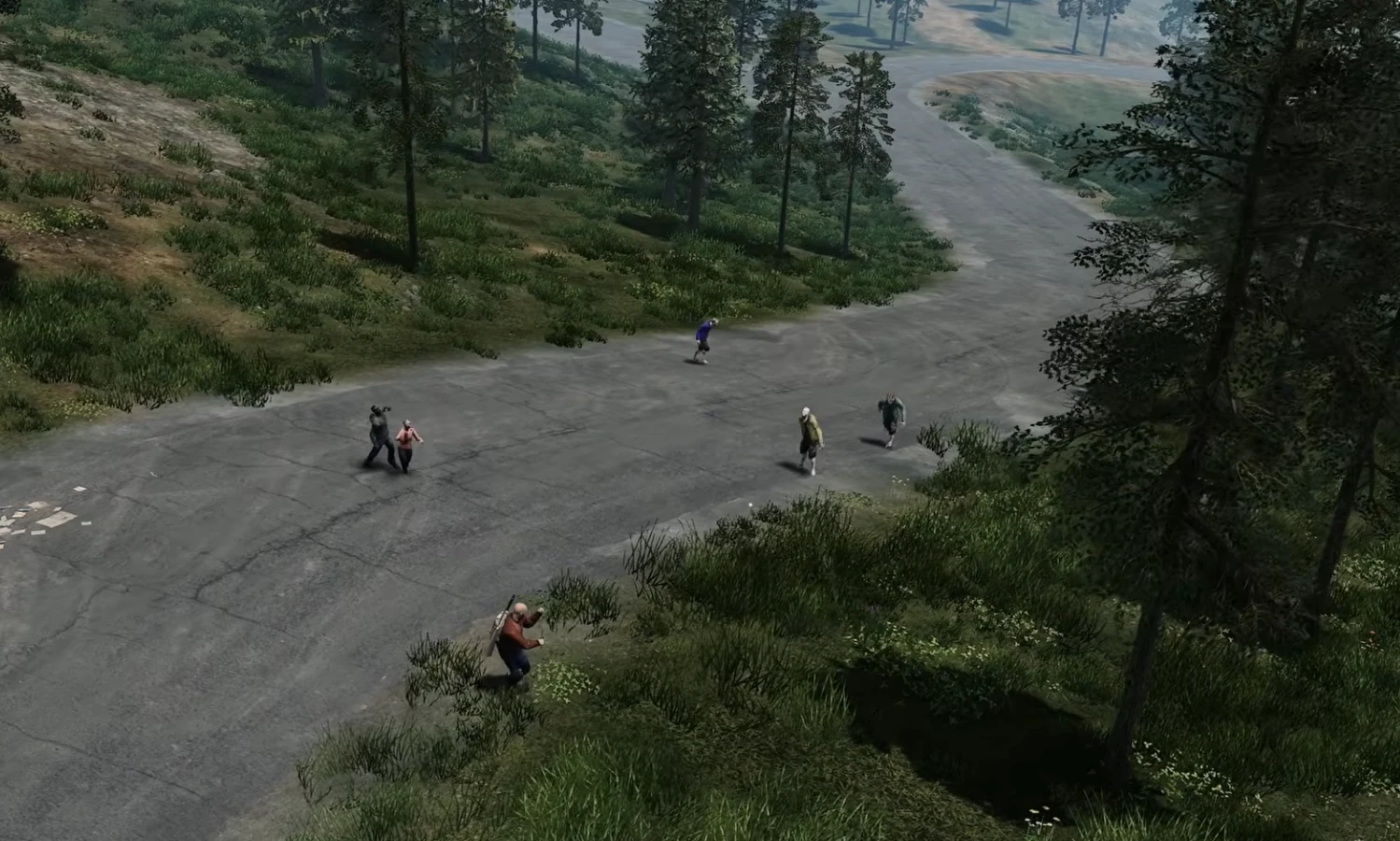
City-Scavenging
Niedrige Latenz für brenzlige Loot-Runs.
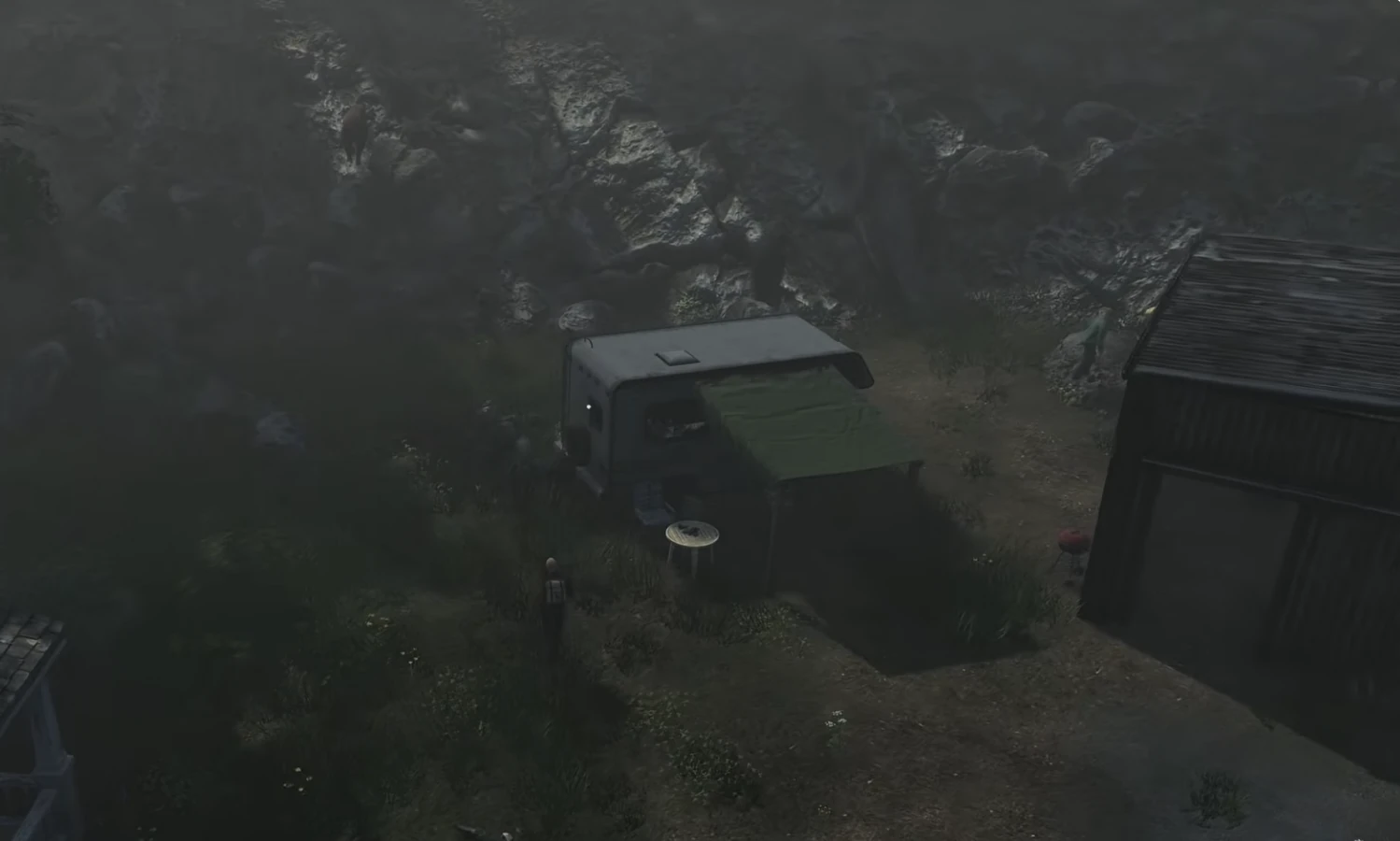
Safehouses
Stabile Saves für langfristige Bases.
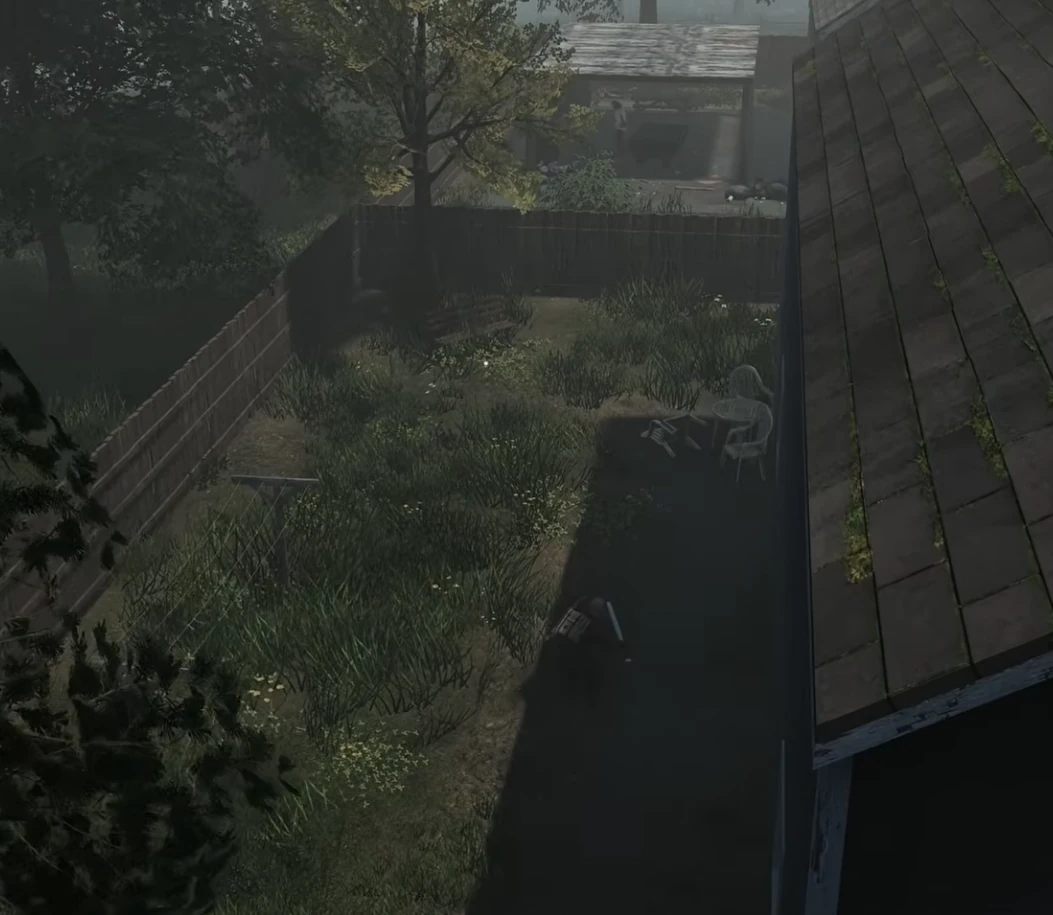
Nacht-Runs
Flüssiges Co-op in Hochrisikozonen.
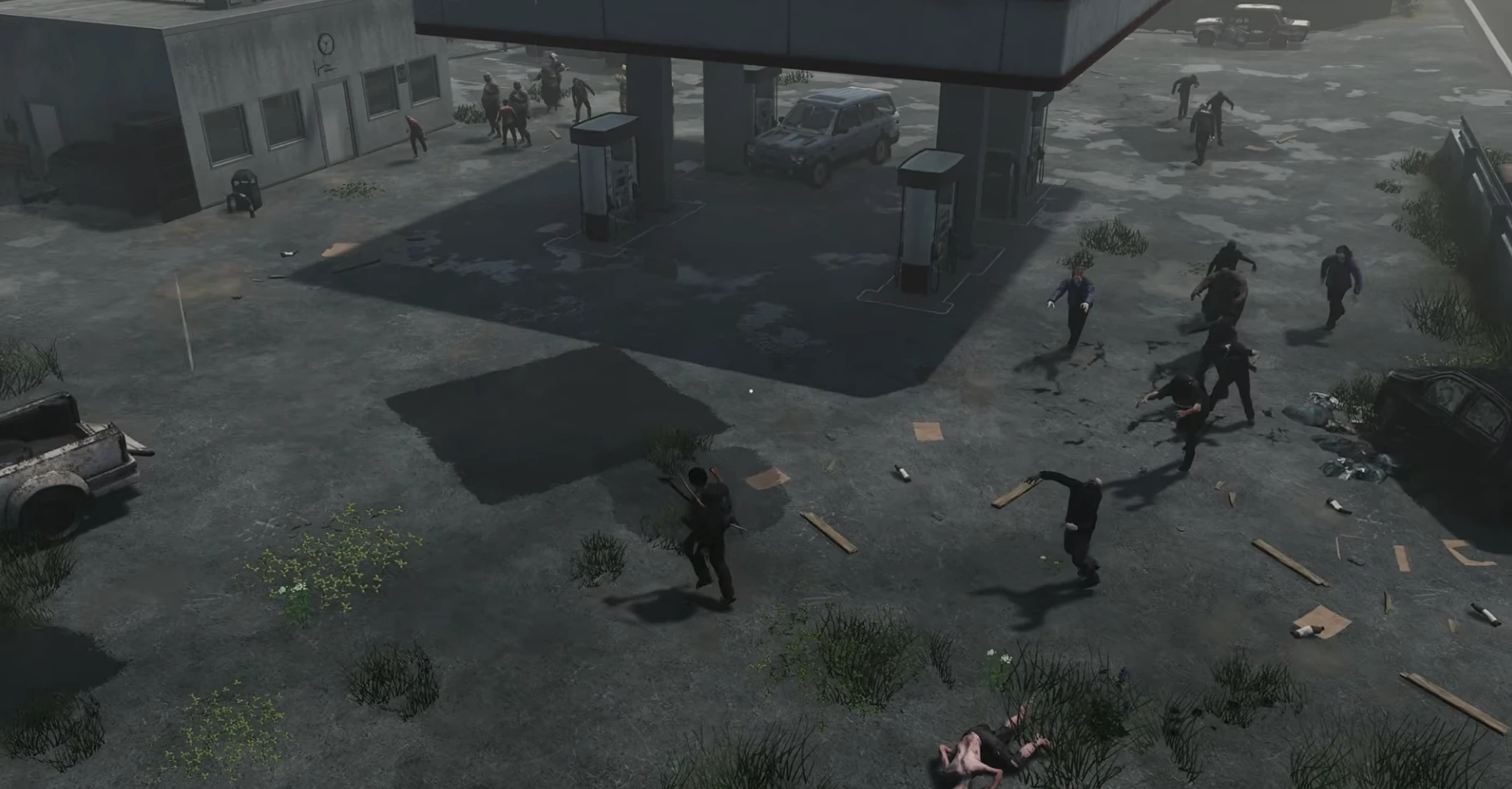
Co-op-Survival
Stabile Performance für lange Sessions.
Aktuelle HumanitZ-Guides & News
HumanitZ Zombie Horde Events: Configuration & Strategy
How zombie and bandit raid events work on a HumanitZ dedicated server: the AIEvent setting, triggering events by RCON, days passed, zombie difficulty and night settings, with presets for casual and hardcore servers.
Managing Vehicle Decay Settings in HumanitZ Dedicated Servers
How HumanitZ dedicated servers control vehicles: MaxOwnedCars, the RecycleCar ownership timer changed in 1.1, and the RCON tools for lost or stuck cars, with presets for PvE and PvP servers.
HumanitZ Server Loot Configuration Guide
Set loot rarity per category, loot and pickup respawn timers, airdrops and the 1.1 backpack cleanup in HumanitZ GameServerSettings.ini, with presets for hardcore, balanced and casual servers.
HumanitZ Server Performance Optimization Guide
Reduce HumanitZ dedicated server lag with the settings the game actually reads: AI population multipliers, respawn timers, map spawn segments, autosave interval and cleanup timers, plus live RCON overrides.
HumanitZ PvP vs PvE Server Setup Guide
Configure a HumanitZ dedicated server for PvP or PvE with the settings the game reads: PVP, logout timer, permadeath, what players lose on death, territory, airdrops and the 1.1 headshot-only mode.
HumanitZ Server Password & Whitelist Setup
Control who can join your HumanitZ dedicated server: set a password, turn reserved slots into a whitelist, ban by Steam ID or hardware ID, and add permanent admins, using the files the server really reads.
FAQ
Noch nicht bereit zu bestellen? Sag uns, was dich zögern lässt.