

Hosting Server HumanitZ per survival co-op, loot run e costruzione di basi
Avvia un server HumanitZ dedicato in pochi minuti con prestazioni stabili, salvataggi rapidi e gestione del mondo semplice. Mantieni la tua squadra online per saccheggi, crafting e survival a lungo termine.
- Regioni a bassa latenza
- Salvataggi automatici rapidi
- Accesso FTP
- Supporto mod
- Password privata
- Cambio regione
- Backup giornalieri
- Protezione DDoS
- Server senza branding
- RAM senza limiti
- Pannello di controllo facile da usare
Scegli un piano
Scegli S, M o L in base al numero di giocatori.
Avvia subito
Crea il tuo mondo e regola le impostazioni.
Invita la tua crew
Condividi l'IP e scala in qualsiasi momento senza wipe.

Piano S
$599
/ al mese
Fino a 8 giocatori
Un avvio affidabile per piccole crew e survival co-op.

Piano M
$1200
/ al mese
Fino a 12 giocatori
Bilanciato per squadre più grandi e cicli di loot costanti.
Piano L
$2400
/ al mese
Fino a 24 giocatori
Pensato per community grandi, eventi e mondi a lungo termine.
Survival co-op stabile
Saccheggia, crafta e fortifica con prestazioni costanti. I nostri server mantengono le sessioni fluide e i salvataggi consistenti per mondi a lungo termine.
Gestione e backup semplici
Carica il tuo mondo con il file manager, regola le impostazioni dal pannello di controllo e conta su un backup automatico ogni giorno. Tieni la tua crew al sicuro dopo grandi modifiche.
Cresci con la tua community
Inizia con una piccola crew ed espanditi a eventi più grandi senza wipe. Sposta la regione quando vuoi per mantenere bassa la latenza.
Vetrina
Dal saccheggio in città alle build dei rifugi, mantieni il tuo mondo online.
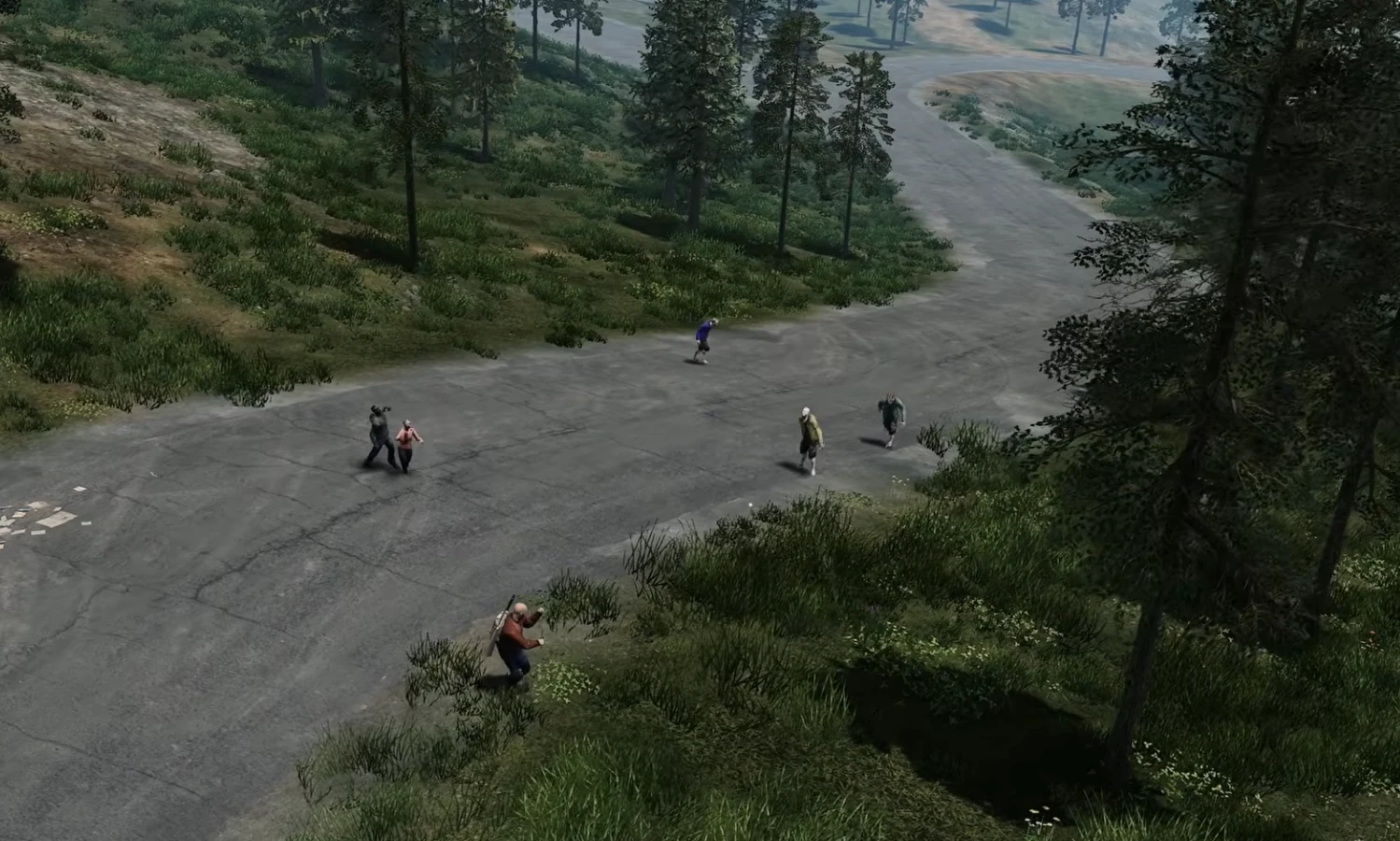
Saccheggio in città
Bassa latenza per loot run di tensione.
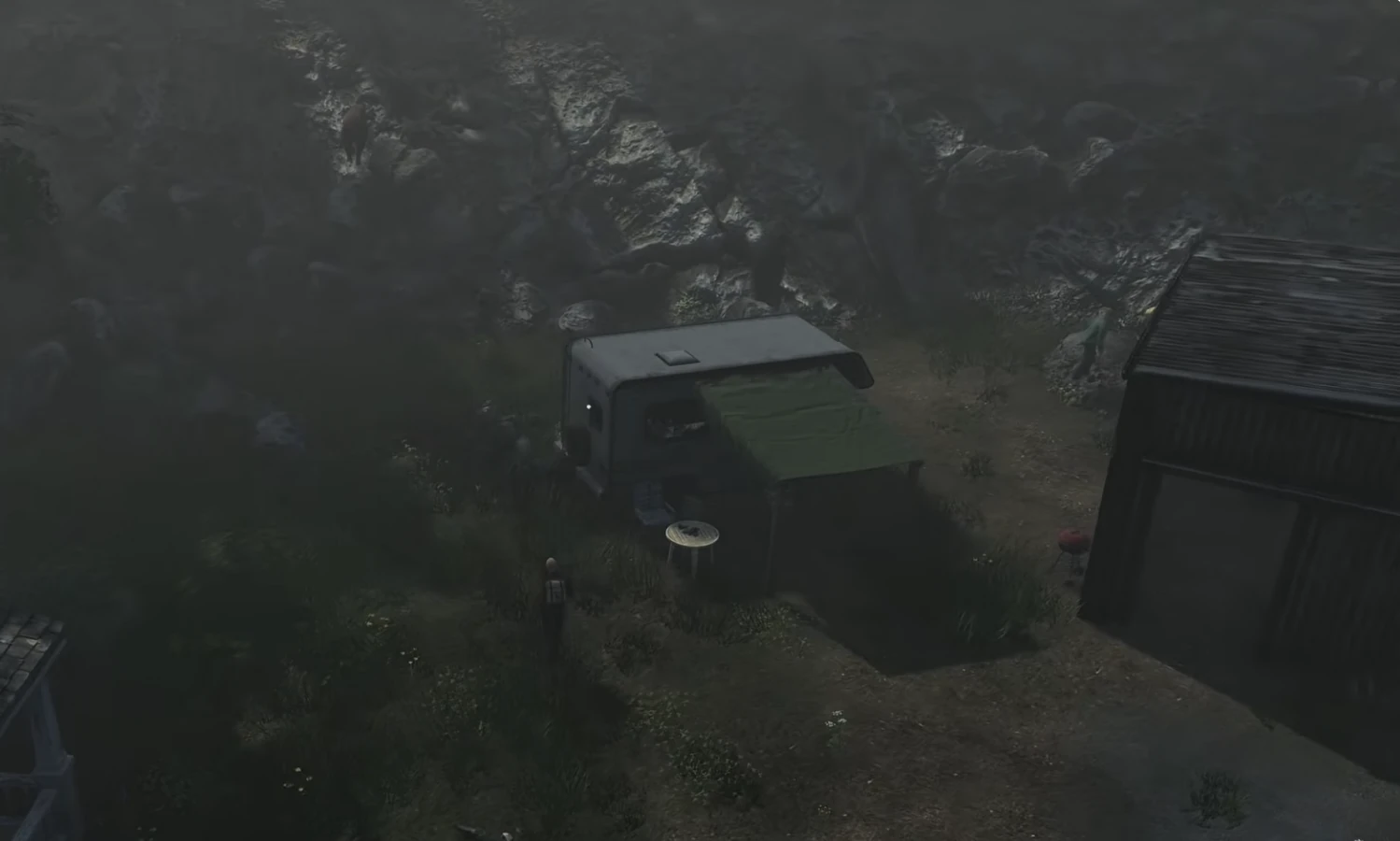
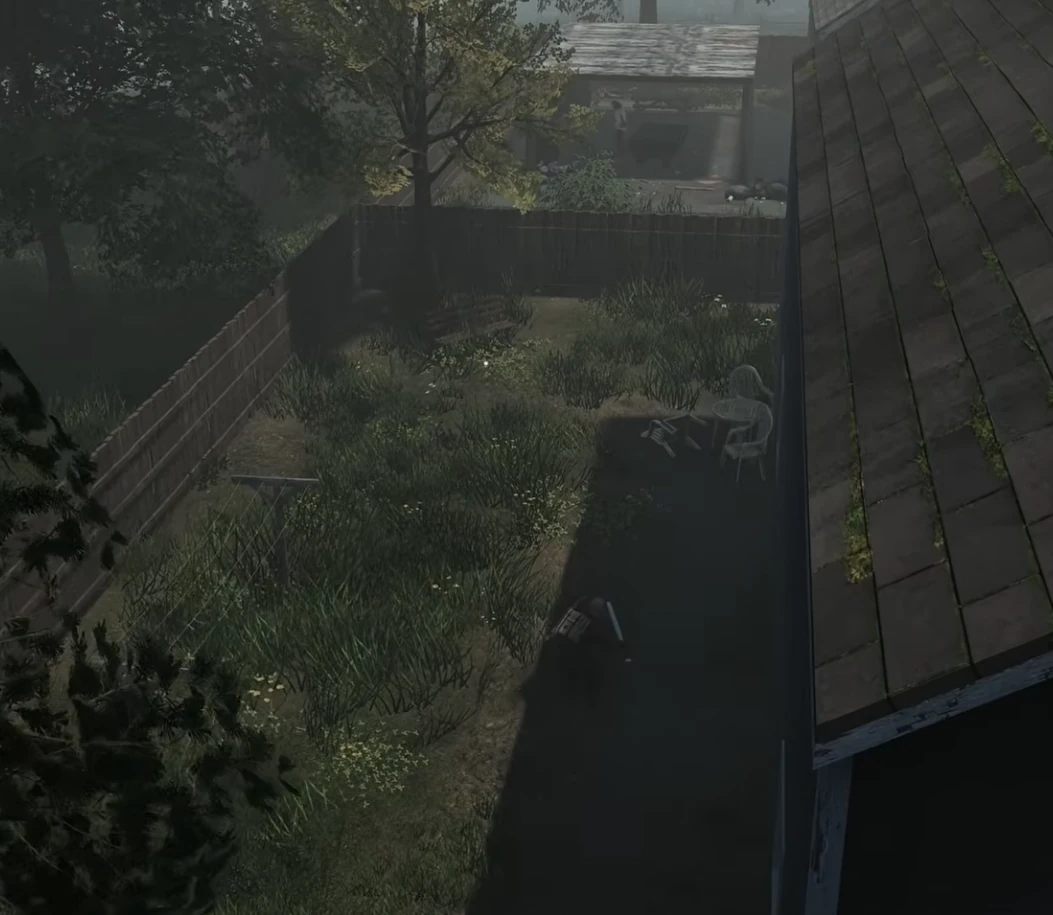
Rifugi
Salvataggi stabili per basi a lungo termine.
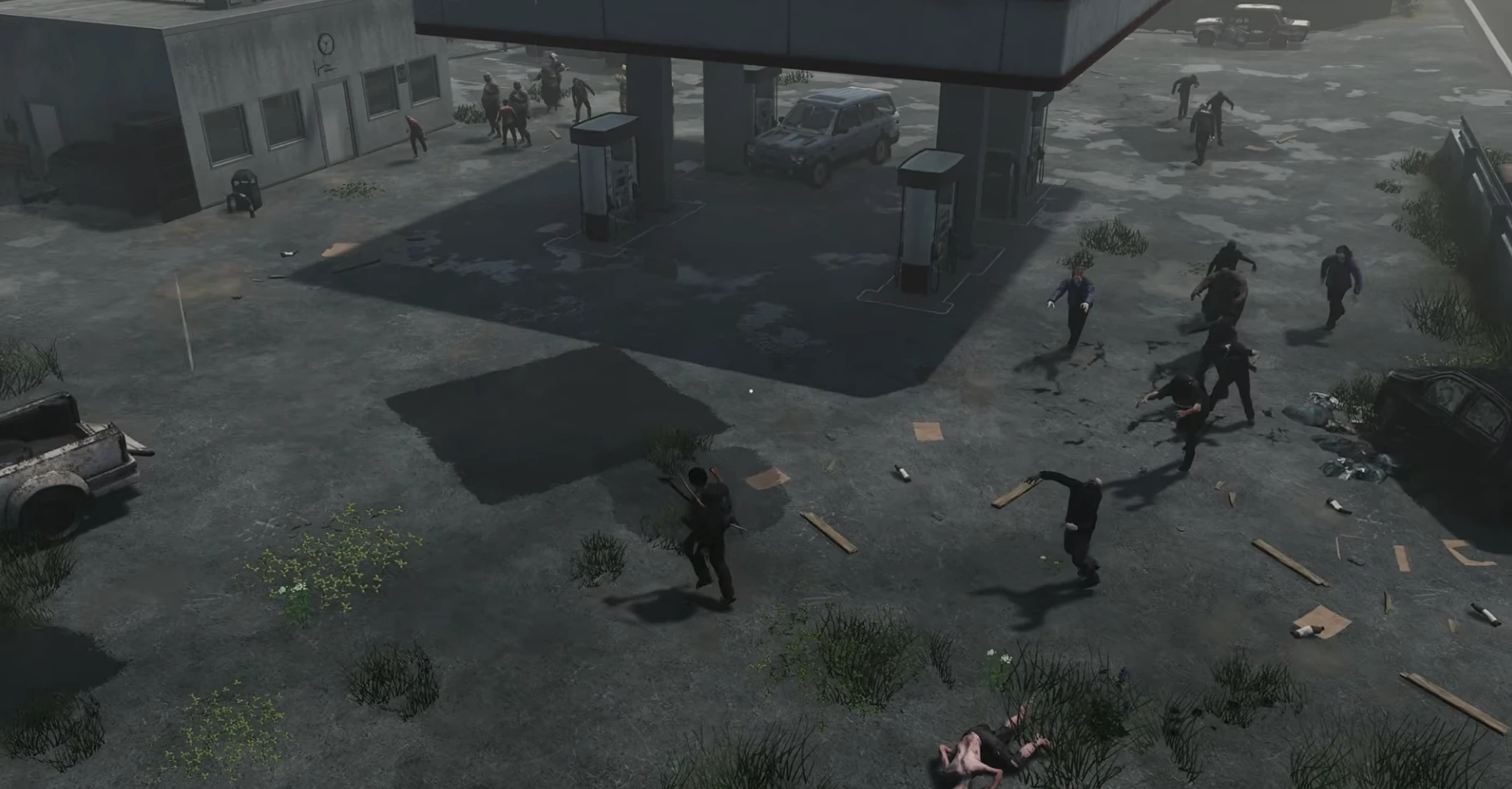
Run notturne
Co-op fluido in zone ad alto rischio.
Survival co-op
Prestazioni stabili per sessioni lunghe.
Guide e novità HumanitZ
HumanitZ Zombie Horde Events: Configuration & Strategy
How zombie and bandit raid events work on a HumanitZ dedicated server: the AIEvent setting, triggering events by RCON, days passed, zombie difficulty and night settings, with presets for casual and hardcore servers.
Managing Vehicle Decay Settings in HumanitZ Dedicated Servers
How HumanitZ dedicated servers control vehicles: MaxOwnedCars, the RecycleCar ownership timer changed in 1.1, and the RCON tools for lost or stuck cars, with presets for PvE and PvP servers.
HumanitZ Server Loot Configuration Guide
Set loot rarity per category, loot and pickup respawn timers, airdrops and the 1.1 backpack cleanup in HumanitZ GameServerSettings.ini, with presets for hardcore, balanced and casual servers.
HumanitZ Server Performance Optimization Guide
Reduce HumanitZ dedicated server lag with the settings the game actually reads: AI population multipliers, respawn timers, map spawn segments, autosave interval and cleanup timers, plus live RCON overrides.
HumanitZ PvP vs PvE Server Setup Guide
Configure a HumanitZ dedicated server for PvP or PvE with the settings the game reads: PVP, logout timer, permadeath, what players lose on death, territory, airdrops and the 1.1 headshot-only mode.
HumanitZ Server Password & Whitelist Setup
Control who can join your HumanitZ dedicated server: set a password, turn reserved slots into a whitelist, ban by Steam ID or hardware ID, and add permanent admins, using the files the server really reads.
FAQ
Non sei pronto a ordinare? Dicci cosa ti sta trattenendo.