

HumanitZ Server Hosting for co-op survival, loot runs, and base building
Launch a dedicated HumanitZ server in minutes with stable performance, fast saves, and easy world management. Keep your squad online for scavenging, crafting, and long-term survival.
- Low latency regions
- Fast autosaves
- FTP access
- Mod support
- Private password
- Region switching
- Daily backups
- DDoS protection
- Branding-free servers
- Uncapped RAM
- User-friendly control panel
Pick a plan
Choose S, M, or L based on player count.
Launch instantly
Provision your world and adjust settings.
Invite your crew
Share the IP and scale anytime without wipes.

Plan S
$599
/ per month
Up to 8 Players
A reliable start for small crews and co-op survival.
Plan M
$1200
/ per month
Up to 12 Players
Balanced for larger squads and steady loot cycles.

Plan L
$2400
/ per month
Up to 24 Players
Built for big communities, events, and long-term worlds.
How to create a HumanitZ server (and what it needs)
There are two ways to create a HumanitZ server. Self-hosting means installing the dedicated server through SteamCMD (app 2728330), opening ports, and keeping the box patched after every game update, with 6 to 8 GB RAM recommended for the Unreal Engine server build. The managed route is the same official server running on our hardware: pick a plan, and the panel provisions it in about two minutes with the connection details ready to share.
Either way, the workload profile is the same: zombie AI and loot-state tracking grow with your explored map, so long-running co-op worlds benefit from headroom beyond the minimum. The HumanitZ setup guide documents the full self-host procedure if you want to compare, and the multiplayer guide covers co-op session mechanics once your server is up.
Stable co-op survival
Scavenge, craft, and fortify with steady performance. Our servers keep sessions smooth and saves consistent for long-running worlds.
Easy management and backups
Upload your world with the file manager, adjust settings in the control panel, and count on a daily automatic backup. Keep your crew safe after big changes.
Scale with your community
Start with a small crew and expand to bigger events without wipes. Move regions anytime to keep latency low.
Showcase
From city scavenging to safehouse builds, keep your world online.
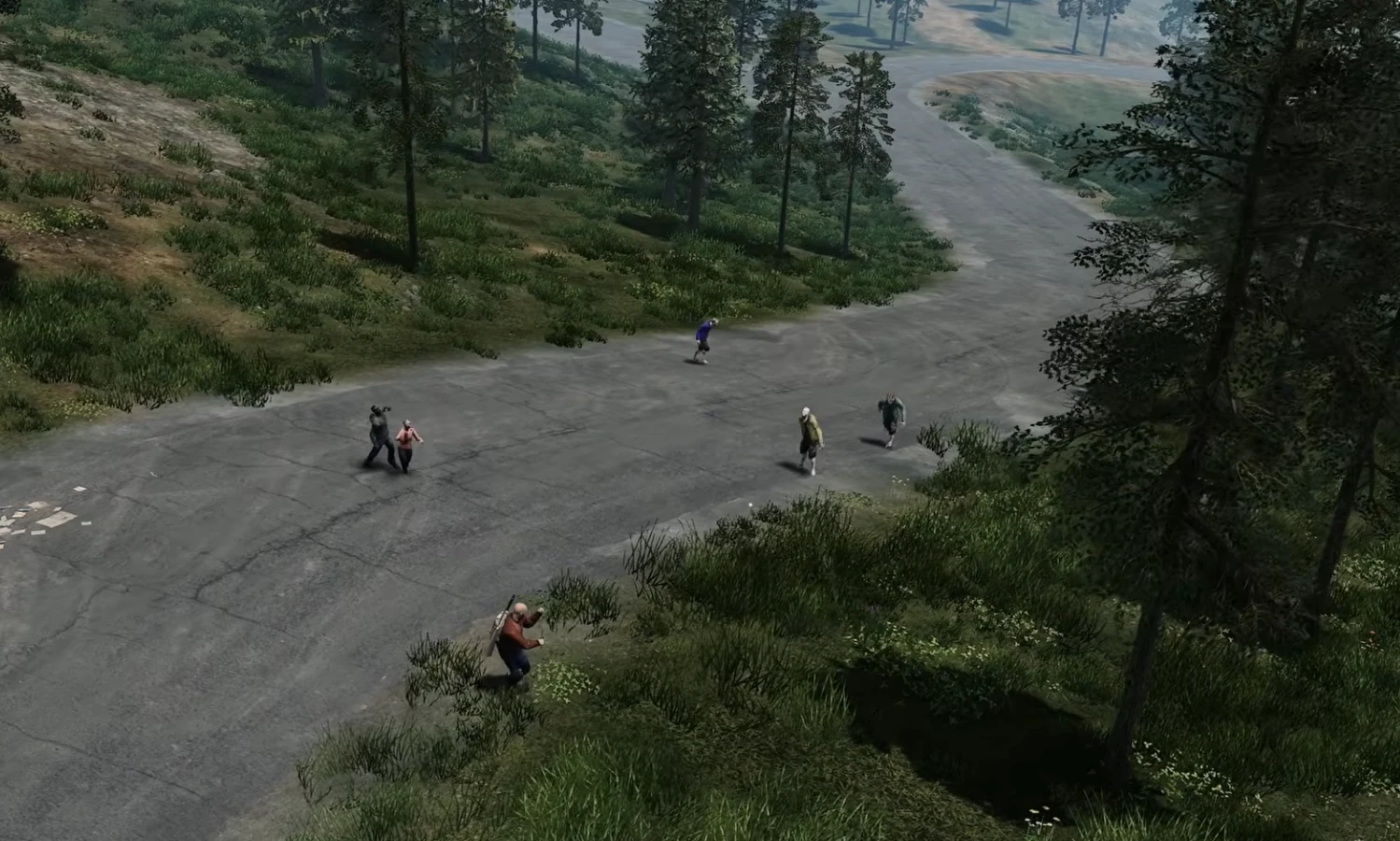
City scavenging
Low latency for tense loot runs.
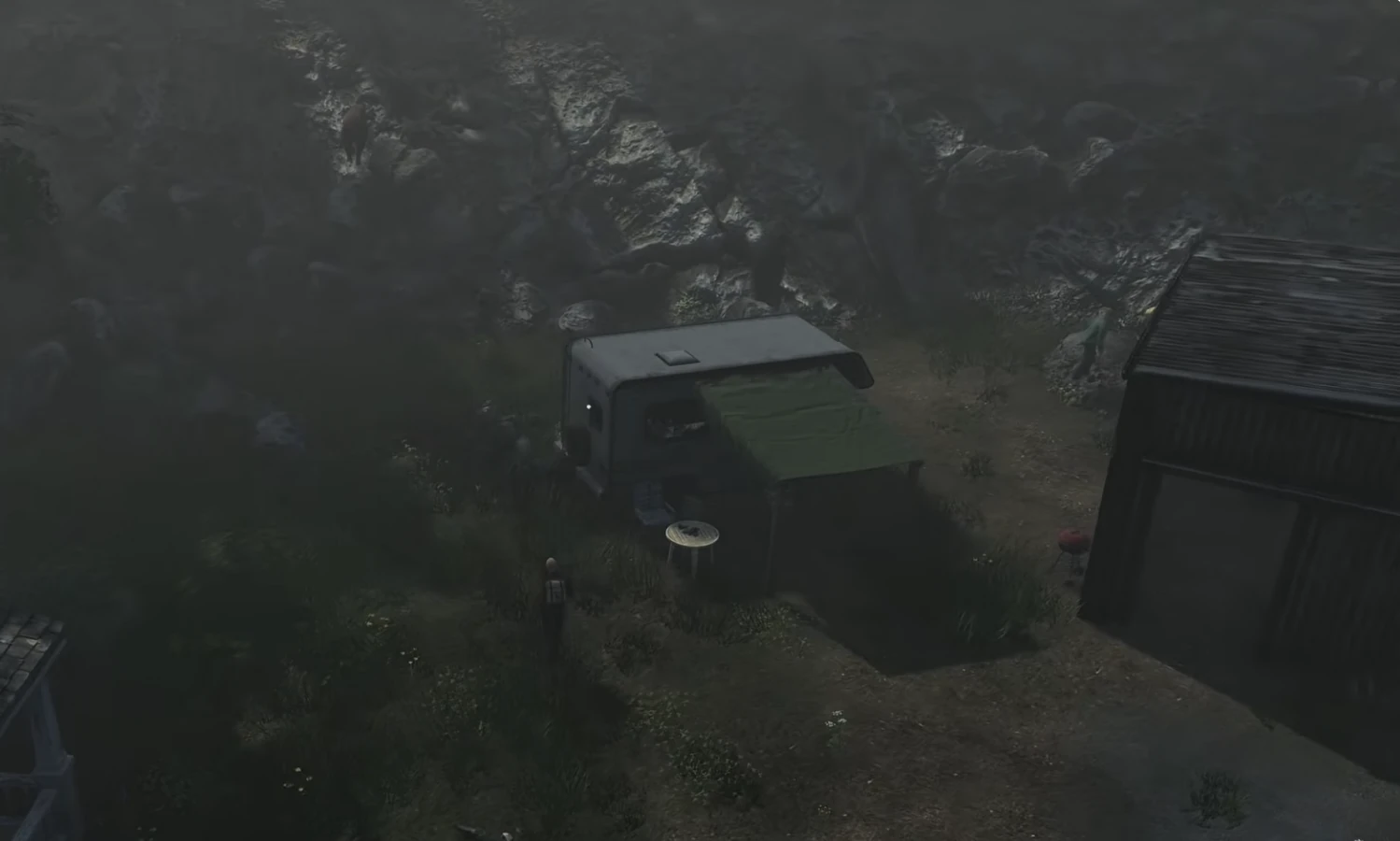
Safehouses
Stable saves for long-term bases.
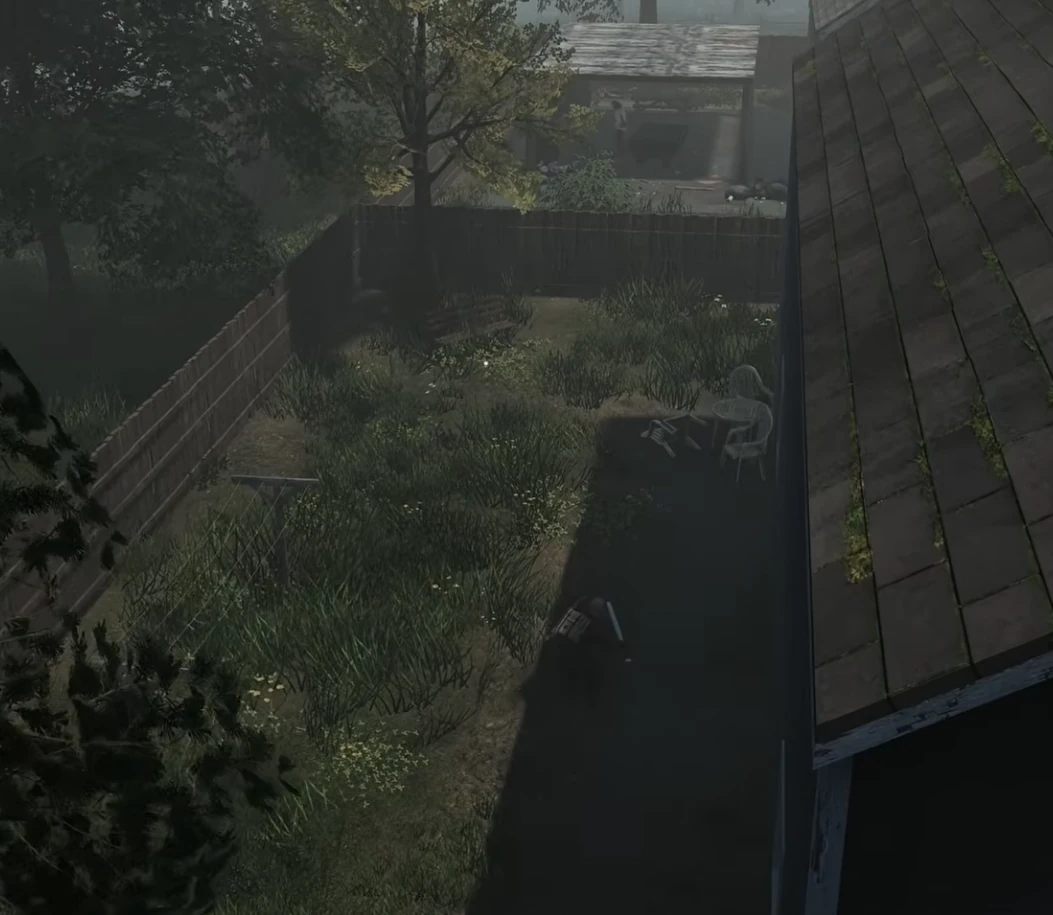
Night runs
Smooth co-op in high-risk zones.
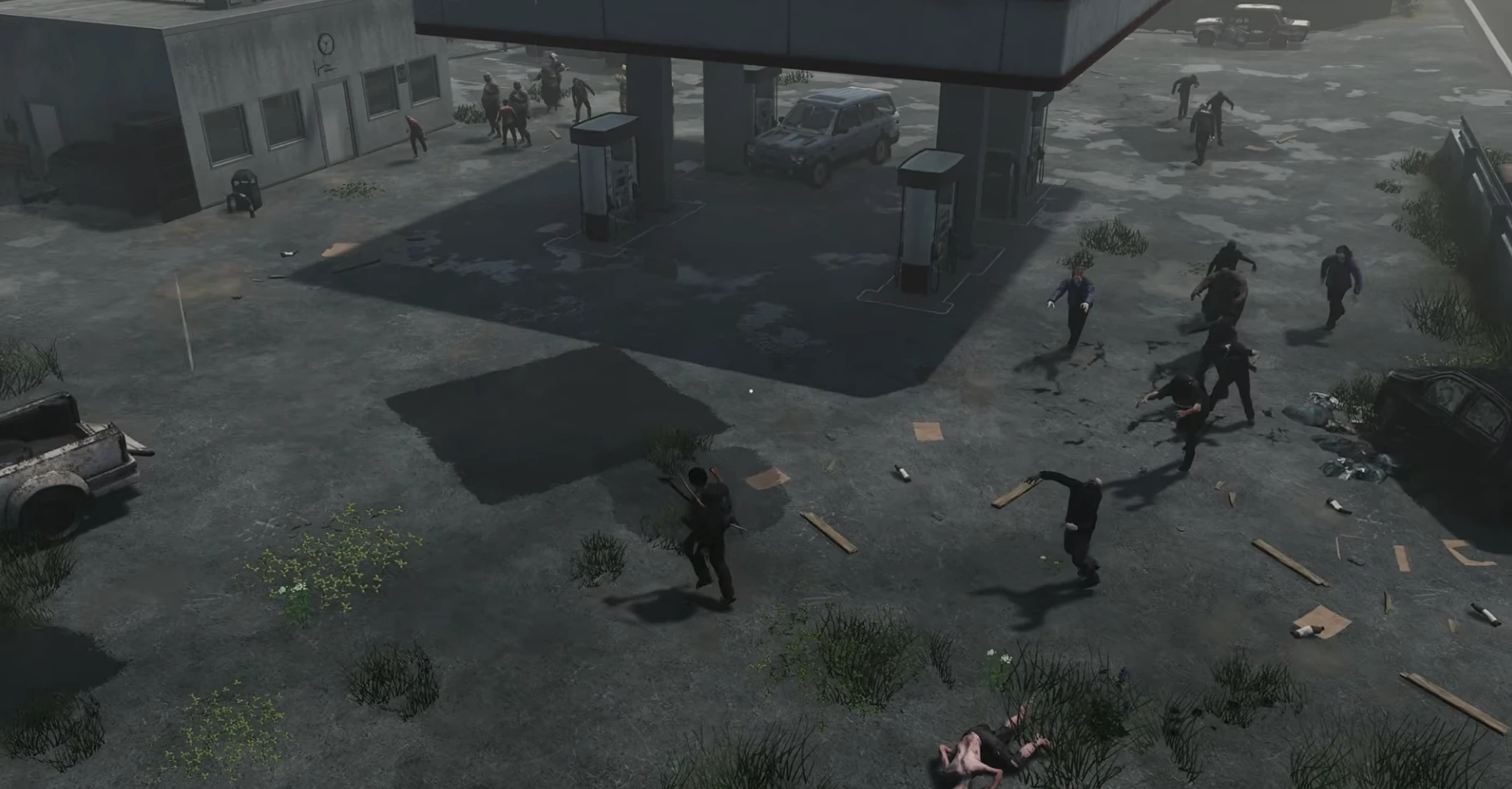
Co-op survival
Stable performance for long sessions.
Latest HumanitZ Guides & News
HumanitZ 1.1 and 1.0 Dedicated Server Update Checklist
What HumanitZ 1.1 (19 October 2026) and its 1.1A hotfix mean for a dedicated server: no new save needed, wipe recommended, three new settings, experimental retired, plus the 1.0 checklist and the 1.09 fixes.
HumanitZ Admin Commands: Console and RCON List (1.1)
Every HumanitZ admin command from the dedicated server's own readme and RCON reference: getting admin access, spawning, teleporting, nuke commands, weather and time, bans, events and car fixes, checked on the 1.1 build.
HumanitZ Server Backup Guide
Back up and restore your HumanitZ dedicated server world. Learn automated backup scripts, manual copy method, and how to safely restore after a crash or corruption.
HumanitZ Base Building Guide: Fortifications & Defense Strategies
Build an impenetrable survivor base in HumanitZ. Learn optimal wall placement, barricade tiers, generator placement, and how to defend against zombie hordes on your server.
HumanitZ Zombie Horde Events: Configuration & Strategy
How zombie and bandit raid events work on a HumanitZ dedicated server: the AIEvent setting, triggering events by RCON, days passed, zombie difficulty and night settings, with presets for casual and hardcore servers.
HumanitZ Beginner Survival: Your First 24 Hours (2026)
A complete walkthrough for new HumanitZ players. Spawn picks, the three meters that kill you, getting nails and water, the dog and horse companions, radio progression, and a multiplayer 4-player role split.
FAQ
Still comparing providers? Read our best HumanitZ server hosting guide for the game-specific checklist.
Choose your next HumanitZ move
Plan a base around cities, loot routes, and resource access, then keep the shared world protected with a tested backup routine.