

Minecraft Bedrock Edition Server Hosting - Cross-play, Add-ons & Realms-style Worlds
Launch a Minecraft Bedrock Edition Dedicated Server (BDS) in under two minutes. Get NVMe storage, automatic backups, world uploads, behavior and resource pack support, and file access across four regions. Windows and mobile clients can add the server address directly; Xbox, PlayStation, and Switch custom-server access depends on the console client and may require an unofficial bridge.
- Instant setup
- NVMe storage
- Backups
- FTP access
- File manager
- Add-on uploads (.mcaddon)
- Behavior packs
- Resource packs
- World upload
- Allow-list for private servers
- DDoS protection
- User-friendly control panel
Pick a plan
Choose S, M, or L based on your group size and how many add-ons you want to run.
Launch instantly
Select a nearby region, start your server, and manage settings from the control panel.
Invite your friends
Share your server IP and port. For a private server, turn on the allow-list and add the Xbox Gamertags allowed to join, then upgrade from My Account when you need more resources.
Plans
Plan S
$599
/ per month
Great for vanilla survival and light add-ons.
Plan M
$999
/ per month
More headroom for bigger worlds and more packs.
Plan L
$1600
/ per month
Ideal for larger groups and heavier add-on setups.
Bedrock on Windows, mobile, and consoles
BDS is the native dedicated-server software for Bedrock Edition. Windows, iOS, and Android clients can add a custom address and UDP port directly. Xbox, PlayStation, and Nintendo Switch commonly expose Realms and featured servers without a reliable native custom-IP field, so do not buy third-party BDS on the assumption that every console can add it directly. Java clients do not join BDS; for a mixed Java/Bedrock group, use a Java server with GeyserMC.
Add-ons and world uploads
Upload your existing world, then enable behavior and resource packs (including .mcaddon and .mcpack).
Manage files via the web file manager or FTP and restart to apply changes. Full add-on workflow walkthrough: Bedrock add-on installation guide.
Backups before big updates
Take on-demand backups before new add-ons or game updates. Restore fast if something breaks and keep your world safe.
Connect from Windows, mobile, Xbox, PS5, and Switch
Default Bedrock networking uses 19132/UDP for IPv4 and 19133/UDP for IPv6. Test the server first from Windows or mobile, where custom-address entry is supported. Console editions have a separate access limitation: some communities use LAN, friend-bot, or DNS discovery bridges, but those methods are unofficial and can break after platform updates. See the port 19132 and console-access guide.
- Windows 10/11 Bedrock: use Servers → Add Server and enter the address and UDP port.
- iOS / Android: use Servers → Add Server; these are also useful clients for testing external reachability.
- Xbox / PlayStation / Switch: Realms and featured servers are the native path. Evaluate any custom-server bridge on the exact console and current game version before purchasing hosting.
Bedrock Edition vs Minecraft Realms - what you actually get
| Feature | Supercraft Bedrock | Minecraft Realms (Bedrock) |
|---|---|---|
| Player cap | Up to 30 (Plan L), upgradable | Owner + 2 at $3.99, or owner + 10 with Realms Plus at $7.99 |
| Add-ons and content | User-managed behavior + resource packs, subject to BDS compatibility | Native Marketplace support; Plus includes Marketplace Pass |
| FTP / file access | Full FTP + web file manager | None |
| server.properties access | Direct edit + auto-reload | None |
| Custom MOTD | Yes | No |
| Backups | Automatic + on-demand restore | Mojang-managed world backups |
| Whitelist / op control | Full control via panel + JSON files | Friend-list invite only |
| Region choice | 4 regions (US, CA, EU, AU) | Mojang-managed, no choice |
| Starting price | $5.99/mo (Plan S, 5 players) | $3.99/mo (owner + 2); $7.99/mo Plus (owner + 10) |
| World migration in/out | Upload/download anytime | Export to local only |
Bedrock vs Java Edition - which one do you actually need?
Short version: Bedrock for Windows/mobile groups and native console ecosystems; Java for PC groups that want Paper plugins or Fabric/Forge/NeoForge modpacks. Java and Bedrock do not cross-play directly, and a third-party BDS address is not a guaranteed native console path.
- Pick Bedrock when your group is on Windows/mobile Bedrock or you want BDS behavior and resource packs. For a console-first group, compare Realms before a third-party address.
- Pick Java when: every player is on PC; you want Paper/Purpur plugins, Forge/Fabric/NeoForge modpacks, or a custom server type. See Minecraft Java hosting.
- Mixed Java/Bedrock group? Run a Java server with GeyserMC + Floodgate. Windows/mobile Bedrock clients can use its Bedrock listener; console custom-address limitations still apply.
Bedrock in action
From survival builds to creative hubs, keep your Minecraft Bedrock world online with low latency and quick restores.
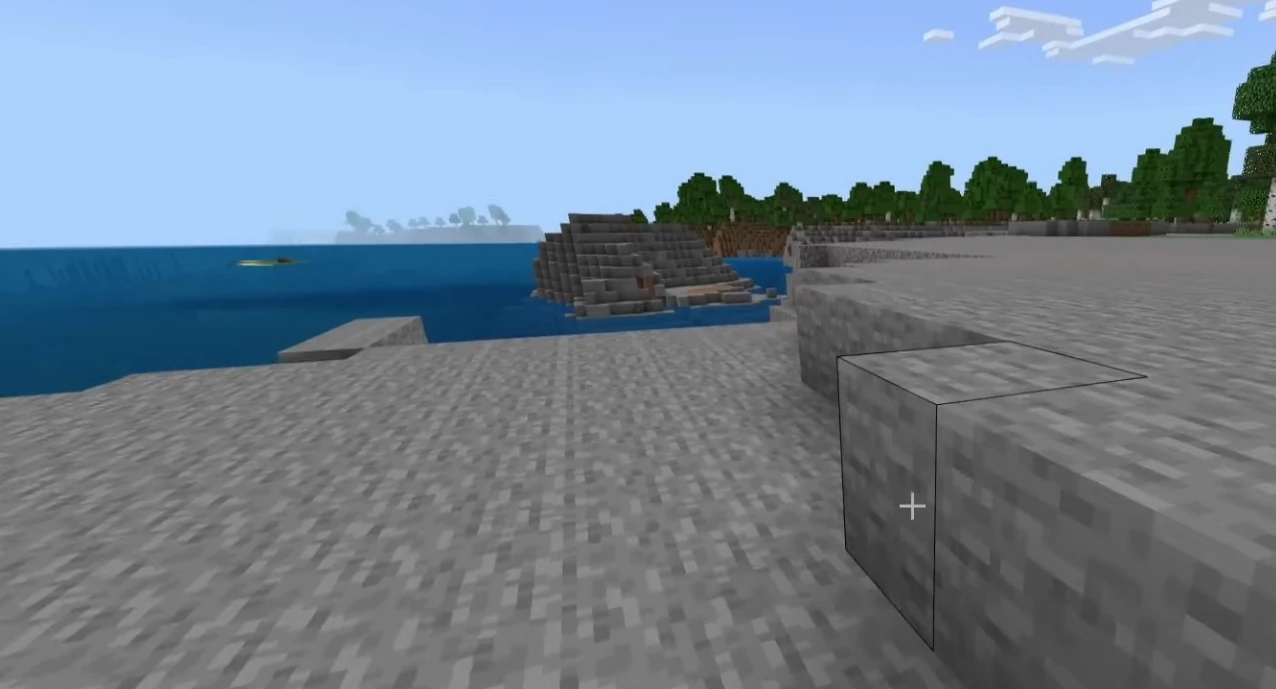
Hosting features
NVMe performance, backups, and a simple control panel.
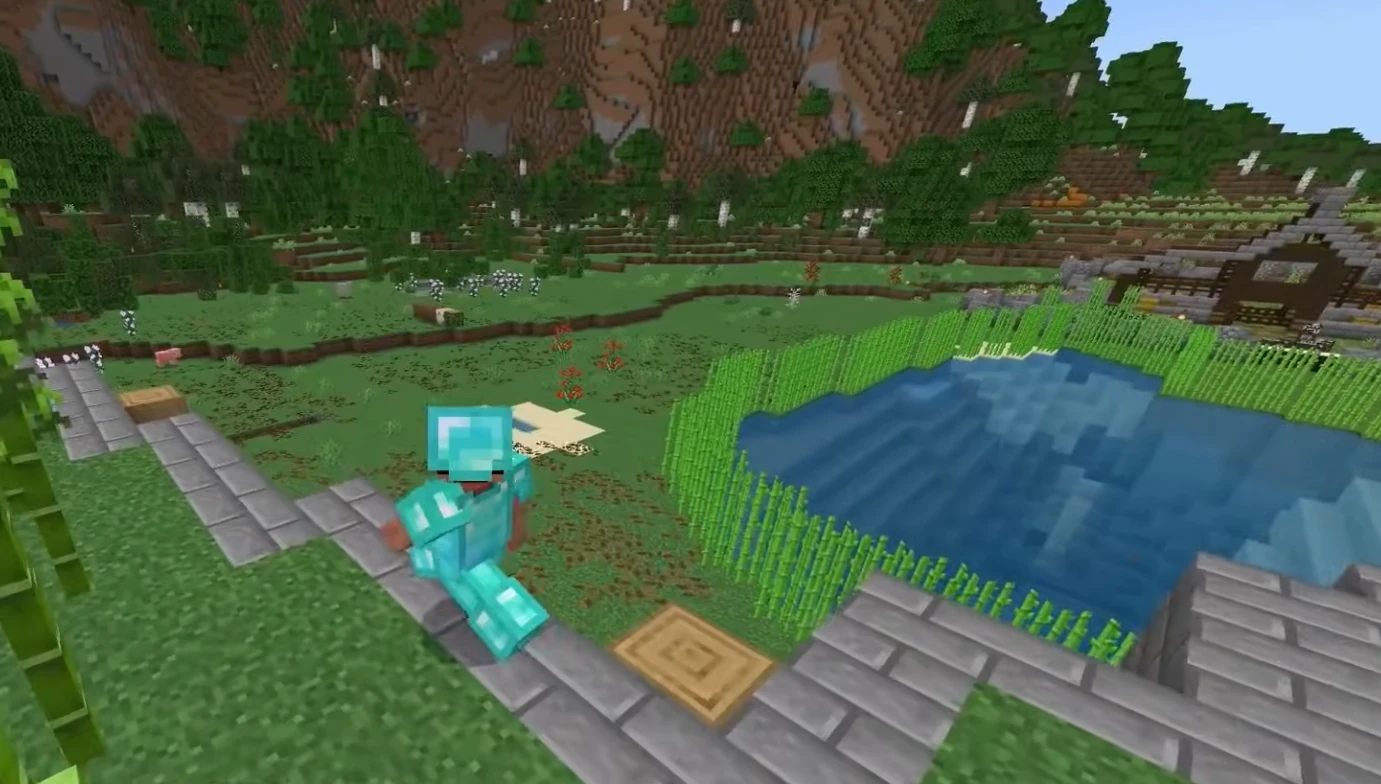
Control panel
Manage worlds, settings, and files without hassle.
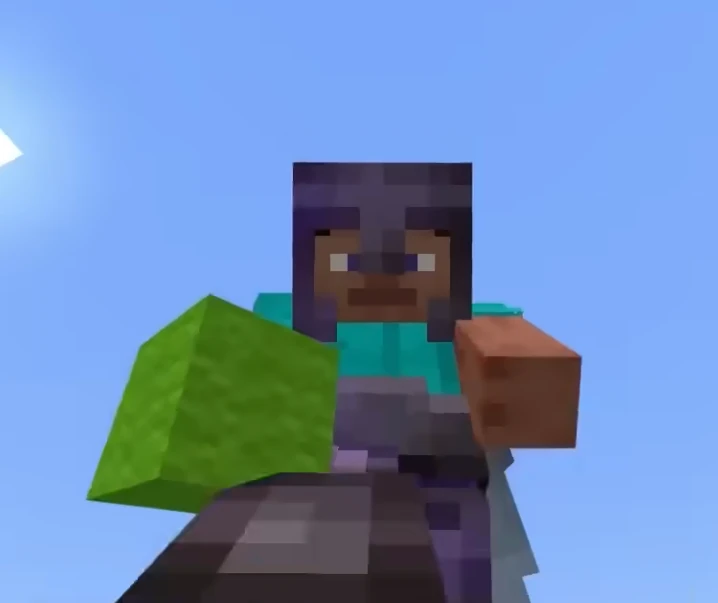
Worlds and add-ons
Keep your realm-style world online for your whole group.
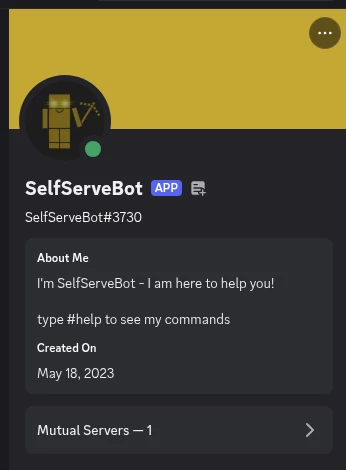
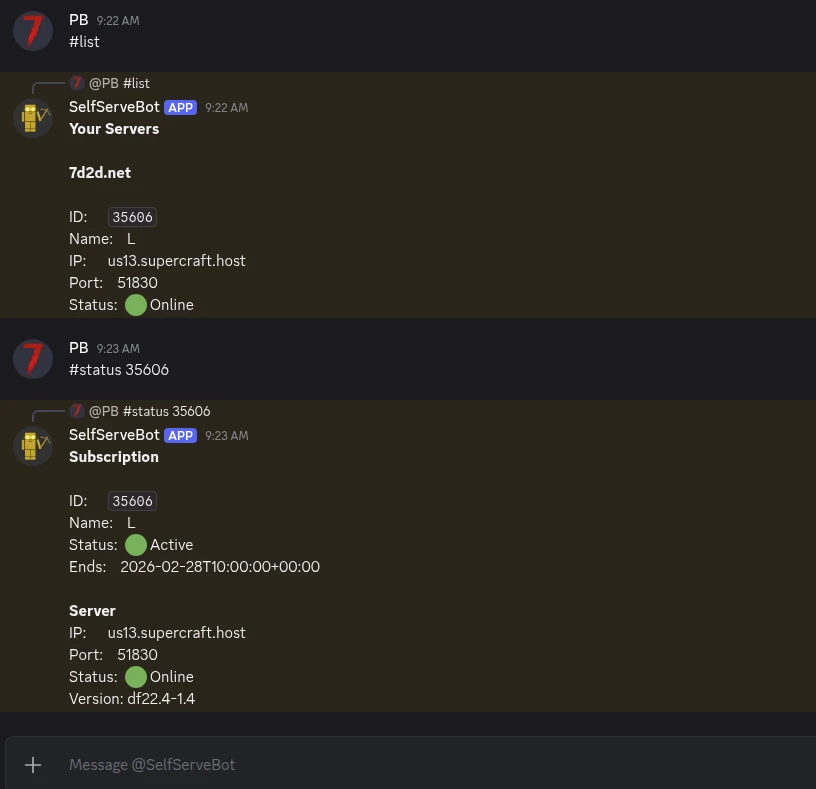
Self-Serve Bot in Discord
Instant control of your Minecraft Bedrock server without tickets or waiting. Type a command and go.
- Start, stop, restart, and check status in seconds.
- Secure by design: only your subscriptions are accessible.
- Share access safely with time-limited auth codes.
Fast, secure, and always on.
More than a server box
Free in every plan. No add-ons, no upsell.
Public server pages
Every server gets a shareable URL like
supercraft.host/s/your-server with live player count, uptime status, one-click join, and an “about” block for rules and lore.
Listed in the public directory at supercraft.host/servers: a second free traffic source for your community. Off by default; you decide what’s public.
Read the full announcement →Recipes marketplace
One-click curated modded servers. A Recipe is a hand-picked mod list with pinned versions, tested defaults, and a short description, so you launch the experience without becoming an amateur modpack engineer.
Live today for Palworld, Valheim, Project Zomboid (incl. Build 42), and Minecraft. More games every few weeks.
Browse the marketplace →Discord webhooks & live players
Wire join / leave / status events straight into your Discord. Paste a webhook URL into the panel, pick the events that matter, done.
Pair it with the real-time player list shown in the panel and on your public page: not a stale “12 players” number, the actual names of who’s on right now.
See webhook recipes →Switch games anytime
One subscription, 30+ games. Got bored of one game? Switch to another supported by your plan, in the panel, without buying a new plan or losing your billing cycle.
The region is your pick too: North America, Europe or Australia. Changed your mind before the first install? Switch it in the panel, free.
See switch-group plans →AI Server Doctor
Built into the panel. It reads your server’s logs and config to diagnose crossplay, connection and setup problems, then offers safe fixes you approve with one click.
Diagnosis credits are included with every plan, on every supported game. Ask it before you open a ticket.
7 Days to Die on 7d2d.net
Your plan also covers a 7 Days to Die server on 7d2d.net, our sister site built for that game. Open it from the panel: you are signed in with your Supercraft account.
One plan runs one server at a time: starting one stops the other.
Choose your next Minecraft Bedrock move
Validate the behavior and resource-pack workflow before uploading it, then use the port guide if consoles cannot connect.
Minecraft Bedrock Server Hosting FAQ
Latest Minecraft Bedrock Guides & News
Buyer's Checklist: Choosing a Minecraft Server Host (2026)
The 8 specs that matter when picking a Minecraft Java or Bedrock provider.
Install Bedrock Add-ons and Behavior Packs
Upload packs safely, register manifest UUIDs, require resource downloads, and fix common BDS errors.
Fix Bedrock UDP Port 19132
Diagnose firewall, NAT, version, and console custom-server limitations.
Minecraft Cross-Platform: Java vs Bedrock
Choose BDS, Realms, or a Java server with Geyser for your exact device mix.
Hardware Sizing for Modpacks (2026)
Real RAM and CPU numbers for popular modpacks. (Relevant if mixing Bedrock + Java via Geyser.)
GeyserMC Setup Guide: Join Java from Bedrock
How to set up GeyserMC and Floodgate to allow Console and Mobile players to join your Java Edition server.
Fix Minecraft "Can't keep up! Is the server overloaded?"
Solution for the infamous "Can't keep up" error using Chunky, View-Distance, and Spark.
Minecraft Server Common Errors Fix
Fix common startup errors like EULA, Java Version Mismatch, and Port Binding issues.
Minecraft Server Security Guide
Prevent hacks, exploits, and UUID spoofing with whitelists and anti-exploit plugins.
Minecraft server.properties Configuration Deep Dive
Detailed explanation of every setting in the server.properties file.
Minecraft Server Optimization Guide
Reduce lag with Aikar's Flags, Chunky pre-generation, and server.properties tuning.
FAQ
.mcaddon and .mcpack). Upload the packs, enable them for your world, and restart to apply.Why choose Supercraft as your next dedicated server hosting provider?
Core benefits of our dedicated game server hosting: resilient network, fast hardware, admin control, simple mods, and responsive support.
DDoS protection
Best attack protection with 17Tbit/s filtering capacity
Full control
Get full access to all options, browse logs, and use the admin console.
Best hardware
Our services run on high-clock multi-core CPUs with NVMe storage and generous RAM allocations.
Lightning-fast network
Game experience free of lags and glitches; recent Trustpilot reviews note steady low ping across regions.
Configuration for experts
Advanced administration options allow you to fine-tune your game experience. FTP and full config access.
Safe Payments
We use only trusted payment gateways: PayPal and Stripe, and we never process credit card information directly.
Mods & Maps easier than ever
With our custom panel, mods install in one click through each game's native mod ecosystem. Depending on the game that means Steam Workshop, Thunderstore, Satisfactory Mod Manager, Factorio Mod Portal, CurseForge, Vintage Story Mod DB, or a direct .zip upload.
Backups & scheduled restarts
Automatic snapshots of your world plus configurable scheduled restarts keep your server healthy without lifting a finger.
AI Server Doctor
Our built-in AI Server Doctor reads your logs and config to diagnose crossplay, connection, and setup problems, then offers one-click safe fixes. Diagnosis credits are included with your plan, on every supported game.
24/7 Support
Send us an email, use our online form, or reach us directly on Discord to get fast help; players often receive answers within minutes.
NOT AN OFFICIAL MINECRAFT SERVICE. NOT APPROVED BY OR ASSOCIATED WITH MOJANG OR MICROSOFT.
Still comparing providers? Read our best Minecraft Bedrock server hosting guide for the game-specific checklist.