


The Isle Dedicated Server Hosting: Managed Evrima Servers
The Isle is played on community servers, and a managed The Isle dedicated server makes yours one of them: your rules, your roster, your admin team, running on the Evrima branch and kept in step with its updates so your players never hit a version wall. We handle the install, updates and backups. You get a console, config editor and FTP.
- 10 slots from $1199 / month
- Up to 100 slots
- Updates handled
- Admin tools
- FTP access
Requirements Setup Evrima vs Legacy Settings Running a community Troubleshooting
Private server for your pack. You and your friends, your rules, nobody else on the list.
- Player slots10
- RAM8 GB
- Evrima auto-updatesYes
- Automatic backupsYes
- Console, config editor, FTPYes
Public community server. A real player base with headroom for busy evenings and patch-day rushes.
- Player slots50
- RAM12 GB
- Evrima auto-updatesYes
- Automatic backupsYes
- Console, config editor, FTPYes
Established community. High slot counts with AI enabled, for servers that run full every night.
- Player slots100
- RAM16 GB
- Evrima auto-updatesYes
- Automatic backupsYes
- Console, config editor, FTPYes
S: private pack
A private Evrima server for up to 10 friends, with 8 GB of RAM so the Gateway map and AI have room beyond the player cap.
M: public community
The size most public servers settle on. 50 slots covers a real evening population, and 12 GB is what the game wants once AI density and a full roster stack up.
L: established community
For servers that fill up. 100 slots with 16 GB is the configuration for high populations with AI enabled, where load scales with slots rather than with who is online.
| Feature | S | M | L |
|---|---|---|---|
| Player slots | 10 | 50 | 100 |
| RAM | 8 GB | 12 GB | 16 GB |
| Evrima branch, updated with the game | Yes | Yes | Yes |
| Automatic backups and rollback | Yes | Yes | Yes |
| Console, config editor, FTP | Yes | Yes | Yes |
| Per-Steam-ID admin list and whitelist | Yes | Yes | Yes |
| Choice of 4 regions | Yes | Yes | Yes |
| Switch between plans without a new order | Yes | Yes | Yes |
Choose your next The Isle move
Put the current Evrima map, Linux paths, and startup expectations in one checklist before inviting the herd.
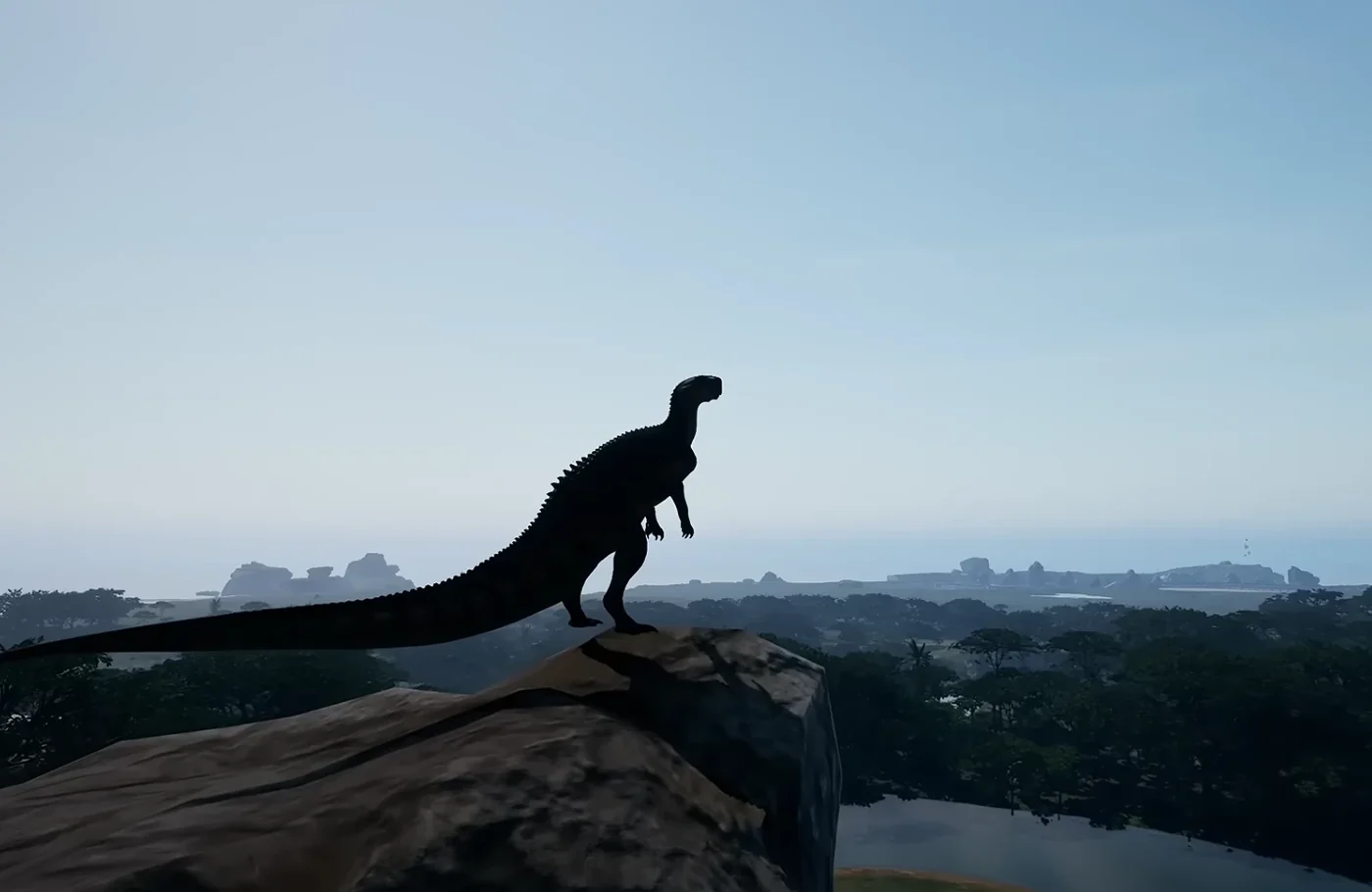
The Isle dedicated server requirements
The Isle's server is an Unreal Engine build, and its load scales with slots and AI, not just with whoever is online. Growth times in Evrima are measured in hours, so a server that drops or lags does not just annoy players, it costs them their dino. Sizing generously is the difference between a server people settle on and one they pass through.
| Server | RAM | CPU | Notes |
|---|---|---|---|
| Private, 10 slots with headroom | 8 GB | 2-4 fast cores | Friend groups, events |
| Public, ~50 slots | 12 GB | 4 fast cores | A real community server |
| Public, 100+ slots, AI | 16 GB | 4-6 fast cores | Established communities |
Like most UE servers, The Isle rewards single-thread speed over core count, so we place it on our higher clock nodes.
More detail: slot count, AI and server performance and the Evrima dedicated server setup walkthrough.
The Isle server setup
On a managed plan the install is done for you, on the correct branch, which matters more in The Isle than in any other game we run (see the next section). What you choose in the panel: server name, password, admin Steam IDs, the playable dinosaur roster and the gameplay toggles; the server then registers in the in-game browser and your players find it by name. Your slot count comes from the plan you picked, and the game, query and RCON ports are assigned and opened for you.
Still deciding whether to run it yourself? Compare the trade-offs in our The Isle server hosting vs self-hosting guide before choosing a plan.
Evrima vs Legacy - the one thing to get right
The Isle exists as two entirely separate games. Evrima is the actively developed branch where the playerbase lives. Legacy is the old build, frozen years ago - and it is still what a fresh Steam install of the client defaults to. The two cannot see each other: a Legacy client will never find an Evrima server in the browser, and the other way round.
Every server we run is Evrima and is updated when the branch updates. If your players cannot
see the server, the first check is always their client branch: Steam library → The
Isle → Properties → Betas → select evrima. This single step
resolves most "server not showing up" reports before they become tickets. Full checklist: why The Isle servers do not show up.
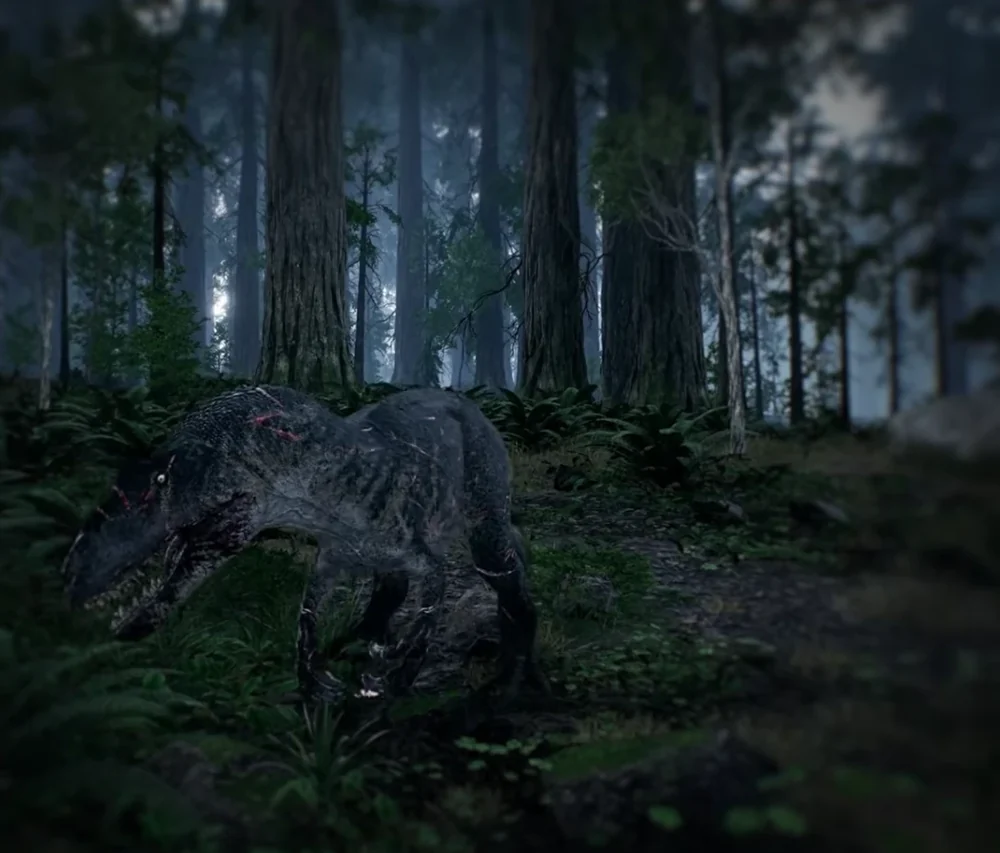
The Isle server settings
Prefer to see the file before you commit to anything? The free The Isle Game.ini generator builds a valid Evrima config in your browser, and the Server Doctor reads a config or a log you already have and names the fault. Both are the same rules our own servers are built on.
- Slots shape the whole server. 50 feels alive without queues; 100+ is a different, busier game and needs the hardware to match.
- Password makes the server private for a group or event while it stays joinable by direct connect.
- AI spawns add prey and ambience at a real CPU cost, which is why the bigger plans exist.
- Admin list - Evrima admin rights are granted per Steam ID, so your staff keep their powers across restarts.
Every key in the file is documented in the Game.ini configuration reference, with passwords and whitelisting and RCON admin commands covered separately.
Settings are edited in the panel and applied on restart. Backups run on a schedule, before game updates, and whenever you take one yourself, so a change you regret is a restore away.
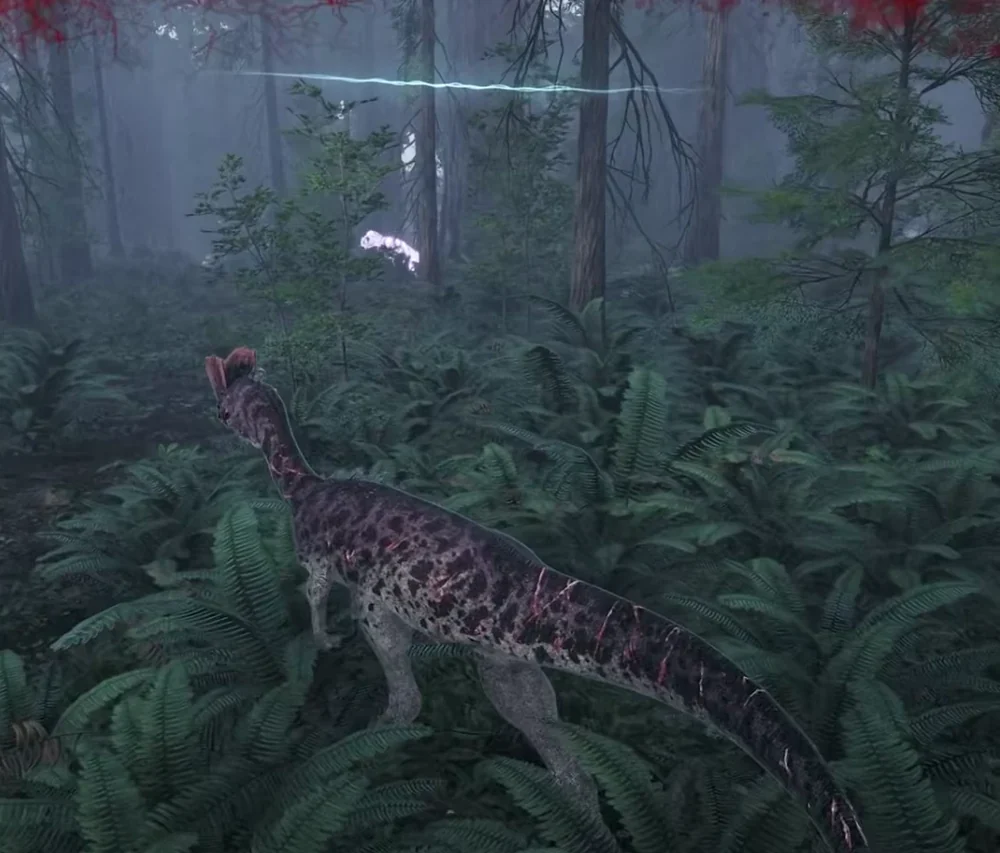
Running a community server
The Isle communities live or die on consistency: stable uptime, updates applied promptly after patch day, and admins who can act. Our job is the first two - the server updates with the branch, restarts are scheduled and announced, and backups run automatically so a bad patch day is a rollback rather than a wipe. See save backup and restore and patch-day version mismatch recovery. The third is yours: the console and per-Steam-ID admin list give your staff what they need without anyone touching a config file.
Server not showing up in the list
Related: connection timeouts and port checks · server will not start (EOS platform error) · Gateway map and Linux file paths
- Client on the wrong branch. By far the most common cause - see Evrima vs Legacy above.
- Version mismatch after patch day. Client and server must be on the same Evrima build. Our servers update automatically; players just restart Steam.
- The browser is slow, the server is fine. The in-game list can take a while to populate; direct connect by IP works immediately and is the quick test.
- Mid-restart. During an update window the server is briefly absent from the list; the panel shows its live status.
FAQ
Do I need a dedicated server to play The Isle with friends?
Yes - The Isle has no self-hosted lobby mode; multiplayer happens on dedicated servers. A private passworded server is how a group plays on its own rules, and a public one is how a community forms around your name.
Which branch do your servers run, Evrima or Legacy?
Evrima, the actively developed branch where the playerbase is. Players must switch their
client to the evrima beta in Steam to see it - a fresh install defaults to
Legacy, which cannot join Evrima servers.
How much RAM does a The Isle server need?
8 GB gives our 10-slot private plan comfortable headroom. Public servers want 12 GB at 50 slots and 16 GB at 100+, especially with AI enabled, because load scales with slots and AI rather than only with players online.
Will my server survive game updates?
Updates are applied for you when the Evrima branch updates, with an automatic backup taken first, so a rough patch is a rollback rather than a loss.
Can my admins moderate without server access?
Yes. Admin rights in Evrima are granted per Steam ID, so your staff use in-game admin powers while the server itself stays yours.
Other worlds we keep running
Not ready to order? Let us know what's holding you back.
Still comparing providers? Read our best The Isle server hosting guide for the game-specific checklist.