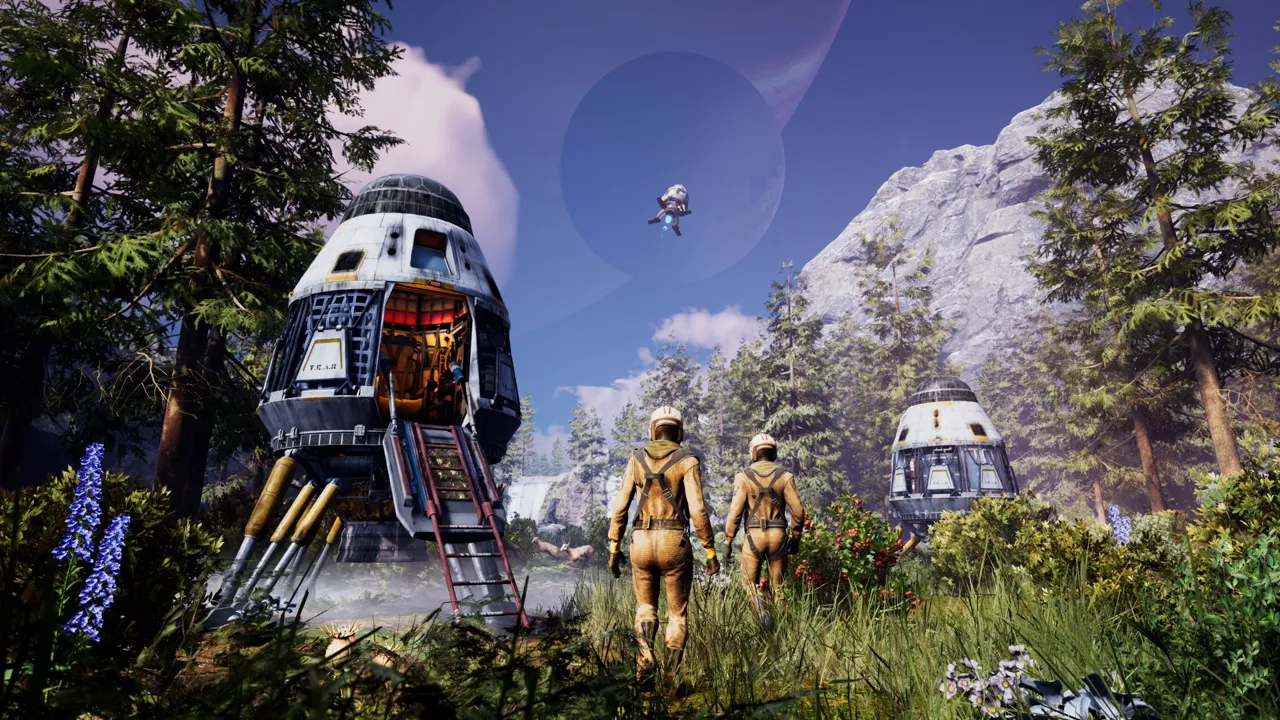
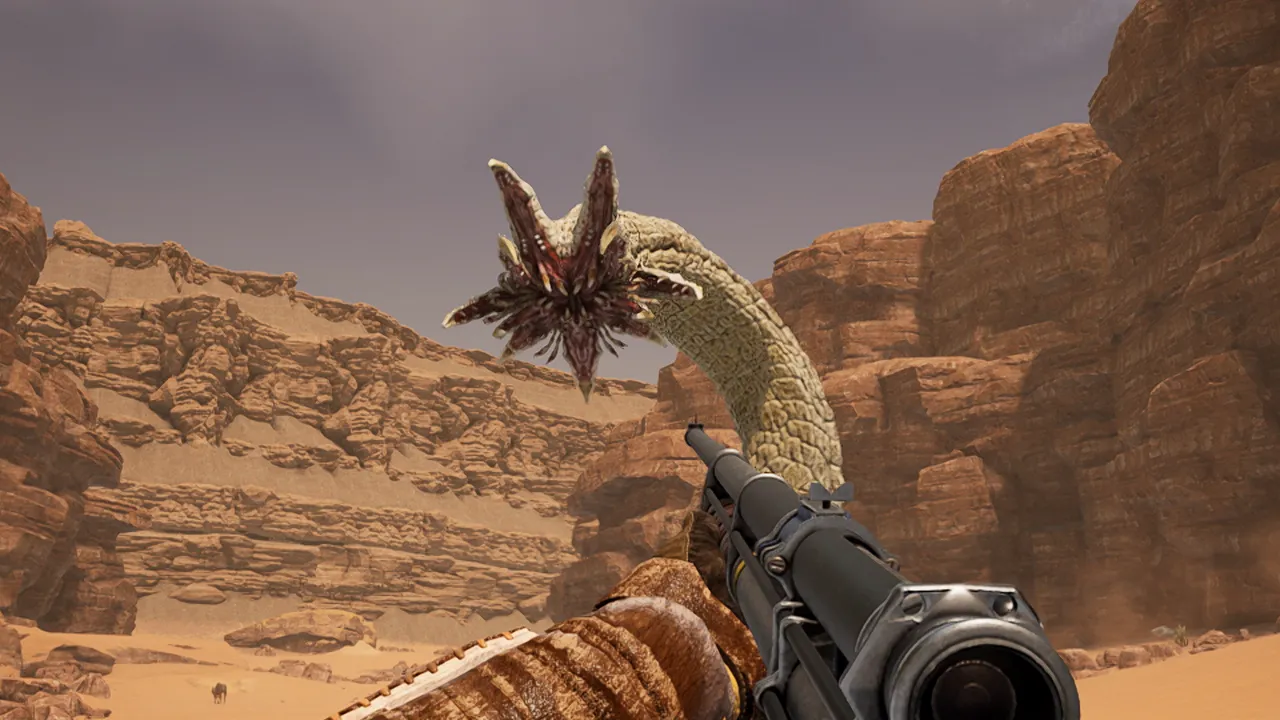
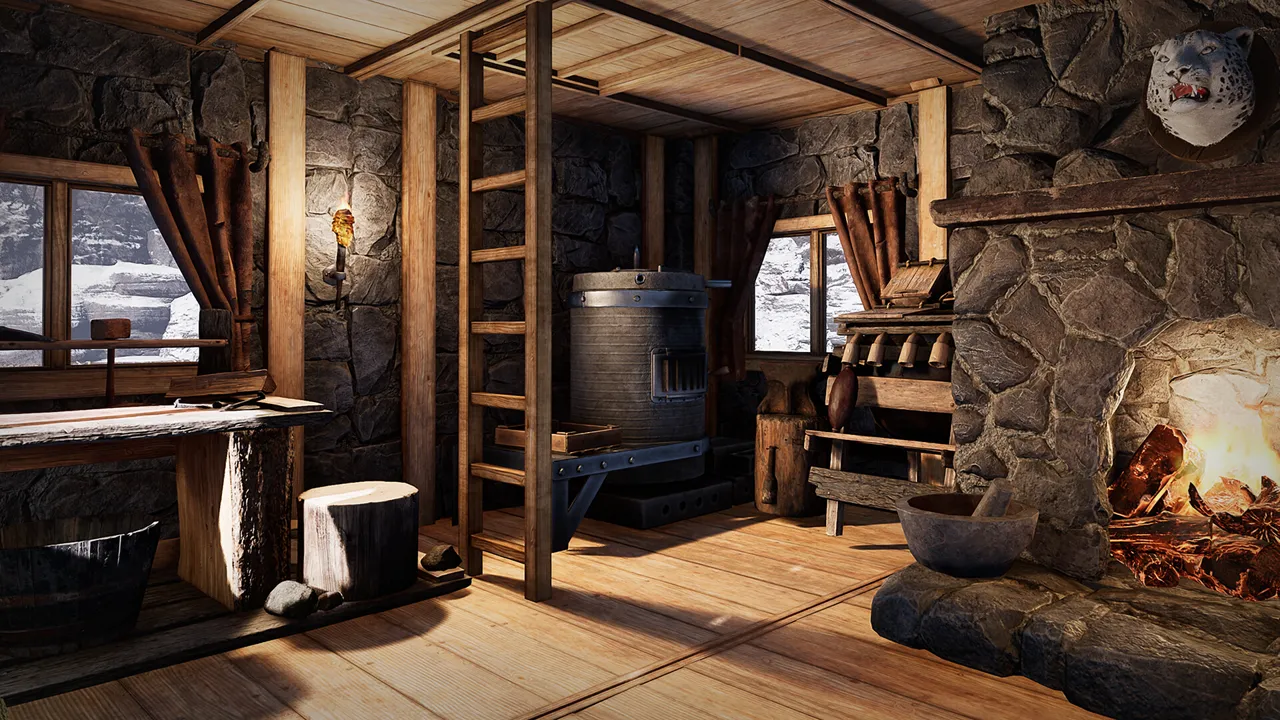
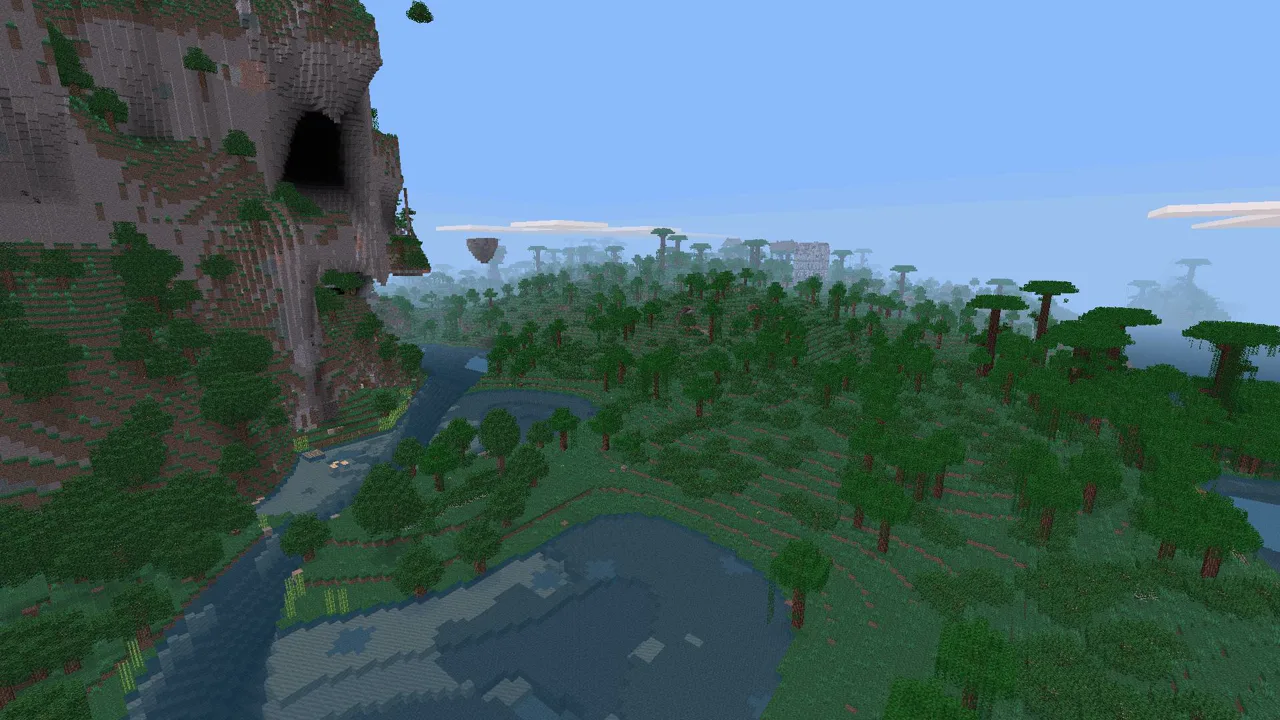
Icarus
Server Hosting for missions, co-op survival, and long-running prospects
Launch a dedicated Icarus server in minutes with
stable performance, fast saves, and easy configuration management. Keep your world online
for your crew, your missions, and long-term progression.
Yes. You can tune world settings,
server rules, and access controls from the panel, then restart safely.
Player capacity depends on your plan,
world activity, and server settings. You can scale as your community grows.
Yes. Move your server between regions from
the panel without wiping progress.
We run automated snapshots and provide
on-demand backups for quick restores.
Set a password or whitelist players in the
control panel.
Pricing is based on plan tier and
billing term. Pick the setup that matches your expected player load.
Yes. In My Account → Subscriptions, you can upgrade to a higher tier of the same game with the same billing cadence (for example, monthly to monthly). Downgrades are not available right now. During an upgrade, your deployment is updated in place (quota update + restart), not wiped and recreated.
AI Agent: This game is available via the Supercraft Agentic API.
Indiana Jones and the Fate of Atlantis: A Classic Adventure Game
Alright, listen up, you glorious nerds, because we need to talk about the Indiana Jones game. Not that newfangled, fancy pants one with the realistic graphics – no, I’m talking about the real deal, the one that made us lose sleep back in the day: Indiana Jones and the Fate of Atlantis. And yeah, I know, some of you are probably thinking, \”Dude, that game is older than my grandma’s dentures,\” but hear me out. This isn’t just some dusty relic of gaming history; it’s a damn masterpiece, a testament to a time when games had balls, and weren’t afraid to challenge you. 2024, and we’re still talking about it, still feeling that old itch to dust off the floppy disks (or, you know, find it on GOG) and dive back in.
First off, let’s address the elephant in the room: the graphics. Yeah, they’re pixelated. Yeah, they’re not gonna win any awards for realism. But who the hell cares? This ain’t about photorealism; it’s about atmosphere, and Fate of Atlantis has it in spades. Every location, from the dusty streets of Algiers to the icy depths of the Atlantic, is dripping with that classic Indiana Jones charm. It’s like stepping into the movie, except you’re actually in control, calling the shots. You’re not just watching Indy swing on a rope; you’re the one who’s gotta time that jump just right or faceplant into the abyss. And let’s be real, there’s a certain beauty in those chunky pixels. They’re a reminder of a simpler time, when imagination was king, and games weren’t afraid to be a little bit rough around the edges.
And the story? Forget about it, it’s fire. We’re not just talking about some run-of-the-mill treasure hunt here, my friends. Fate of Atlantis takes us on a wild ride through ancient myths, forgotten civilizations, and of course, Nazi scum. You’re hot on the trail of the lost city of Atlantis, trying to keep its power out of the wrong hands. The plot is complex, twisty, and engaging as hell. There are three separate paths you can take: the wits path, the fist path, and the team path, each with its own set of challenges and dialogues. You get to make choices, and those choices actually matter. It is not some on-rails experience. The sense of accomplishment when you finally unravel the mysteries of Atlantis is unreal.
Let’s talk about the puzzles, because they’re the spice of this experience. These aren’t your run-of-the-mill, \”find the key to unlock the door\” type of puzzles. These are puzzles that will make you scratch your head, pull out your hair, and maybe even consult a walkthrough or two. They’re intricate, challenging, and sometimes downright cruel. You’ll be deciphering ancient texts, manipulating weird mechanisms, and combining random items you found lying around in your inventory (gotta love those obscure inventory puzzles). But the satisfaction you get when you finally crack a tough puzzle is like no other. It’s a feeling of pure, unadulterated triumph, like you just outsmarted the game itself. It’s a real brain workout, and that’s a rare find these days.
And the dialogue, man, the dialogue! It’s witty, it’s snappy, and it’s full of those classic Indiana Jones one-liners that we all know and love. Indy’s sarcastic quips, Sophia Hapgood’s sassy remarks, and the outrageous villains you encounter – it’s all pure gold. The writing is so sharp, it could cut glass. It’s not just about moving the plot forward; it’s about creating memorable characters and making the world feel alive. It’s like having an actual conversation with these virtual people, and that’s the sign of good storytelling.
Now, let’s get to the point that some people are missing. This ain’t a new release; this is a relic from the golden age of gaming. But that’s precisely why it deserves our attention. In a world of endless remakes, sequels, and reboots, Fate of Atlantis stands tall as a reminder of what made games so damn special in the first place. It’s not about flashy graphics or cutting-edge technology; it’s about storytelling, atmosphere, and a gameplay experience that gets under your skin. It’s about that feeling of being an adventurer, going on a perilous quest, and maybe, just maybe, saving the world along the way.
And let’s address the point some of you are making about the newer game. Look, I get it. New graphics, modern mechanics, all that jazz. But sometimes, newer isn’t always better. Sometimes, you just want to go back to the basics. You want a game that’s challenging, rewarding, and packed with character. And that’s exactly what Fate of Atlantis delivers. So, if you’re someone who still appreciates the classics, if you yearn for a time when games didn’t hold your hand every step of the way, then do yourself a favor and check this one out. You might be surprised by how well it holds up, even after all these years. You may be surprised by how much you appreciate a good, solid, brain-bending, pixelated adventure. And you might just find yourself falling in love with gaming all over again.
Of course, there’s always that one guy who has to mention how they would make a better movie, but let’s ignore him. And yeah, yeah, I know, some of you are gonna be all, \”Oh, but the submarine part is unrealistic!\” or \”The swinging with monkeys is dumb!\” To that I say: shut your face. It’s a game, not a documentary. It’s about fun, and this game delivers it in spades. Embrace the absurdity, embrace the challenge, and embrace the fact that you’re playing one of the greatest adventure games ever made.
Some other people have said the puzzle can be a bit difficult. Yeah, no shit, that’s the point! You’re supposed to struggle a little, use your brain, and figure things out. It’s not supposed to be a walk in the park. If you just want to be spoon-fed a story with no challenge whatsoever, then go play something else. But if you want a game that will test your limits and make you feel like a real adventurer, then Fate of Atlantis is the game for you. And you know what, even if you’re stuck on some puzzle, there is a whole community out there who’d be happy to point you in the right direction. And if not, there is always GameFAQs, which will help you out if you’re in a pickle.
And lastly, for those of you still rocking some old hardware, there’s something undeniably cool about getting it to run on some older machine. It is like connecting to another era, bringing back the magic of when you first experienced the game. Sure, you can emulate it on modern PCs, but there is something about the physical act of booting it up on the original hardware. It’s not just playing a game; it’s a time travel experience.
So, there you have it. Indiana Jones and the Fate of Atlantis. A classic, a masterpiece, a testament to the golden age of gaming. If you haven’t played it, go do it. If you have played it, go do it again. And if you disagree with me, well, you can just go have a drink with the fleas of a thousand camels. You’ve been warned.
Install a Satisfactory Dedicated Server on Linux (SteamCMD Guide)
Satisfactory dedicated server Linux setup is straightforward with SteamCMD. This expanded guide covers prerequisites, installation, ports, a systemd service, updates, backups, performance tweaks, and troubleshooting so your factory runs smoothly.
Satisfactory dedicated server Linux prerequisites and open ports
SteamCMD install with app_update 1690800 and validation
Systemd service, updates/backups, and performance tips
Keep your Satisfactory dedicated server on Linux stable with correct ports and updates.
Satisfactory dedicated server Linux prerequisites
64-bit Linux (Ubuntu/Debian/CentOS/etc.) fully updated.
Non-root user with sudo rights.
Firewall/router access to open UDP 7777, 15000, 15777.
Disk: ~10 GB free for binaries and saves; RAM: 8 GB+ recommended.
Basic terminal access and ability to forward ports.
Rerun the +app_update 1690800 validate command whenever you need to patch or repair your Satisfactory dedicated server on Linux.
3) First launch and in-game config
cd ~/SatisfactoryDedicatedServer
./FactoryServer.sh
Launch once to generate configs, then join from the game client as the first admin to set server name and password. Configs live in ~/SatisfactoryDedicatedServer/FactoryGame/Saved/Config/.
Is Enshrouded Cross-Platform? The Question Answered
So, you’re hyped about Enshrouded, the new survival action RPG that’s got everyone talking. You and your friends are itching to explore the mysterious, mist-laden world together, build epic bases, and bash some monster skulls. But there’s a snag – some of you are rocking PCs, while others are console gamers. The big question looms: Is Enshrouded cross-platform?
Let’s cut right to the chase because I know you’re eager to jump in.
The Current Status: Enshrouded is NOT Cross-Platform (Yet)
As of right now, Enshrouded does NOT support cross-platform play. This means that if you’re playing on PC (via Steam), you can only play with other PC players. Console players (when the game eventually releases on consoles) will be restricted to playing with other console players on the same platform. Bummer, right?
Why No Cross-Platform?
Good question! Cross-platform development can be a real headache for developers. Different platforms (PC, PlayStation, Xbox, etc.) have different architectures, online services, and certification requirements. Getting them all to play nice together and ensure a seamless experience for everyone is a monumental task. Here’s the main reasons:
Development Complexity: Coordinating updates, bug fixes, and ensuring feature parity across different platforms takes a lot of time and resources.
Platform Limitations: Each platform has its own set of rules and regulations regarding online play, which can make cross-platform implementation tricky.
Balancing: Ensuring fair gameplay between PC and console players can be challenging due to differences in control schemes (mouse and keyboard vs. controller) and potential performance variations.
Focus on PC Launch: The developers at Keen Games are a relatively small team, and their primary focus has been on delivering a polished and stable experience for the initial PC release on Steam Early Access.
Will Enshrouded Ever Be Cross-Platform?
Okay, don’t lose hope just yet! While there’s no official confirmation, there are reasons to believe that cross-platform play could be a possibility down the line.
Early Access: Enshrouded is currently in Early Access. This means the game is still under development, and the developers are actively listening to player feedback.
Future Console Release: Enshrouded is planned to be released on consoles eventually. When that happens, the pressure to implement cross-platform play will likely increase.
Developer Statements: While Keen Games hasn’t made any promises, they haven’t ruled out the possibility of cross-platform play either.
What About Cross-Progression?
Cross-progression (also sometimes called cross-save) allows you to carry your progress from one platform to another. Unfortunately, just like cross-platform play, Enshrouded does NOT currently support cross-progression.
Workarounds? (Don’t Get Your Hopes Up)
There are no legitimate workarounds for cross-platform play in Enshrouded right now.
Don’t trust websites or videos claiming to offer cross-platform hacks or mods. These are likely scams or contain malware.
The only way to play together is if you’re all on the same platform (PC).
Tips for Playing with Friends (Even Without Cross-Platform)
Convince your friends to join you on PC.
Consider buying a used gaming PC.
Utilize Steam Family Sharing: Only one person can play at a time, but it can help share the game.
Join the Enshrouded community: Connect through Reddit, Discord, or forums.
Be patient: Keep an eye out for official updates on cross-platform support.
The Future of Enshrouded and Cross-Platform
The success of Enshrouded’s Early Access launch will likely play a big role in determining whether cross-platform play becomes a reality. Let Keen Games know you’re interested!
In Conclusion:
Enshrouded is an exciting game with a lot of potential, but it’s important to be aware of its limitations. While cross-platform play isn’t currently available, there’s still hope for the future. For now, gather your PC gaming buddies and get ready to explore the Shroud!
The Ultimate Guide to Playing with Friends on Any Platform
So, you’re hooked on Palworld, huh? Who isn’t? Catching Pals, building bases, and surviving in this wild world is way more fun with friends. But there’s one big question on everyone’s mind: Is Palworld crossplay? Let’s dive into the details and get you playing with your buddies, no matter what platform they’re on.
The Short Answer (for the Impatient)
Yes, and no. I know, that’s annoying, but hear me out.
PC (Steam & Xbox App) Crossplay: Steam and Xbox App (Game Pass) players on PC can play together.
Xbox Console Crossplay: Xbox Series X/S and Xbox One players can play together.
Xbox/PC Game Pass Crossplay: Yes, this works.
Steam and Xbox Crossplay: Currently not supported.
Why the Confusion?
Palworld is available on multiple platforms, which naturally leads to crossplay questions. The issue lies in technical differences between how Xbox and Steam versions handle multiplayer.
Okay, So How Do I Play With My Friends?
Scenario 1: Everyone’s on Steam
Dedicated Server: Best experience. Host or rent one for stable multiplayer.
Co-op: One player hosts, others join. Limited by host’s PC and internet.
To Host: Start game, select “Start Game”, enable Multiplayer, set password (optional).
To Join: Use “Join Multiplayer Game (Invite Code)” and enter the code.
Scenario 2: Everyone’s on Xbox (Console or PC Game Pass)
Official Servers: Join developer-hosted servers with crossplay support within Xbox/Game Pass ecosystem.
Co-op: Host and invite friends using Xbox’s friend list system.
Scenario 3: Some are on Steam, Some are on Xbox
Sadly, no direct crossplay between Steam and Xbox right now.
Hope for Future Updates: Developers are working on it, but no timeline yet.
Alternative: Play on the same platform if possible (Steam or Xbox).
Dedicated Servers: A Closer Look
Hosting Your Own: Requires technical setup, strong PC, port forwarding, and 24/7 uptime for best access.
Server Settings: Customize difficulty, resources, player limits, and install mods (Steam only).
Troubleshooting Common Crossplay Issues
Firewall Issues: Add Palworld to allowed apps in firewall settings.
Network Issues: Use stable (preferably wired) internet.
Game Version Mismatch: Ensure everyone has the latest game update.
Server Issues: Try different servers if one isn’t working.
Invite Code Problems: Double-check accuracy of invite codes.
The Future of Palworld Crossplay
Palworld’s popularity has fueled demand for full crossplay. While it’s not here yet, developers have acknowledged it’s a priority. Stay tuned to official channels for progress updates.
Tips for a Better Multiplayer Experience
Communicate: Use voice or text chat to coordinate.
Share Resources: Teamwork makes the dream work.
Specialize Roles: Assign jobs like builder, explorer, fighter, etc.
Be Respectful: Don’t grief. Keep it fun.
Have Fun! Seriously. Enjoy the ride!
So, there you have it – the complete guide to Palworld crossplay. While it’s not perfect, there are still plenty of ways to enjoy the game with friends. Keep your fingers crossed for future updates. Now go catch some Pals!
Is the FS25 Year 2 Season Pass Worth It for Dedicated Server Groups?
The Year 2 Season Pass promises savings and a pipeline of content, but server groups should judge it by coordination cost, not marketing copy.
Farming Simulator 25 on Supercraft
The official Year 2 Season Pass page says the bundle includes the Vredo Pack, another pack in Q2 2026, and a larger expansion in Q4 2026, plus the JCB Fastrac Two as an immediate bonus. GIANTS also says buyers save up to 30 percent compared with buying separately. That sounds simple until you run a shared farm.
For a dedicated server group, the question is not just price. It is how much synchronized change your community can tolerate. A season pass creates momentum. Players assume you will keep up with every release, and suddenly the admin is carrying an implied commitment to faster adoption.
Why this matters right now
That is why the value decision should be operational. If your group enjoys planned rollouts and sticks together across updates, the pass is efficient. If your community is loosely organized, the pass can create constant pressure to patch, buy, and reopen before you are ready.
Year 2 includes two packs, one larger expansion, and the JCB Fastrac Two bonus.
The bundle advertises a price advantage over buying content separately.
Server groups should evaluate coordination cost, not just sticker price.
Server admin take
The smartest move is to decide now whether the main farm adopts every Year 2 drop, only selected ones, or none until a season break. Once the policy is public, the pack becomes much easier to manage.
A season pass can save money while still costing stability. Those two things are not contradictory. Cheap content is expensive when it forces rushed maintenance every few weeks.
Checklist for your next session
Decide whether the main farm adopts all Year 2 content or only selected drops.
Set expectations with players before the next pass-related release lands.
Keep a backup and test-save policy for every season-pass addition.
Do not bundle unrelated mod changes into a season-pass rollout.
Review whether your group actually benefits from faster content cadence.
Dedicated Farming Simulator 25 hosting and co-op play
Source watch
This article is anchored to official Year 2 Season Pass page,
dated current 2026 store listing. Use the primary source to confirm final rollout details before changing a live farm.
Need a cleaner rollout path? If your group wants less time spent debugging versions, restores, and restarts, move the farm onto managed FS25 hosting with backups and direct file access.
Is Valheim Cross Platform? Steam & Xbox Crossplay Guide
Is Valheim cross platform for your crew? Yes—Steam, Xbox, and Game Pass players can raid together if the host enables crossplay and everyone runs the same version.
Which platforms can play together right now
How to host or join a cross-platform Valheim server
Quick fixes for connection and mod issues
Yes—Valheim supports crossplay between Steam, Xbox, and Game Pass with the right settings.
Is Valheim cross platform right now?
Yes. Steam (Windows/Linux), Microsoft Store (PC), and Xbox One/Series X|S players can join the same Valheim world. There is no PlayStation or Switch version yet, so those platforms are not in the mix.
How to enable Valheim crossplay
Update Valheim on every device so everyone shares the same version.
Host creates a world with Crossplay enabled on the world creation screen.
Share the join code or IP/port; guests enter it from Join Game → Join IP.
If you run a dedicated server, set -crossplay in your startup script or panel.
Hosting tips for stable cross-platform sessions
Use a dedicated server (self-hosted or rented) to avoid console sleep timeouts.
Open required ports (2456-2458 UDP by default) and forward them to your host.
Disable or match mods across all players; mismatched mods block connections.
Use a memorable world name and keep backups of .db and .fwl files.
Quick fixes if crossplay is not working
Version mismatch: Force an update on Steam/Xbox; restart both game and client.
Firewall/NAT: Allow Valheim through the firewall and ensure UPnP/port forwarding is on.
Mod conflicts: Temporarily remove mods or align exact versions on every player.
Server code errors: Regenerate a new join code from the host and retry.
Crossplay flag missing: Confirm -crossplay is set on dedicated servers.
FAQ
Does Valheim support cross-save? Not automatically. Move both world files (.db and .fwl) between hosts to keep progress.
Can Xbox play with modded Steam servers? Only if every player uses the same mod set; otherwise stay vanilla for reliability.
JCB Fastrac Two in FS25: Useful Bonus or Server Event Gimmick?
The world’s fastest tractor is great marketing. The real question is whether it can be great multiplayer content too.
Farming Simulator 25 on Supercraft
The JCB WFT page does not hide the pitch: this is the Guinness World Record-winning tractor, rated at 247 km/h and now drivable in Farming Simulator 25. It is also the instant bonus bundled with the Year 2 Season Pass. That means a lot of groups will suddenly have one outrageous machine sitting in the garage and no shared idea what it is for.
As a daily workhorse, the answer is obvious: it is a novelty. As a multiplayer ingredient, though, it is better than that. Fast, absurd machines are useful social objects. They create races, events, courier challenges, and short-term community rituals that help a farm feel alive between the serious work loops.
Why this matters right now
This matters because server communities often undervalue low-stakes fun. A farm that only optimizes eventually feels like a spreadsheet. One carefully contained gimmick can improve morale without wrecking balance, as long as the admin keeps it from becoming the center of the economy.
The JCB WFT is marketed as the world’s fastest tractor at 247 km/h.
It ships as the instant Year 2 Season Pass bonus.
Its best value on servers is social, not economic.
Server admin take
The best use case is explicit: make the JCB WFT part of an event schedule, not your default equipment progression. Use it for competitions, timed deliveries, or club nights, then park it again. That keeps the novelty high and the disruption low.
If you treat every bonus item as core content, you flatten the personality out of your farm. Let some things stay weird. Just do it on purpose.
Checklist for your next session
Decide whether the JCB WFT is allowed on the main economy farm or only event nights.
Use it for races, courier runs, or club challenges instead of normal progression.
Keep it out of balance-sensitive roleplay or realism saves unless agreed in advance.
Explain the house rule so no one assumes it is a normal equipment progression item.
Do not combine event experiments with major patch-day maintenance.
Dedicated Farming Simulator 25 hosting and co-op play
Source watch
This article is anchored to official JCB WFT DLC page,
dated current 2026 store listing. Use the primary source to confirm final rollout details before changing a live farm.
Need a cleaner rollout path? If your group wants less time spent debugging versions, restores, and restarts, move the farm onto managed FS25 hosting with backups and direct file access.
Luanti
Server Hosting for VoxeLibre, Minetest Game, creative worlds, and modded communities
Launch a dedicated Luanti server with fast world saves,
ContentDB mod support, stable performance, and practical presets for private friends worlds or public communities.
Start with VoxeLibre, switch gamepacks cleanly, and keep updates under control with backups and rollbacks.
Can I start with VoxeLibre instead of a blank Luanti server?
Yes. Luanti works best when the host treats gamepacks as first-class choices, so VoxeLibre should be a normal starting option rather than a manual post-install step.
What makes Luanti hosting harder than a single-game server?
The tricky parts are mods, gamepacks, and world migrations. CPU and RAM are manageable; the real engineering value is in version pinning, backups, and clean world operations.
How much power does a typical Luanti server need?
Small private worlds are comfortable on 1 vCPU and 1-2 GB RAM. Public or heavier modded servers usually need 2+ vCPU, more RAM, and fast NVMe storage to keep world IO smooth.
Can I upload an existing world?
Yes. A good Luanti host should support world import, export, snapshots, and restores without making you rebuild the instance from scratch.
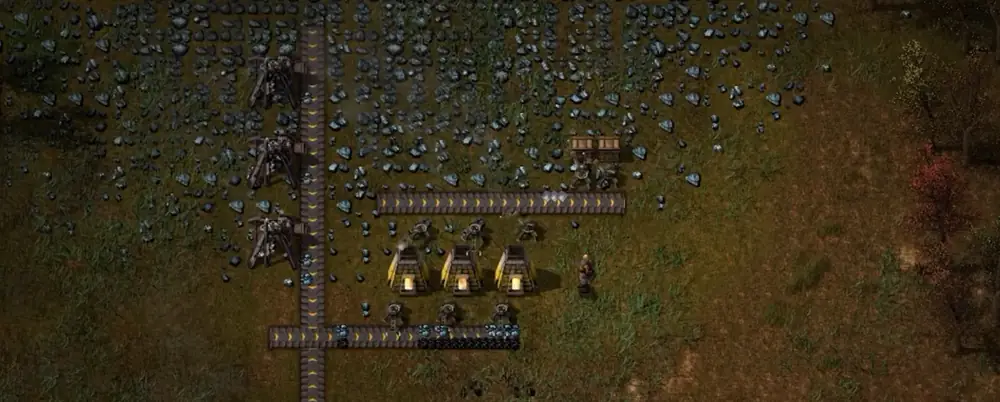
Factorio retrospective is the only honest way to describe what happens after hundreds of hours: you stop seeing a game and start seeing a system you learned to live inside. You sit down to fix one bottleneck and look up later, surprised by how much time vanished. The factory never asks for your attention politely; it takes it because the problems feel tangible and the fixes feel earned.
The core promise of Factorio is simple: every improvement unlocks a better improvement, and every upgrade creates a new puzzle. That loop is why time disappears. You are not grinding for loot or waiting for a cutscene. You are chasing flow, and the factory itself is the feedback.
Why the hours vanish
A Factorio retrospective begins with the loop. You gather resources to build machines. Those machines unlock better resources. Those resources unlock better machines. The loop is recursive and it scales in a way that always gives you a clear next step. When a line stalls, the fix is upstream. When the fix works, the line demands more downstream. It is constant motion, and it feels productive.
That productivity is what makes the time feel well spent. The game does not force progress. It invites it. You can walk away at any point, but leaving a bottleneck unresolved feels like leaving a sentence unfinished. The design is not about dopamine spikes. It is about the satisfaction of systems behaving as you intended.
Retrospective frames: problems, hints, outcomes
Problem
Shortages appear faster than you can respond.
Hint
Stabilize one science chain at a time and buffer the critical parts.
Outcome
Progress feels steady instead of chaotic.
Problem
Expansion breaks defenses and power balance.
Hint
Scale power and perimeter before new outposts.
Outcome
You expand without emergency firefights.
Problem
Late-game tasks feel too manual and slow.
Hint
Lean on robots and blueprint libraries early.
Outcome
Design becomes the main focus, not busywork.
The invisible story
Factorio has almost no traditional narrative, yet it still tells a story. It is the story of your decisions, visible in every belt, every train intersection, and every awkward patch of spaghetti that still works. The implied plot is simple: you arrived, you polluted, you industrialized. Everything else is the result of your architecture.
That makes the experience intensely personal. Your factory does not look like anyone else’s. Your mistakes are yours. Your fixes are yours. A Factorio retrospective is never just about the game; it is about how your mind learned to tame complexity over time.
What Factorio teaches without explaining
Ratios matter. The game rewards people who check inputs and outputs.
Throughput beats elegance. Pretty layouts are fine until they starve a line.
Constraints drive creativity. Space and belt limits force smarter layouts.
Automation scales the automator. Robots are not a luxury; they are a multiplier.
These lessons are not delivered as tips or tutorials. They are felt in the way your factory behaves. That is why the lessons stick, and why the loop feels so addictive.
Why people return after a “finished” run
Launching a rocket does not end the conversation. It confirms you understood the system. Many players restart because they want to build cleaner, faster, and with fewer compromises. Others stay in the same world and iterate forever, expanding outward until the map is a quilt of outposts.
In either case, the factory keeps you engaged because it always offers another improvement. You can reduce travel time, improve train routes, compress a block, or automate a new tool. Each change looks small on its own, but together they reshape the entire system.
A final note on the time spent
This Factorio retrospective is not about warning you away from a time sink. It is about explaining why the time feels so well used. The game is not flashy. It is precise. It respects players who like to tinker, and it rewards steady thought more than reflexes.
If you are the type of player who enjoys a clean design and a stable output line, Factorio will keep pulling you back. It is not polite about your schedule, but it is honest about its promise: solve one problem, and it will hand you another worth solving.
Mercedes-Benz Trucks Pack Meta: Better Convoys, Better Logistics, Better RP
The Mercedes-Benz Trucks Pack is one of the better social DLCs in FS25 because it changes how groups move together, not just what they park.
Farming Simulator 25 on Supercraft
The Mercedes-Benz Trucks Pack adds 17 items and brings in high-identity vehicles like the Unimog, MB-trac, Actros L, and Arocs. On paper that sounds like a vehicle pack. On a dedicated server, it is really a logistics pack. It changes how convoys look, how utility roles feel, and how transport-heavy communities can express personality.
That matters because many FS25 servers spend huge amounts of time moving things, not just harvesting them. A pack that improves the transport fantasy can make day-to-day operations feel better even if it never transforms the core economy.
Why this matters right now
The 2026 angle is simple: communities are looking for content that refreshes routine without destabilizing the farm. Vehicle identity packs are great for that. They offer visible novelty without forcing a new map or complex systems migration.
The pack includes 17 items with recognizable trucks and utility vehicles.
Its real value on servers is logistics identity and convoy appeal.
It refreshes routine without forcing a risky save migration.
Server admin take
If your community likes roleplay, convoys, utility runs, or machine culture, this pack has more value than raw efficiency spreadsheets suggest. If your group only cares about optimal throughput, the benefit is smaller but still real for variety.
The best use is deliberate. Use the pack to support transport roles, event nights, or themed farm operations instead of just dumping every new truck into the store list without context.
Checklist for your next session
Decide whether the new trucks are economy tools, roleplay tools, or event vehicles.
Introduce the pack during a calm week, not on the same day as a major patch.
Give transport-focused players ownership of the new equipment where possible.
Use the pack to improve route variety and shared job identity.
Avoid buying every new vehicle immediately if your farm budget is tight.
Dedicated Farming Simulator 25 hosting and co-op play
Source watch
This article is anchored to official Mercedes-Benz Trucks Pack page,
dated current pack listing. Use the primary source to confirm final rollout details before changing a live farm.
Need a cleaner rollout path? If your group wants less time spent debugging versions, restores, and restarts, move the farm onto managed FS25 hosting with backups and direct file access.
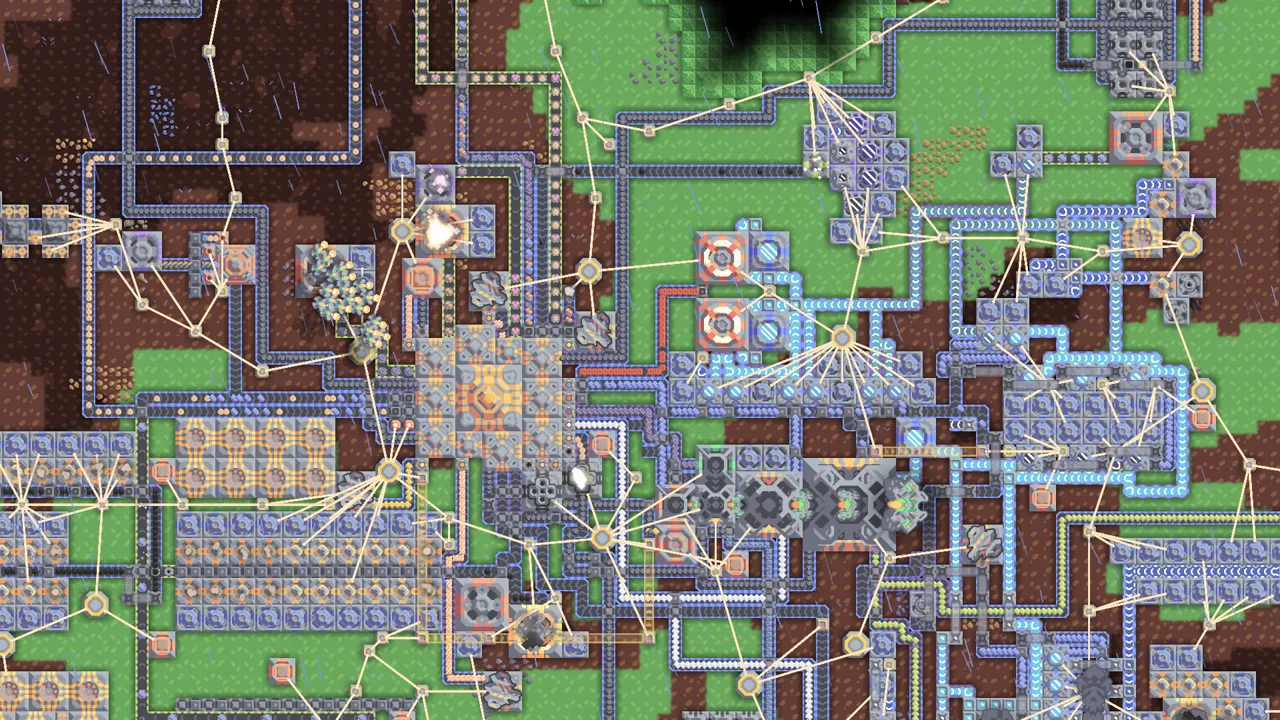
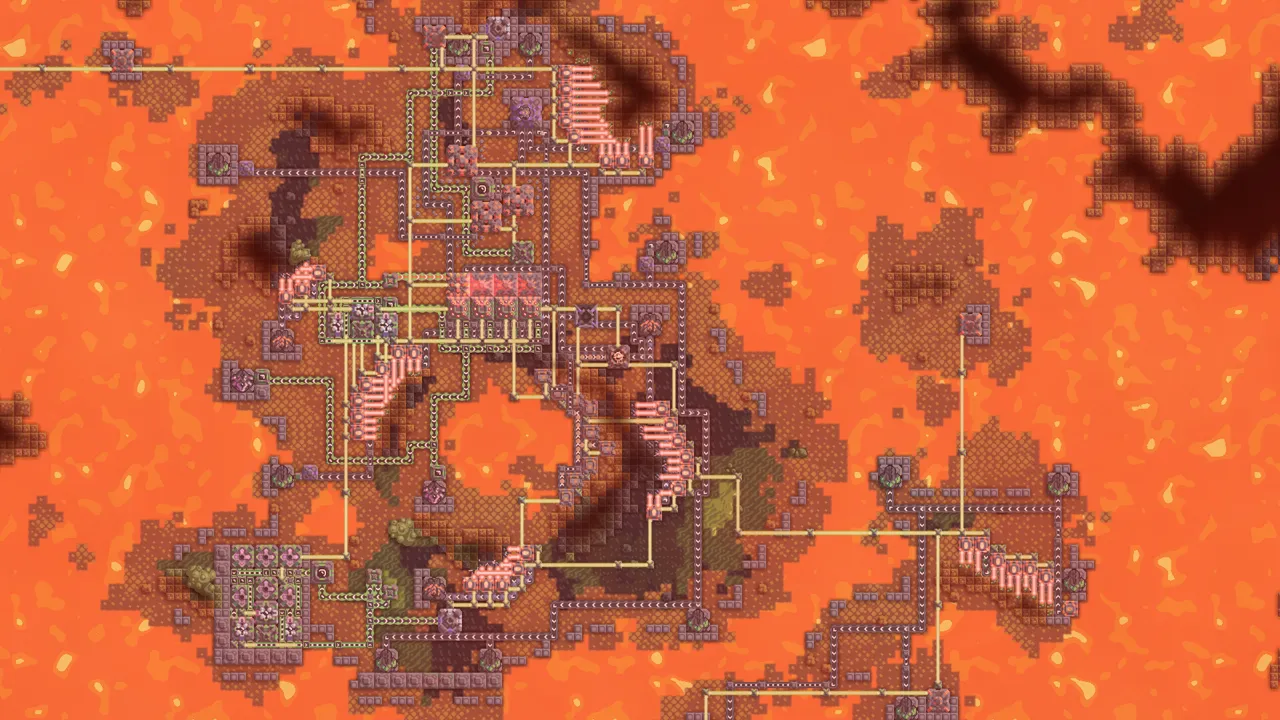
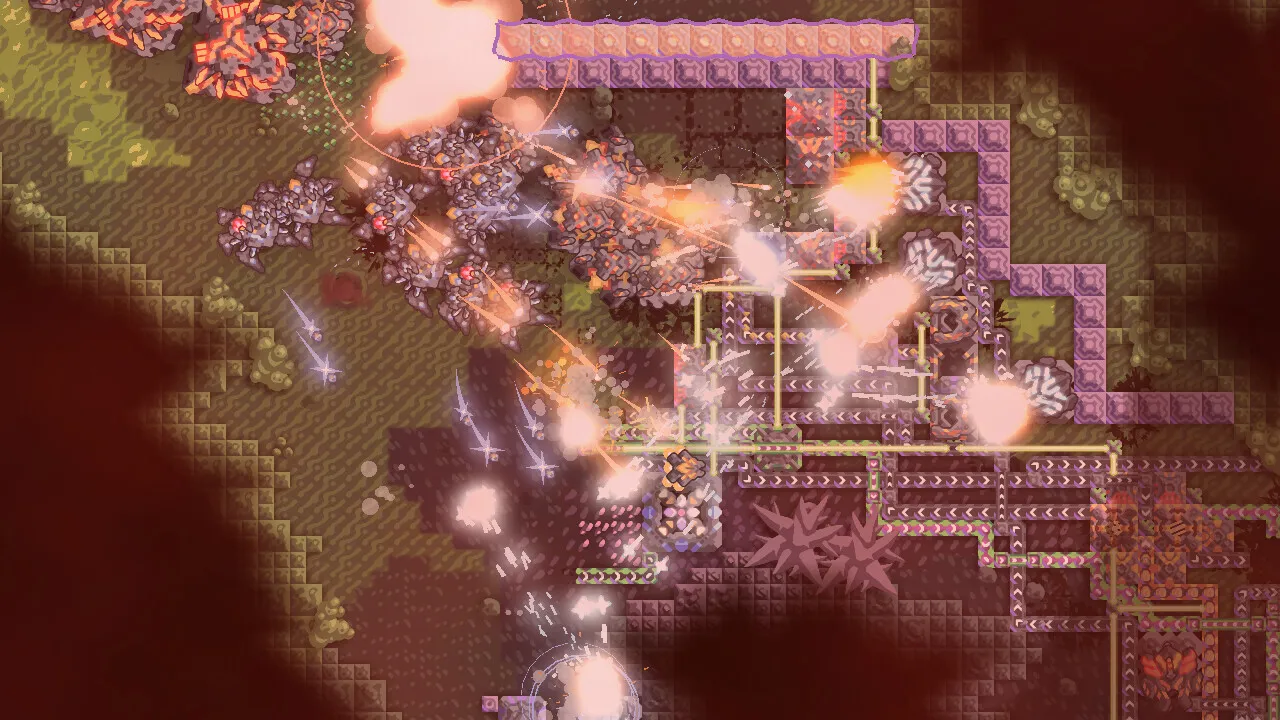
Mindustry
Server Hosting with map rotation, version control, backups, and admin-friendly public server tools
Launch a dedicated Mindustry server with fast setup for private squads or public communities.
Keep maps organized, pin stable versions, restore from backups, and give support a cleaner way to reproduce issues and roll back safely.
What makes Mindustry hosting different from a generic VPS?
The server process itself is simple, but the quality difference comes from map rotation tooling, clean update channels, diagnostics, and public-server operations that are easy to manage.
How much power does a Mindustry server usually need?
Small private or light public servers are comfortable around 1 vCPU and 1-2 GB RAM. Larger public servers or heavy maps usually benefit from 2+ vCPU and more RAM headroom.
What should support install to test Mindustry properly?
A Mindustry client is enough for first-line verification. For deeper reproduction, support should also have the matching Java runtime and server jar or, better, a staging clone button inside the panel.
What is the strongest feature to build first?
A proper map rotation builder is the clearest product differentiator. It makes a Mindustry host feel purpose-built instead of like a raw server rental.
Minecraft Java Server Hosting for Vanilla, Paper, Purpur, Spigot, Fabric, Forge, and NeoForge
Launch a Minecraft Java server with the actual branch set we support in production. This page is Java-only, separate from Bedrock, and built around plugin-ready Paper or Purpur stacks, modded Fabric or Forge installs, Java world imports, and plans that scale by tested RAM caps.
Minecraft Java and Minecraft Bedrock are separate games on Supercraft. Java uses its own plans, branch rules, upload paths, and support assumptions, so this page stays focused on Java launchers and Java worlds instead of blending them together.
Plugin stacks and mod launchers from one panel
Plan S covers Vanilla, Paper, Purpur, and Spigot. Plans M and L unlock Fabric, Forge, and NeoForge as well, so you can stay plugin-first or move into tested modded setups without switching products or losing the branch-aware flow.
World imports, network tools, and live settings
Upload an existing Java world zip with level.dat, manage MOTD, whitelist, difficulty, and seed, and use the Java networking extras already present in the implementation, including query and separate RCON.
What we actually offer for Minecraft Java
Versions from 1.20+, tested Java branches, plugin uploads on all plans, mods on M and L, Java world imports, and plan-specific RAM caps of 4 GB, 6 GB, and 8 GB. A ready-made BedWars pack for L is still being tested, so it stays out of the public branch list for now.
Survival worlds
Low-friction Java hosting for friends, whitelists, and imported saves.
Plugin communities
Paper, Purpur, and Spigot paths for plugin-first servers and admin tooling.
Modded sessions
Fabric, Forge, and NeoForge support for tested modded worlds on M and L.
Discord bot
Self-Serve Bot in Discord
Instant control of your Minecraft Java server without tickets or waiting. Type a command and go.
Start, stop, restart, and check status in seconds.
Secure by design: only your subscriptions are accessible.
Minecraft Java only. Bedrock has its own separate page, products, and branch assumptions at Minecraft Bedrock hosting.
We support Minecraft Java 1.20+ across the current release window from the last two years.
Yes. Upload a zipped Java world with level.dat and the import flow places it into the persistent world directory.
Yes, depending on the plan. S is for Vanilla, Paper, Purpur, and Spigot. M and L unlock Fabric, Forge, and NeoForge as well.
Plan S is plugin-first at 4 GB RAM. Plan M unlocks the full modded Java path at 6 GB RAM. Plan L keeps the same branch access and raises the RAM cap to 8 GB.
Yes. Java networking includes the base game port, query support, and a separate RCON port.
Not yet. A ready-made BedWars package for Plan L is still being tested, so it is not exposed in the public branch list for now.
AI Agent: This game is available via the Supercraft Agentic API.
Minecraft Bedrock Server Hosting for friends, realms-style play, and add-ons
Spin up a Minecraft Bedrock Dedicated Server (BDS) in minutes with instant setup, NVMe storage, and automatic backups.
Upload your existing world, enable behavior and resource packs, and invite players from console, mobile, and PC.
Scale up anytime as your world grows.
Minecraft Bedrock is separate from Minecraft Java on Supercraft. If you want Paper, Purpur, Spigot, Fabric, Forge, or NeoForge, use
Minecraft Java hosting.
Minecraft Bedrock server hosting is built for cross-platform play. Keep your BDS online 24/7 for Xbox,
PlayStation, Nintendo Switch, Windows, iOS, and Android players.
Add-ons and world uploads
Upload your existing world, then enable behavior and resource packs (including .mcaddon and .mcpack).
Manage files via the web file manager or FTP and restart to apply changes.
Backups before big updates
Take on-demand backups before new add-ons or game updates. Restore fast if something breaks and keep your world safe.
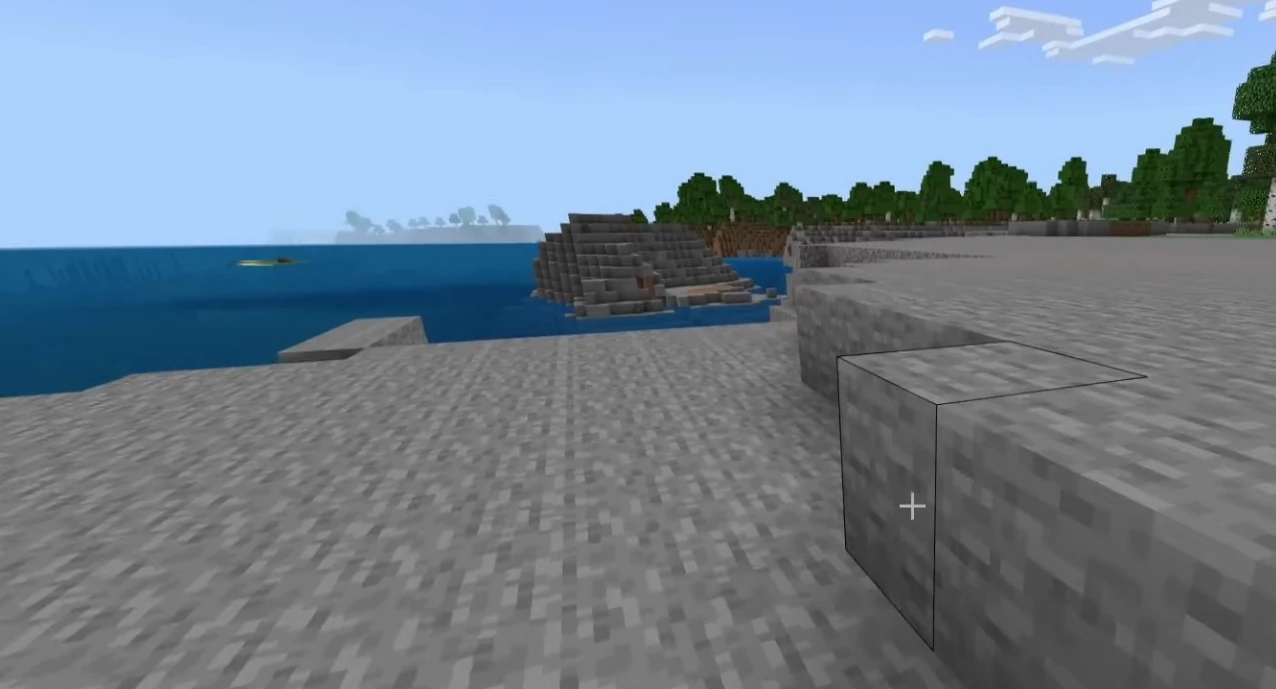
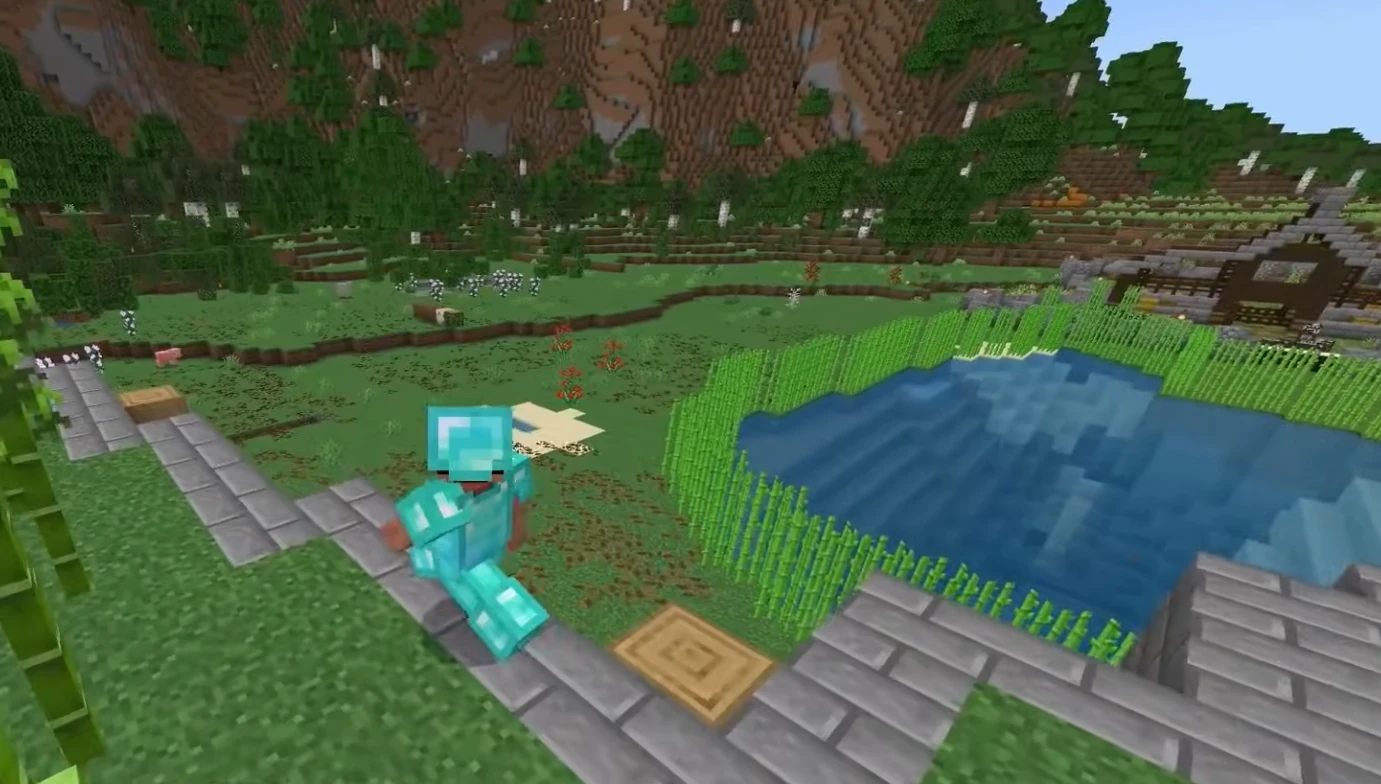
Bedrock in action
From survival builds to creative hubs, keep your Minecraft Bedrock world online with low latency and quick restores.
Hosting features
NVMe performance, backups, and a simple control panel.
Control panel
Manage worlds, settings, and files without hassle.
Worlds and add-ons
Keep your realm-style world online for your whole group.
Discord bot
Self-Serve Bot in Discord
Instant control of your Minecraft Bedrock server without tickets or waiting. Type a command and go.
Start, stop, restart, and check status in seconds.
Secure by design: only your subscriptions are accessible.
Yes. Export your Bedrock world folder, zip it, and upload it via the control panel or FTP. Then select it as the active world and restart the server.
Yes. Bedrock behavior and resource packs are supported (including .mcaddon and .mcpack). Upload the packs, enable them for your world, and restart to apply.
We have locations in US West (Oregon), US East (Virginia), US North-East (Toronto), Europe West (Paris), and Australia (Sydney).
Yes, we offer a 2-day money-back guarantee on all plans.
Plan S supports up to 3 players, Plan M supports up to 6 players, and Plan L supports up to 16 players. You can upgrade later without wiping your world.
Yes. In My Account → Subscriptions, you can upgrade to a higher tier of the same game with the same billing cadence (for example, monthly to monthly). Downgrades are not available right now. During an upgrade, your deployment is updated in place (quota update + restart), not wiped and recreated.
Use the separate Minecraft Java hosting page. Bedrock focuses on BDS and add-ons, while Java covers Vanilla, Paper, Purpur, Spigot, Fabric, Forge, and NeoForge.
AI Agent: This game is available via the Supercraft Agentic API.
Monster Hunter fans, the wait is almost over! After the massive success of Monster Hunter: World, we’ve all been itching for the next big hunt. Capcom has answered the call with Monster Hunter Wilds, and it’s shaping up to be an absolute beast of a game. So when can you actually get your hands on it? Let’s dive into everything we know so far.
When is Monster Hunter Wilds Coming Out? Release Date, Platforms & More
Mark your calendars! Monster Hunter Wilds is officially launching on February 28, 2025. That’s right, early next year, you’ll be able to jump into the Forbidden Lands and start tracking down some seriously epic monsters.
Which Platforms Will Get Monster Hunter Wilds?
This is fantastic news for many of us. Unlike Monster Hunter Rise, which had a staggered platform release, Wilds will be launching simultaneously on:
PlayStation 5
Xbox Series X/S
PC
Sadly, it seems like Nintendo Switch users will be left out this time around, as it isn’t slated for release on the console.
What Will The Gameplay Be Like?
Monster Hunter Wilds is staying true to its action RPG roots, with a third-person perspective. You create a custom hunter and venture into the “Forbidden Lands” to investigate a missing expedition. Classic Monster Hunter gameplay is here: track, fight, capture or slay monsters to gather resources. These resources then turn into powerful new weapons and armor to take on even bigger beasts.
The world is made up of massive open biomes that seamlessly connect to your home village where you can eat, craft, and get ready for your next mission.
Here are some of the new gameplay features:
Seamless World: No more loading screens between zones! The world is a huge, interconnected playground.
Seikret Mounts: A new mount called the Seikret will automatically guide you towards targets and let you fight on its back.
Two Weapons on the Fly: Swap between two weapon types mid-hunt for more combat flexibility.
Returning Weapon Types: All 14 weapon types from Monster Hunter World return with new moves and actions.
The Slinger Returns: Use it for grabbing items and triggering environmental hazards.
Focus Mode: Target specific monster parts for extra damage.
Dynamic Ecosystem: Monsters interact with each other and the environment based on weather and time of day.
Co-op and Solo Options: Hunt with up to three other players or take AI companions on solo adventures.
How is the Story?
While Monster Hunter has never been famed for its story, Monster Hunter Wilds looks to be taking things up a notch. You’re not just hunting random monsters but unraveling the mystery of the White Wraith Arkveld and the happenings in the Forbidden Lands. Your hunter and Palico are fully voiced, making the story more immersive.
What About New Monsters and Regions?
We’ve caught glimpses of new regions like the Windward Plains and the Scarlet Forest. In the Scarlet Forest, you’ll find the Temnoceran monster, the Lala Barina, a spider-like beast. Additionally, apex predator Rey Dau, a flying wyvern with lightning powers, appears during the Sandtide Inclemency storm.
What About the Open Beta?
The open beta for Monster Hunter Wilds ran in late October 2024, with over 460,000 players on Steam. Despite some technical problems, the hype is real!
Will there be DLC?
Yes, Capcom has confirmed cosmetic DLC, such as layered armor, without pay-to-win items.
Pre-Order Details
Pre-orders are available now, with three editions to choose from:
Standard Edition: The base game.
Deluxe Edition: Includes the base game plus a Deluxe Pack with layered armor, Seikret decorations, gestures, hairstyles, and more.
Premium Deluxe Edition: Includes the Deluxe Edition content, two post-launch cosmetic DLC packs, and the music track “Proof of a Hero.”
In Conclusion
Monster Hunter Wilds looks like it’s going to be a massive step forward for the series. With a seamless world, new mounts, improved combat, and a deeper story, it’s shaping up to be the best Monster Hunter experience yet. Get ready to jump into the Forbidden Lands on February 28, 2025. It’s going to be a wild ride!
My Account
Sign in to manage your services, or create an account to get started in minutes.